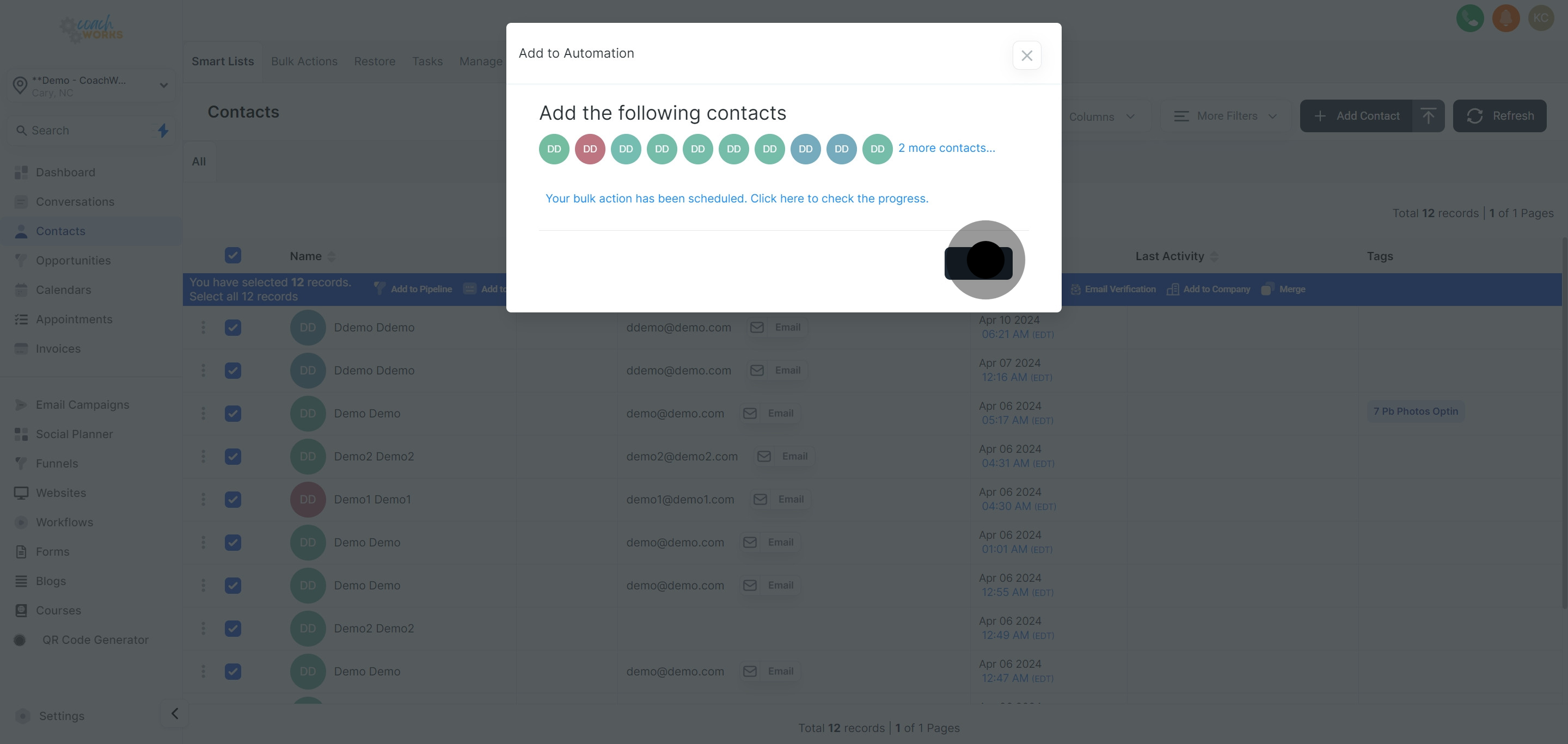
Initiate the process by navigating to the 'Contacts' tab within your CoachWorks Marketing account.
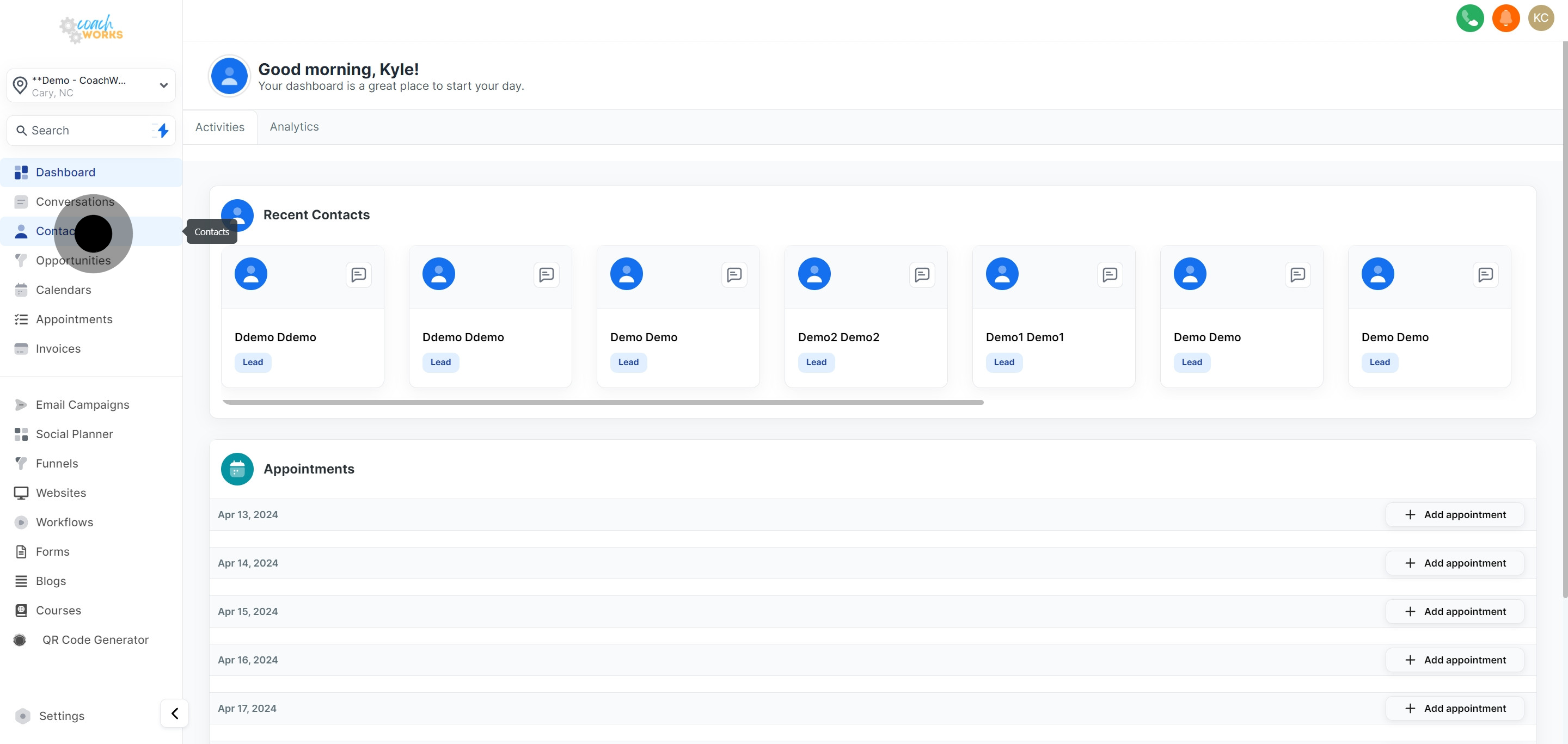
Identify and choose the specific contact(s) you wish to add to a workflow. Click on their name or checkbox to select them.
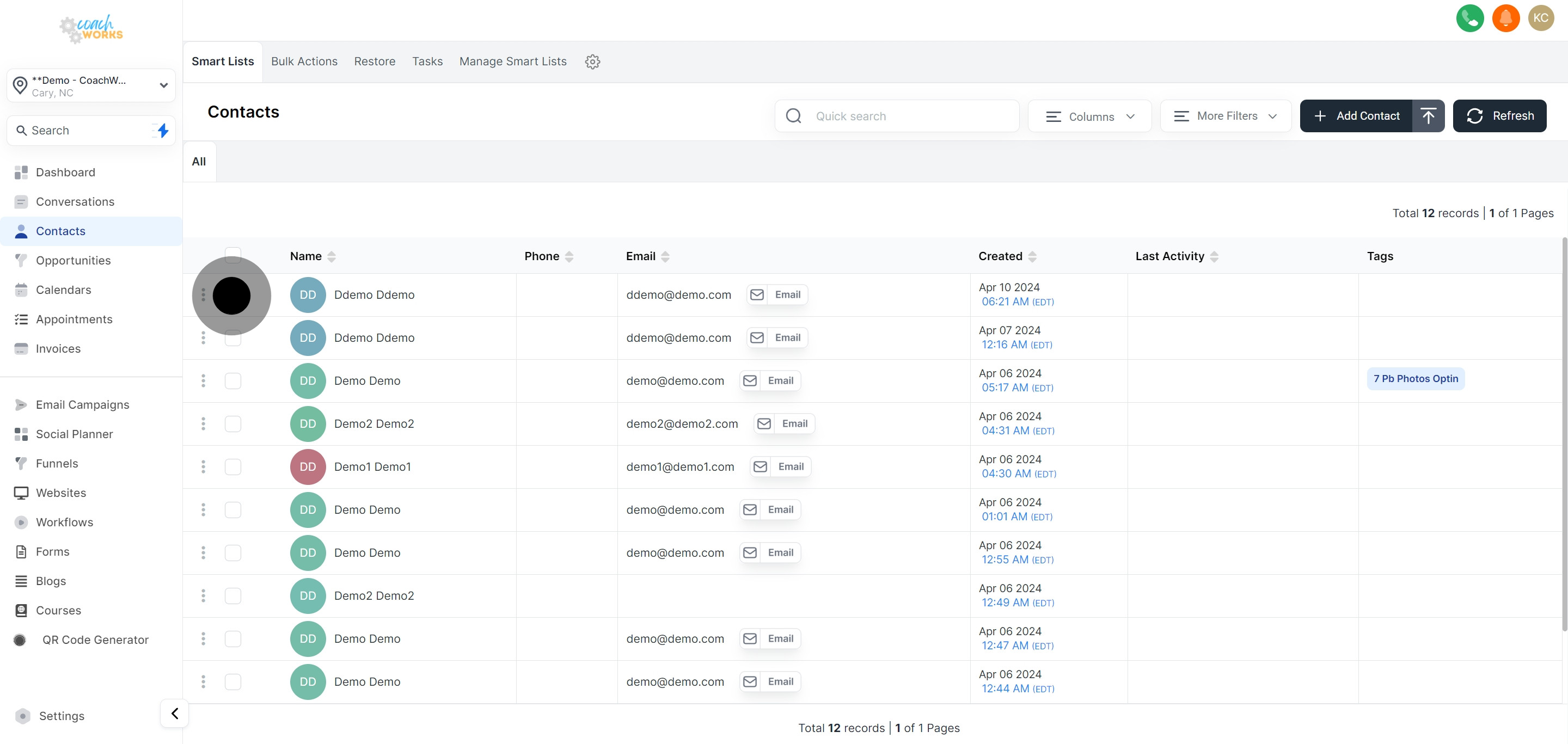
If necessary, consider adding more contacts by selecting their respective checkboxes.
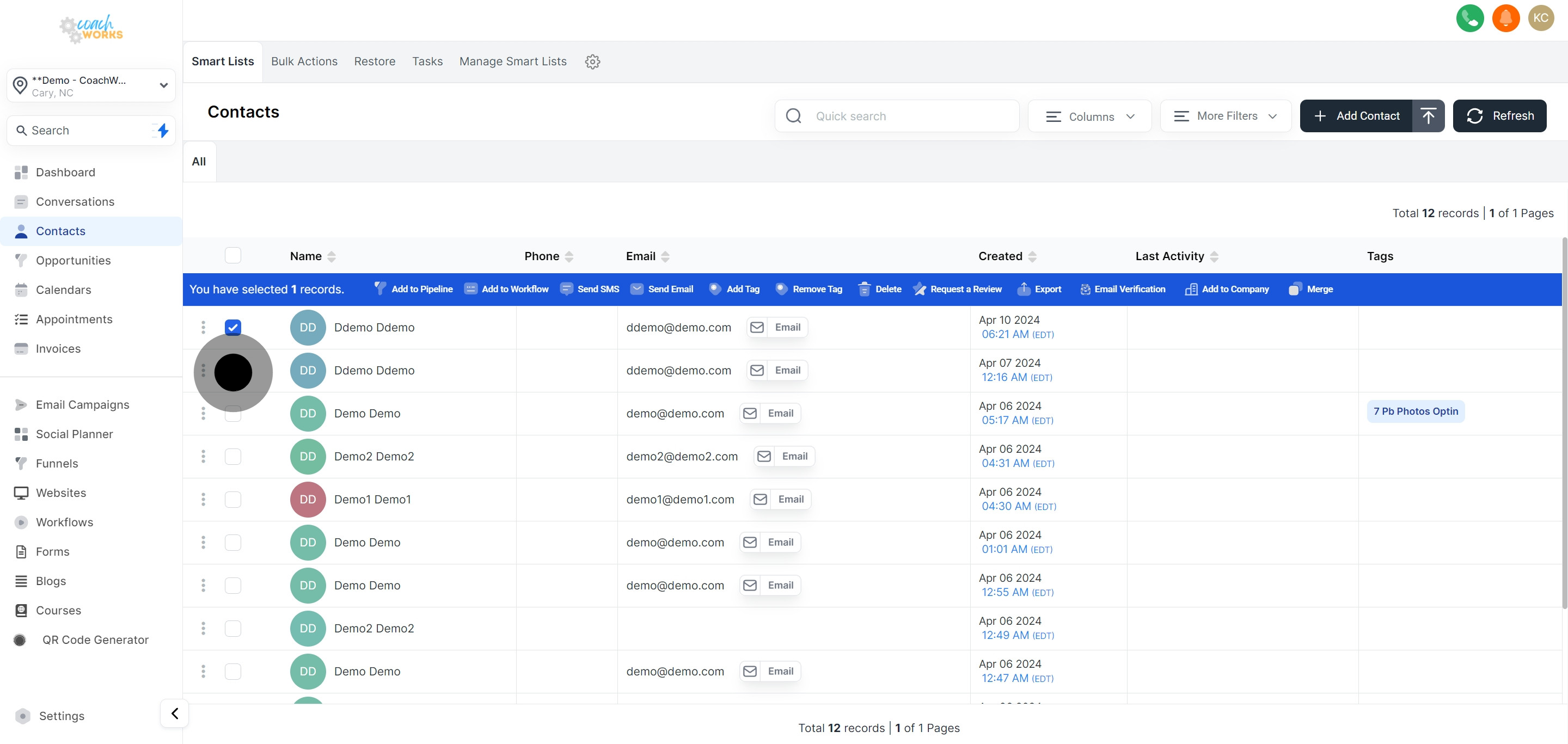
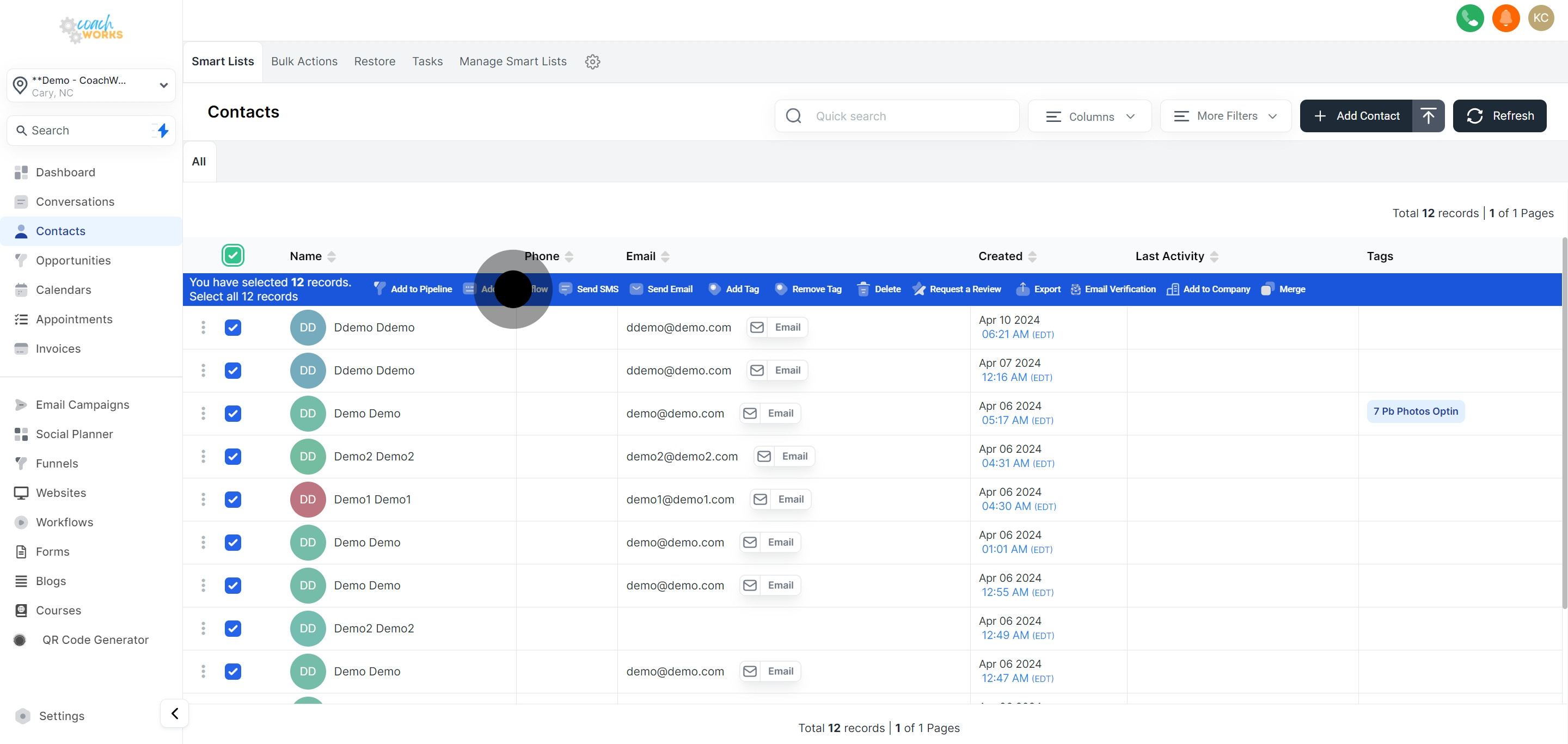
To include all contacts in your list, utilize the 'Select All' functionality.
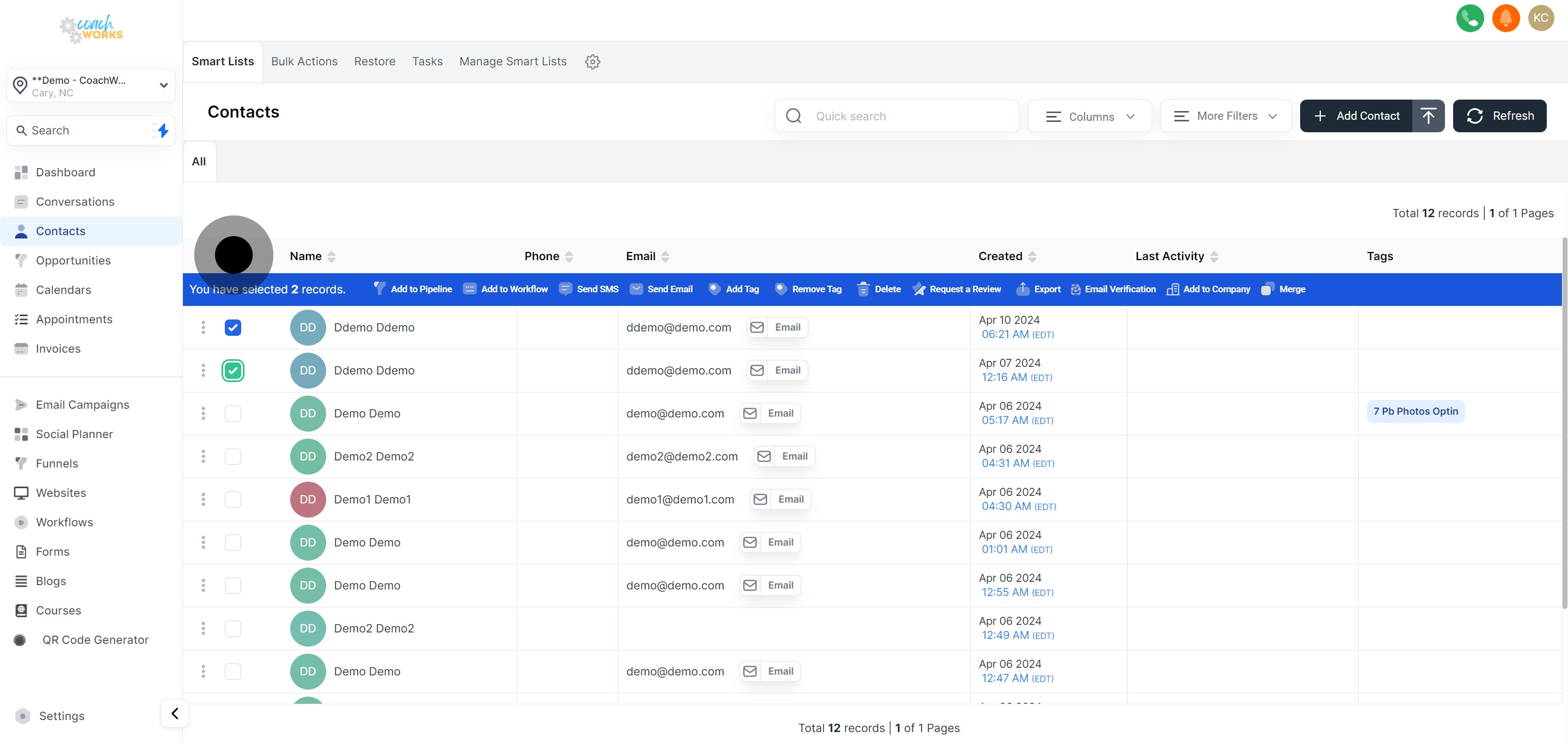
With your contacts chosen, click on the 'Add to Workflow' button to begin integrating them into your desired workflow.
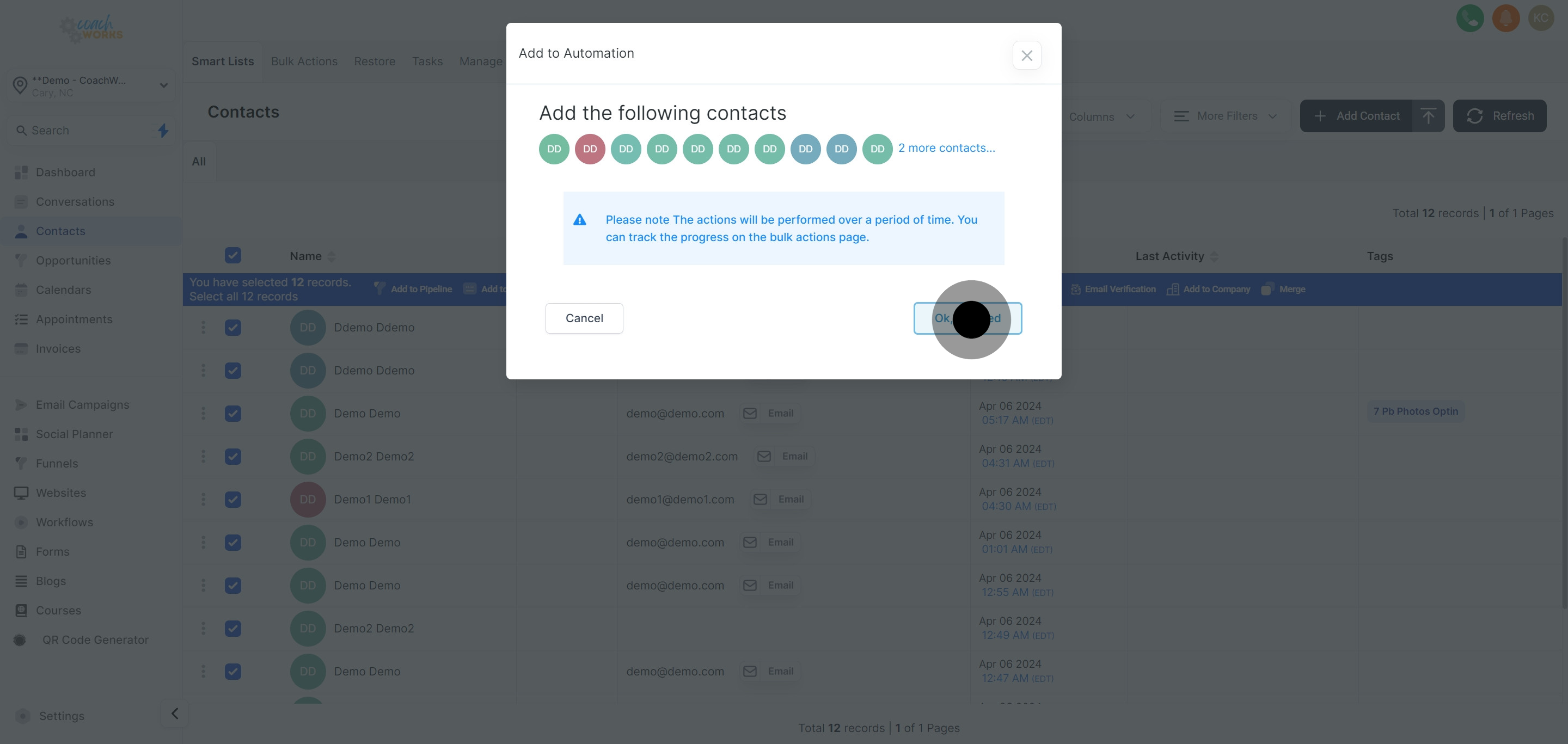
A prompt will appear; click 'Ok, Proceed' to confirm your intent to add the selected contacts to a workflow.
Choose from the list of pre-existing workflows where you would like to incorporate these contacts.

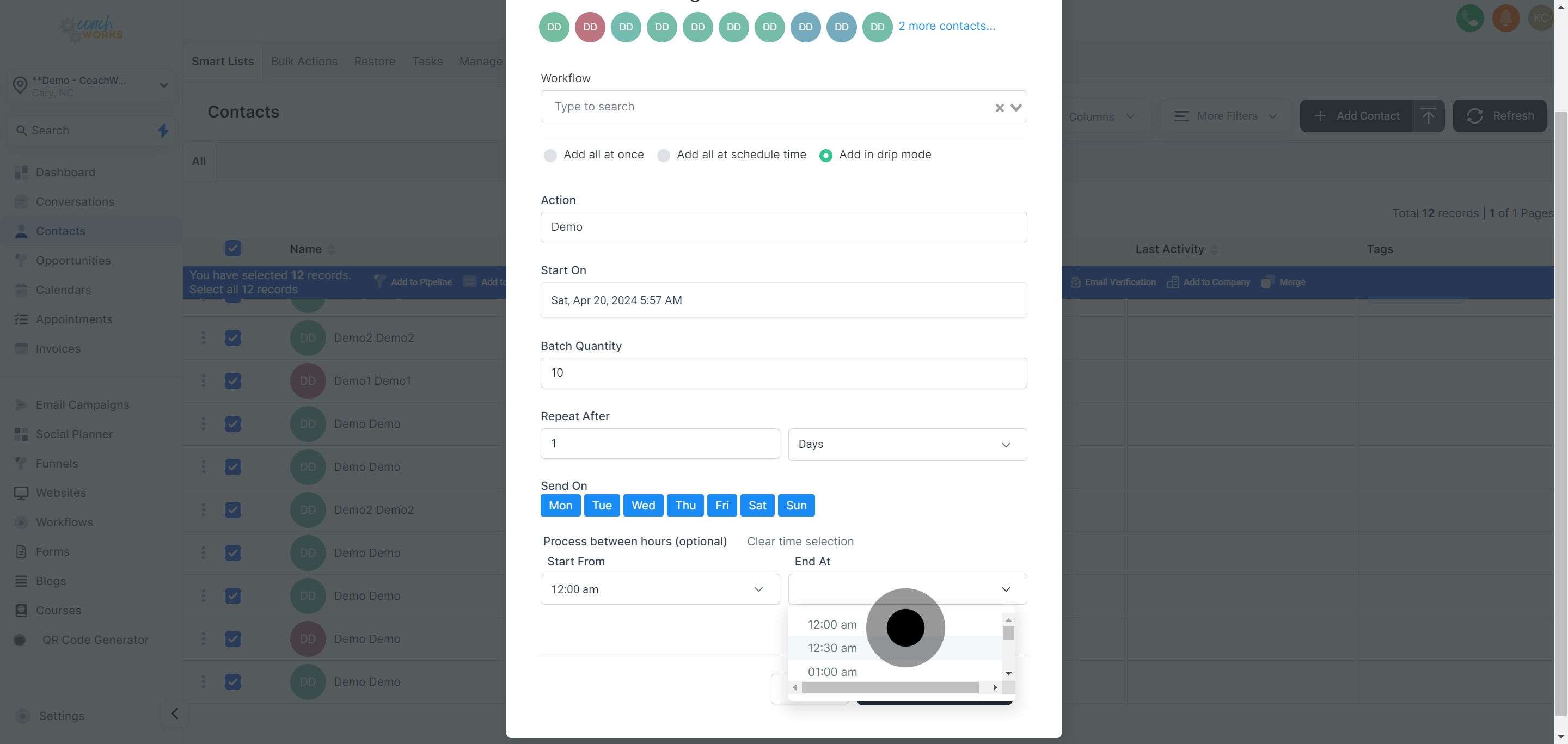
Opt for the 'Add in drip mode' option to schedule the sequential addition of contacts into the workflow, enabling a gradual engagement strategy.
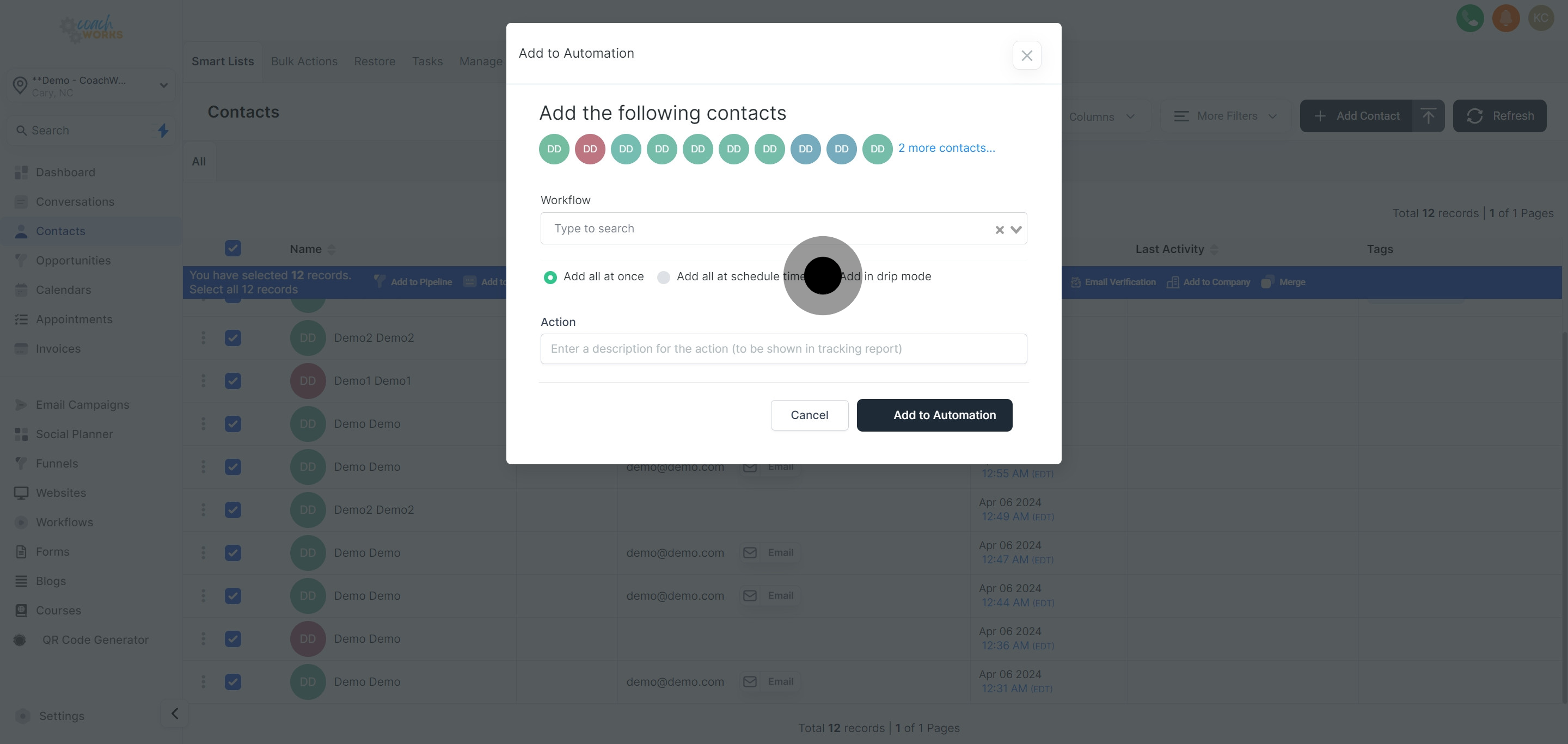
Provide a brief description of this action for future reference, aiding in streamlined tracking and management.
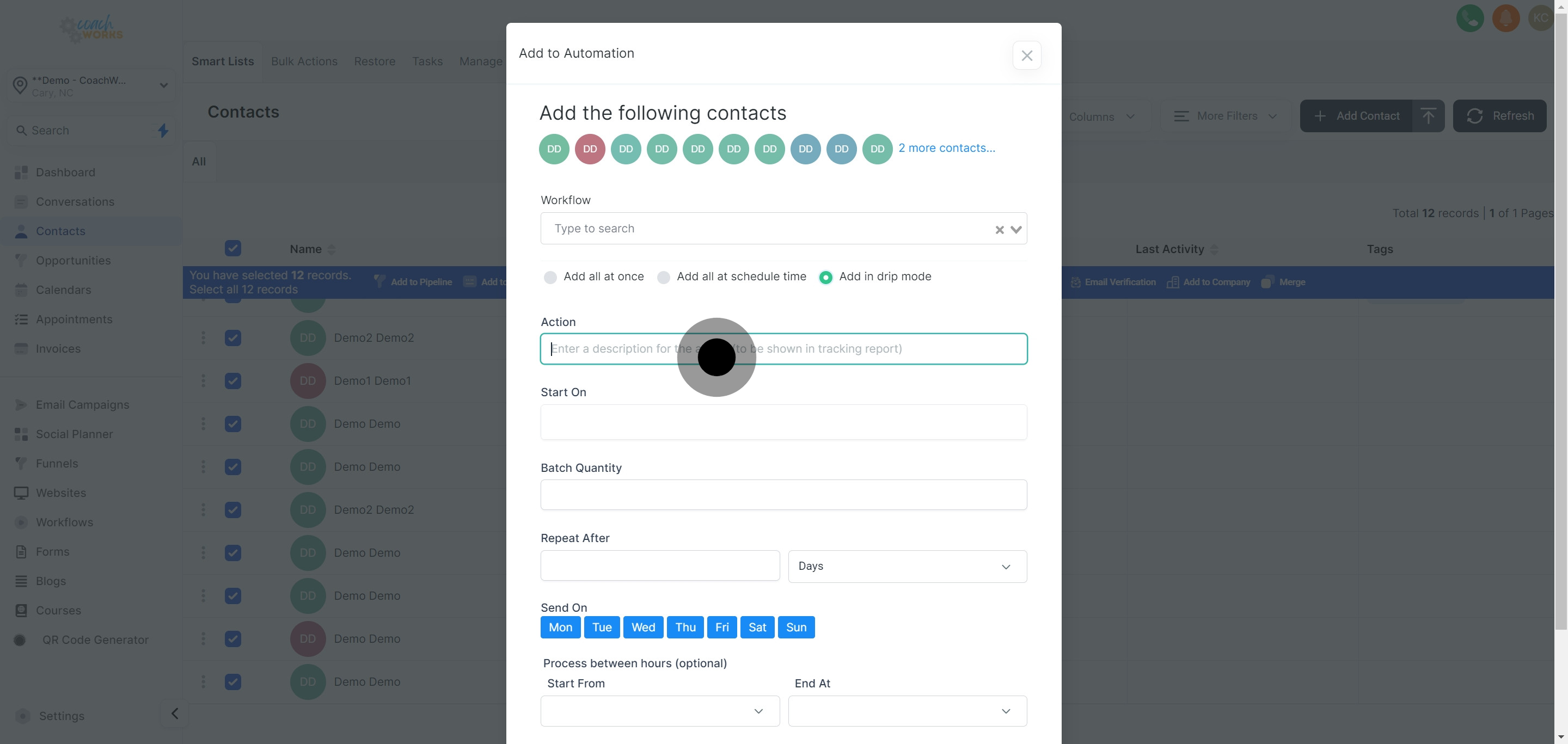
Determine and set up your preferred start date for when these contacts should begin entering the workflow.
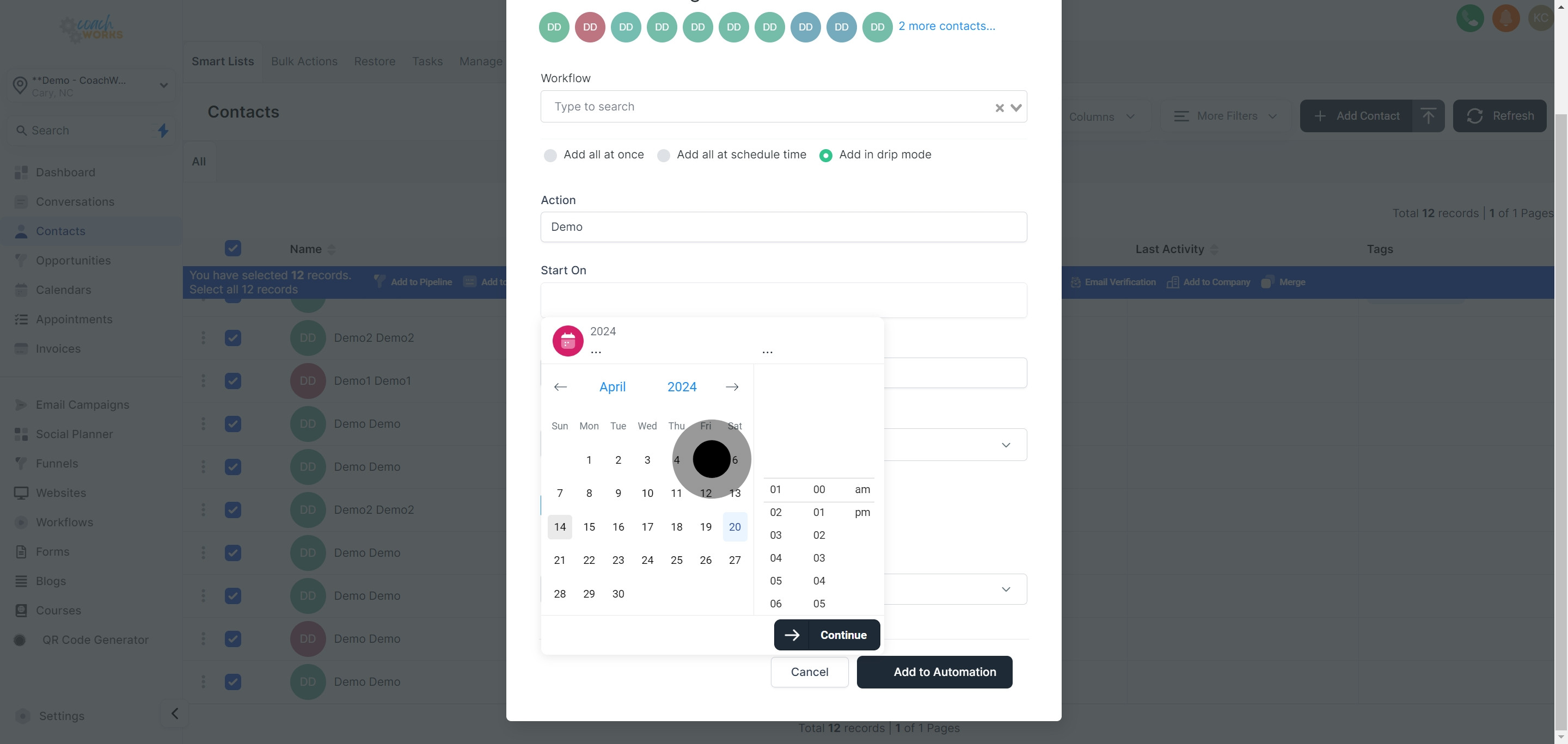
Click 'Next' to advance to the subsequent configuration stage.
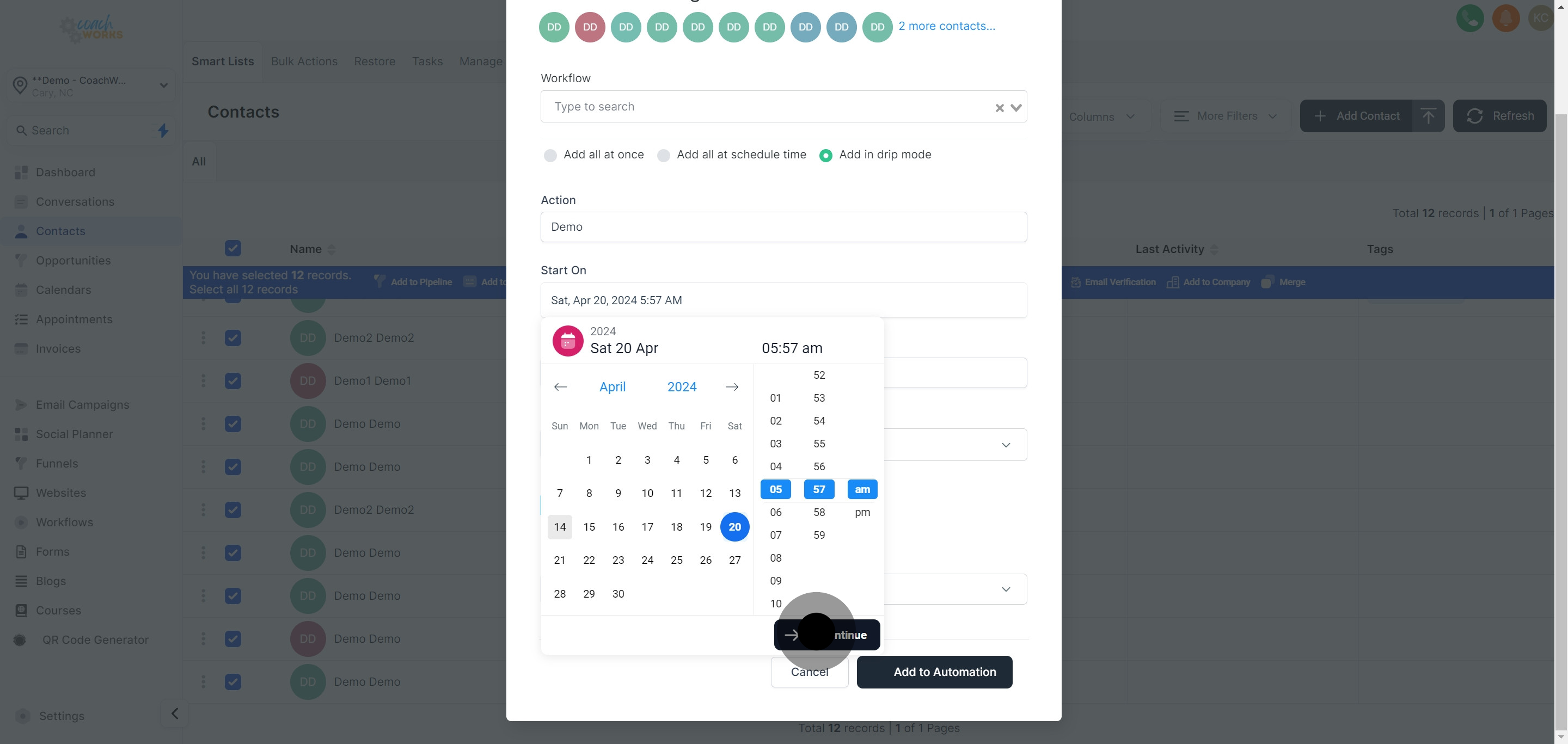
Specify the batch quantity for the operation, determining how many contacts are added each time.
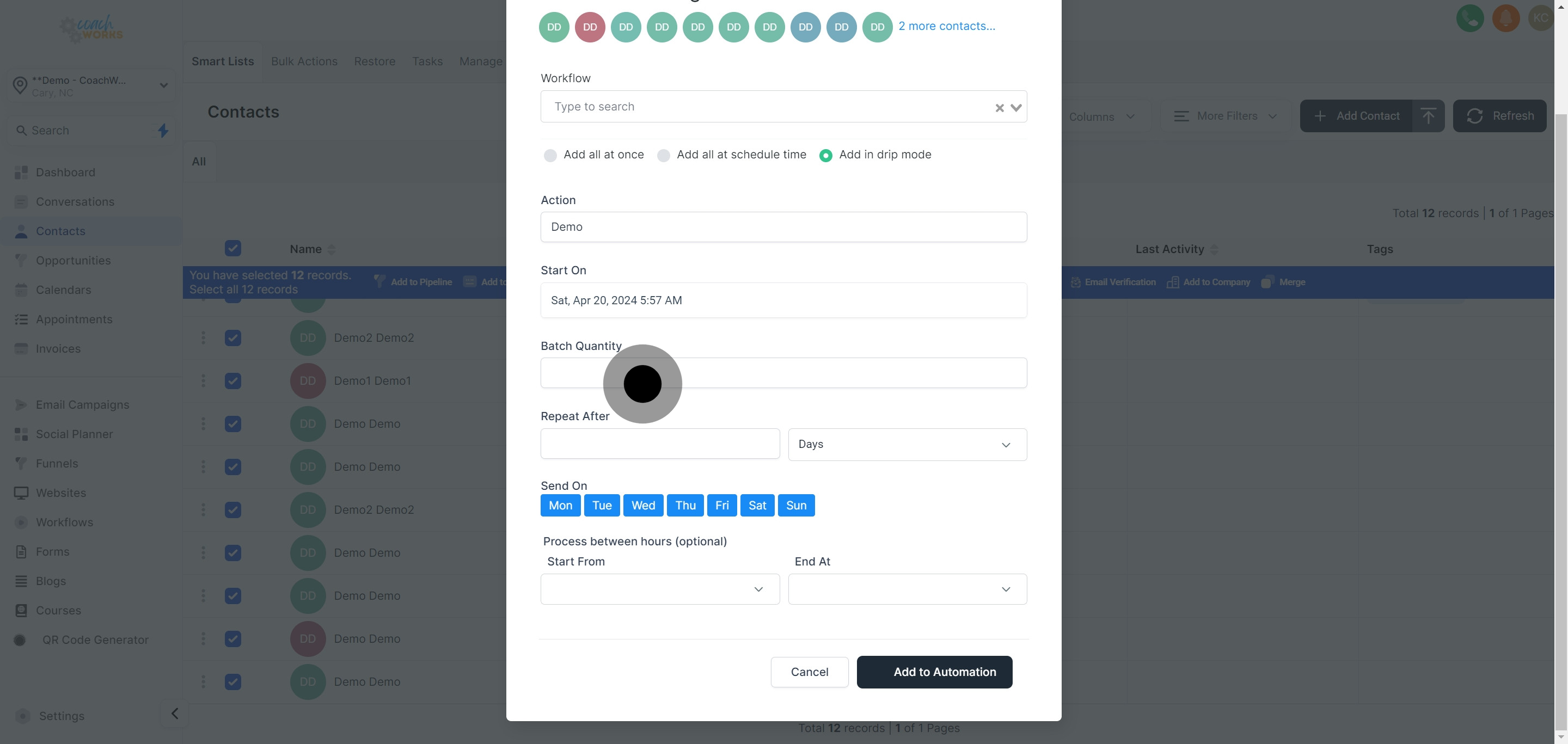
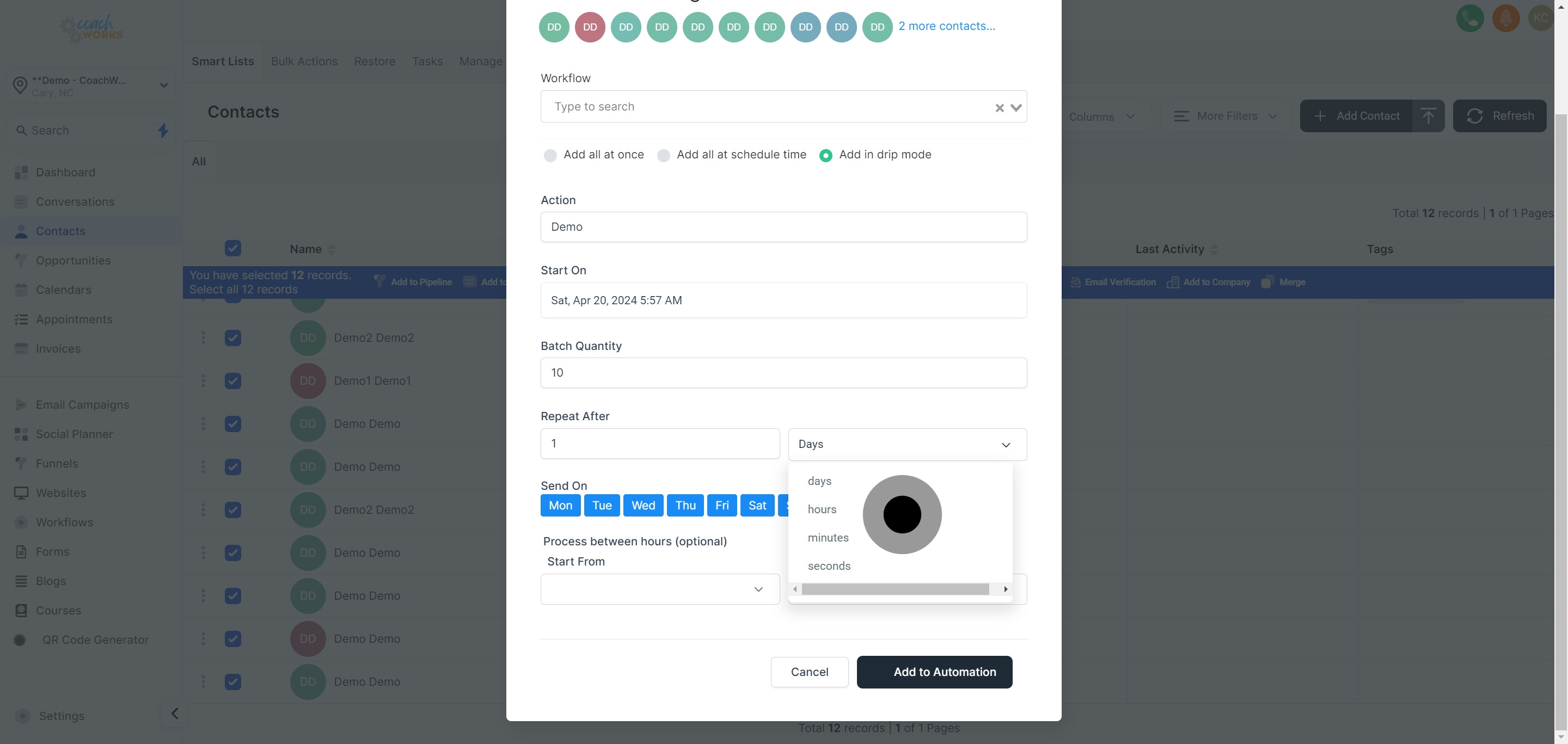
Clearly define the frequency of this operation to establish how often the addition happens.
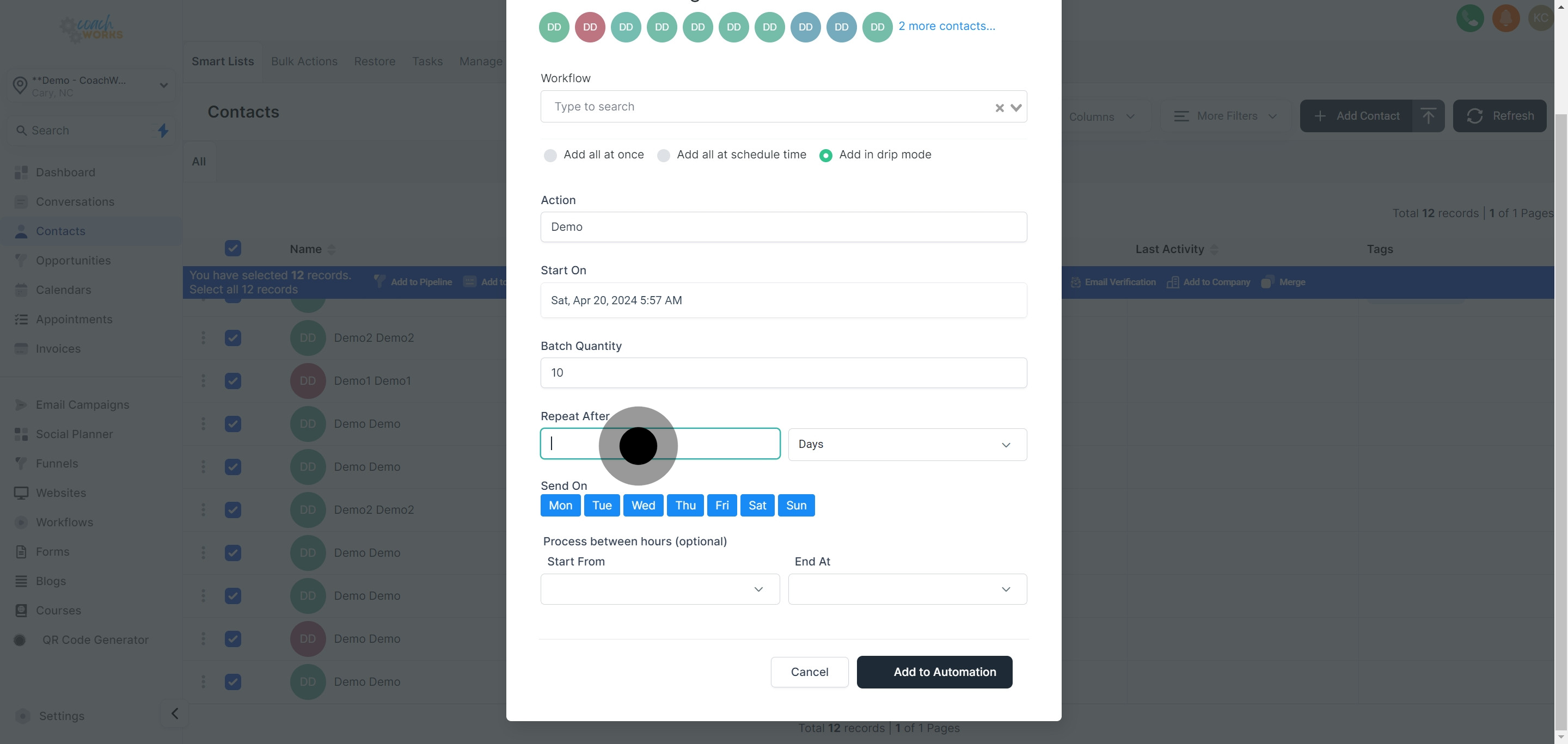
Decide on the repetition schedule for your operation, customizing how this action repeats over time.
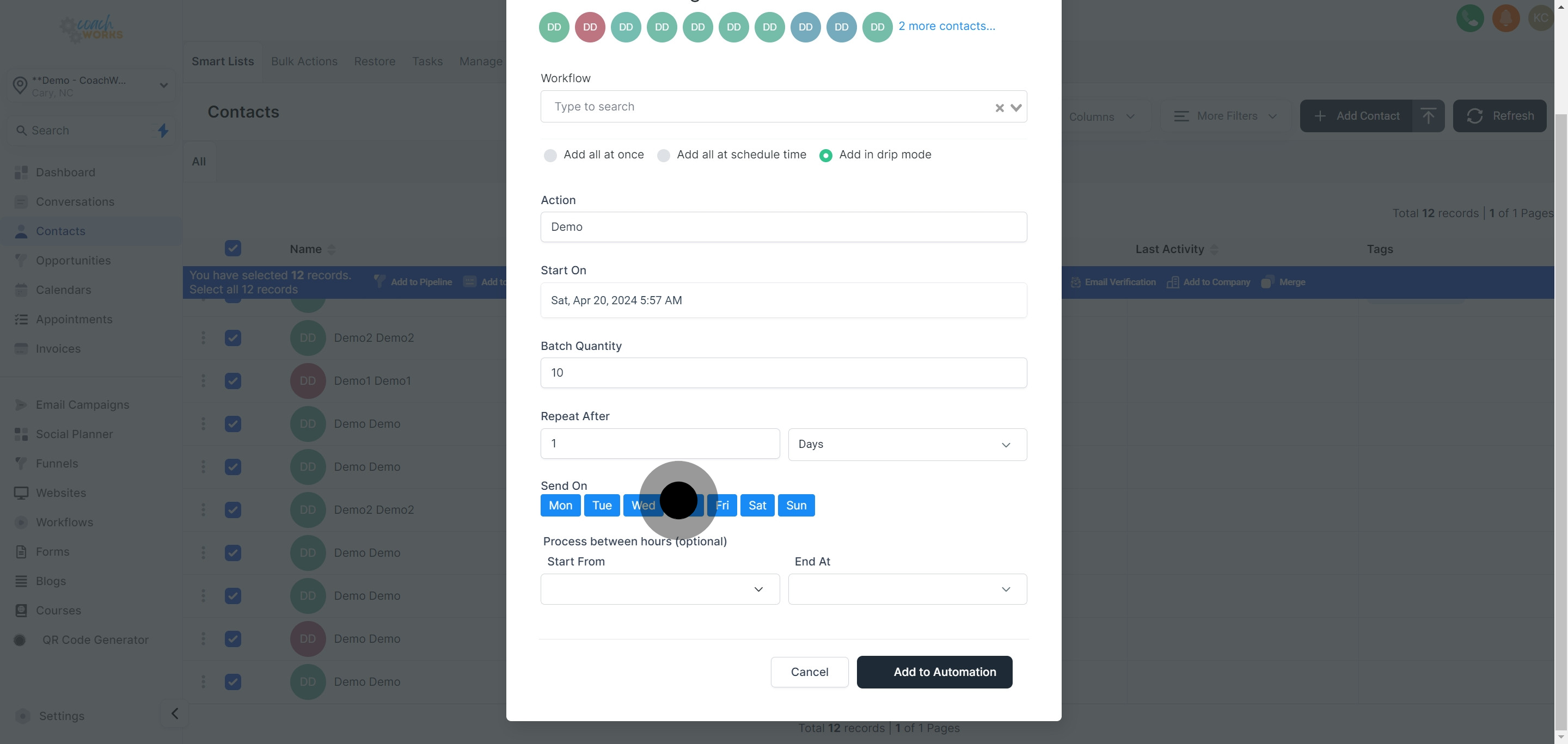
Select the day(s) of the week when the operation should run, tailoring the workflow’s engagement to optimal times.
Set the operation's starting time, initiating when contacts will start being added to the workflow each cycle.
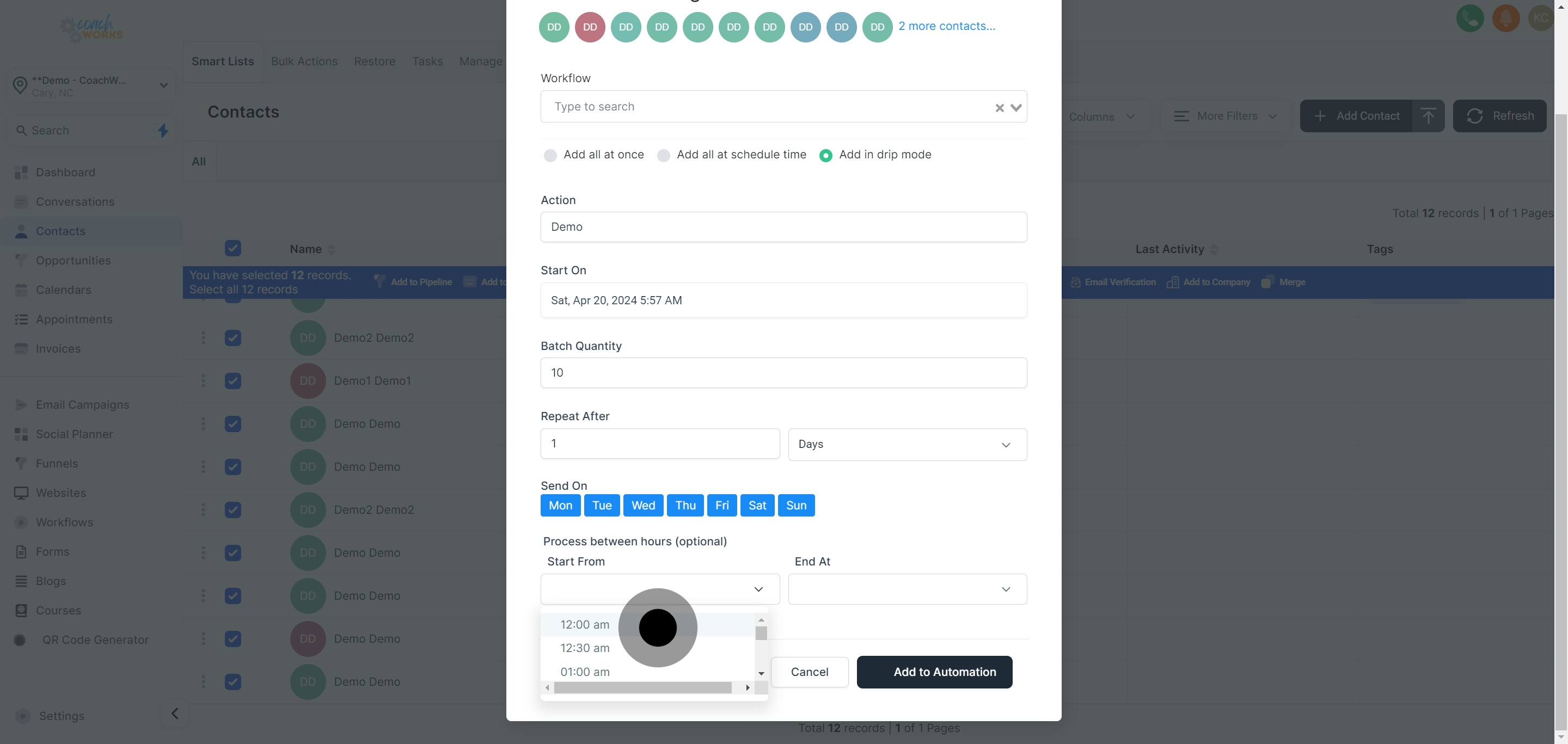
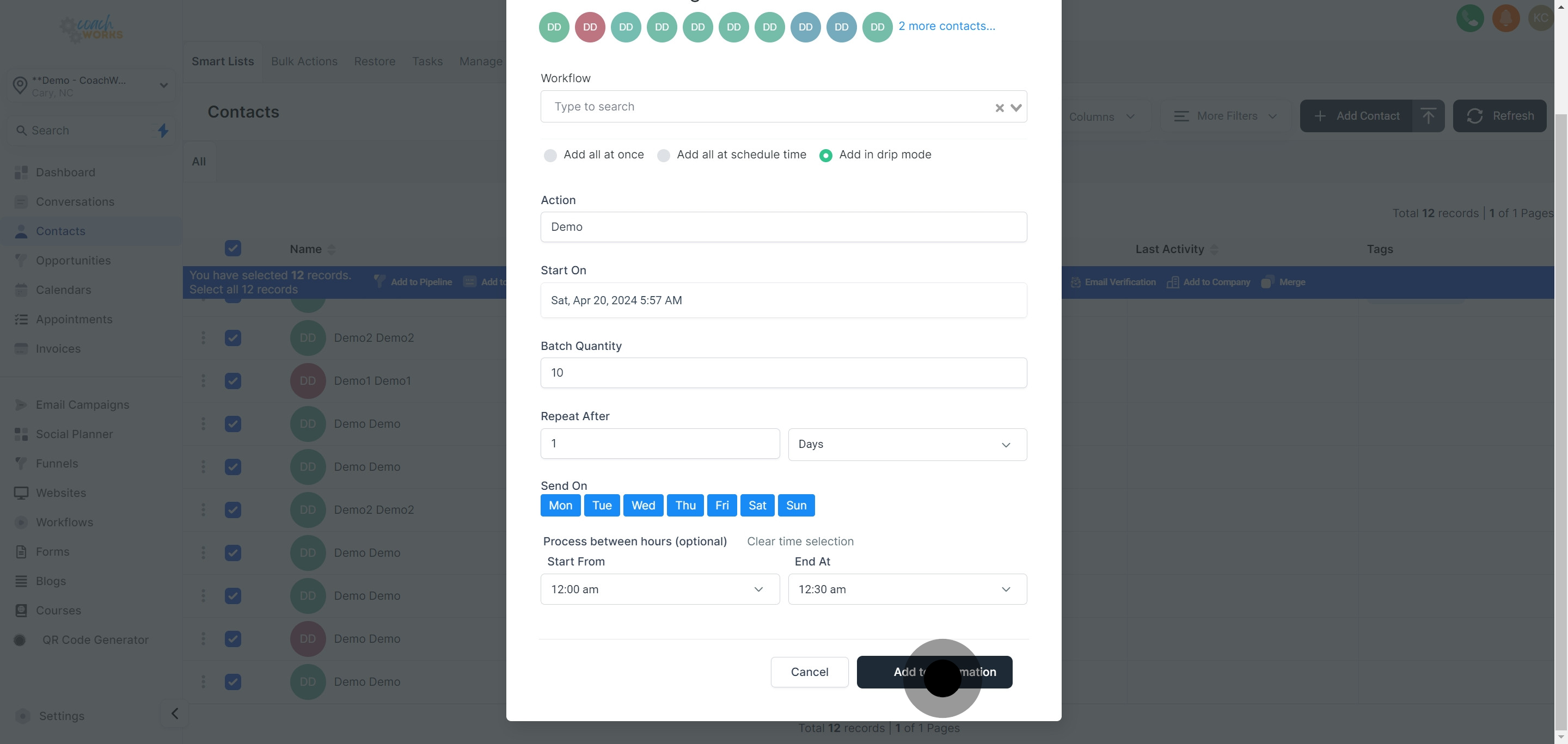
Also, decide on an ending time for the operation, encapsulating the daily or cycle time frame for this action.
Click 'Add to Automation' to finalize the settings and commence the addition of contacts into the selected workflow in drip mode.
Click on the provided link to check the status and ensure your setup runs as planned.

Conclude the setup process by clicking 'Ok', solidifying your workflow integration with drip mode.