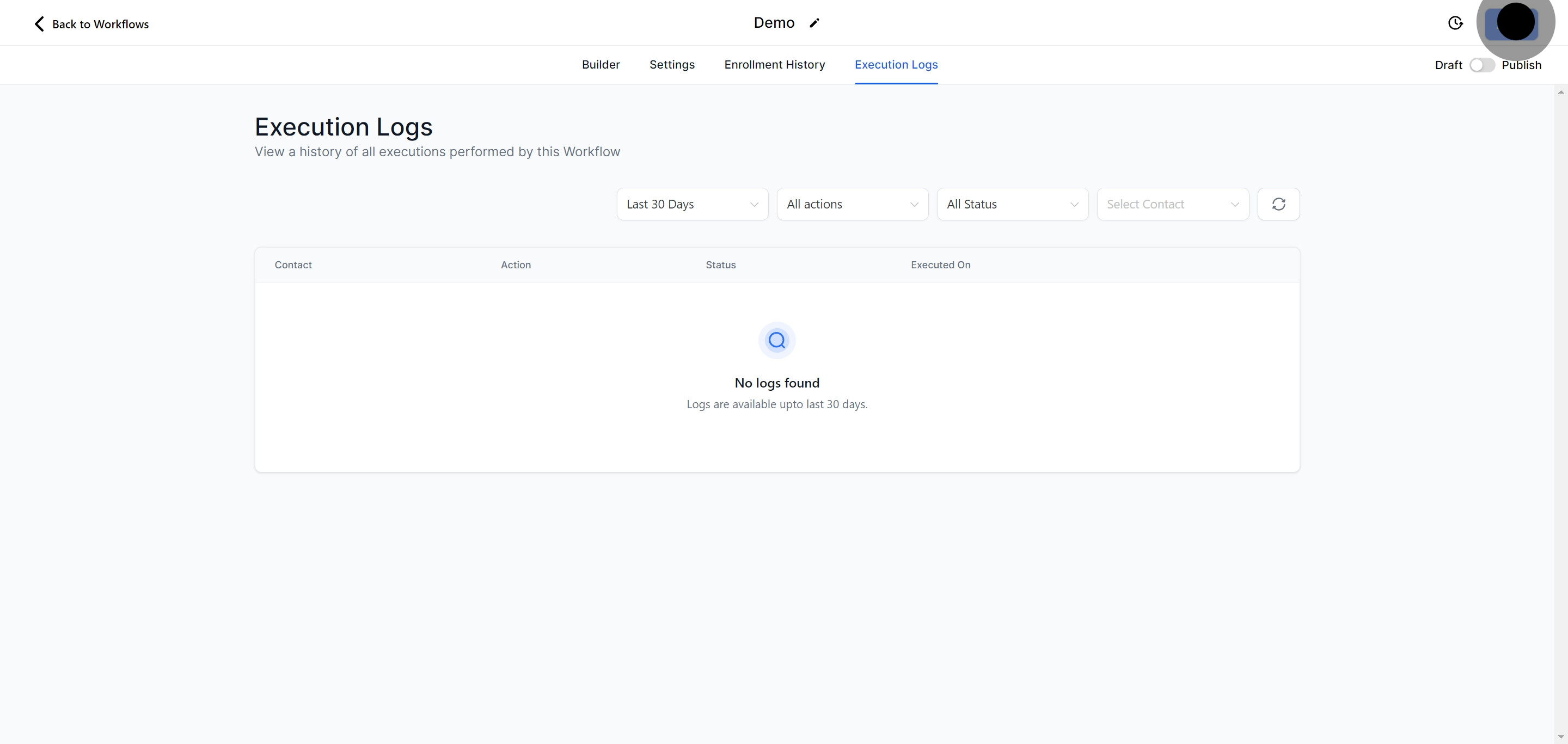
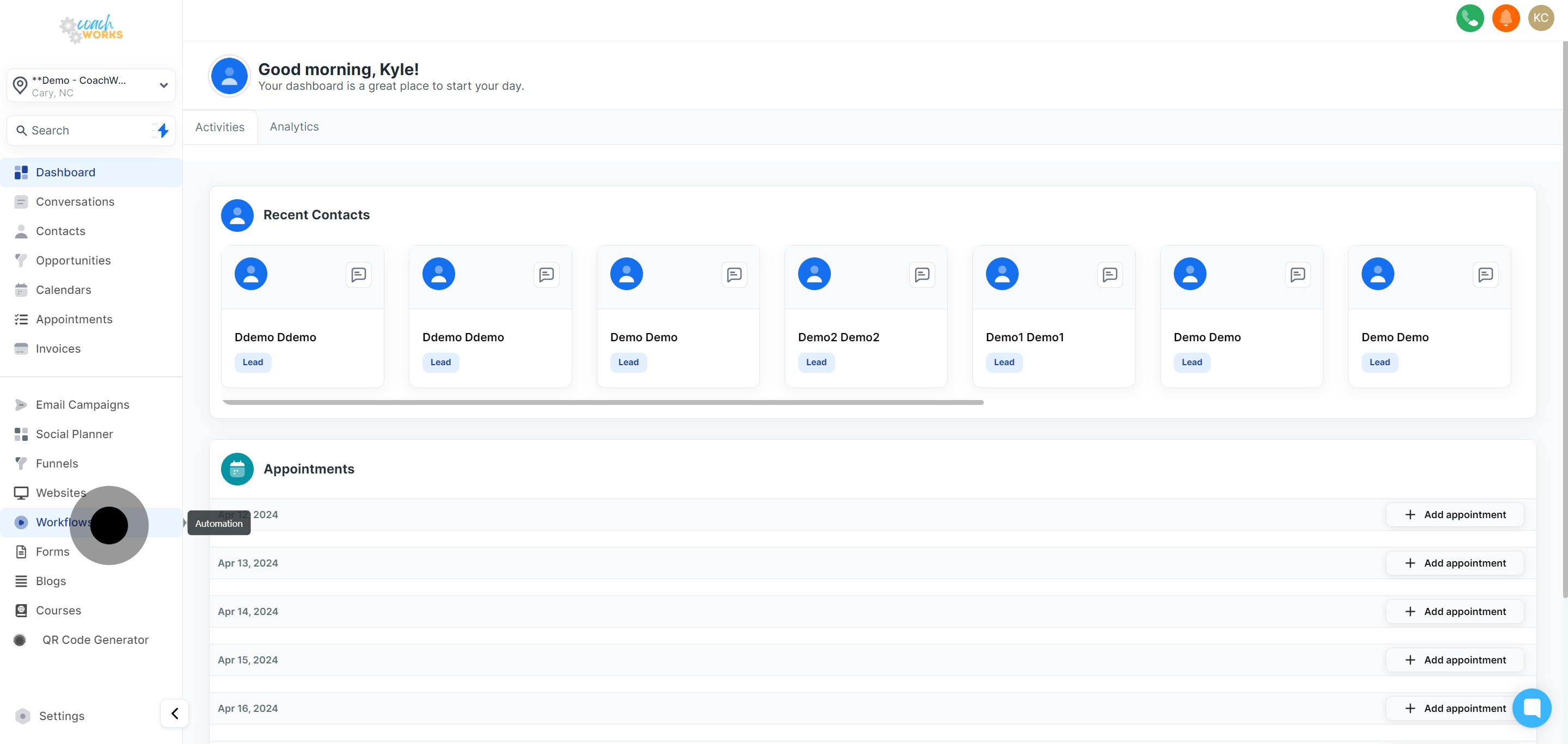
Begin by navigating to the workflow section within CoachWorks Marketing. This is your starting point for crafting new automation strategies.
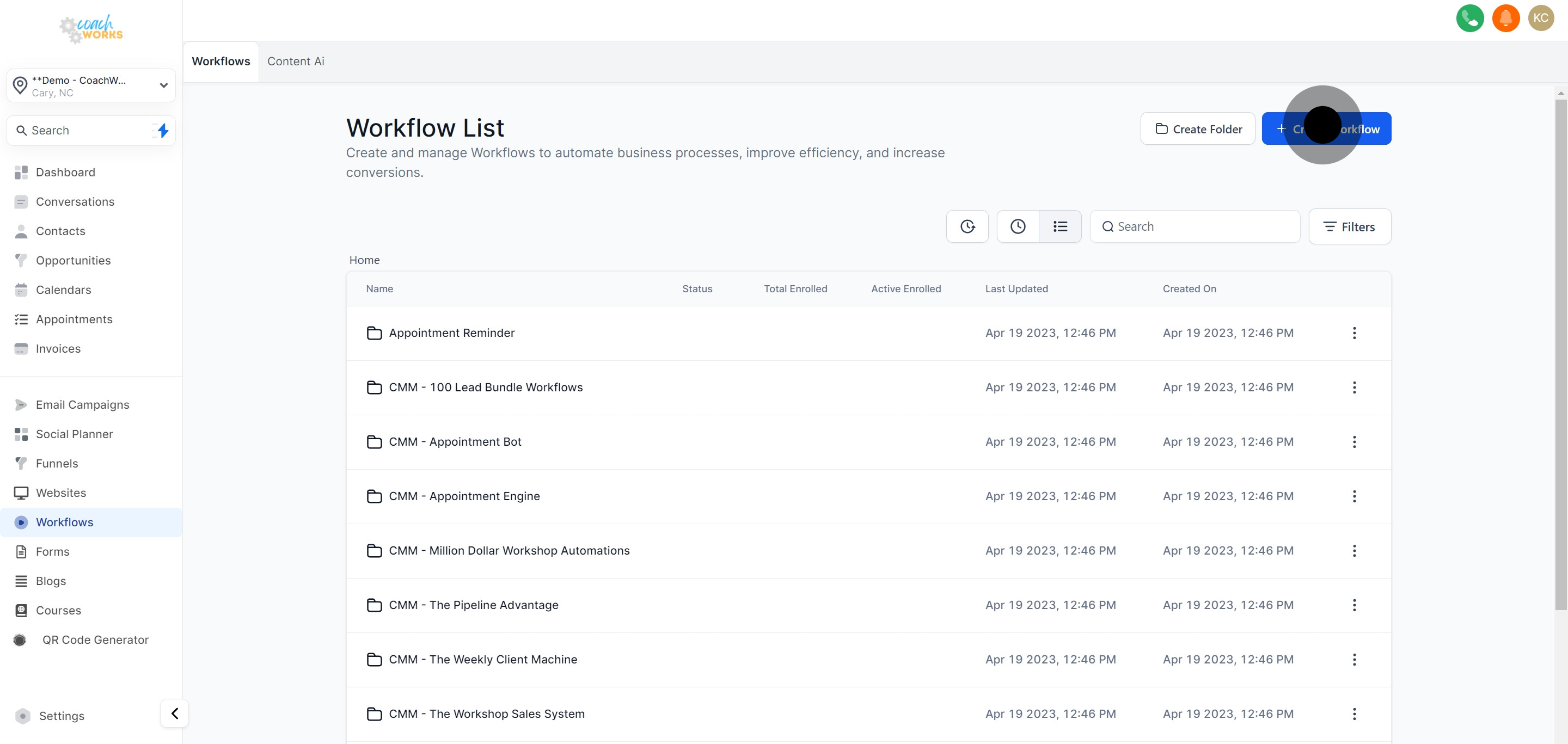
Click on 'Create Workflow' to start the process of building a new workflow. This option opens the doorway to automating your marketing efforts.
Take a moment to consider the available templates. These pre-designed frameworks can offer a quick start to common marketing automation tasks.
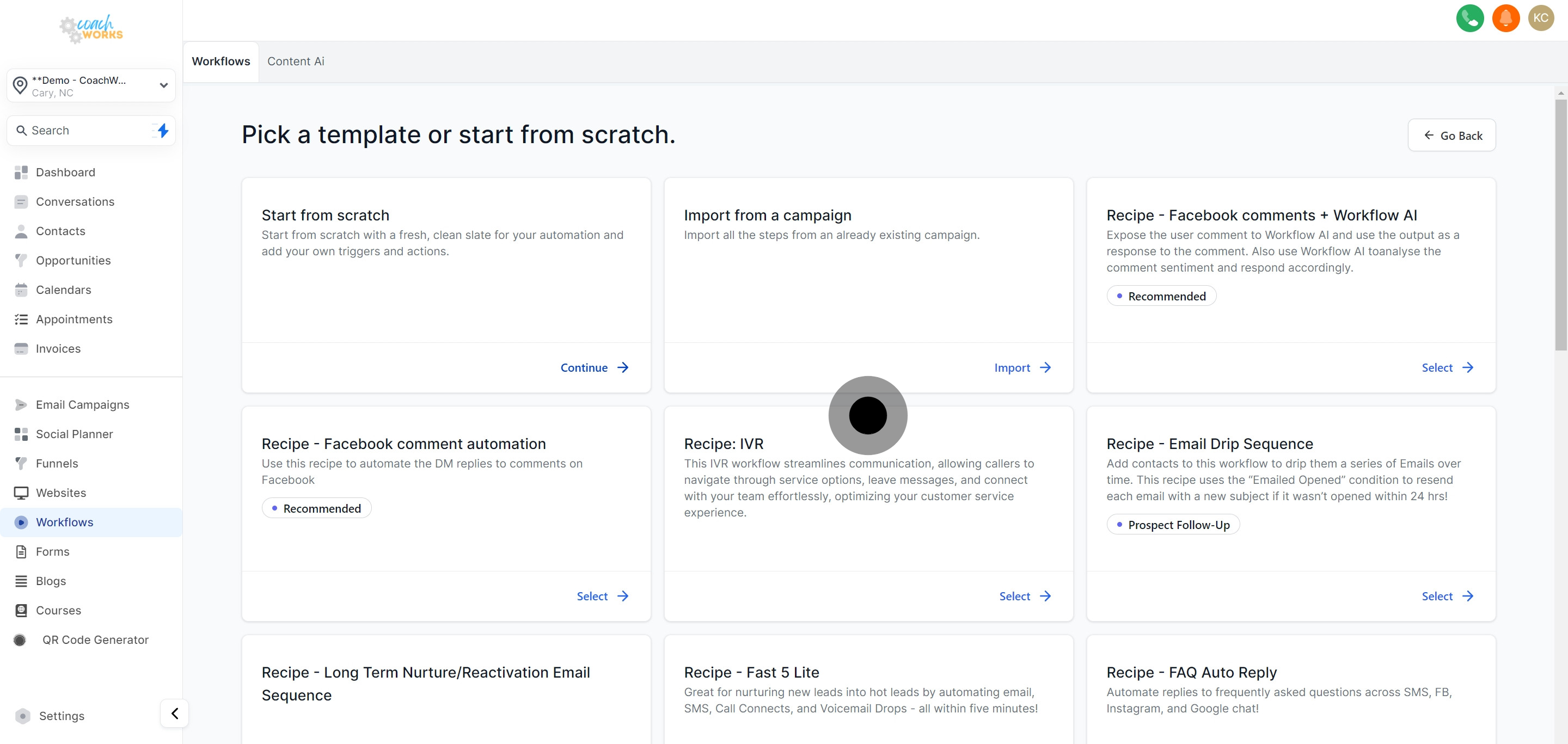
For a fully customized experience, select 'Start from scratch'. This option allows you to build a workflow tailored to your specific needs.
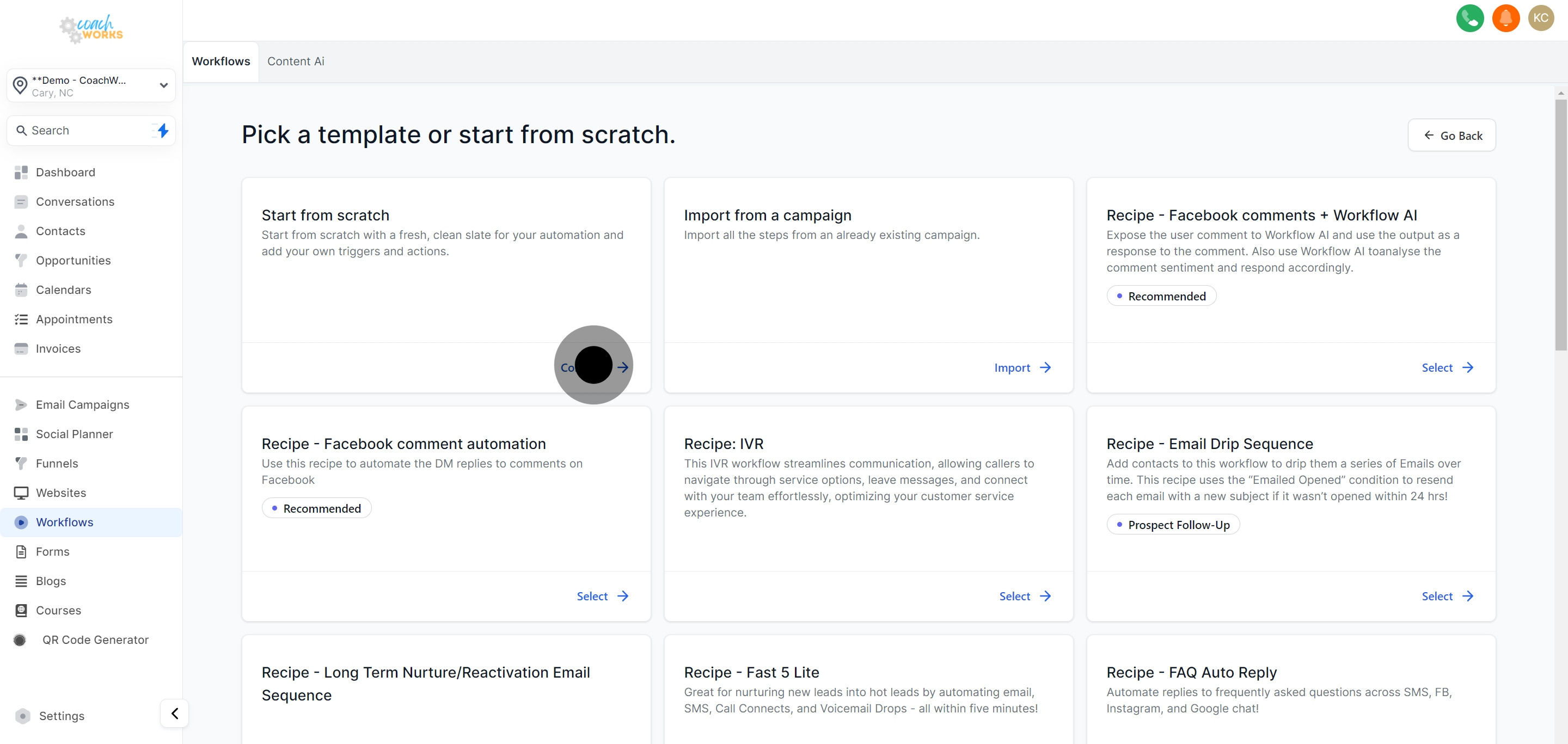
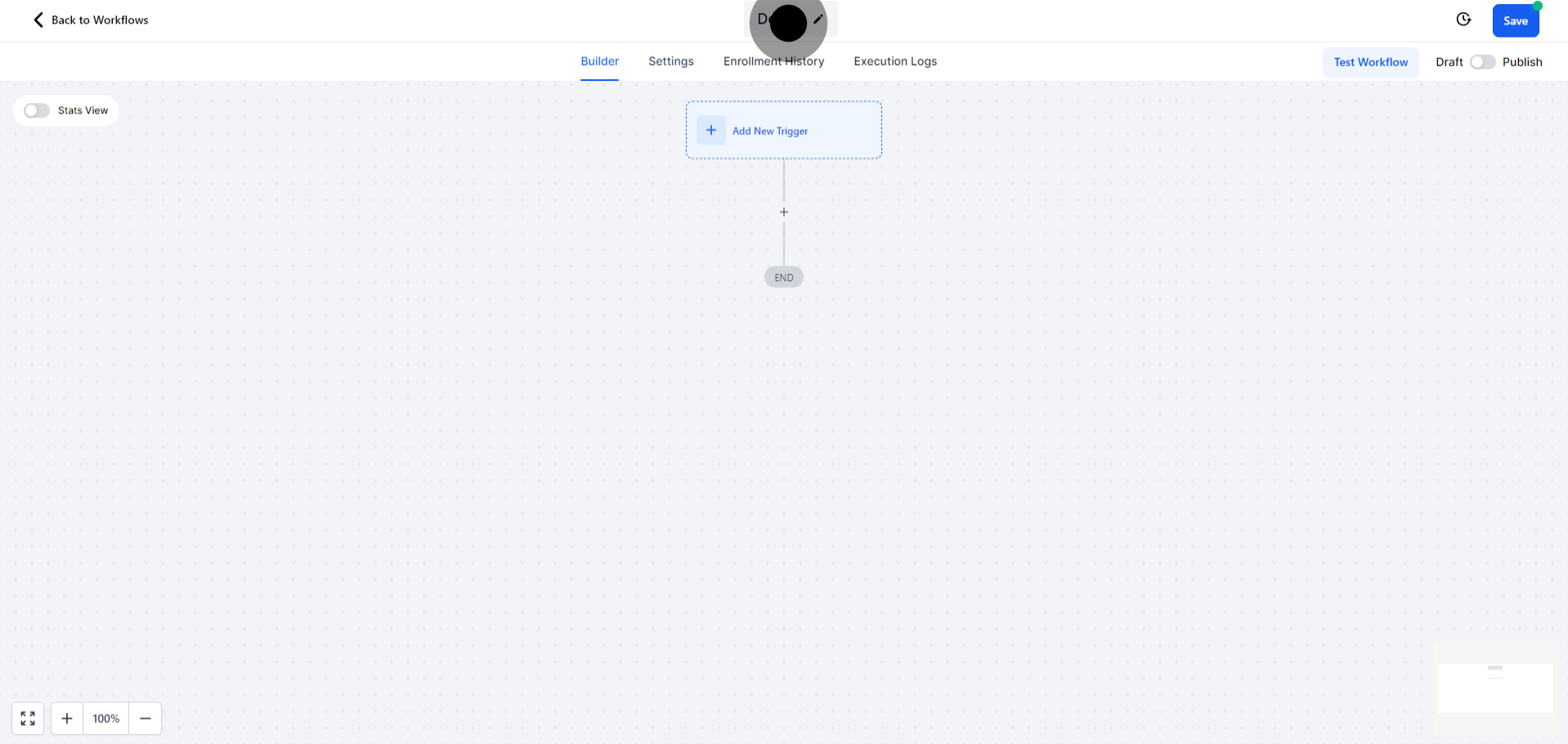
Rename your workflow for easy future reference. A descriptive name helps in quickly identifying the workflow's purpose and scope.
Within the workflow editor, locate and select the 'Enrollment History' tab. This section offers insights into the contacts that have interacted with your workflow.
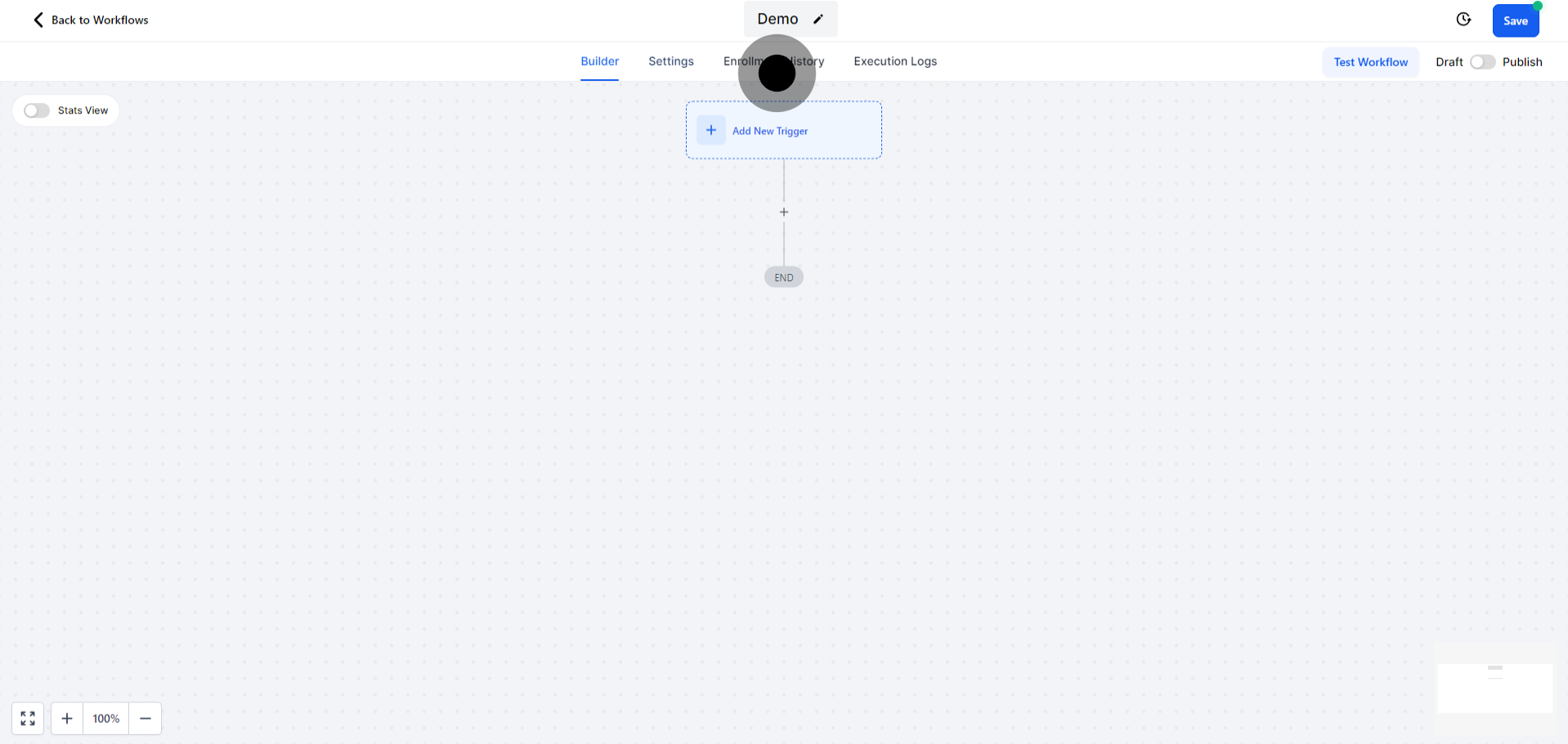
Arrange the enrollment history in chronological order. This helps in understanding the sequence of contacts’ interactions with your workflow.
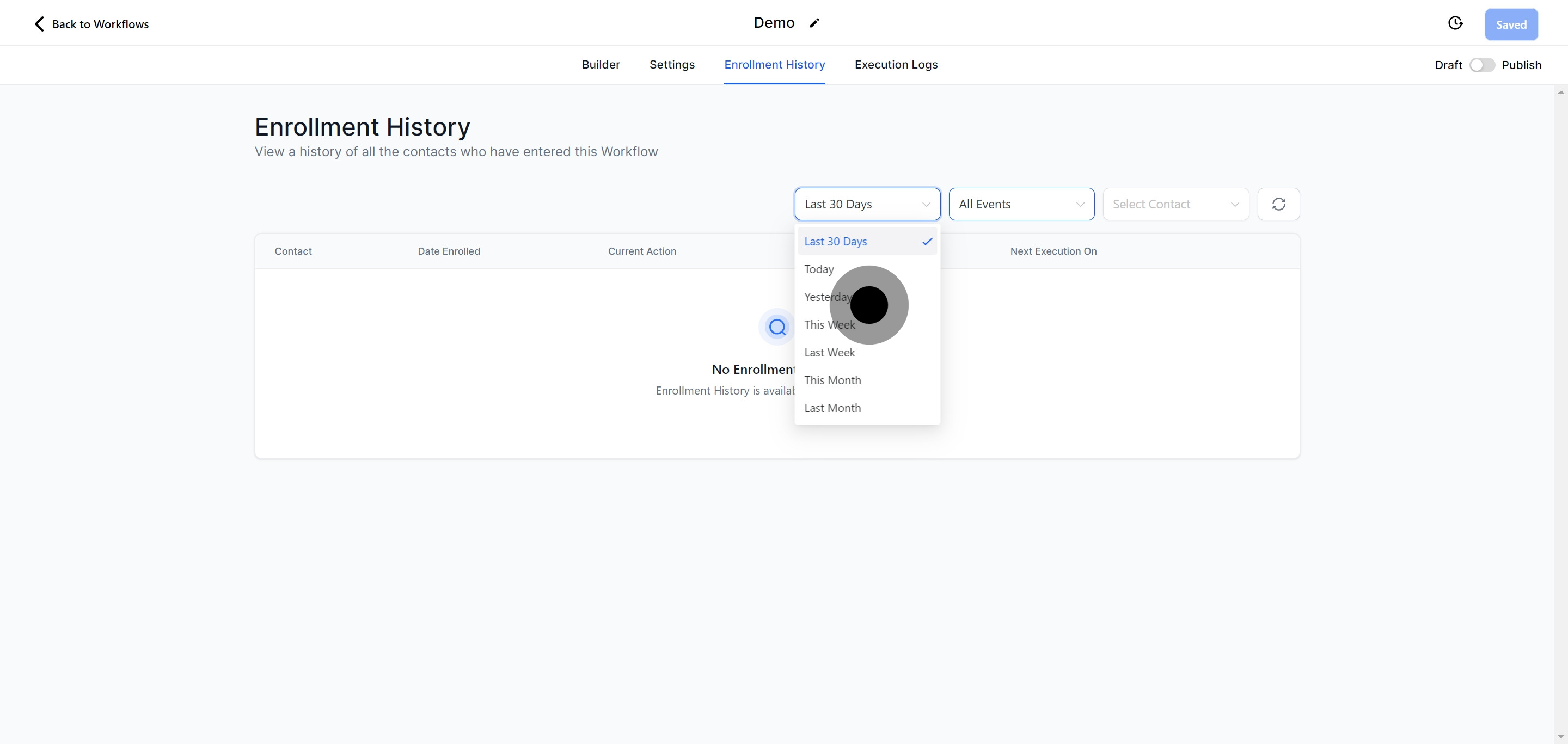
Choose not to list by event to keep your focus on the enrollment timeline rather than individual actions within the workflow.
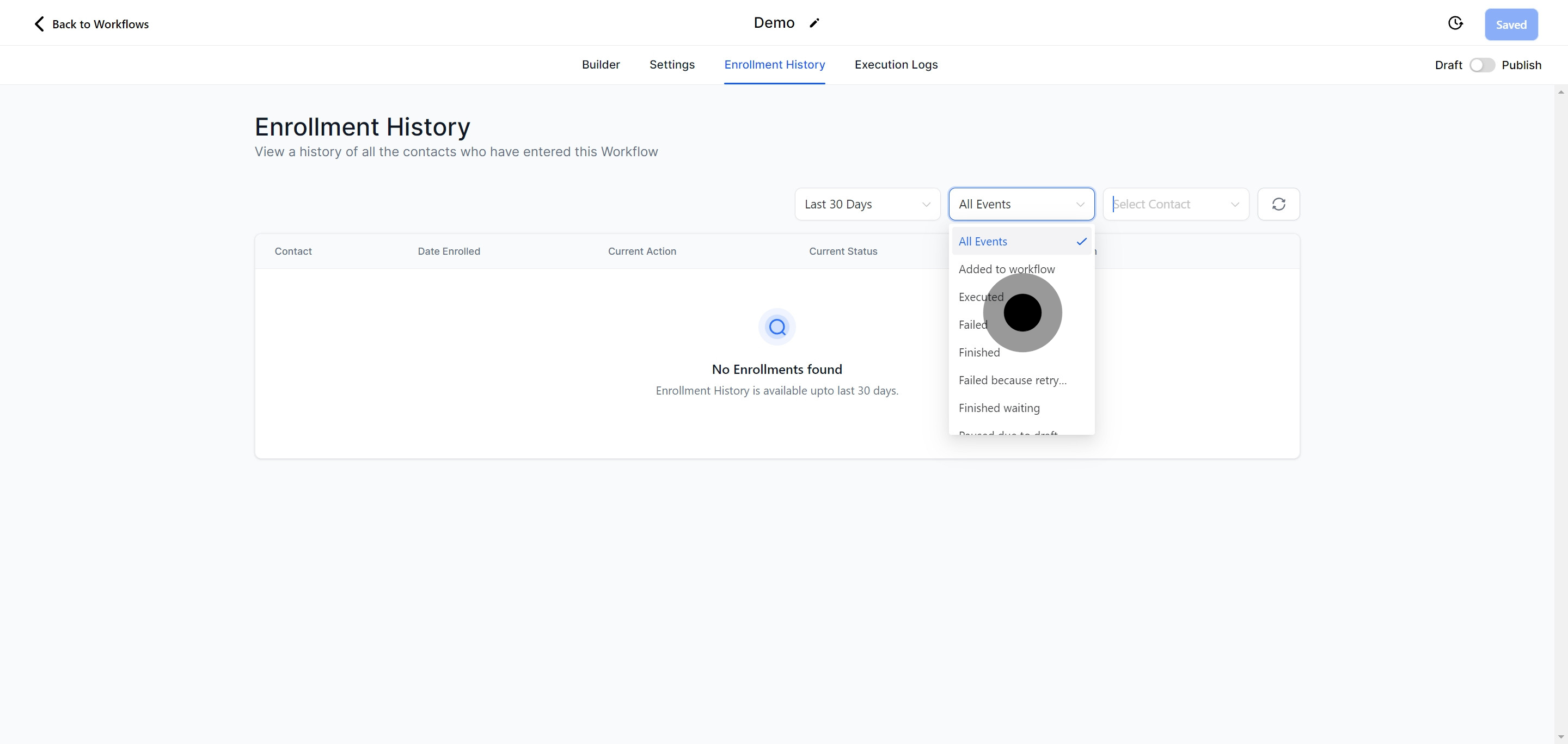
Choose not to list by event to keep your focus on the enrollment timeline rather than individual actions within the workflow.
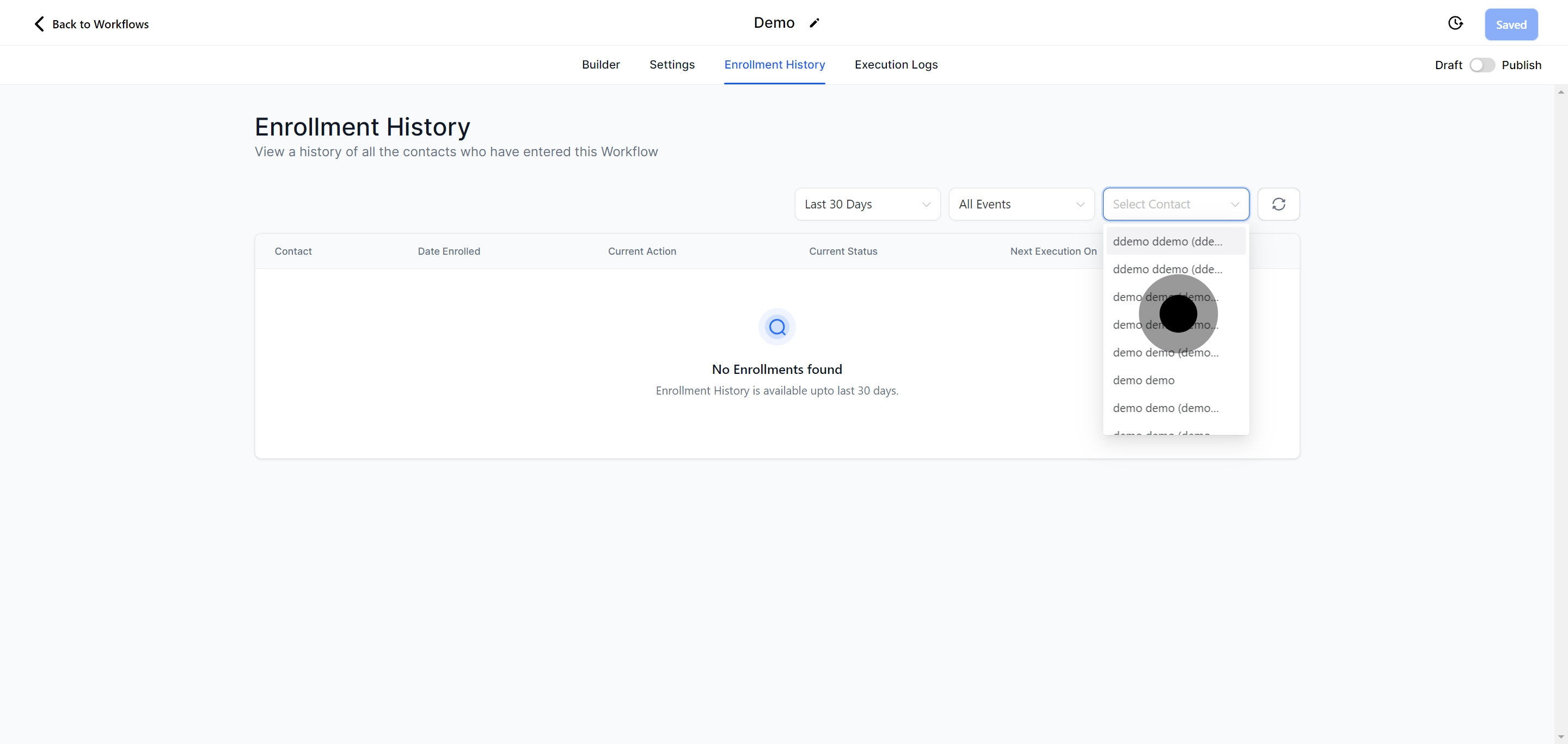
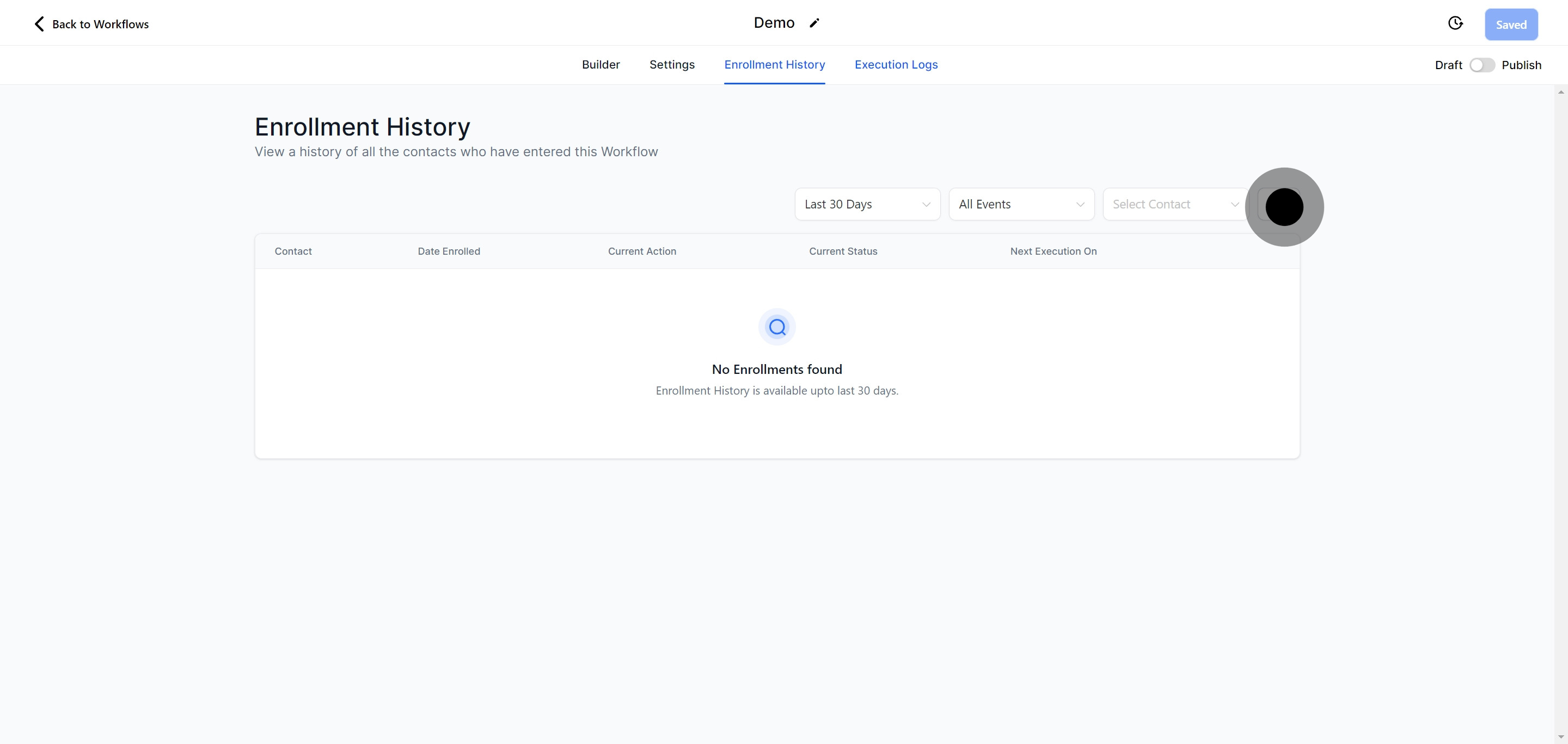
Regularly refresh the table to access the most current data on contact interactions and workflow advancements.
Proceed to the 'Execution Logs' tab. This area provides detailed records of the workflow’s operational events.
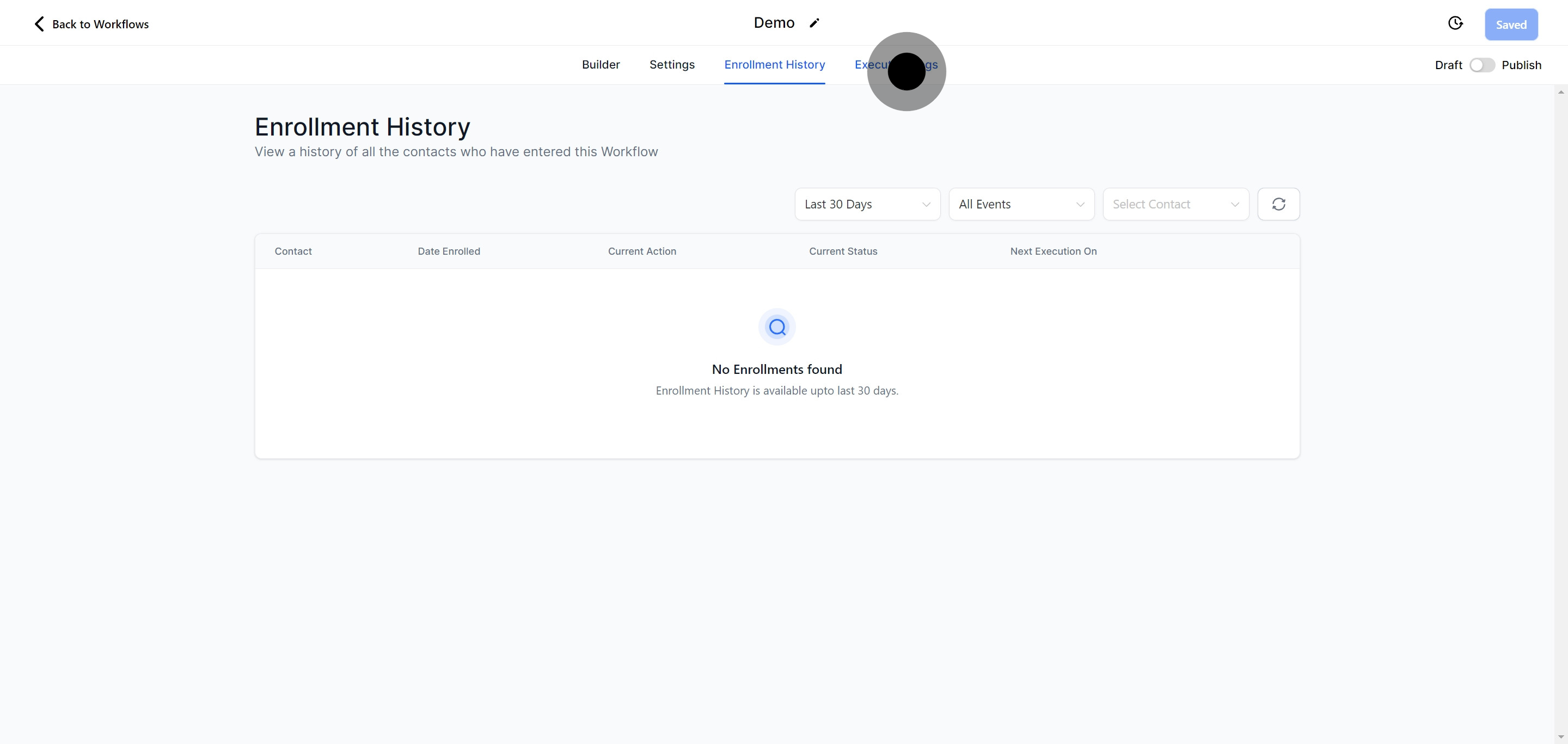
Sort the logs by date to streamline tracking efforts. This organization makes it easier to diagnose issues or identify successes within the workflow.
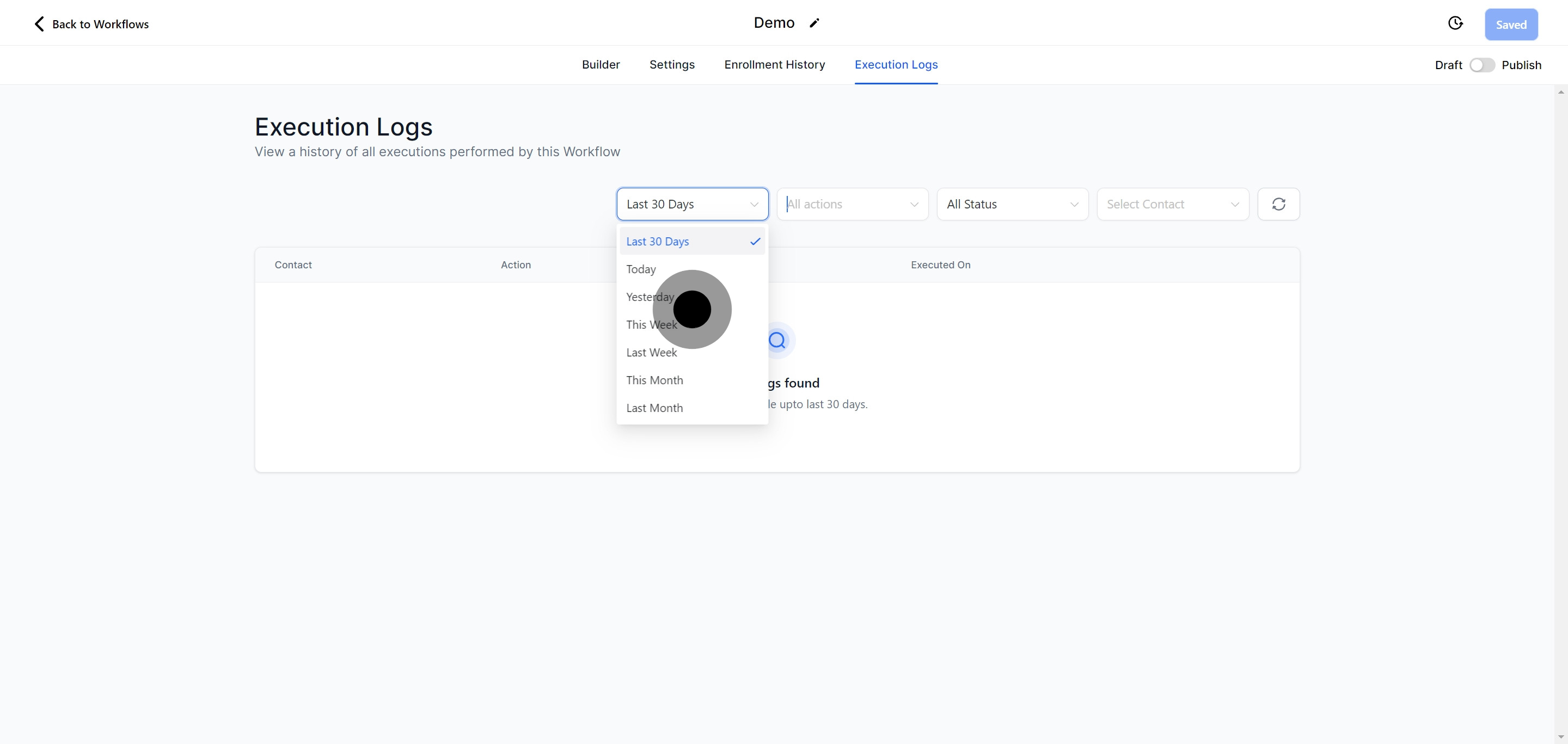
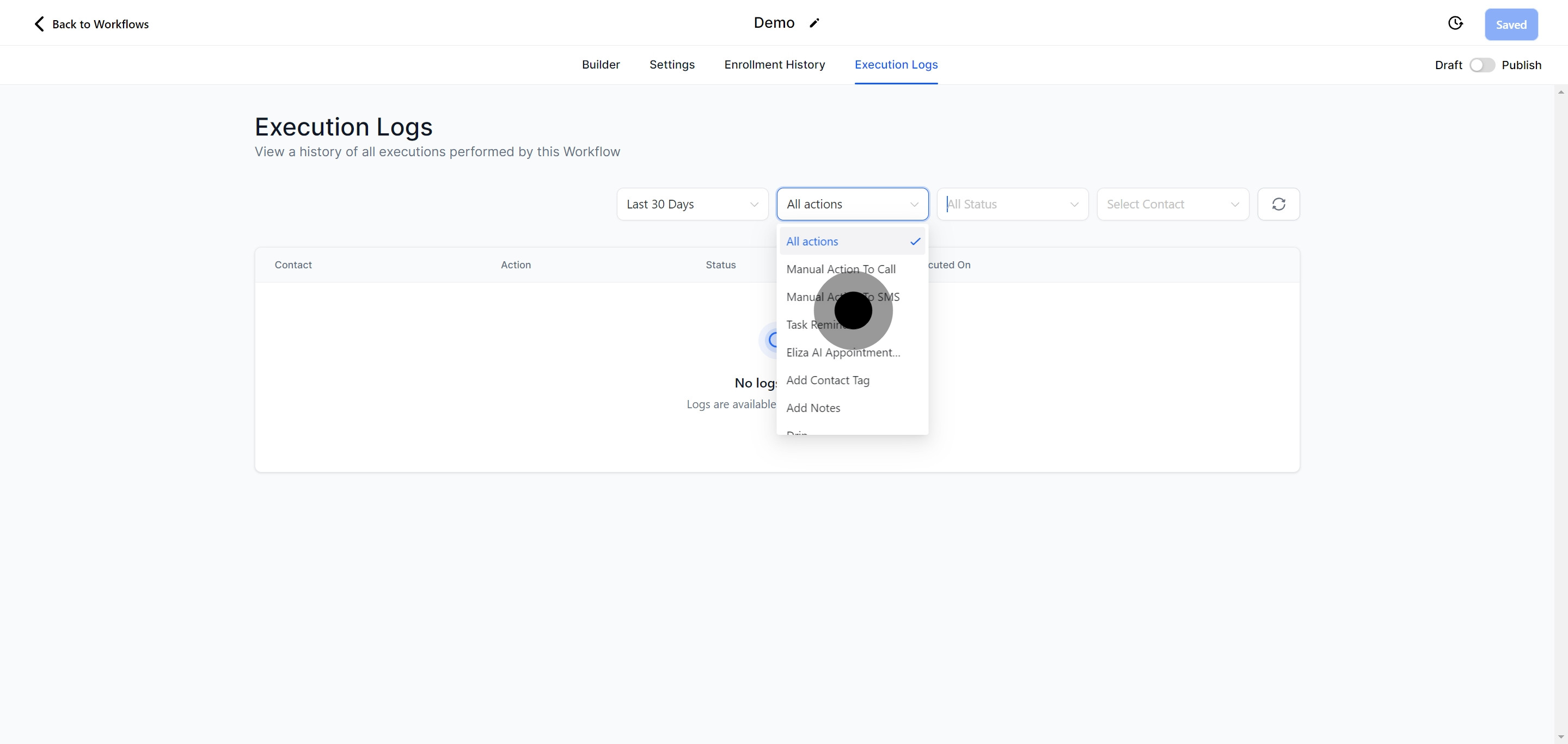
Filter the logs to view specific events of interest. This targeting can facilitate a deep dive into particular actions or responses within the workflow.
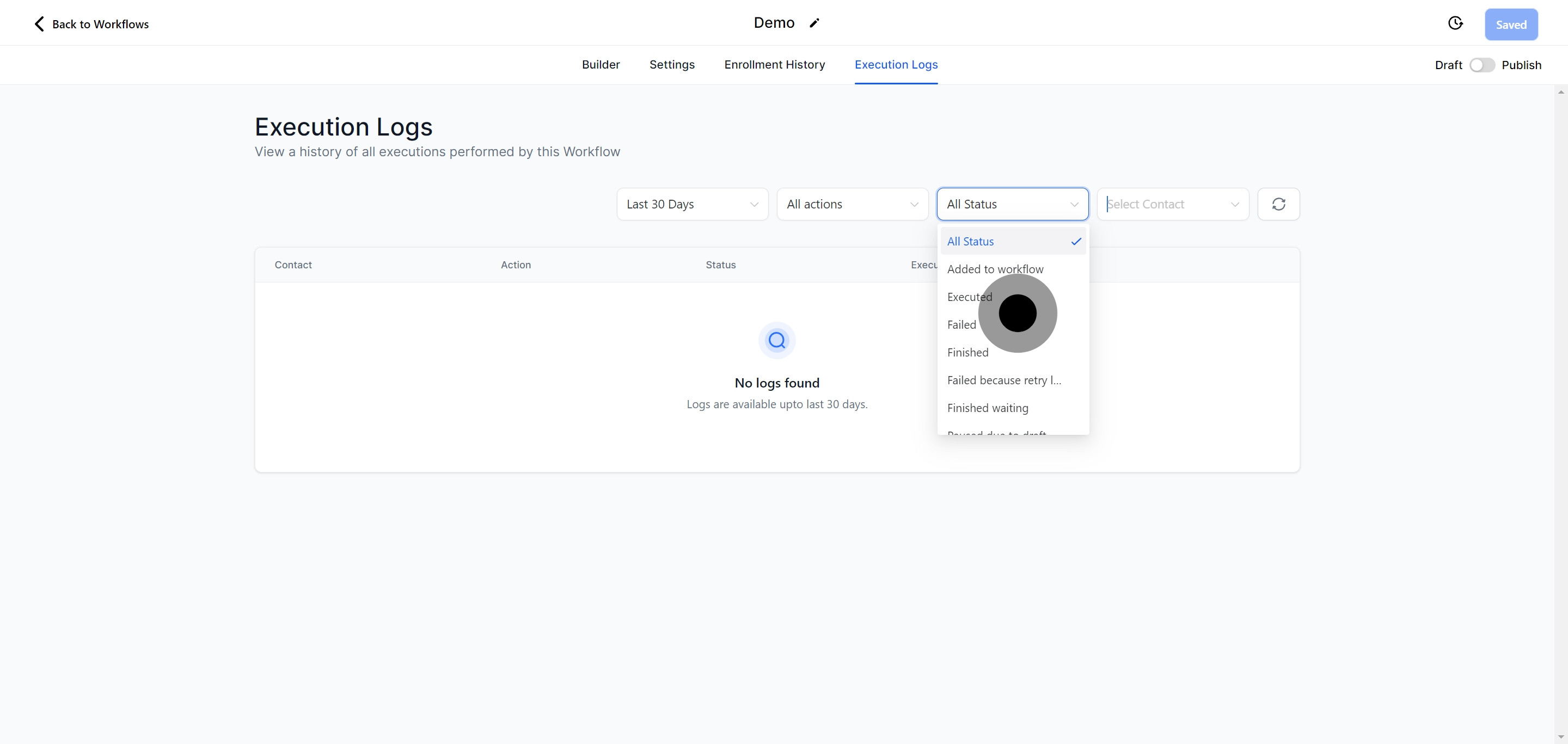
Organize the logs by status to highlight or focus on workflows that are active, completed, or in need of attention.
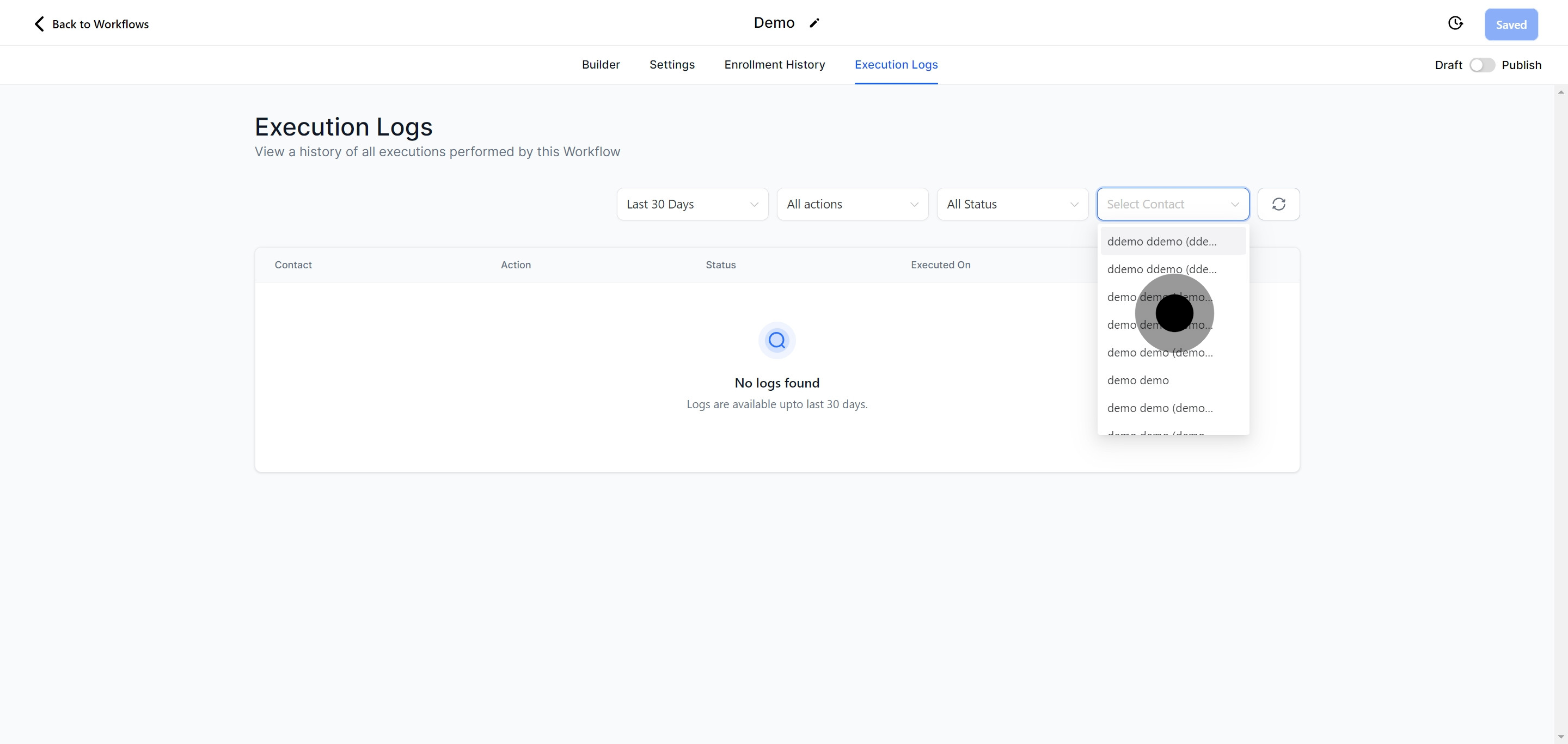
Use the search function to find records related to particular contacts. This is useful for tracking an individual contact’s journey through the workflow.
Ensure you’re working with the latest information by refreshing the execution log table regularly.
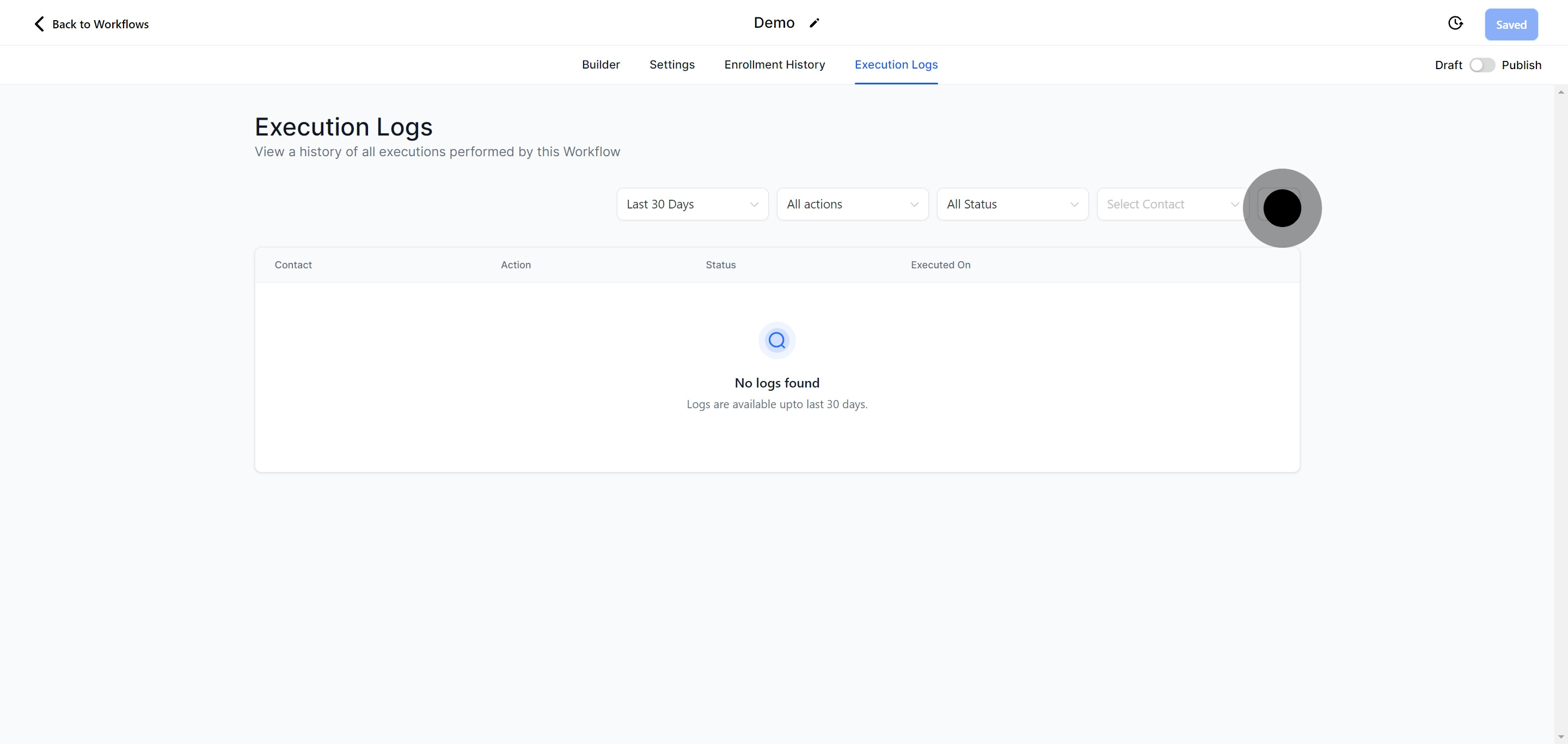
Opt to save your progress as a draft for further refinement or publish it to activate the workflow within your marketing ecosystem.
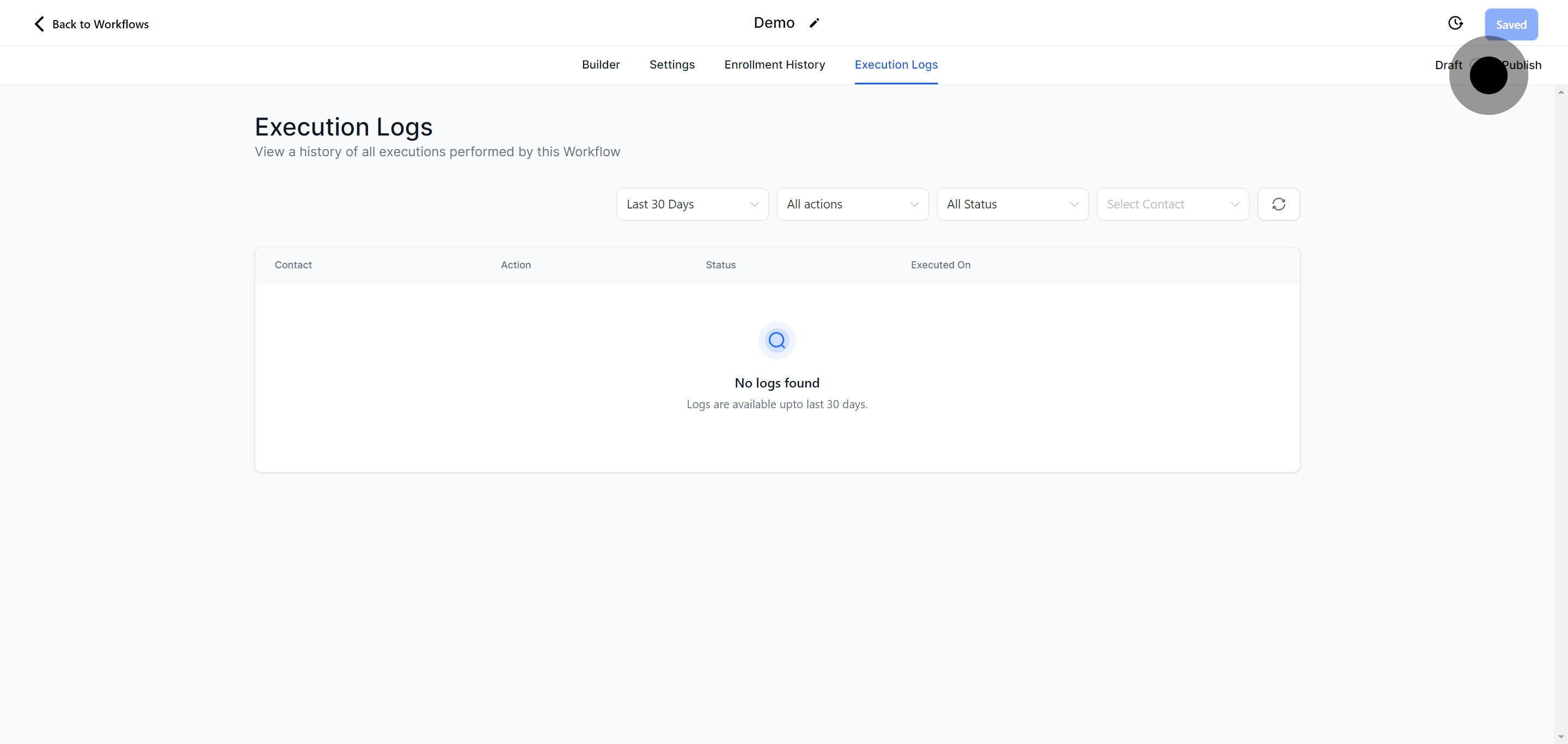
After making all necessary adjustments and verifications, click 'Save' to finalize your workflow customization, effectively saving all changes made.