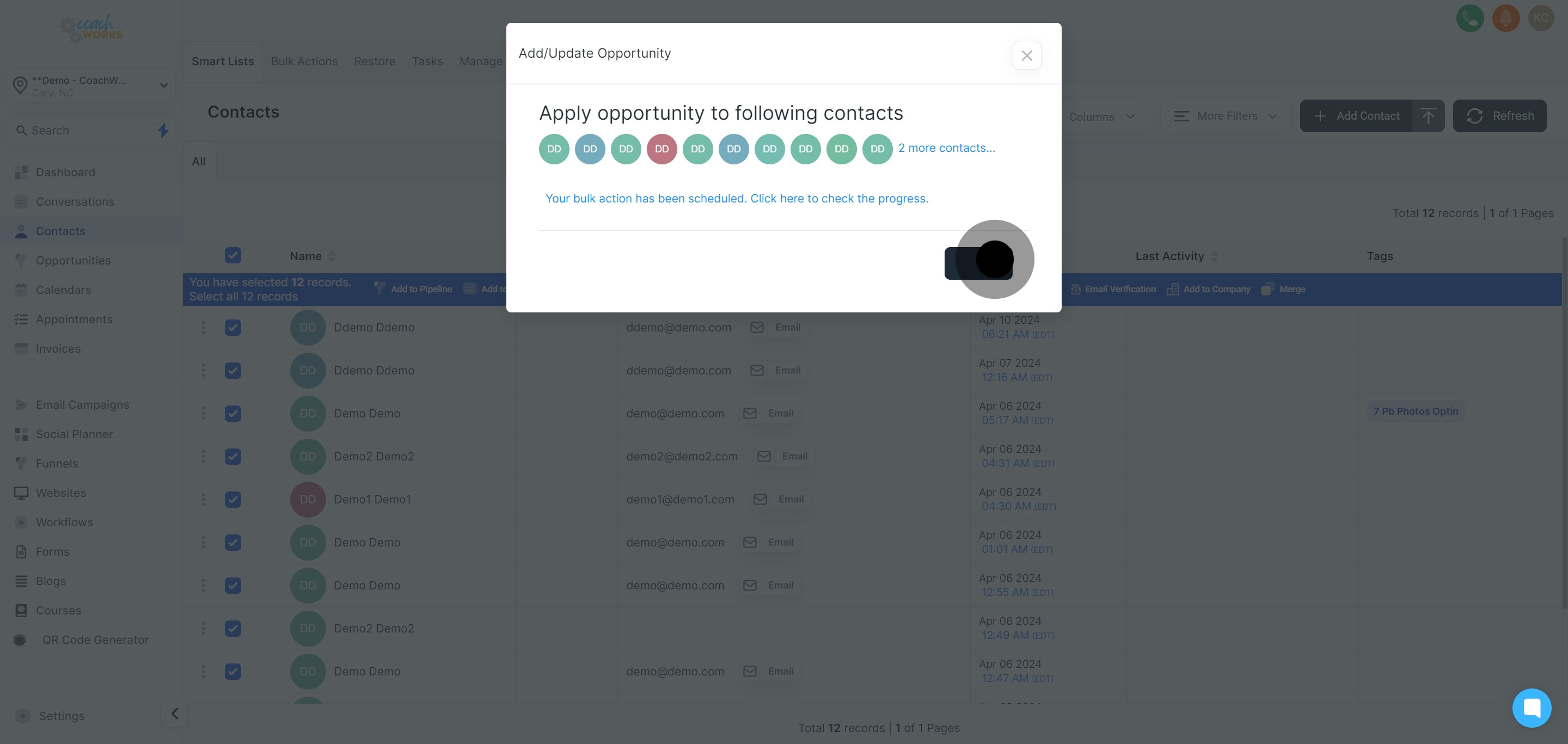
Begin by navigating to your contact list within CoachWorks Marketing to view your current and potential clients.
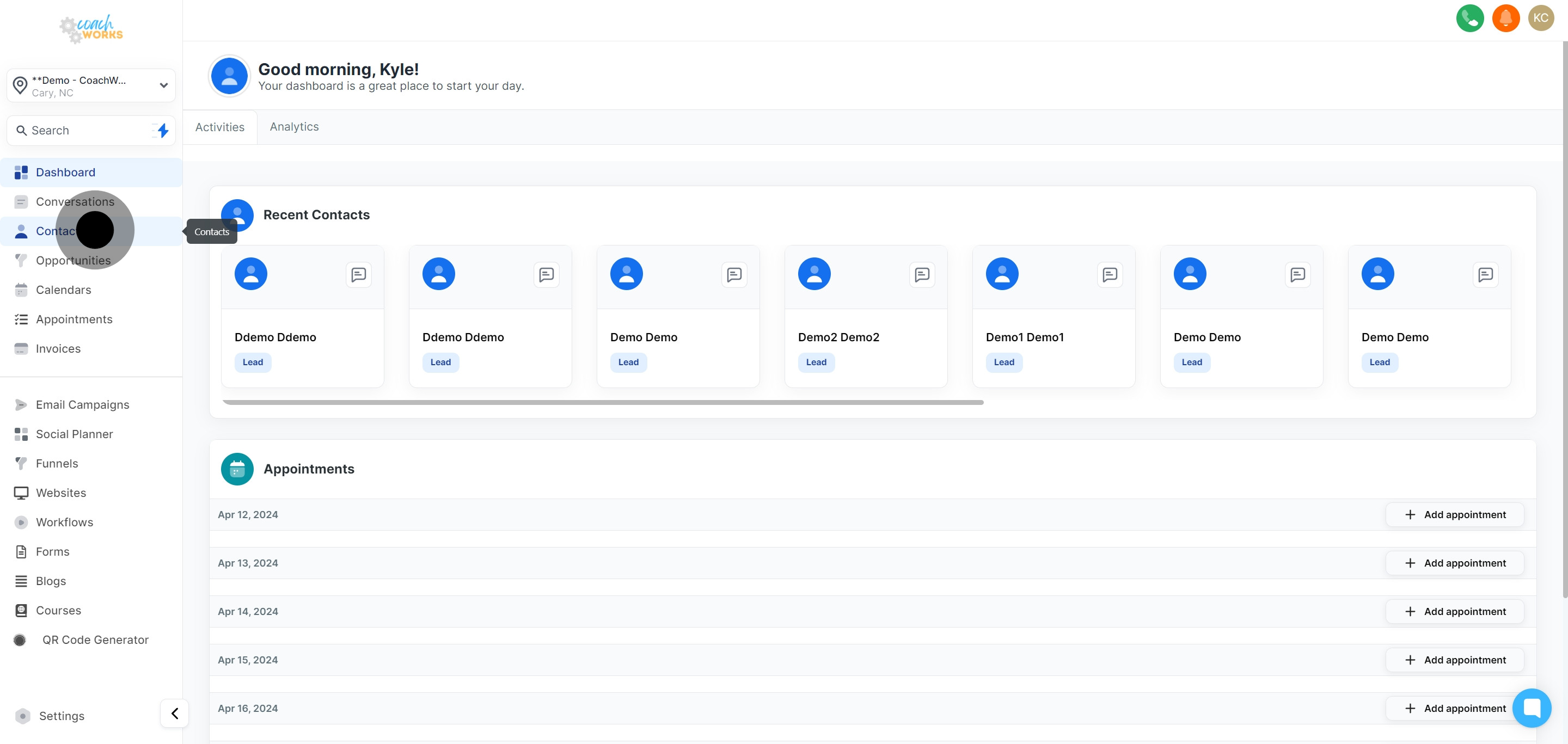
Choose a contact you wish to assign an opportunity to by clicking on their name.
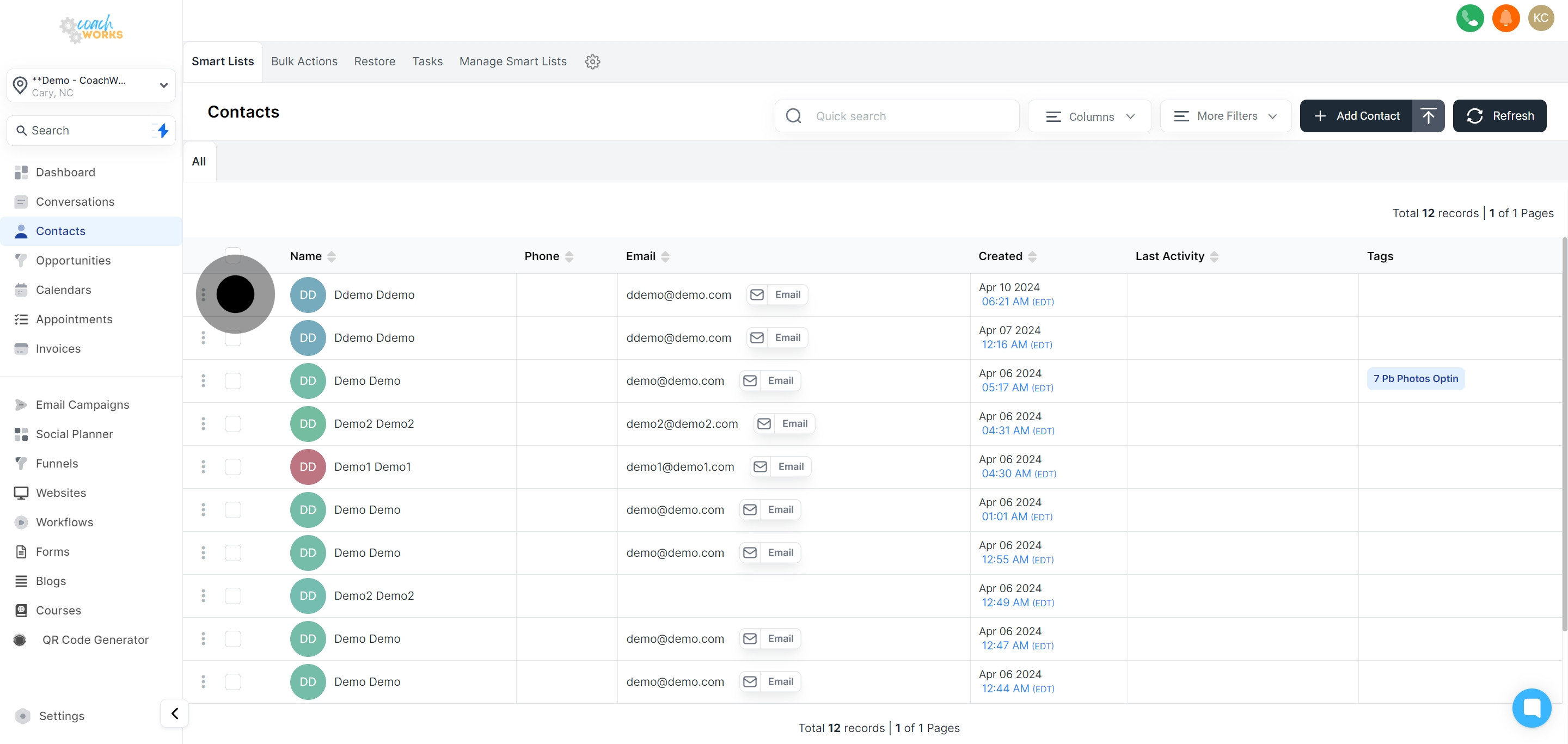
If necessary, select any additional contacts by ticking their corresponding selection boxes.
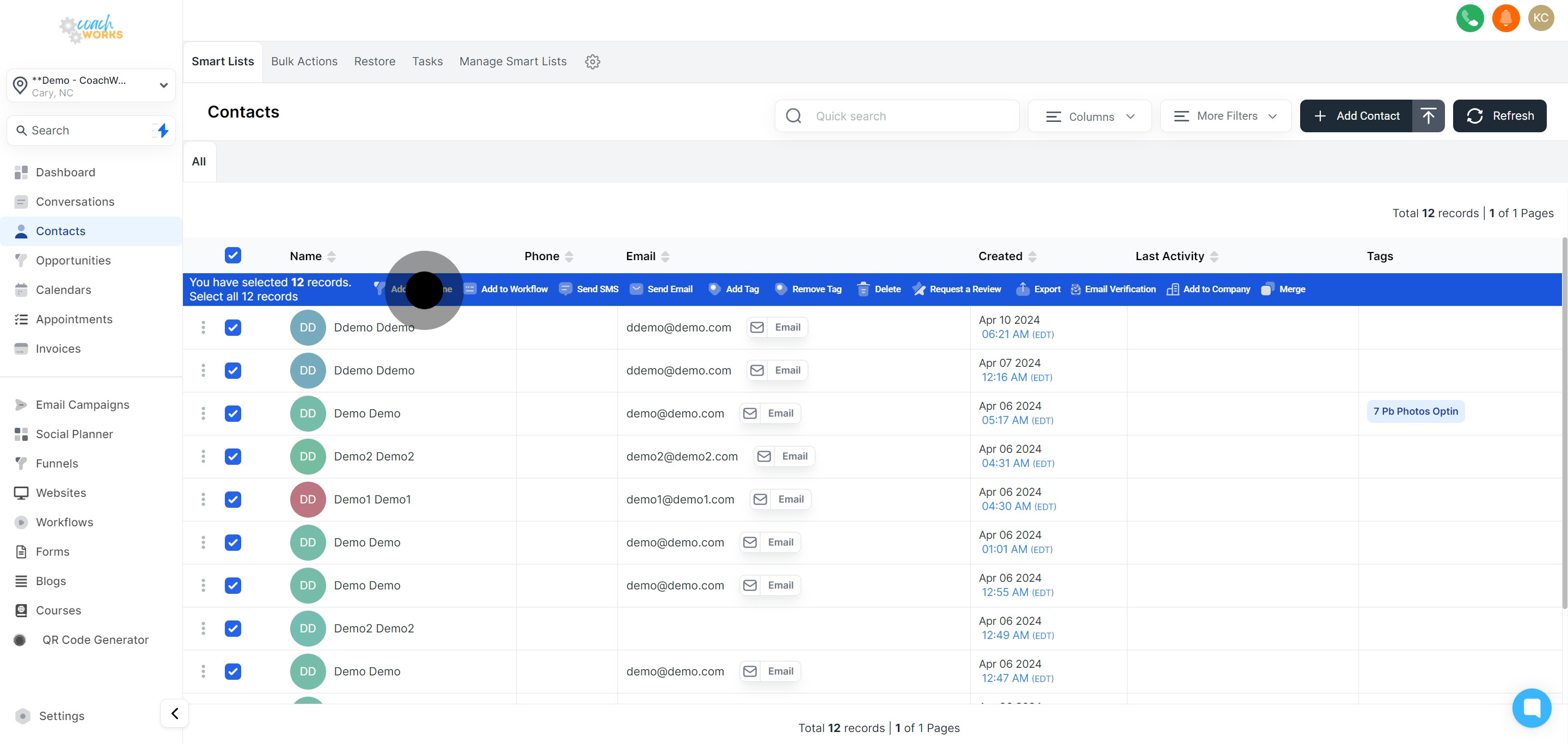
For wider actions, use the selection tool to choose all contacts within your list, facilitating bulk opportunity assignments.
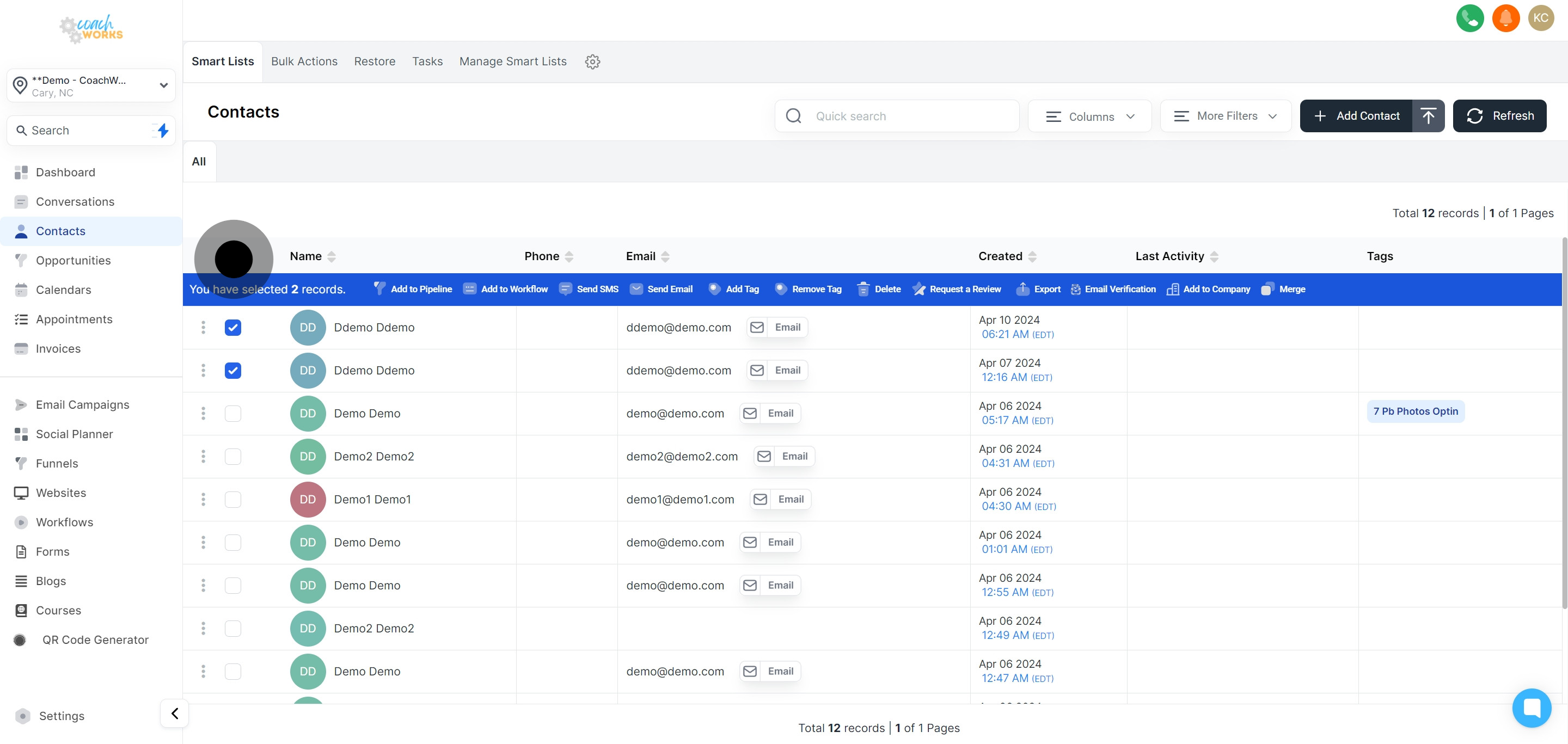
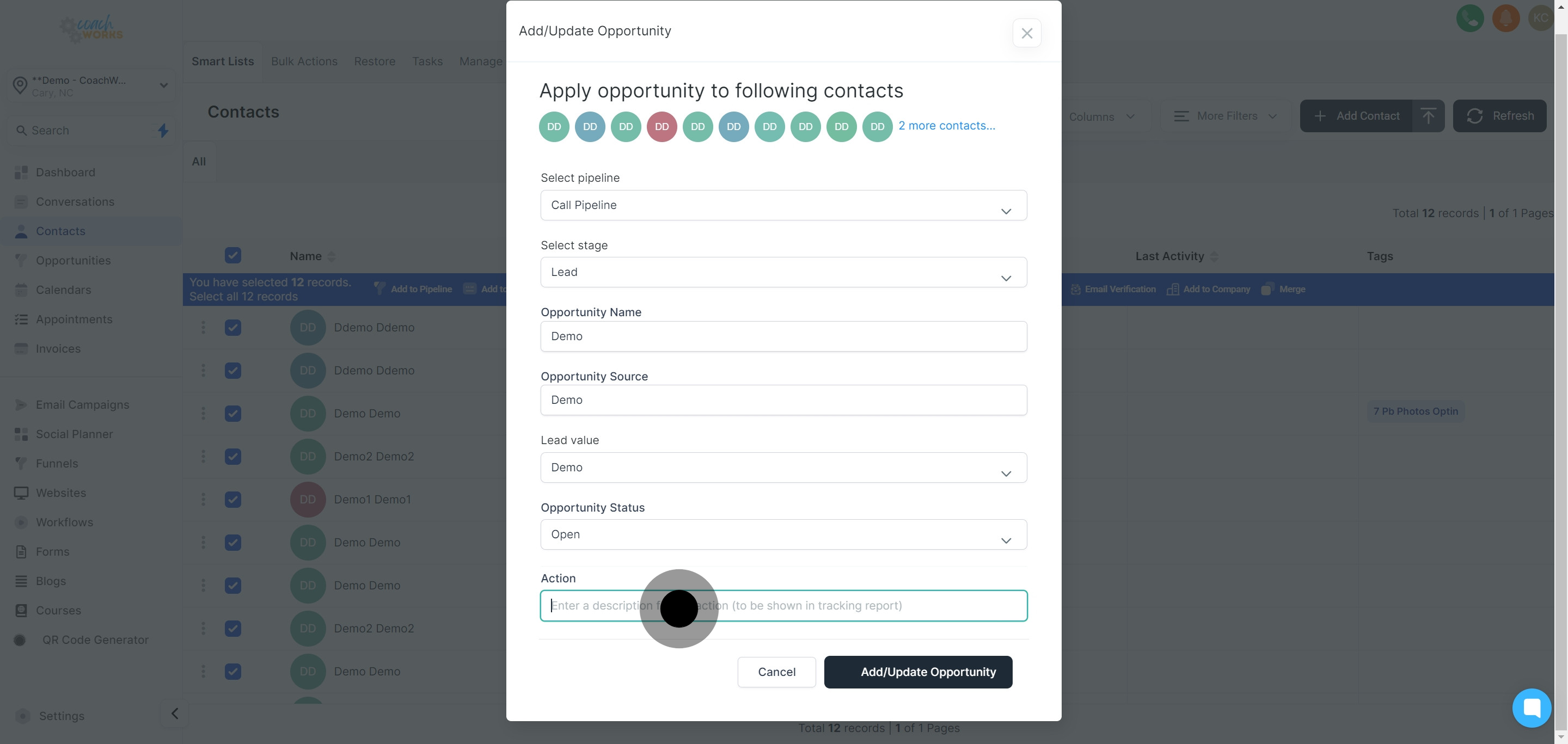
Navigate to the pipeline section to start assigning selected contacts to specific sales stages.
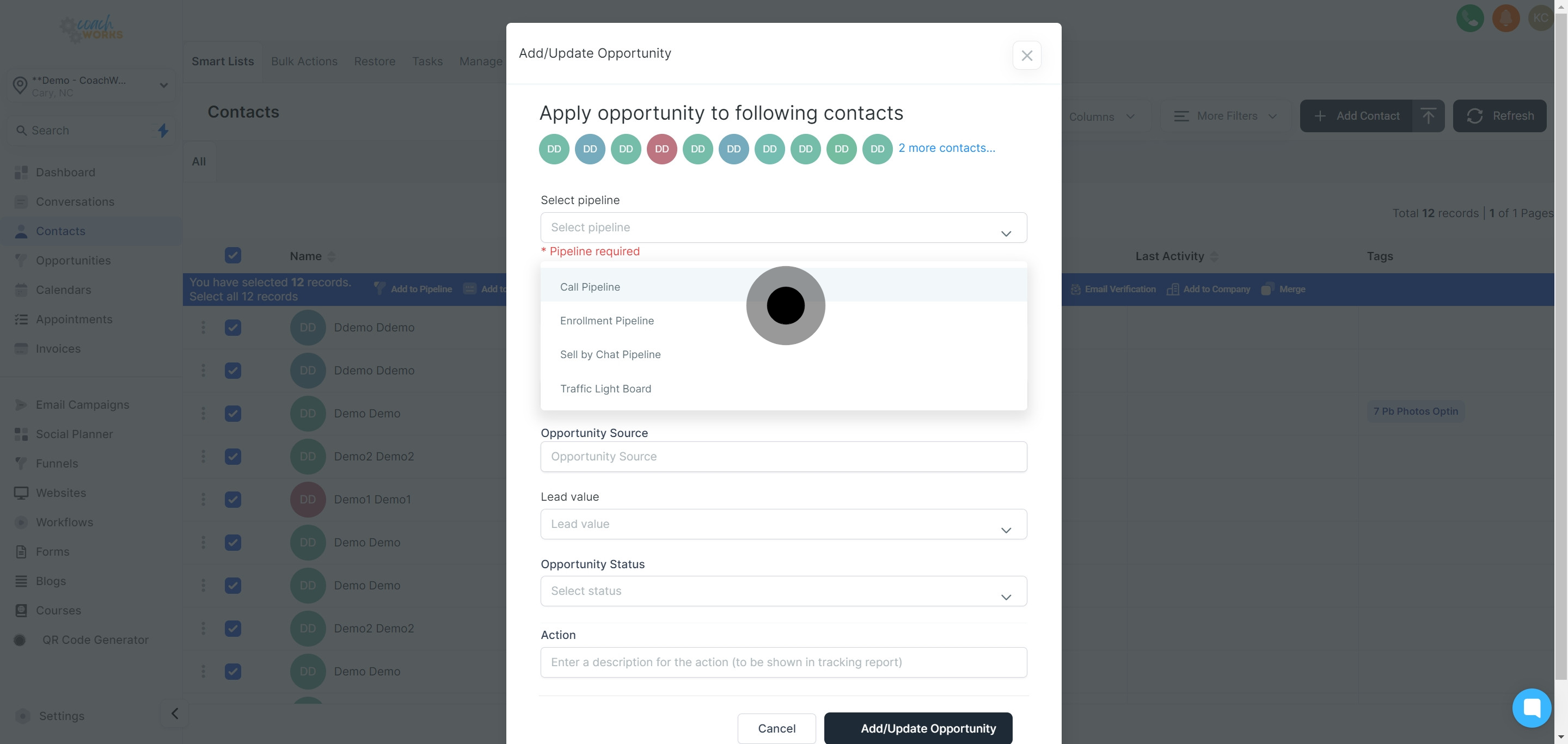
From the available options, select the appropriate pipeline that matches the nature of the opportunities you’re managing.
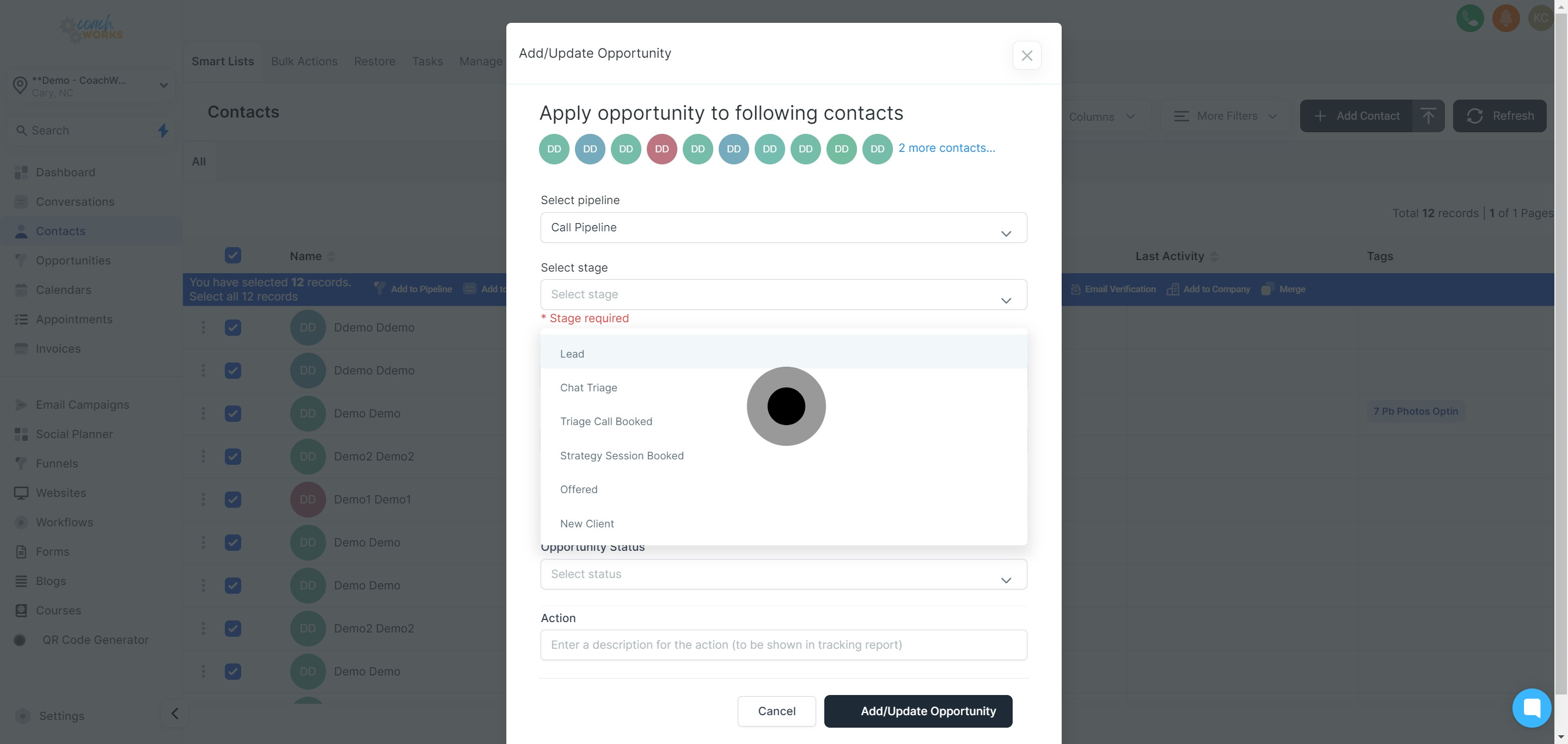
Pick a specific ‘Stage’ for this opportunity from the drop-down list to align with your sales process stages.
Assign a unique name to this opportunity for easy identification and tracking within the system.
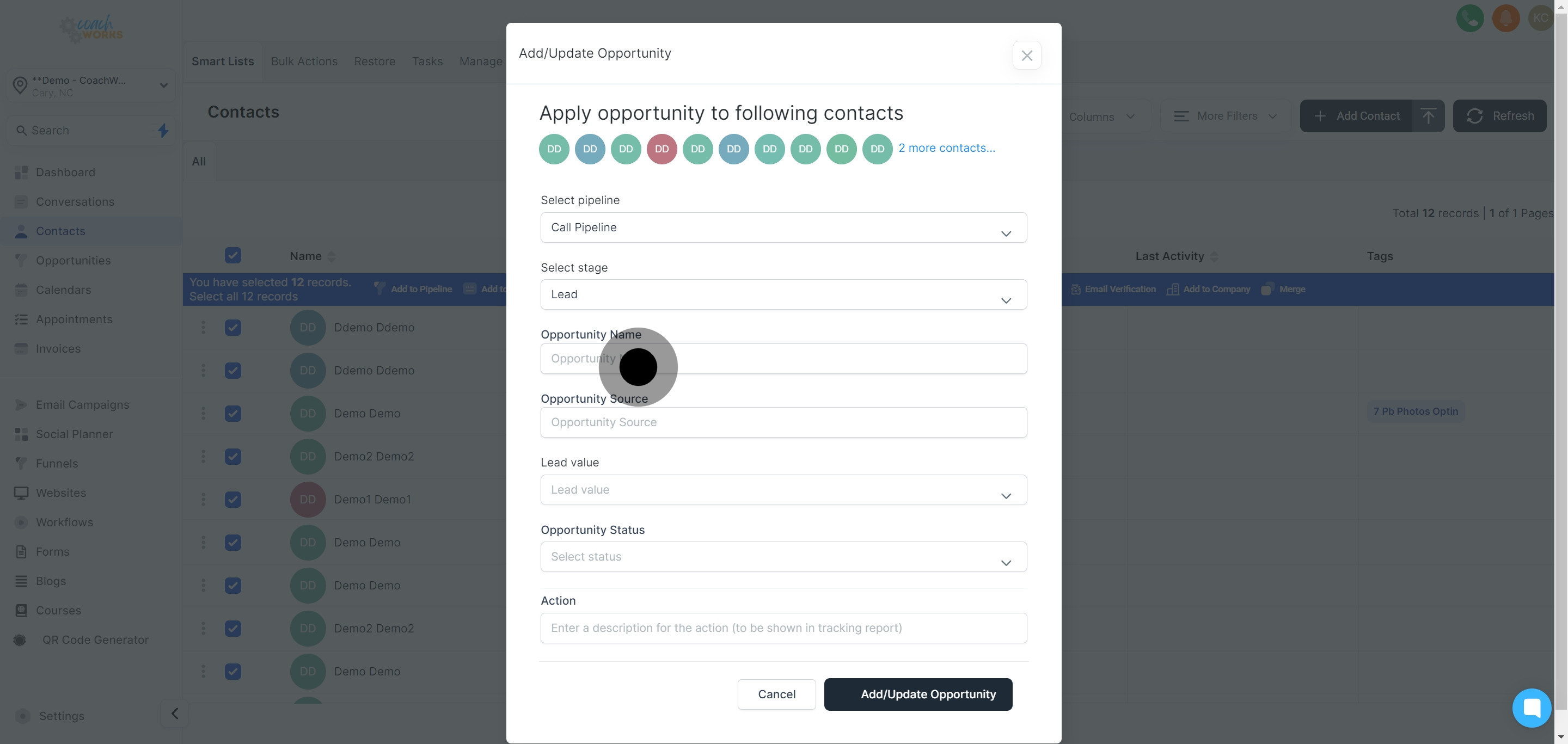
Point out the source of this opportunity to help in analyzing the effectiveness of different lead generation strategies.
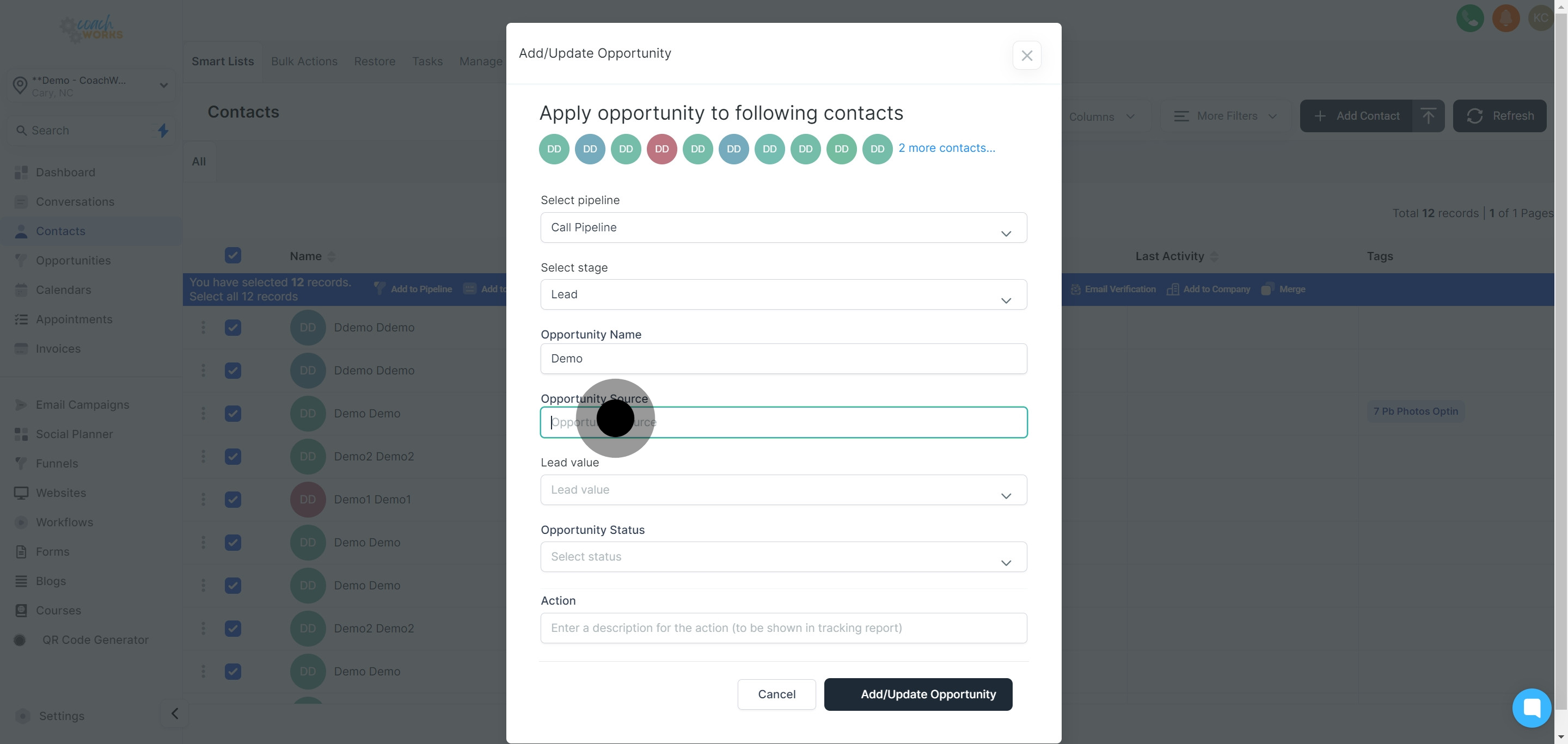
Enter the estimated or determined lead value to project potential revenue from this opportunity.
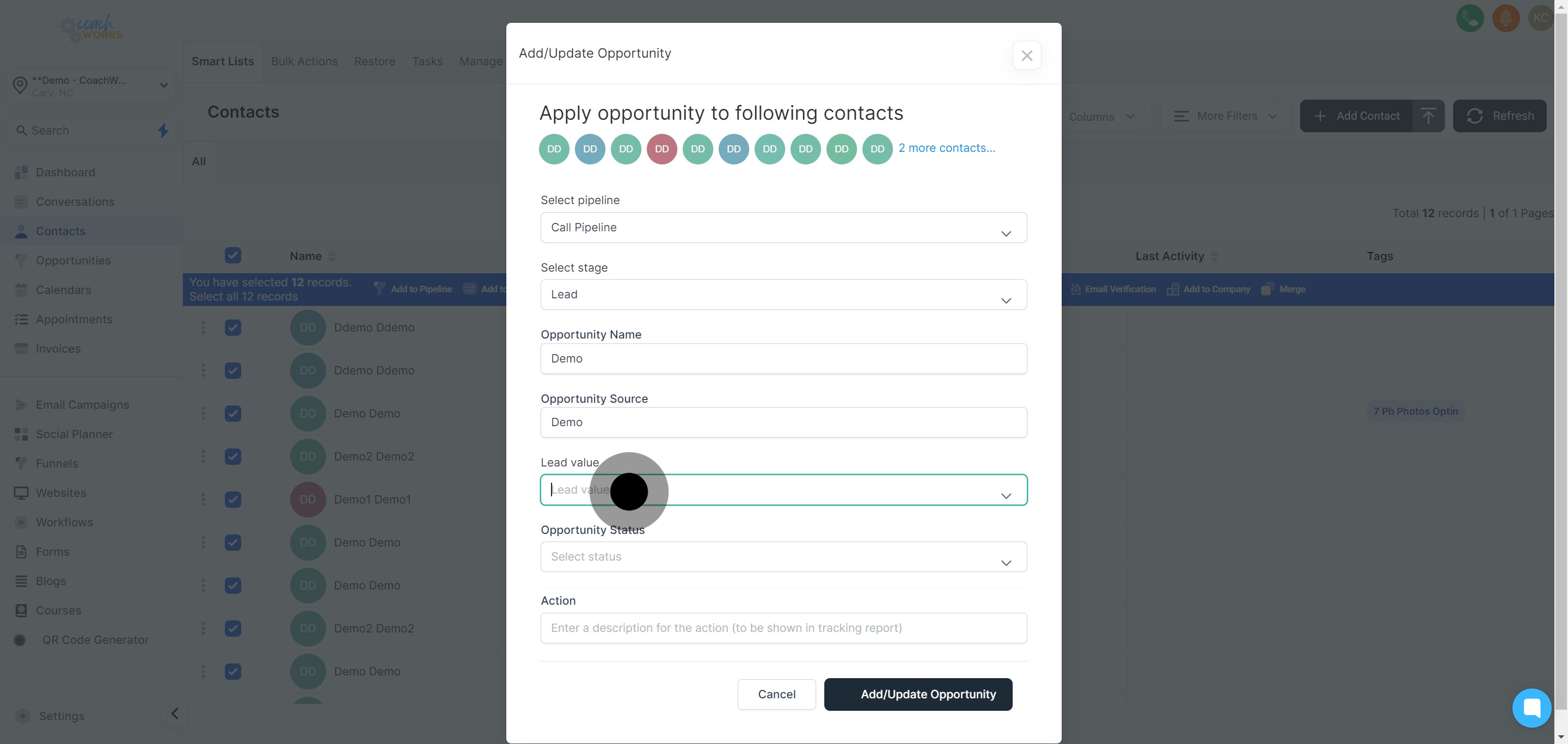
Select the current status of this opportunity to keep the sales pipeline updated with the most accurate information.
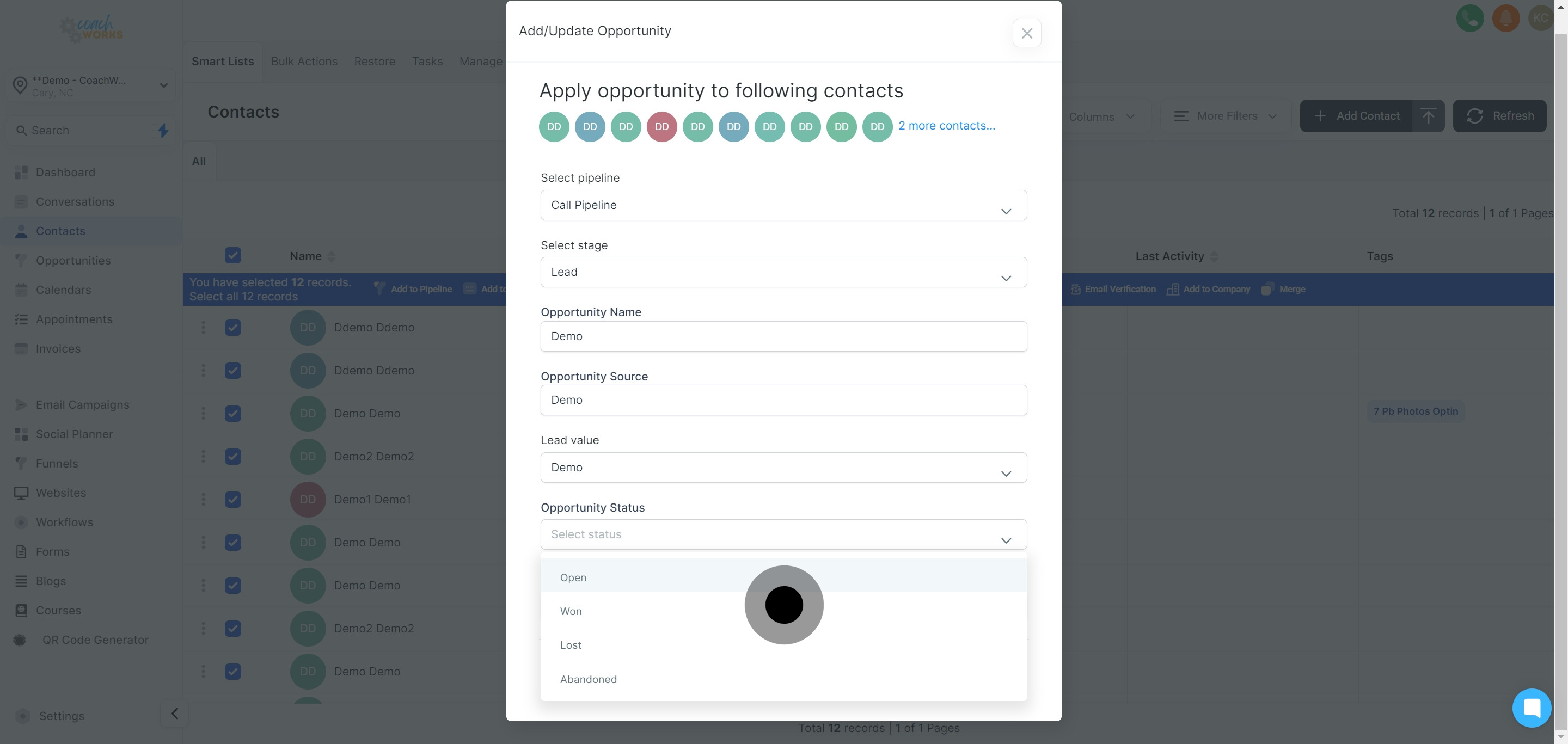
Include a brief description that contains key information for tracking and managing this opportunity effectively.
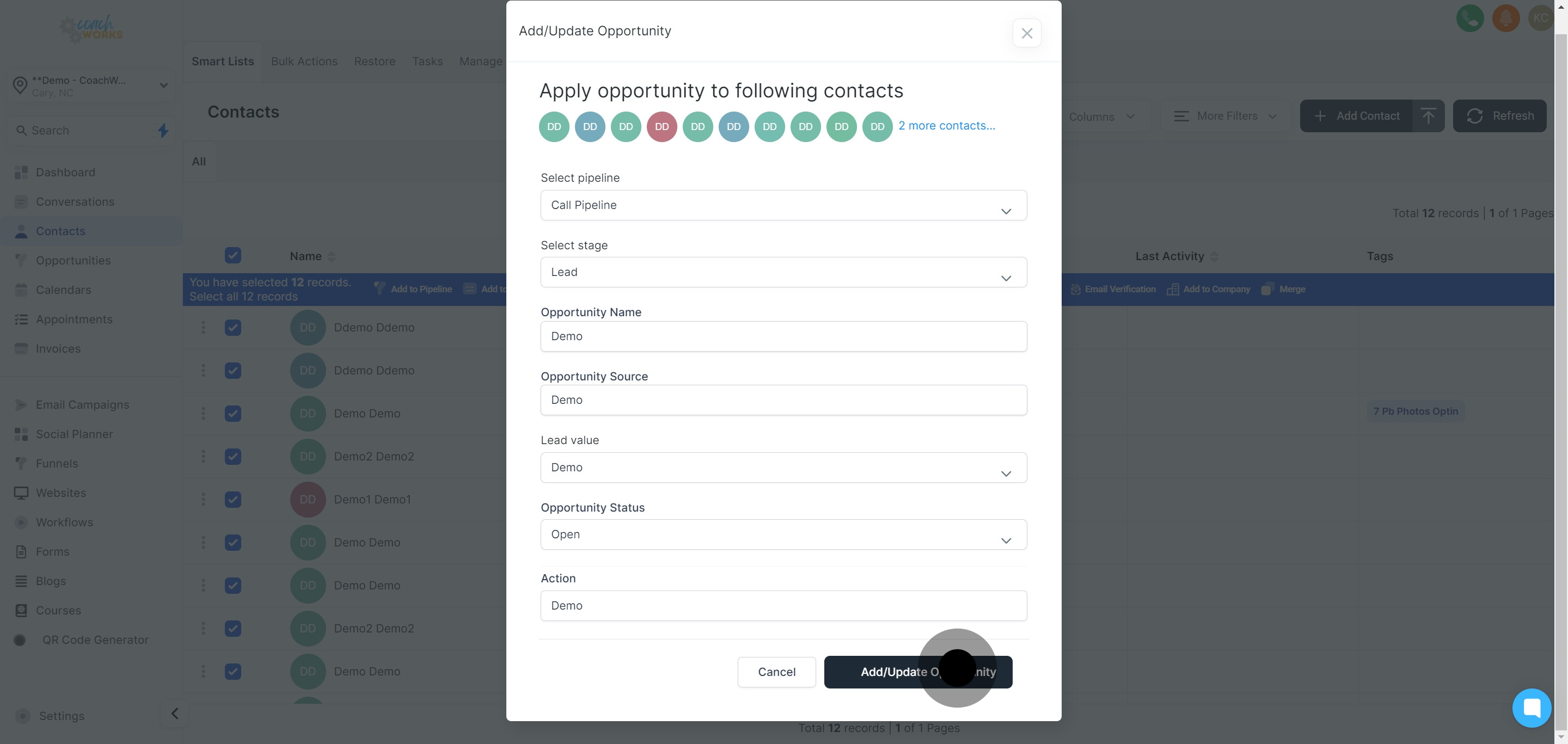
Press ‘Add/Update Opportunity’ to save your modifications and successfully assign the opportunity to the selected contact(s).
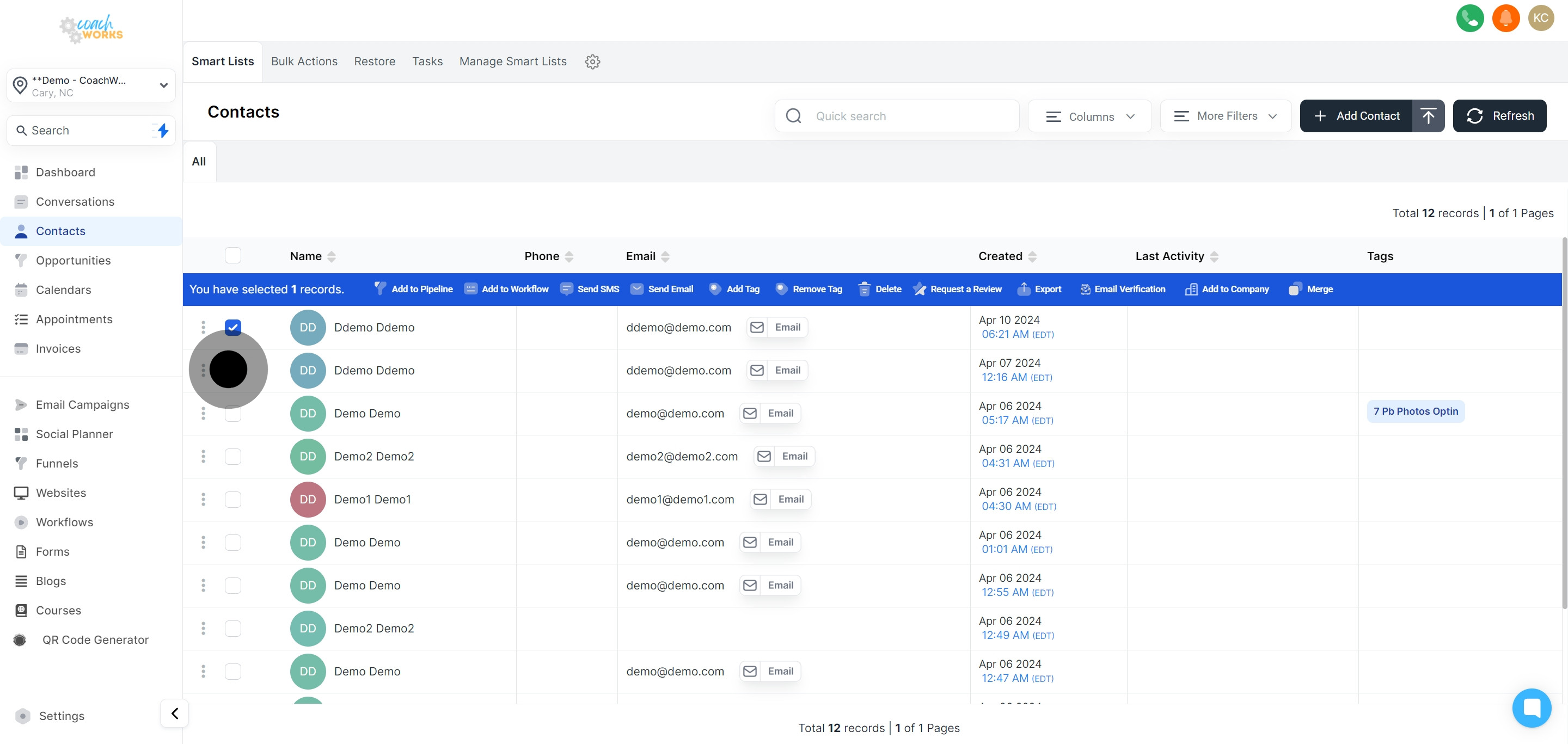
If you are operating in bulk, inspect the status of your actions by clicking the provided link to ensure all opportunities have been updated correctly.
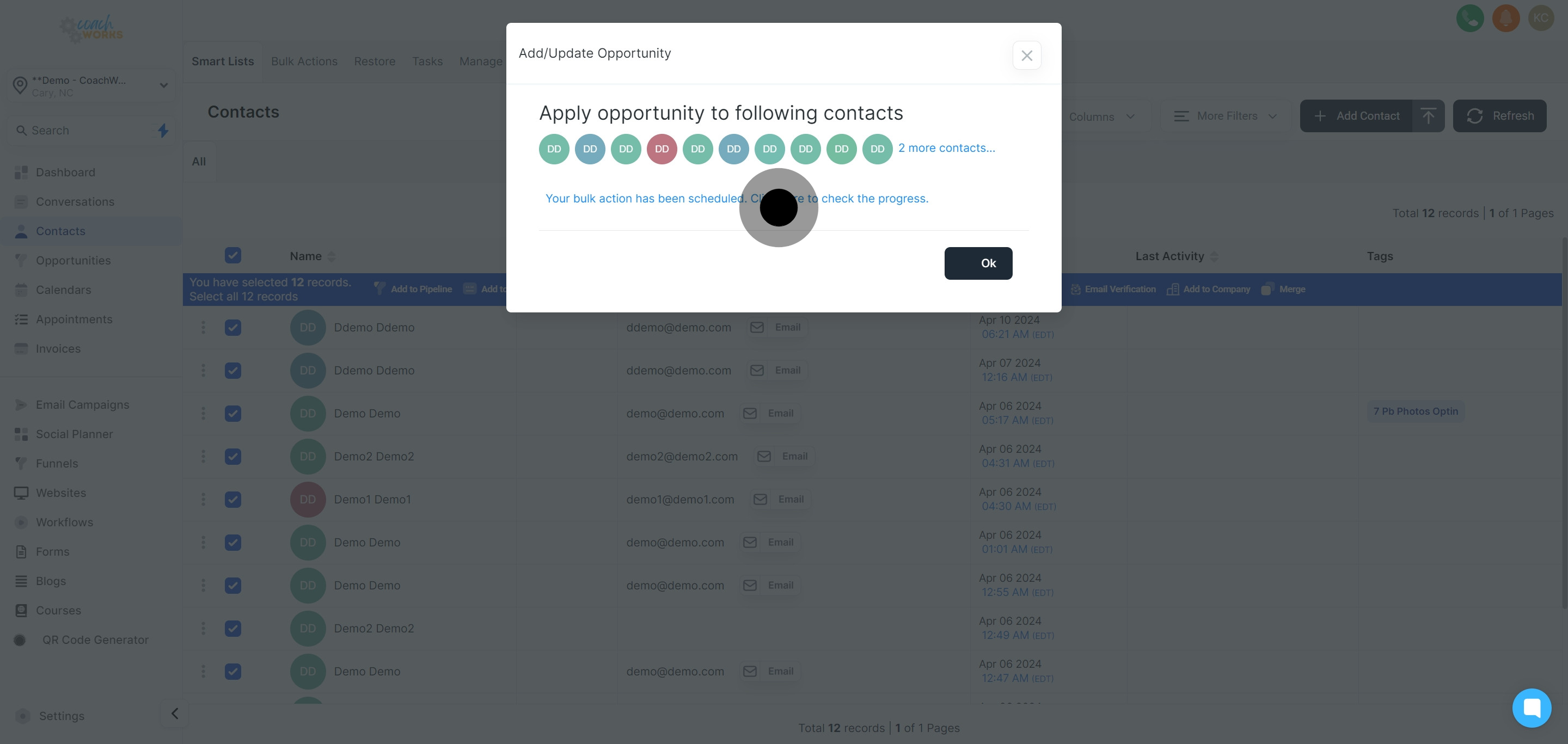
Wrap up the process by clicking 'Ok' to confirm the successful assignment and updating of opportunities.