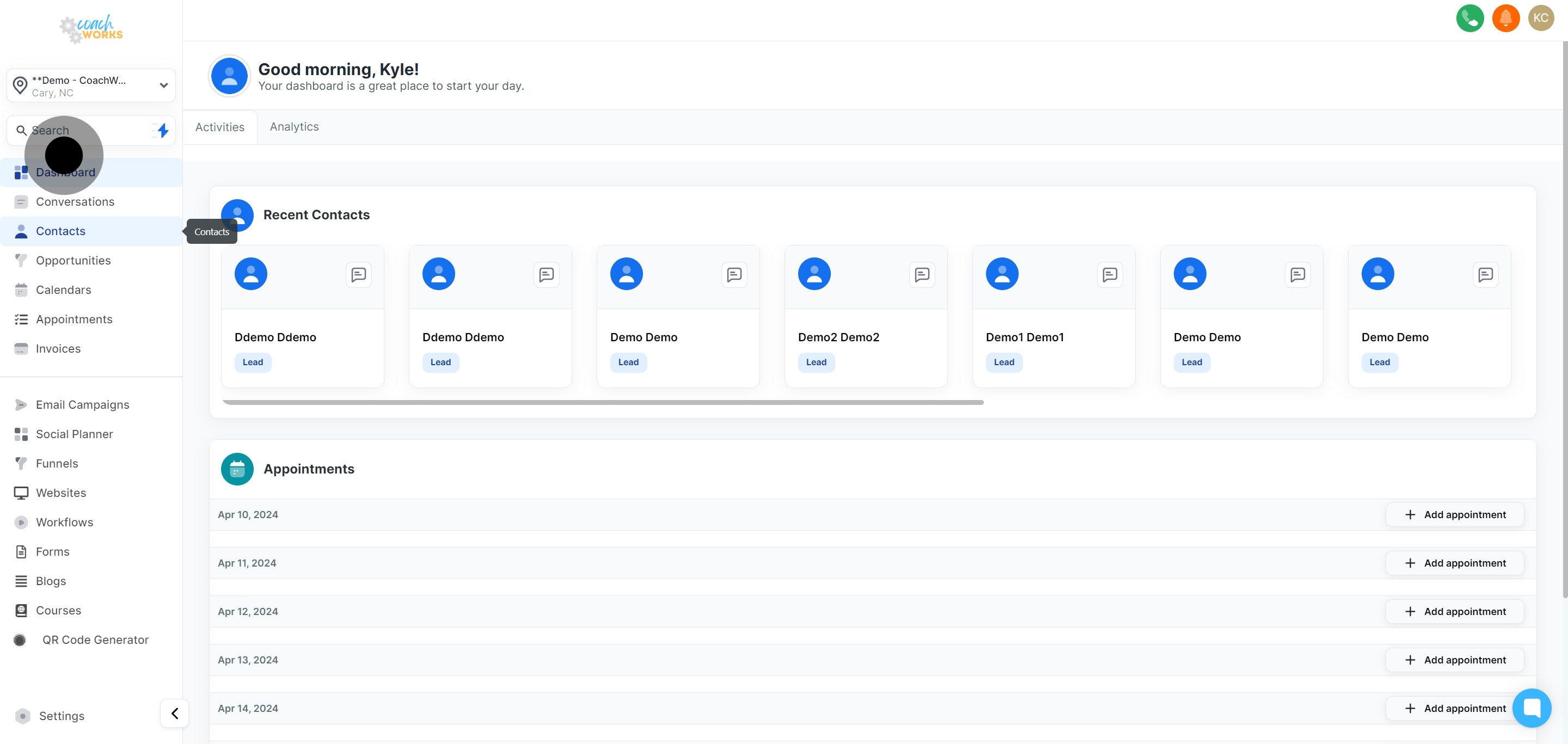
Begin by clicking the link provided to access your contacts list directly.
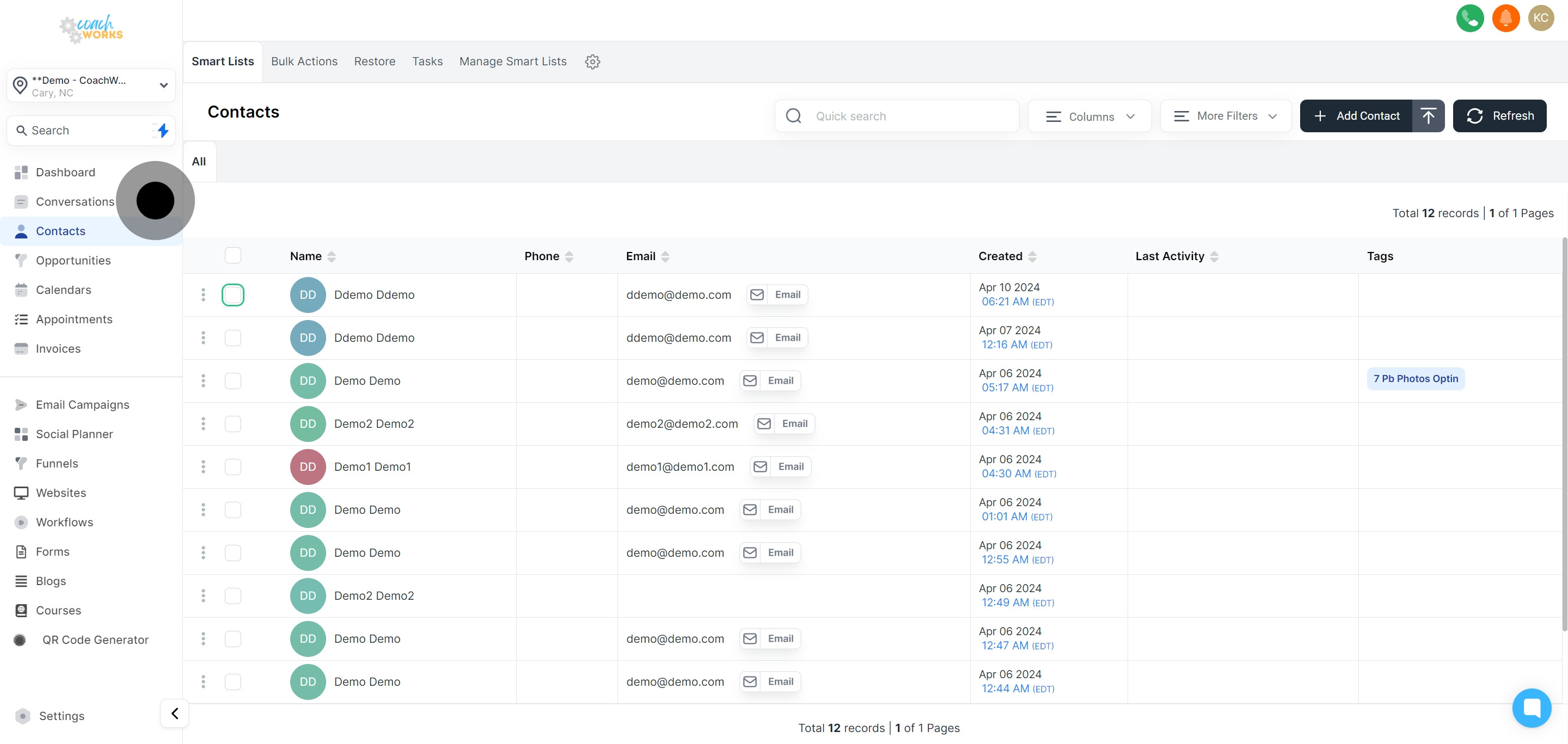
Choose a single contact or multiple contacts from the list, depending on your review request campaign needs.
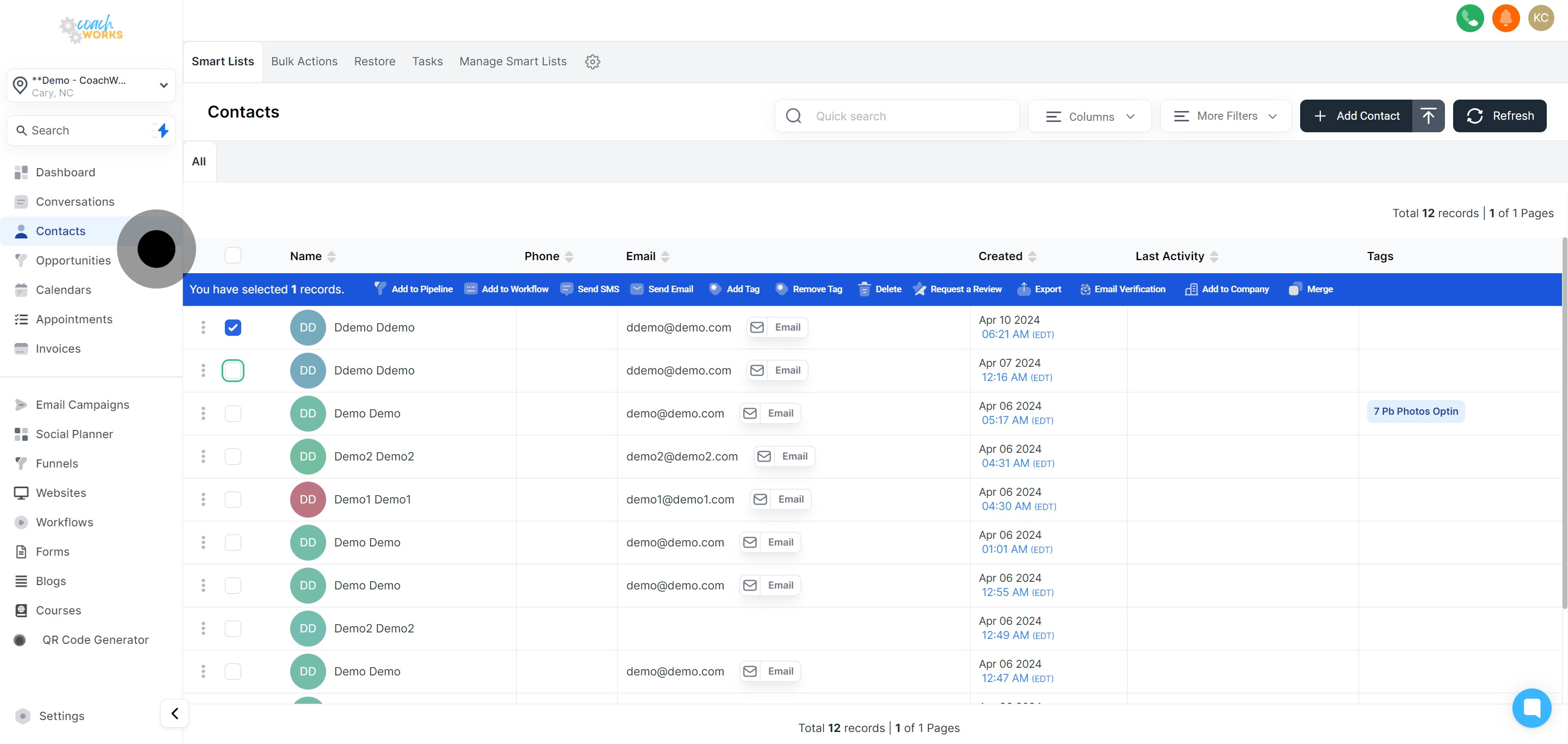
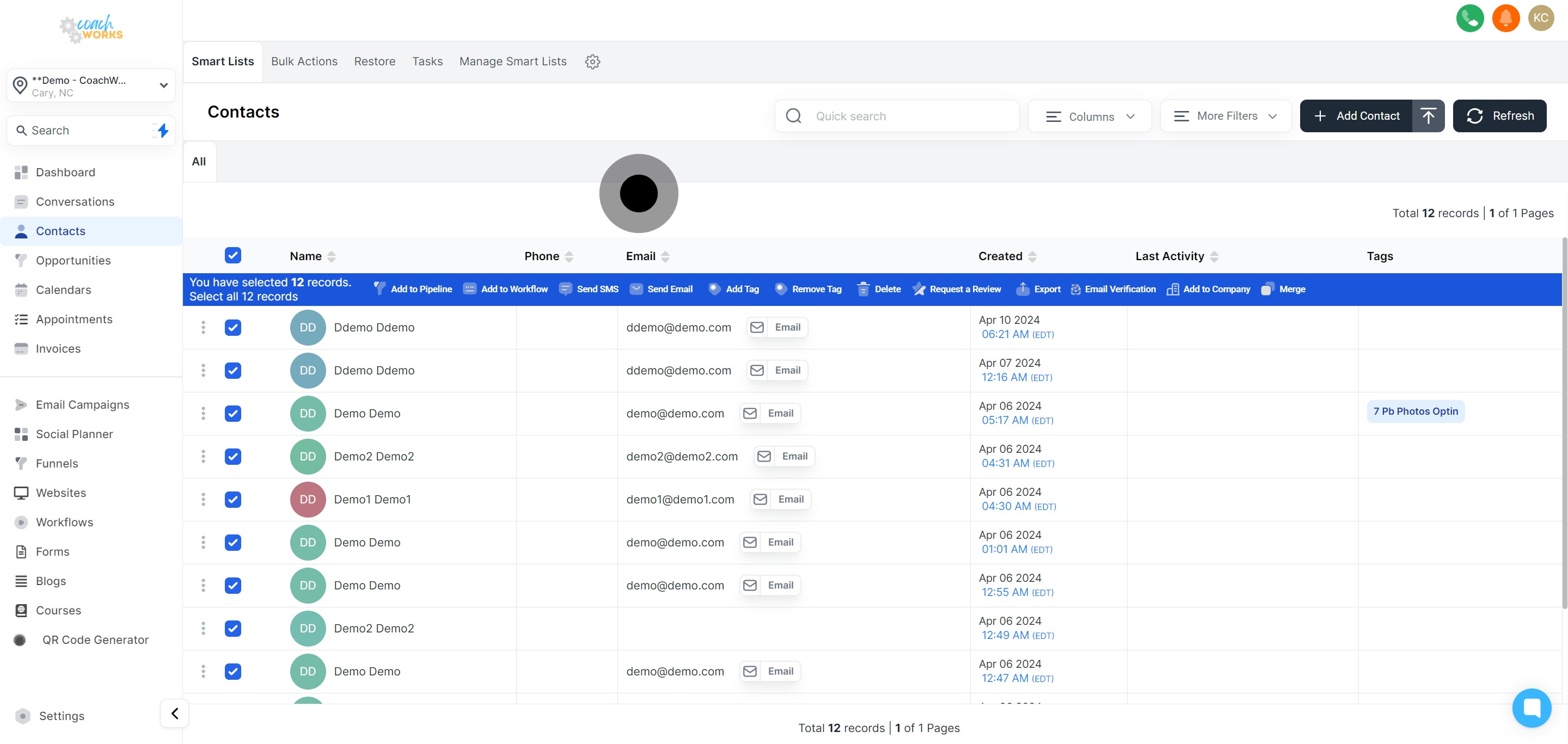
For broader outreach, utilize the option to select all contacts with a single click.
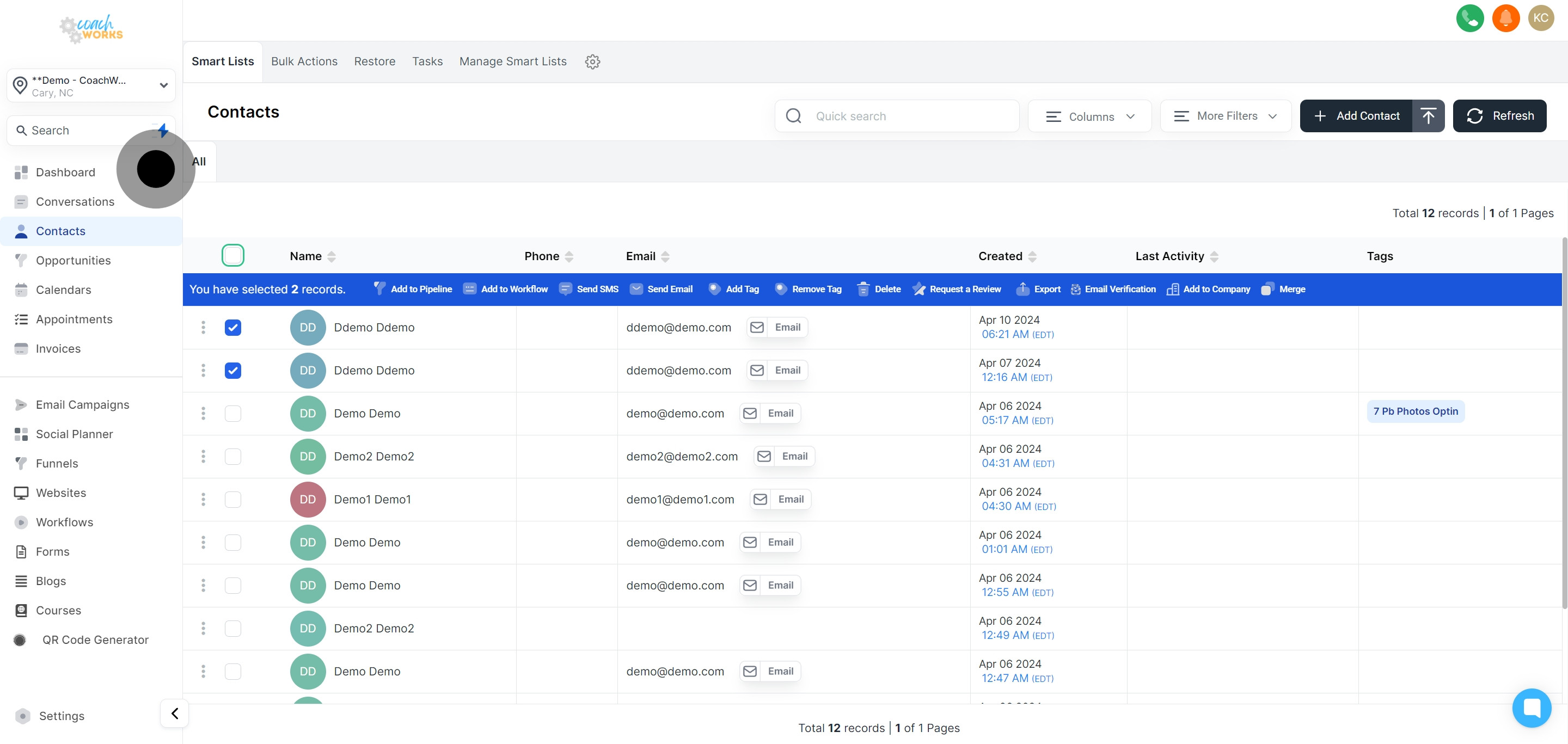
Start the review request process, targeting the contacts you've chosen.
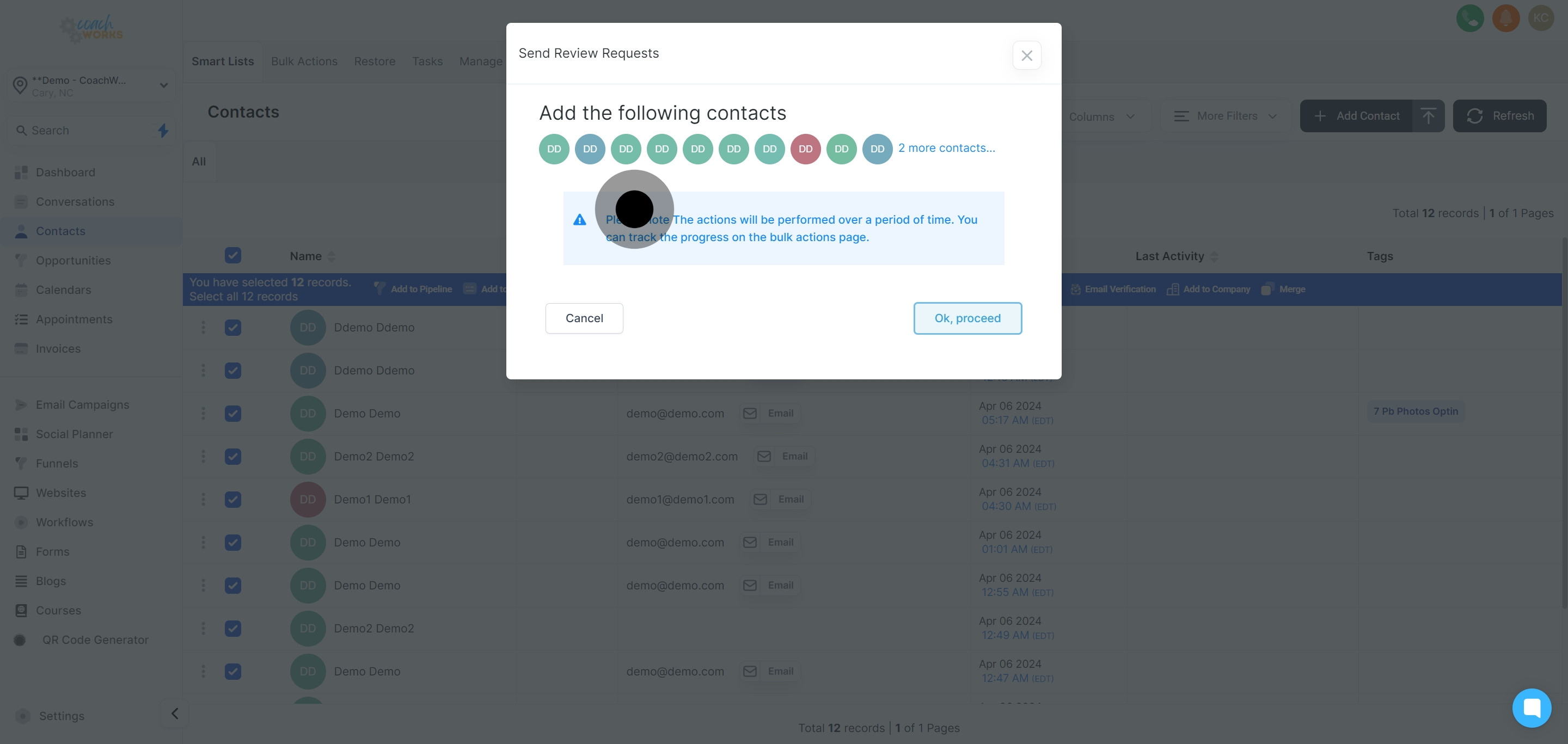
Click 'Ok, proceed' to confirm your action and continue with the process.
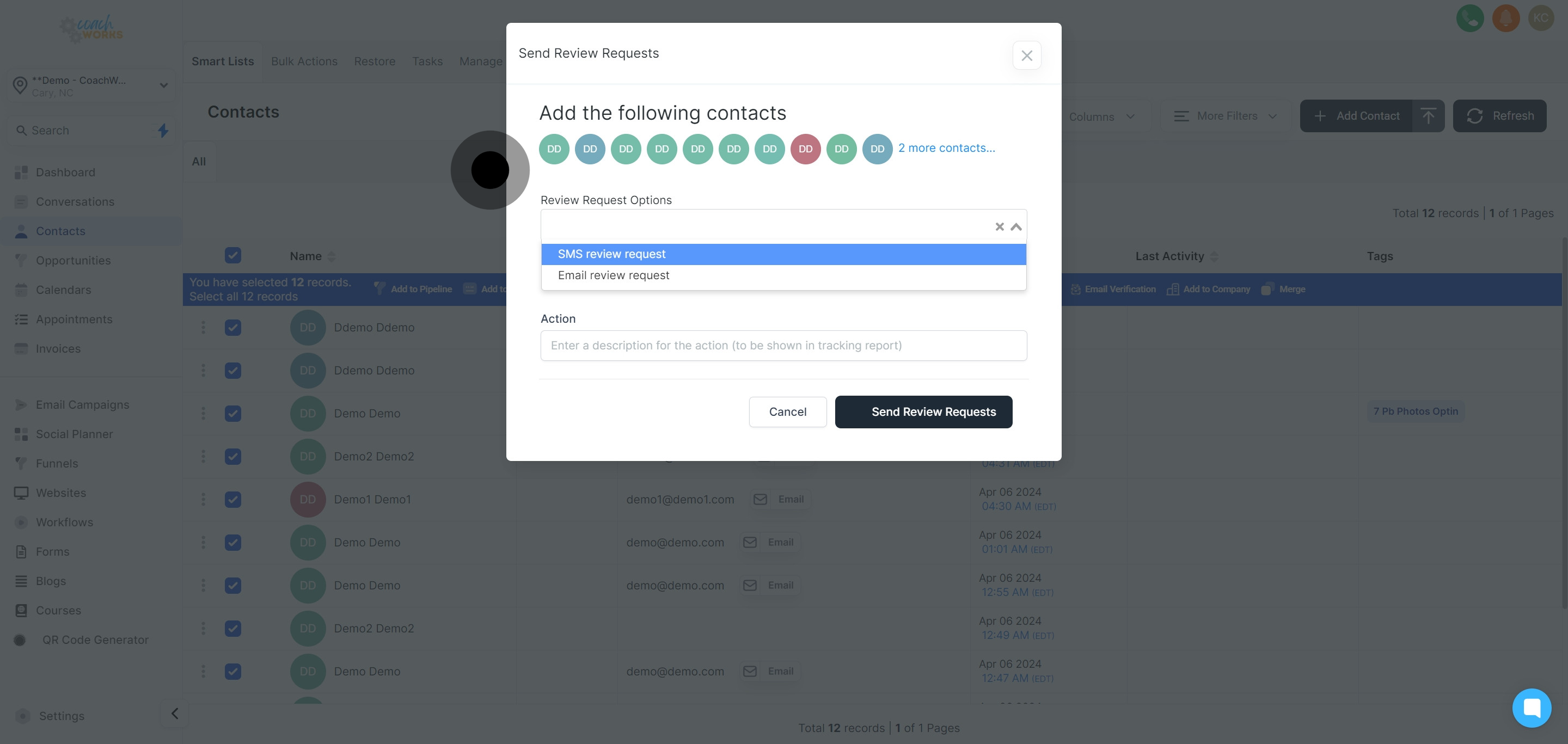
Decide on your preferred method for sending out the review requests: SMS or Email.
Opt to add your selections in a drip mode, allowing for scheduled and recurrent sending.
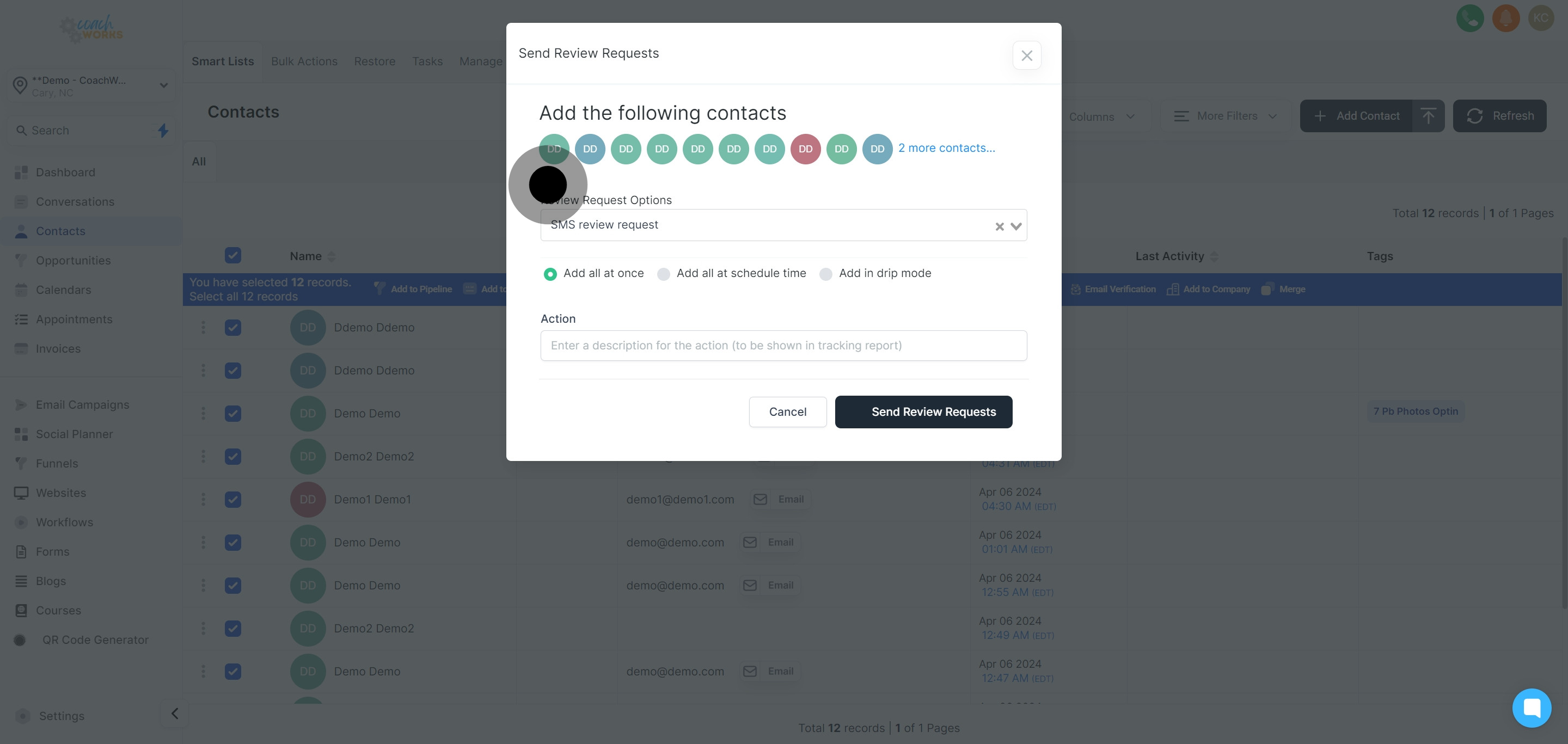
Add a brief description for easy tracking and management of review requests.
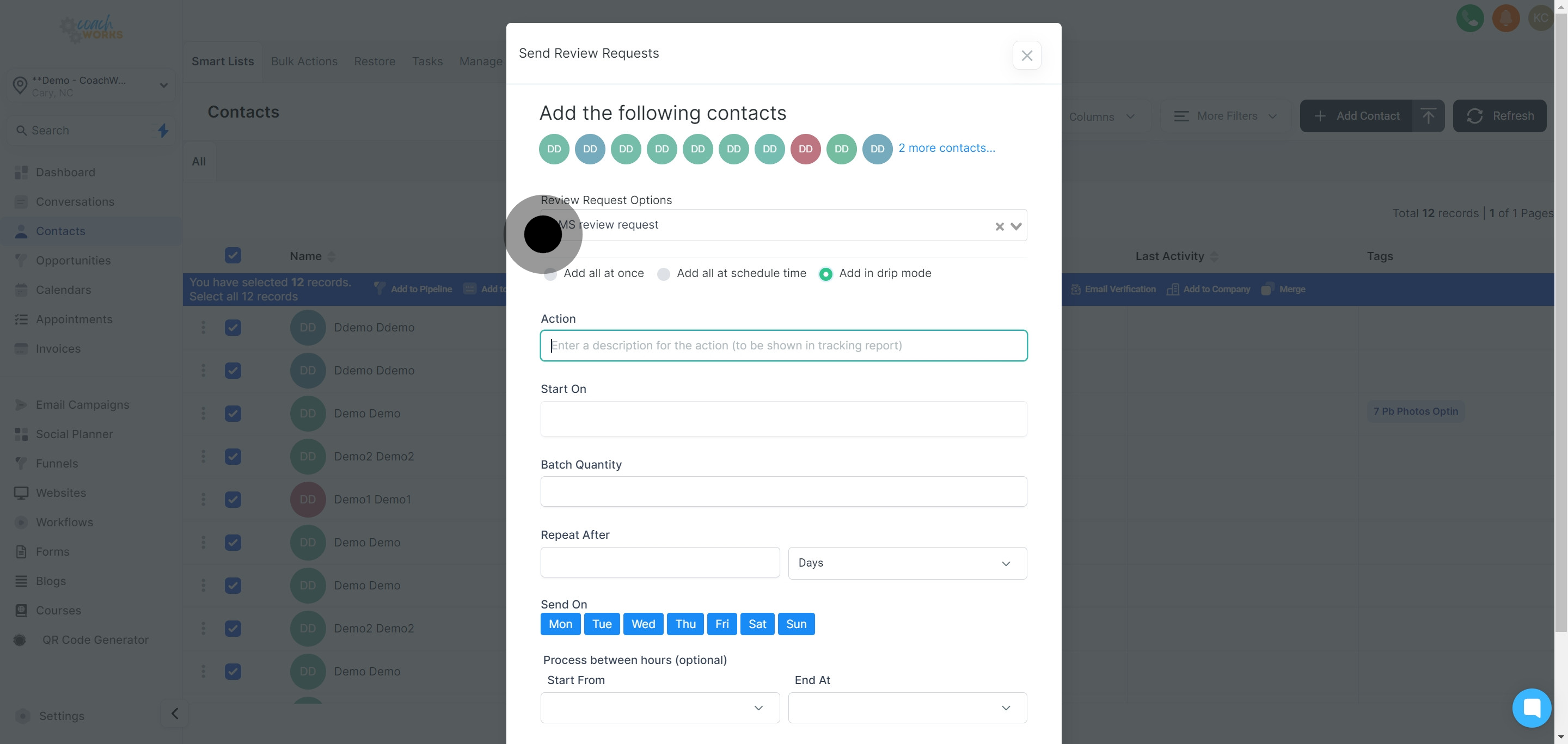
Click in the date field to set the starting date for the review request process.
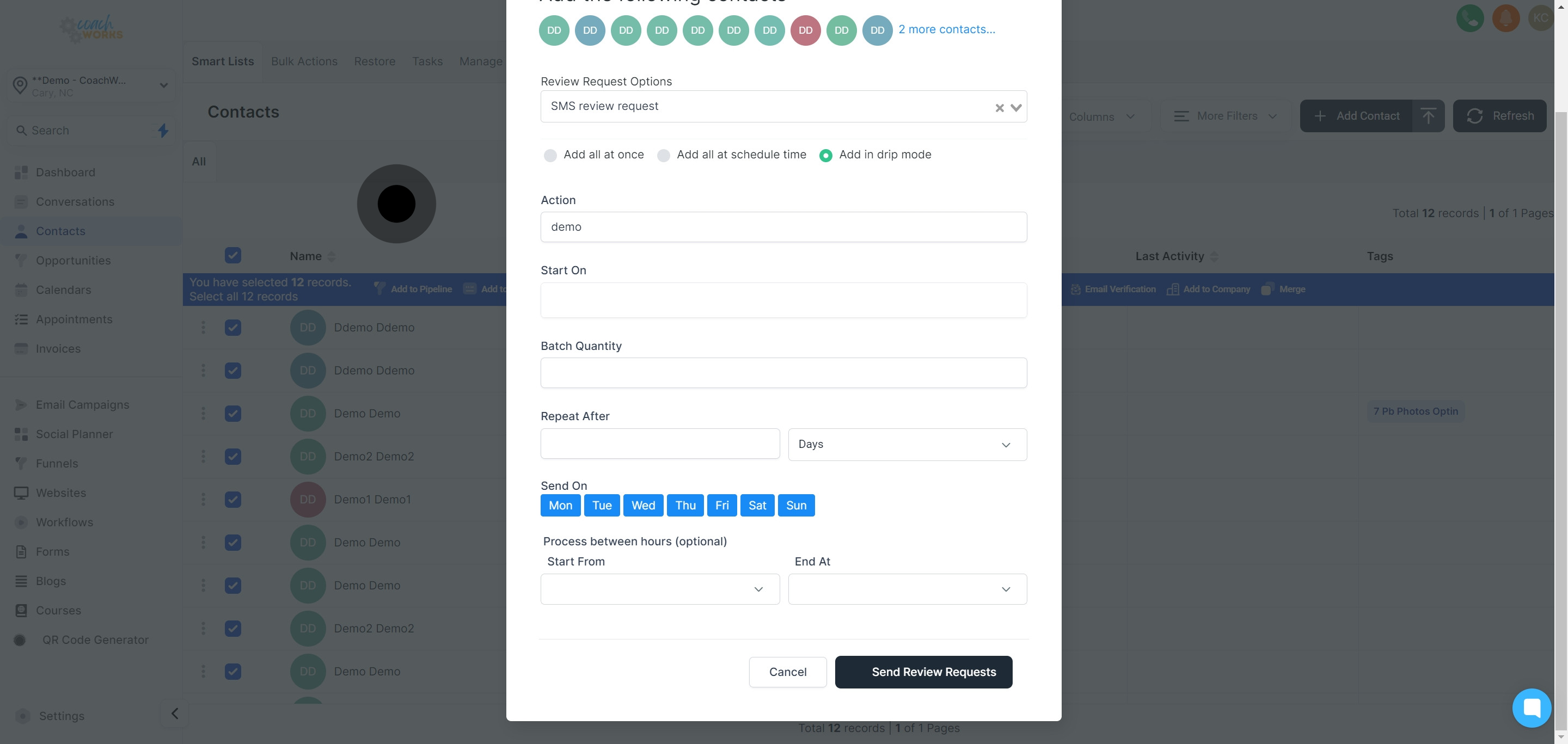
Choose a specific date and time that aligns with your campaign planning and strategy.
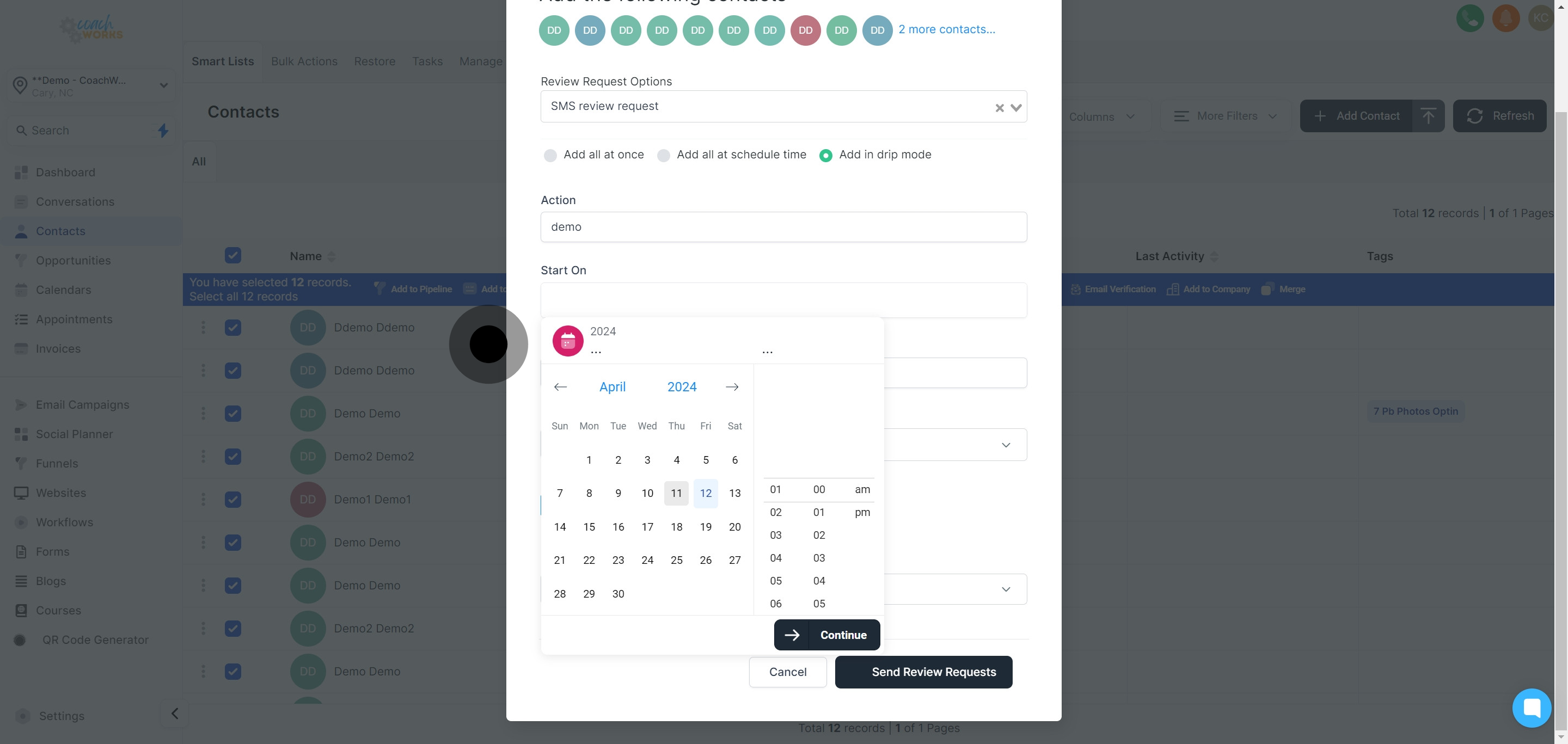
Confirm your date and time selection by clicking the button provided to continue.
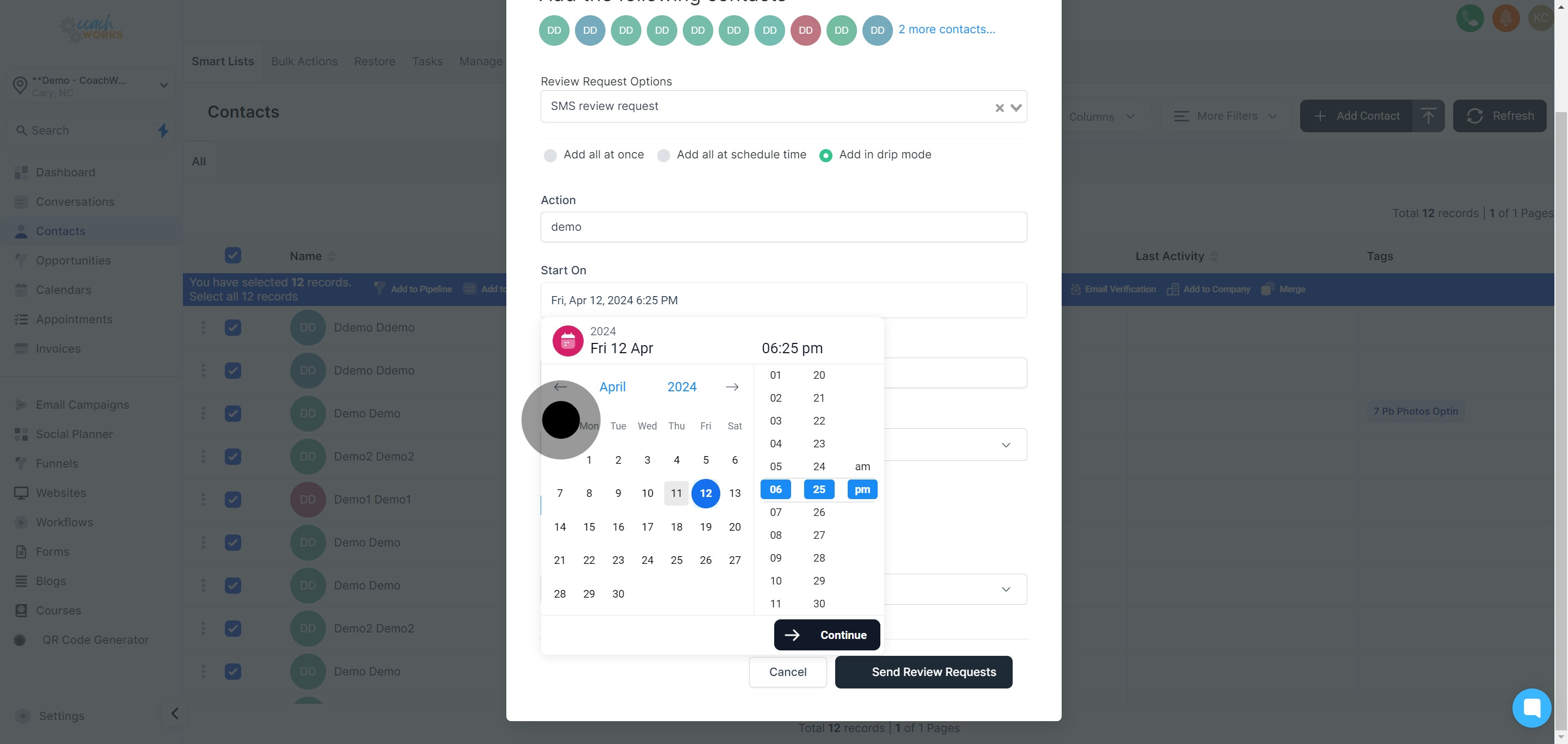
Set the number of review requests you'd like to be sent throughout the campaign.
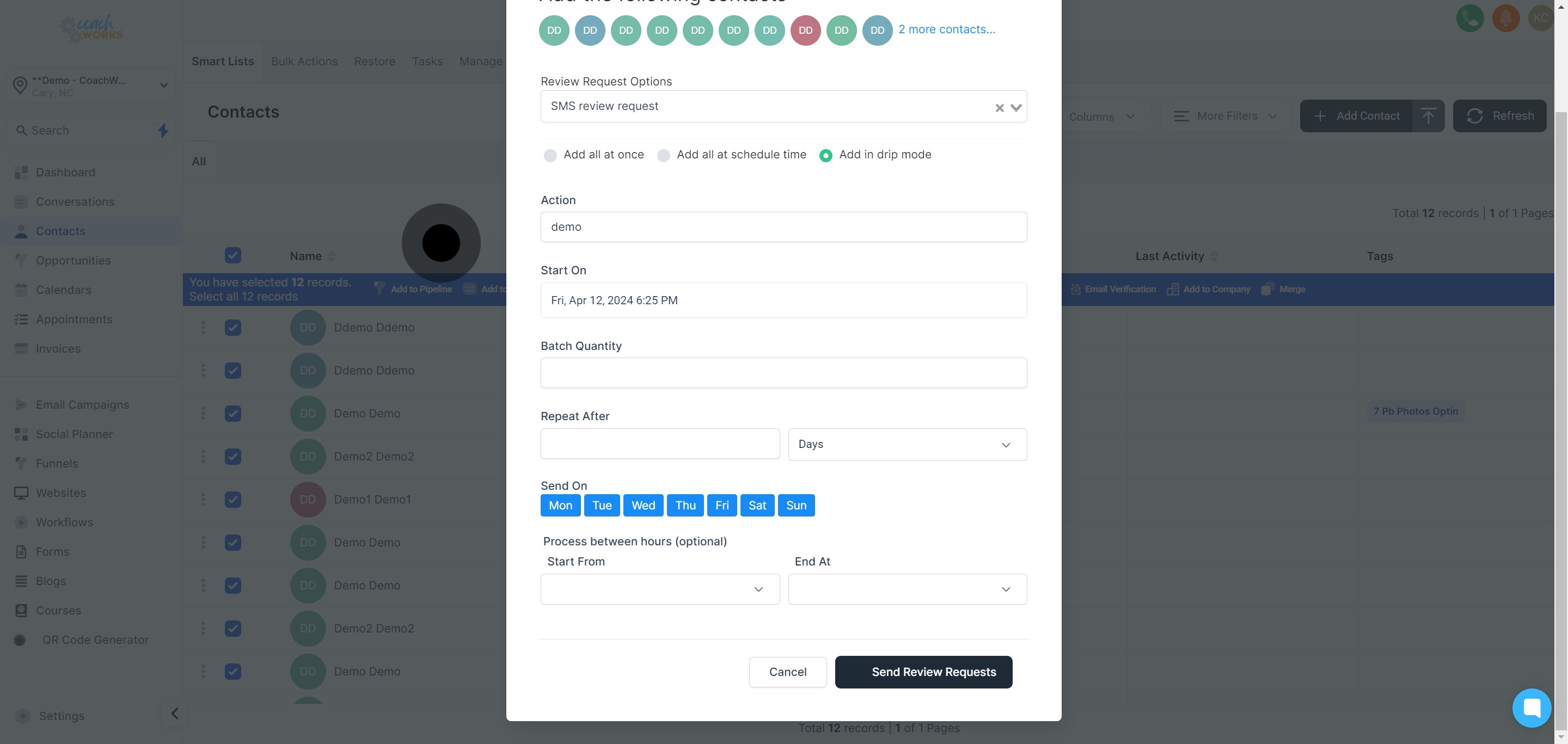
Decide how often these review requests should be dispatched to your contacts.
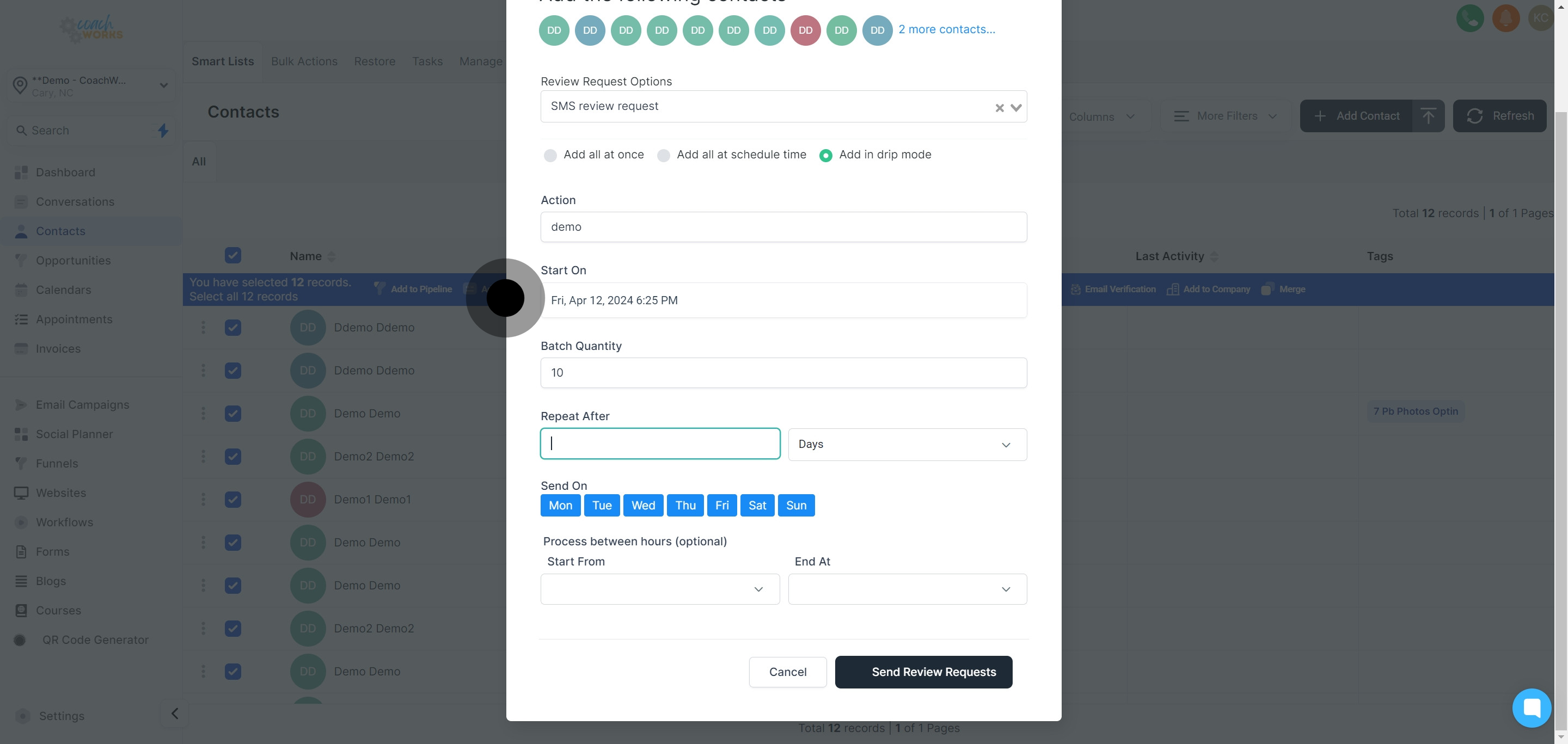
Choose the preferred option from the list for how the message will appear to recipients.
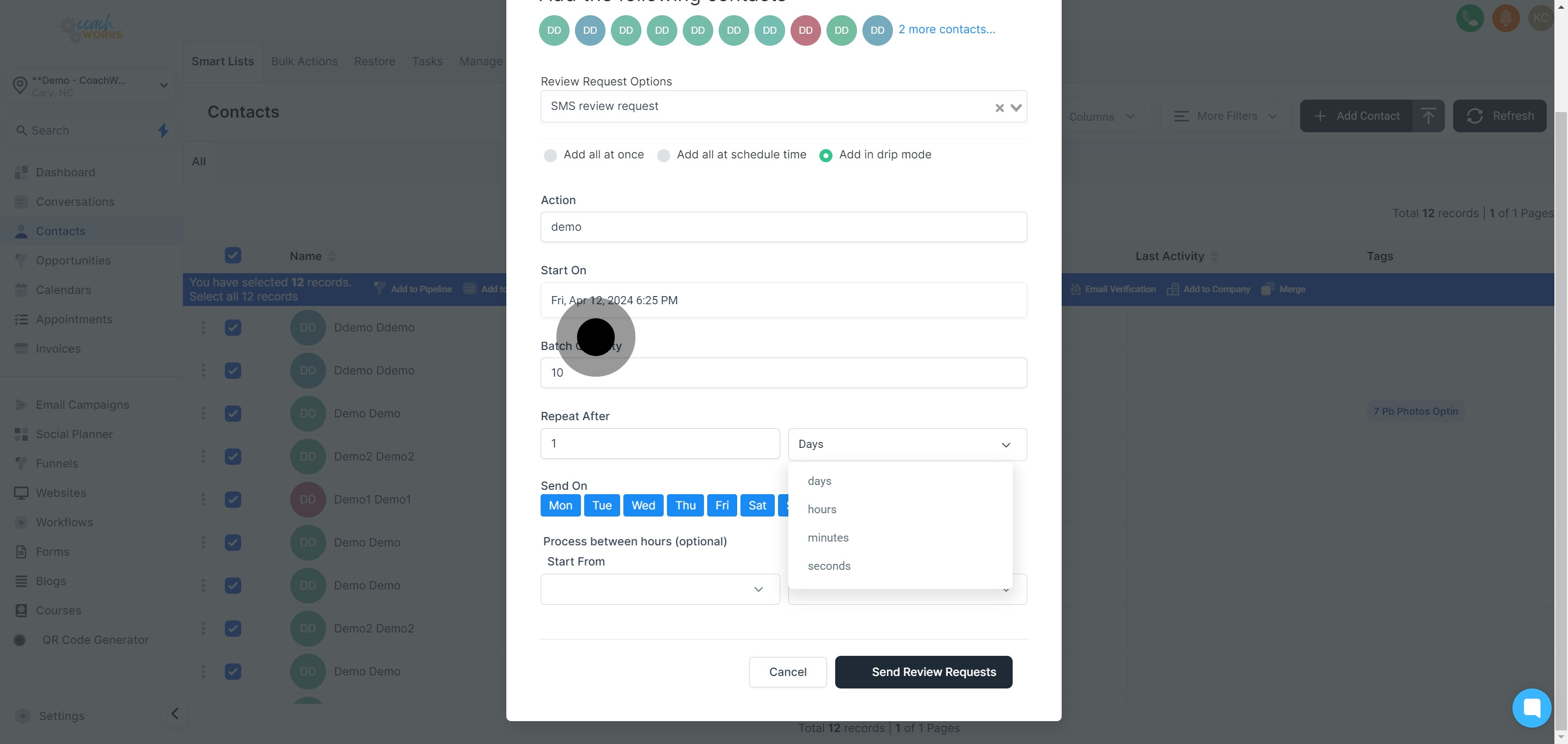
Specify which days the messages are to be sent, tailoring to the peak engagement times.
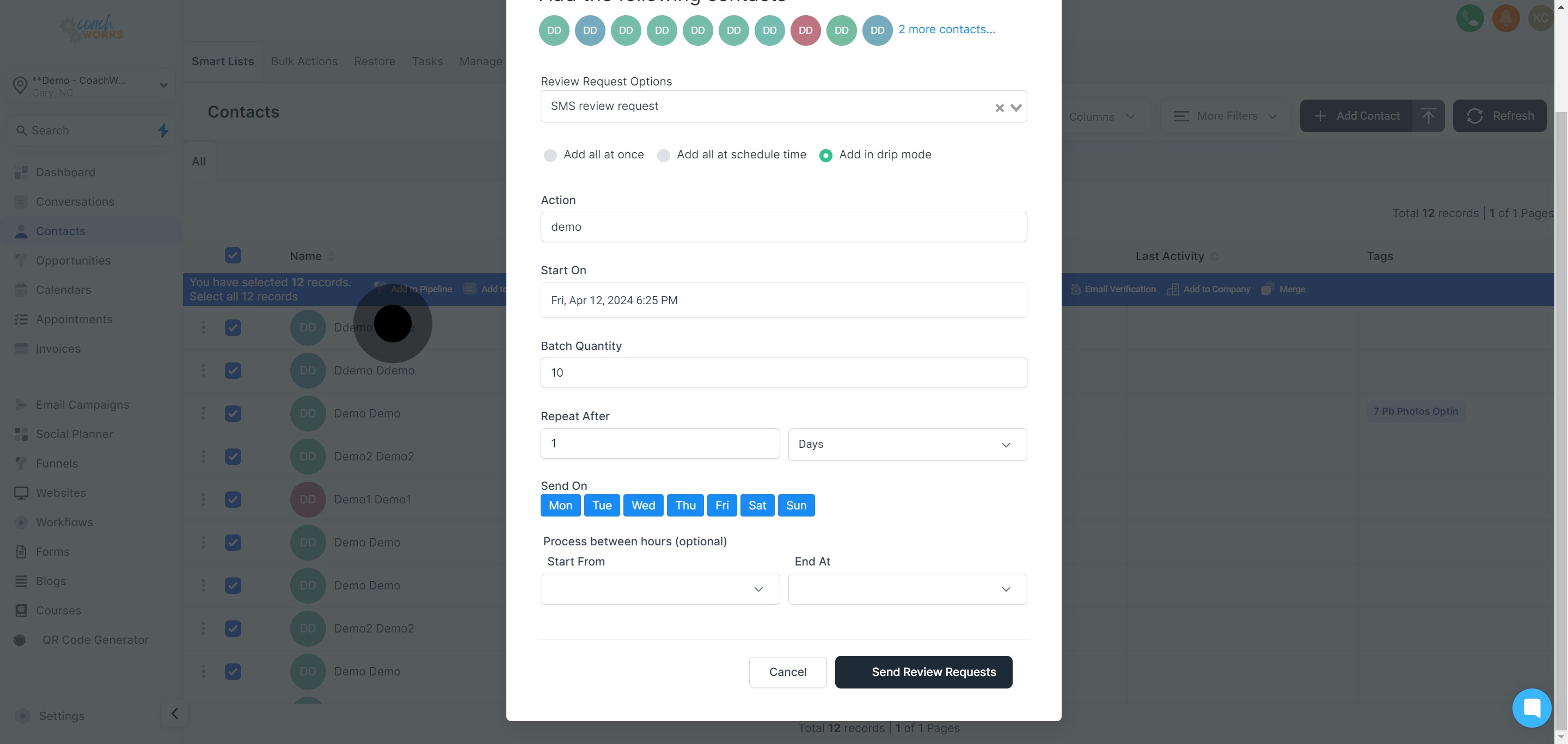
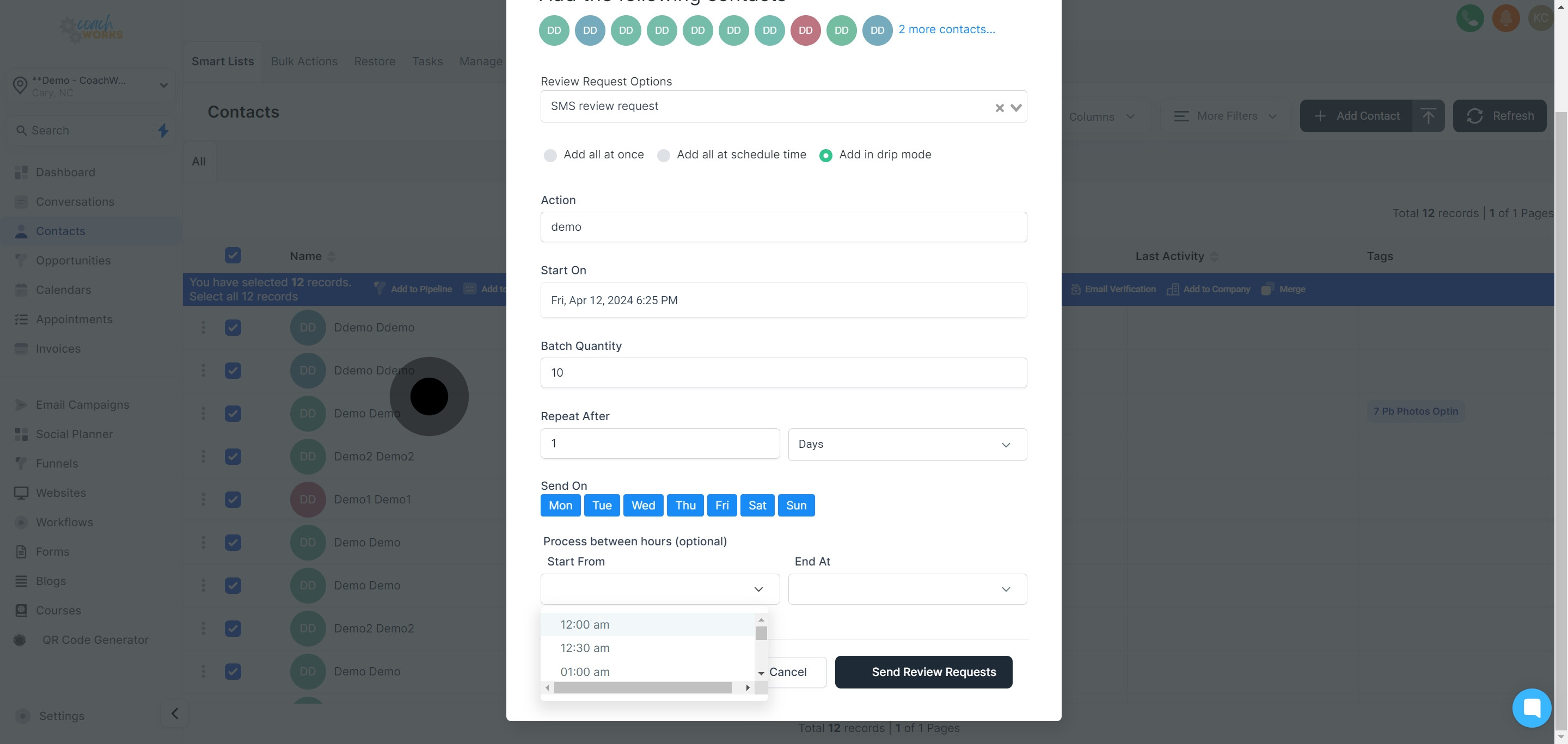
Select a starting time for your scheduled request dispatch.
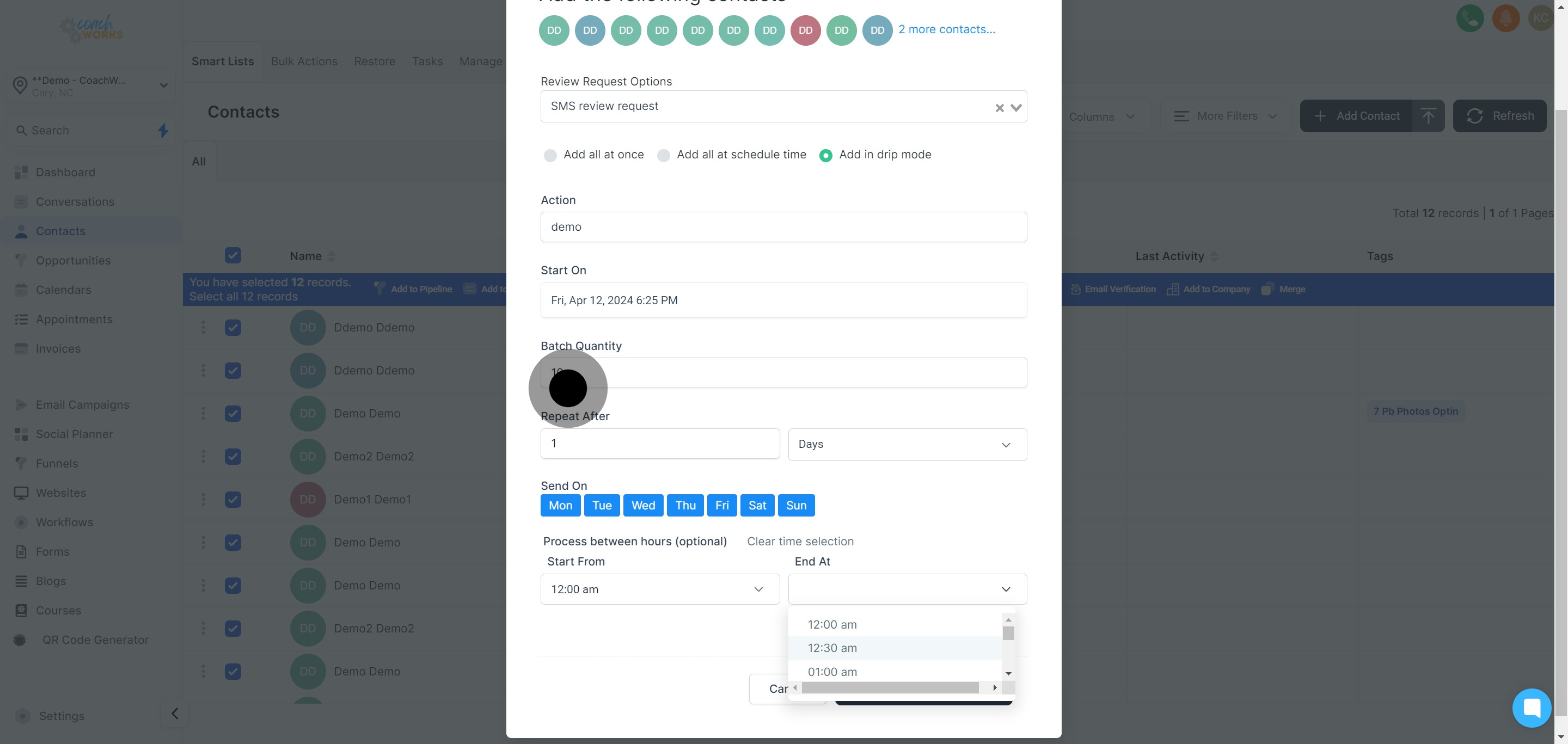
Similarly, select an end time to cap the schedule, ensuring messages are sent within preferred hours.
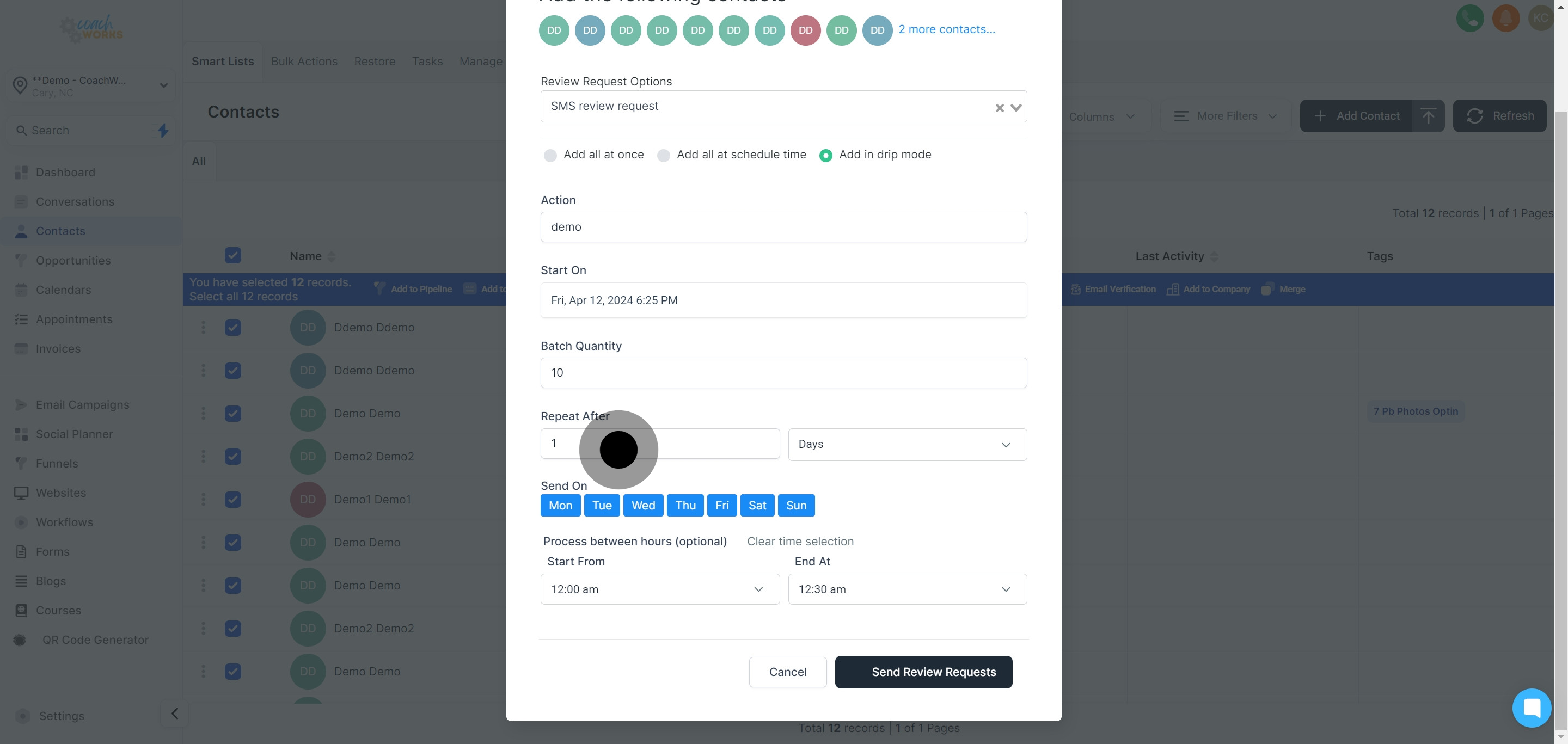
Click on 'Send Review Requests' to kickstart the process based on your configured settings.
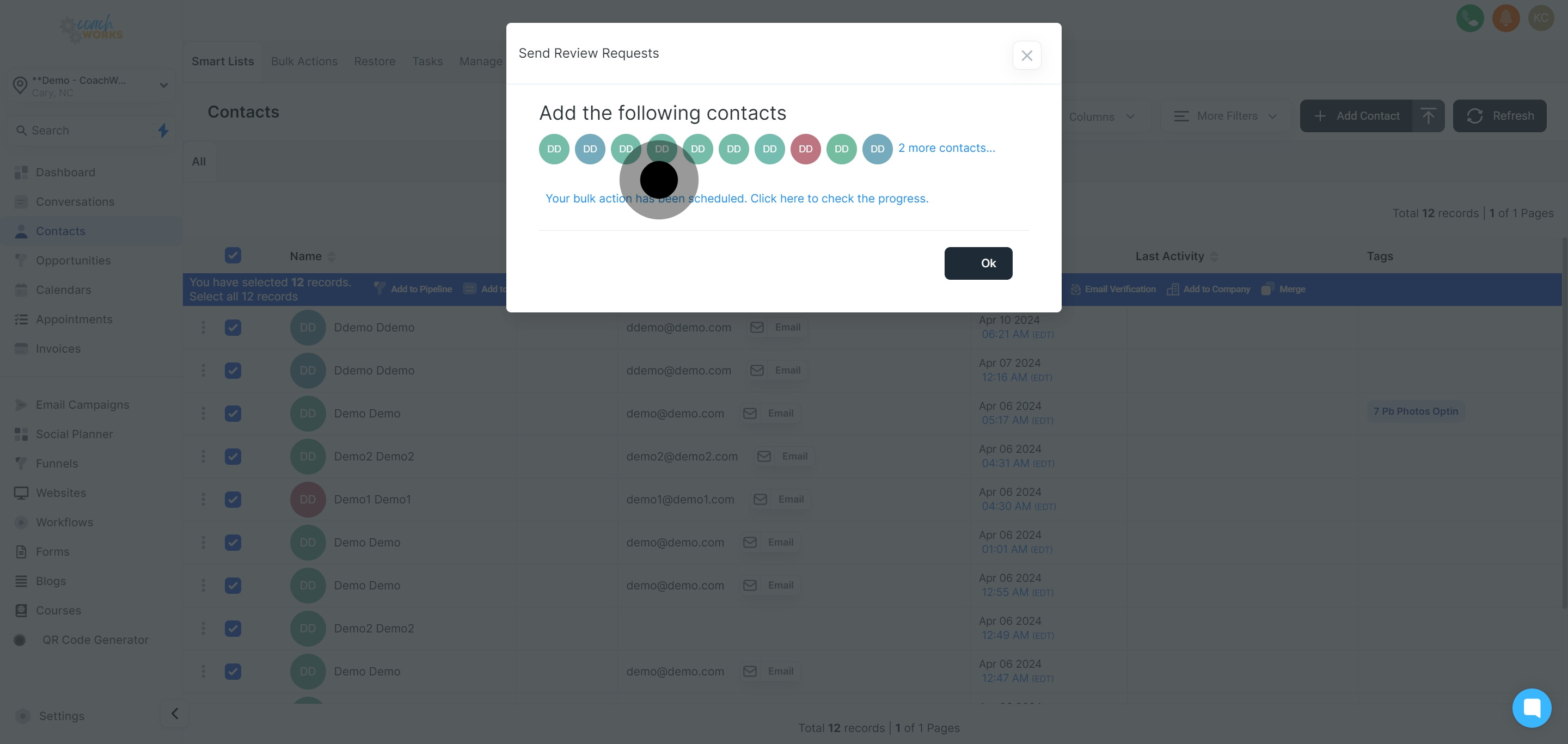
Finalize your sequence by clicking 'Ok'.