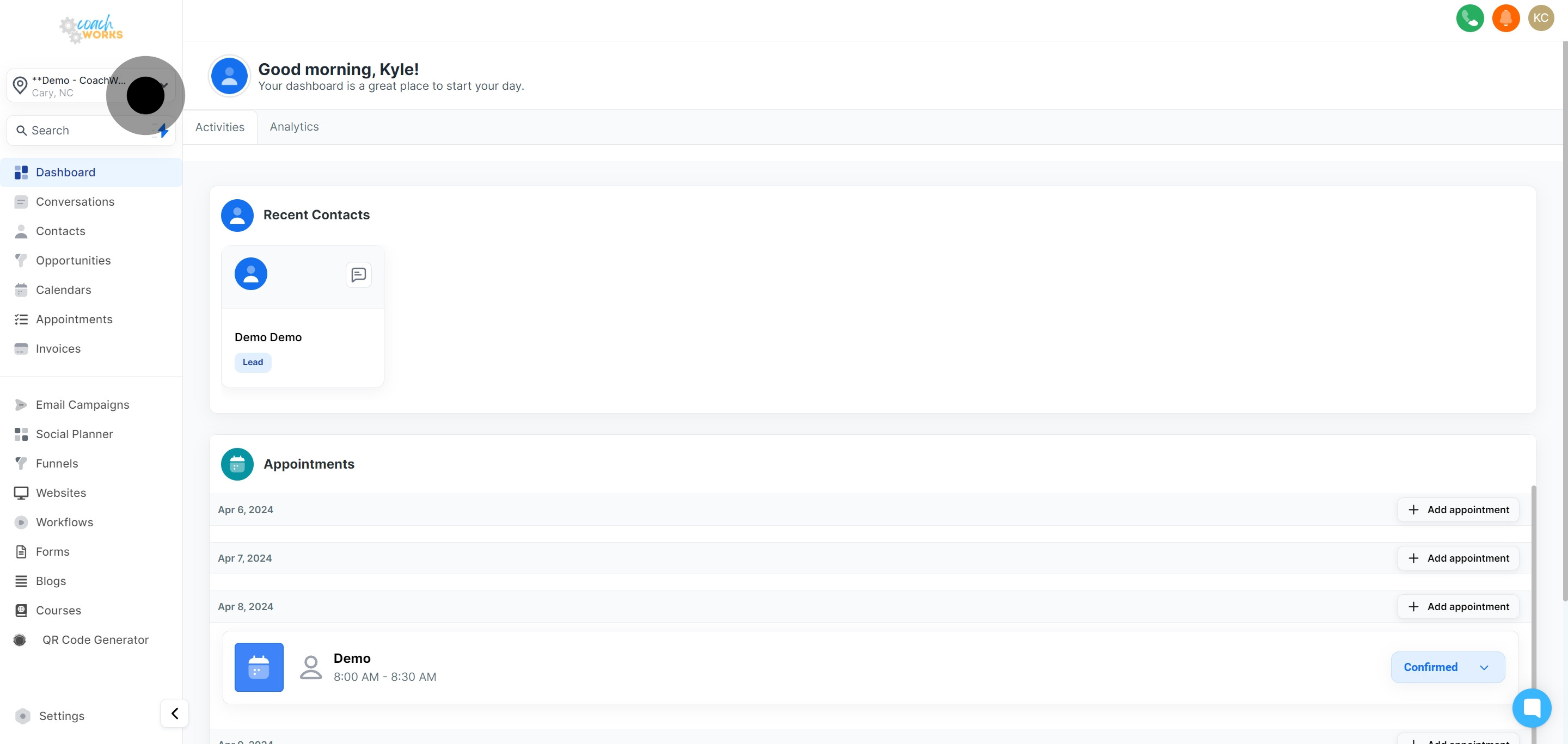
From your main dashboard. This is your gateway to keeping organized and staying informed about your scheduled tasks and recent contacts.
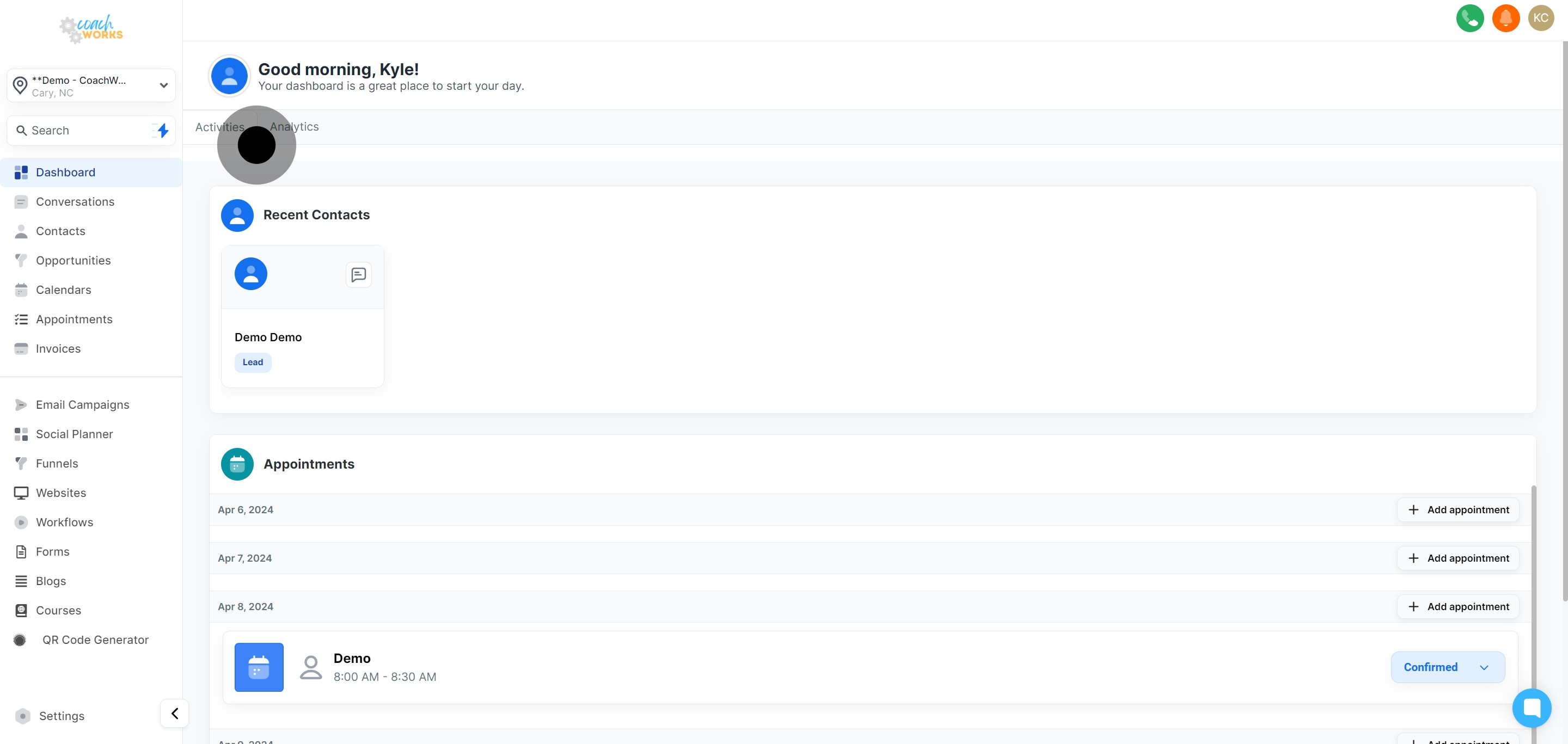
Once in the 'Activities' section, you can easily view who you've recently connected in the "Recent Contacts" window. This allows for quick access to follow up or review past interactions.
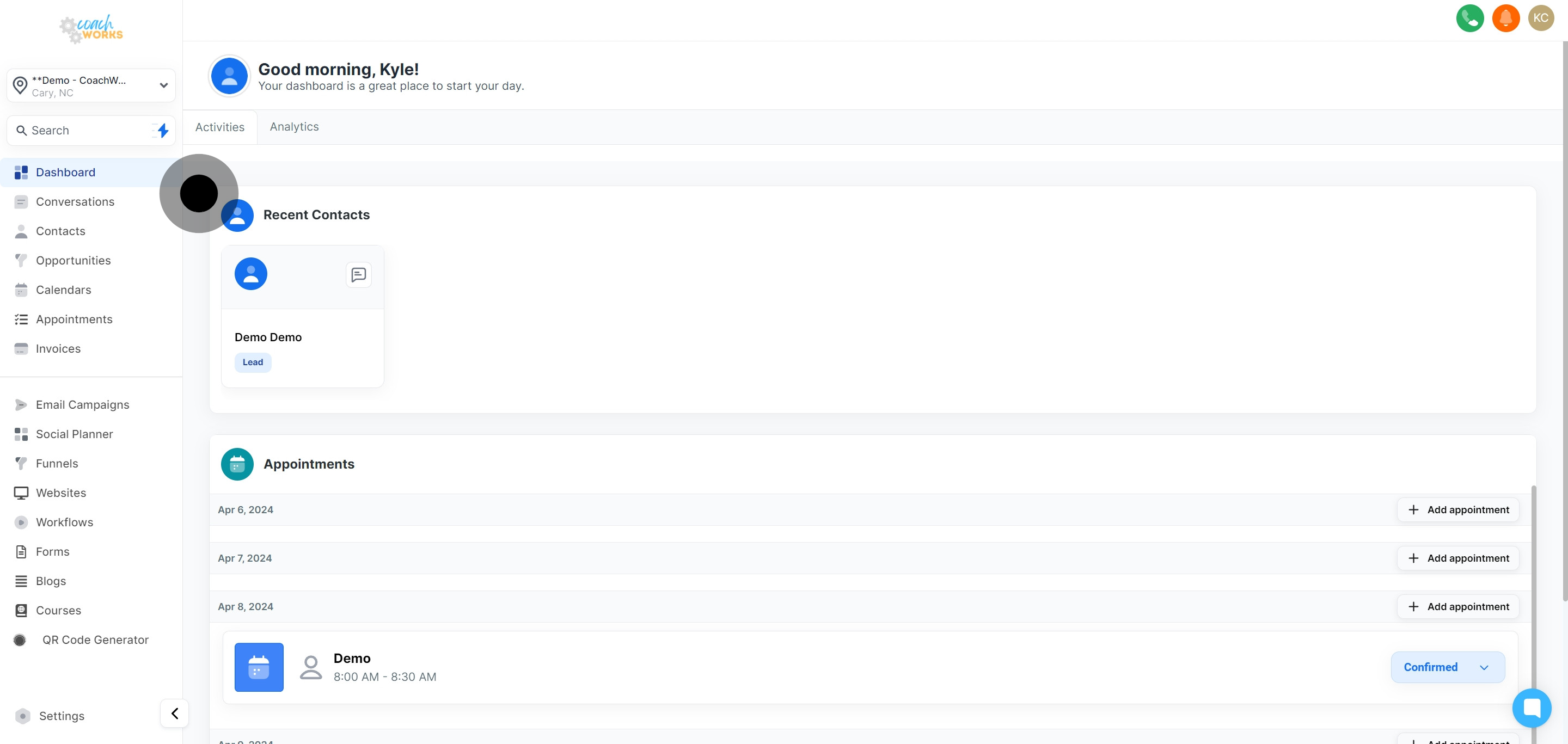
To delve deeper into a recent contact's details, simply click on their name. This immediate access ensures you're always prepared for your next move without having to search through your database.
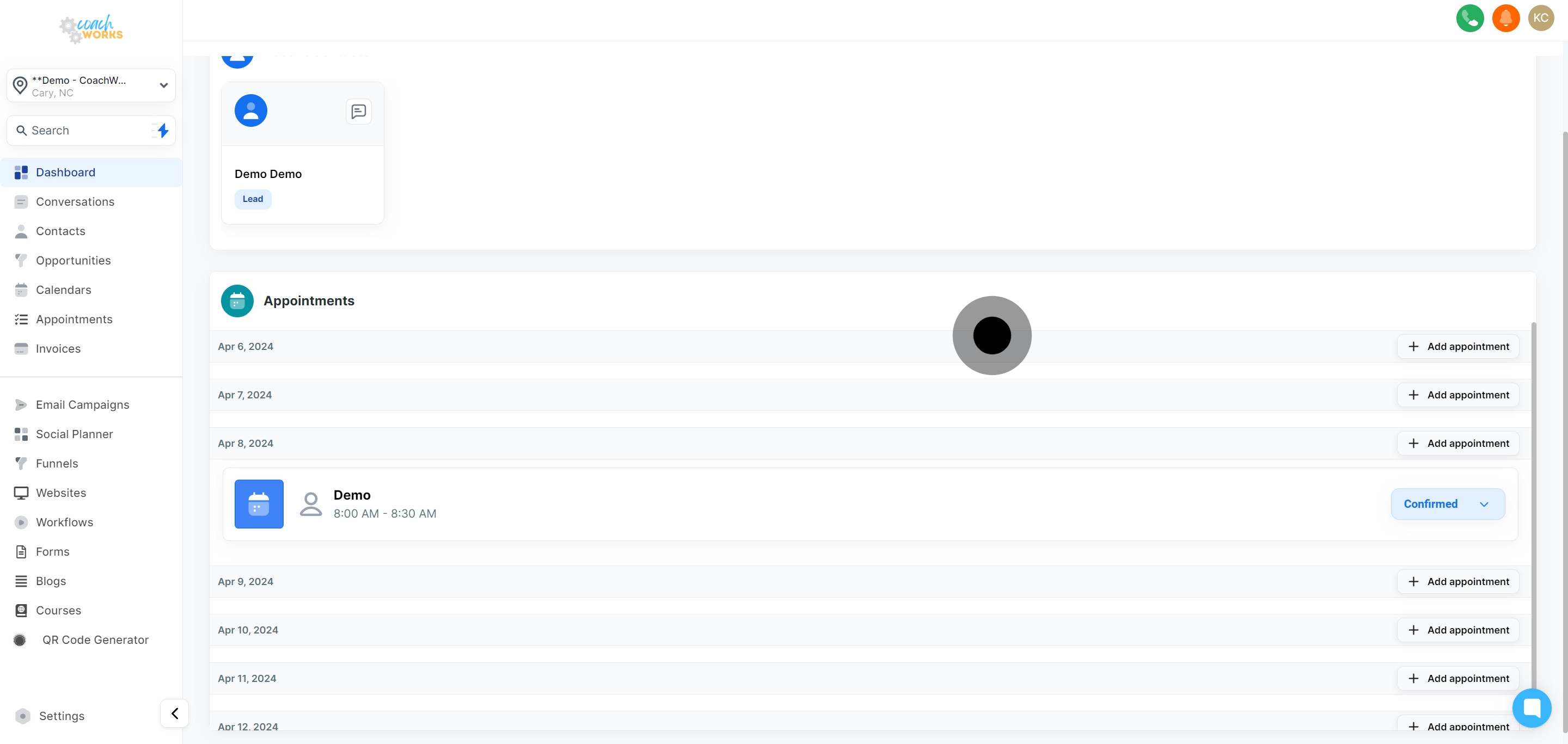
Within the 'Activities' dashboard, the 'Appointments' section provides a comprehensive overview of your scheduled meetings.
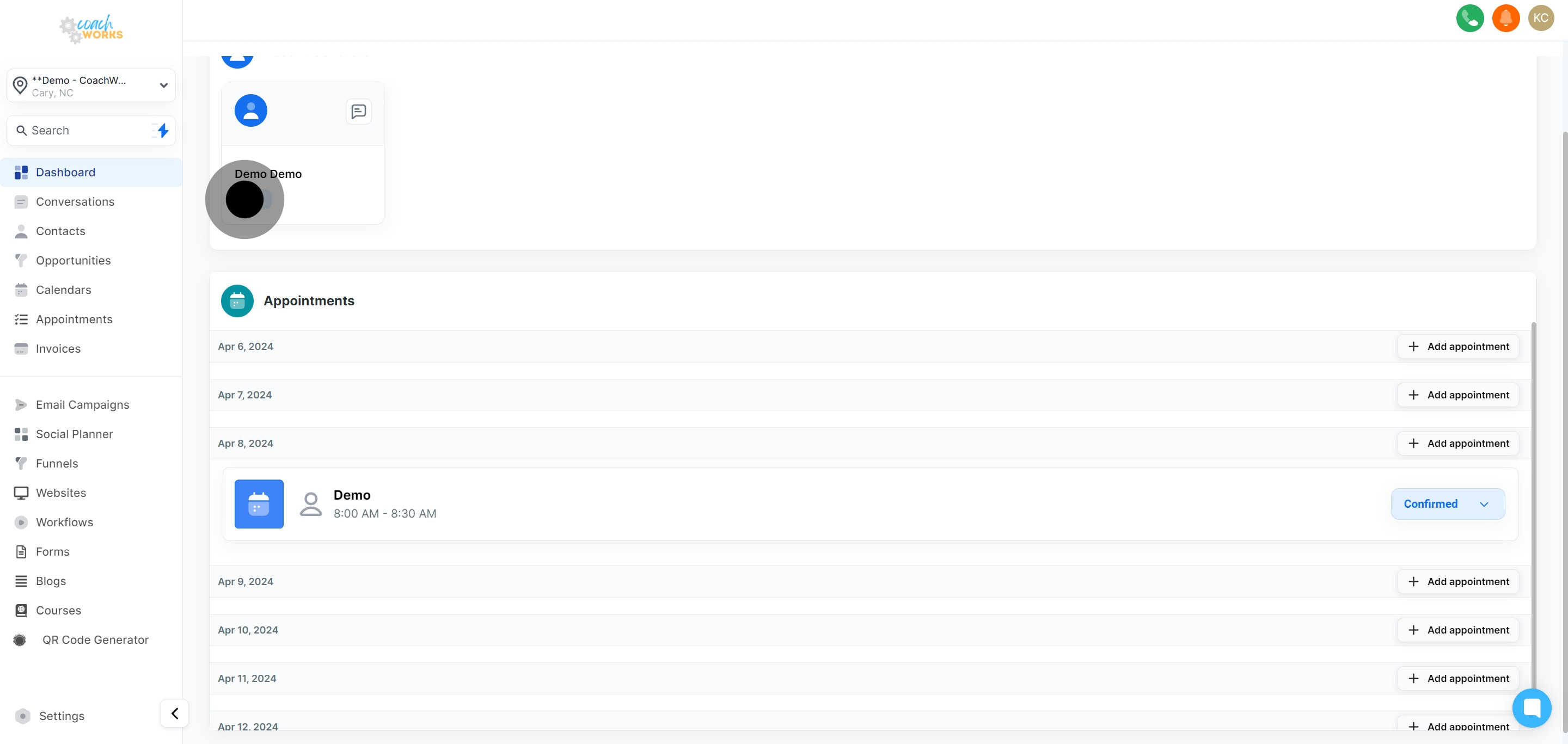
Need to schedule a new meeting? Click the 'Add Appointment' button and select the desired date, such as "Apr 6, 2024". Adding appointments is made straightforward, ensuring your calendar is always up-to-date.
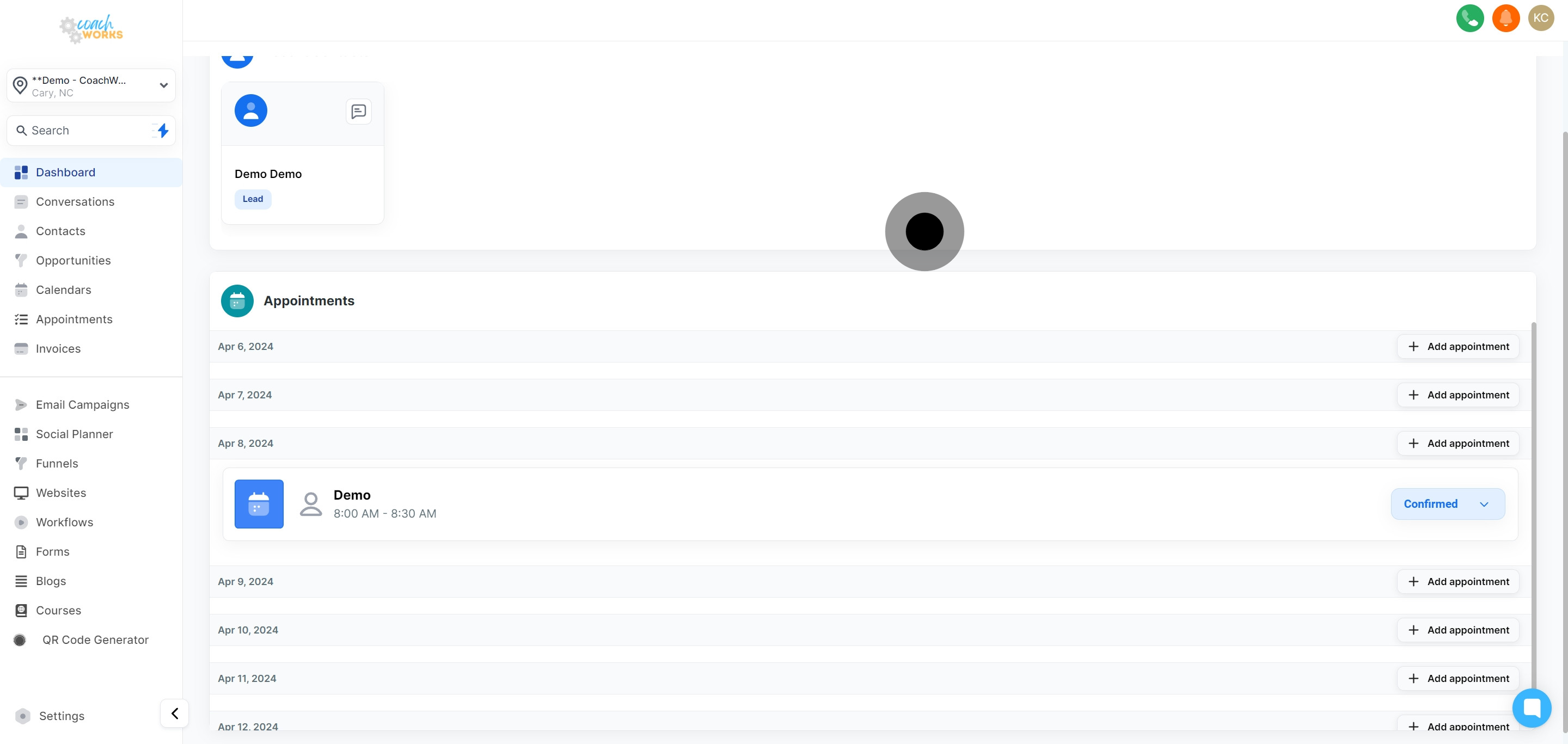
To maintain order and clarity in your schedule, updating the status of appointments is key. To confirm an appointment as scheduled, click on the 'Confirmed' button associated with the relevant meeting. A drop down menu will pop up and you can choose to update the status of the appointment from 'Confirmed' to 'Invalid', 'Cancelled', 'Showed' and 'No show'.