1. Start by clicking on 'Contacts' to view your contact list.
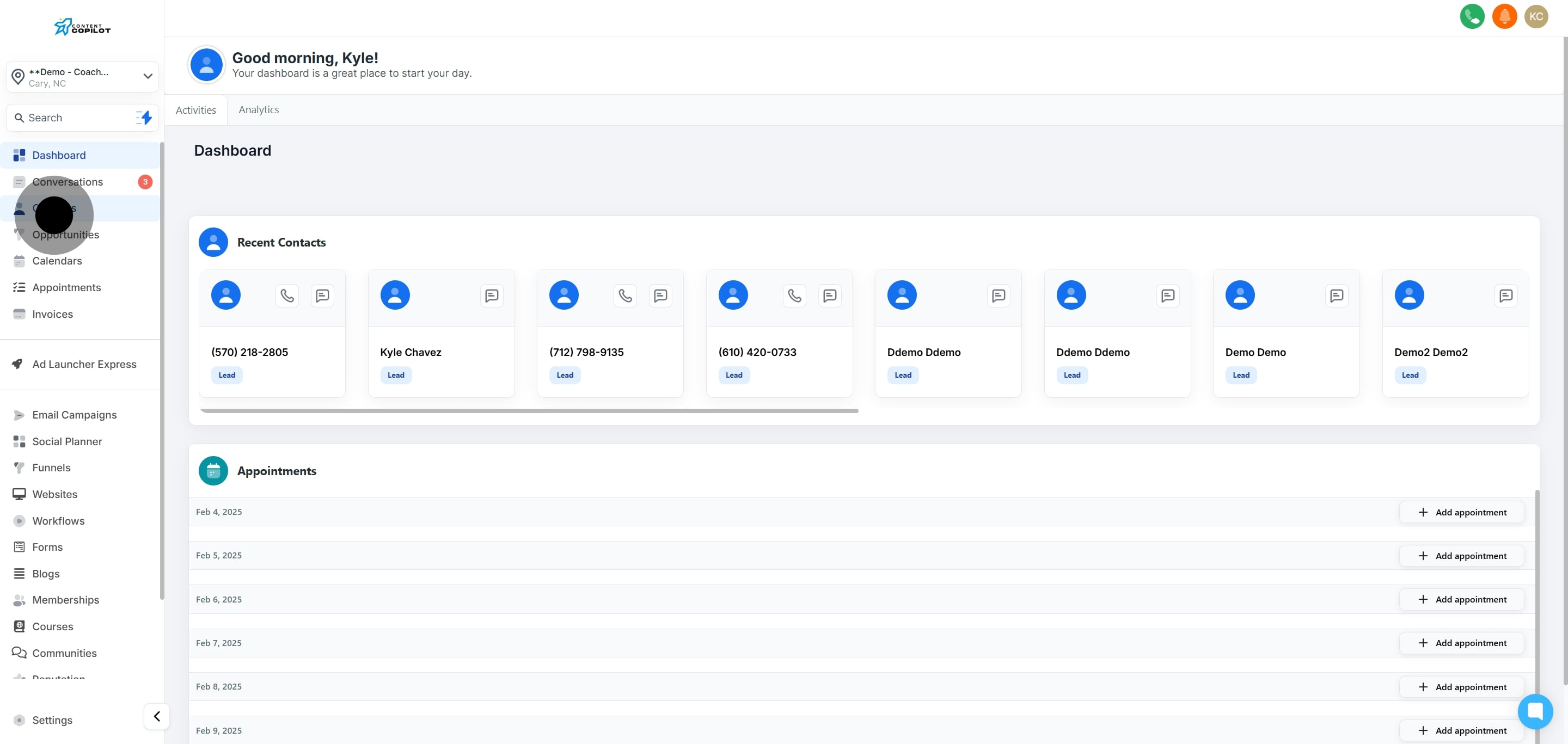
2. Next, select a contact from the list provided.
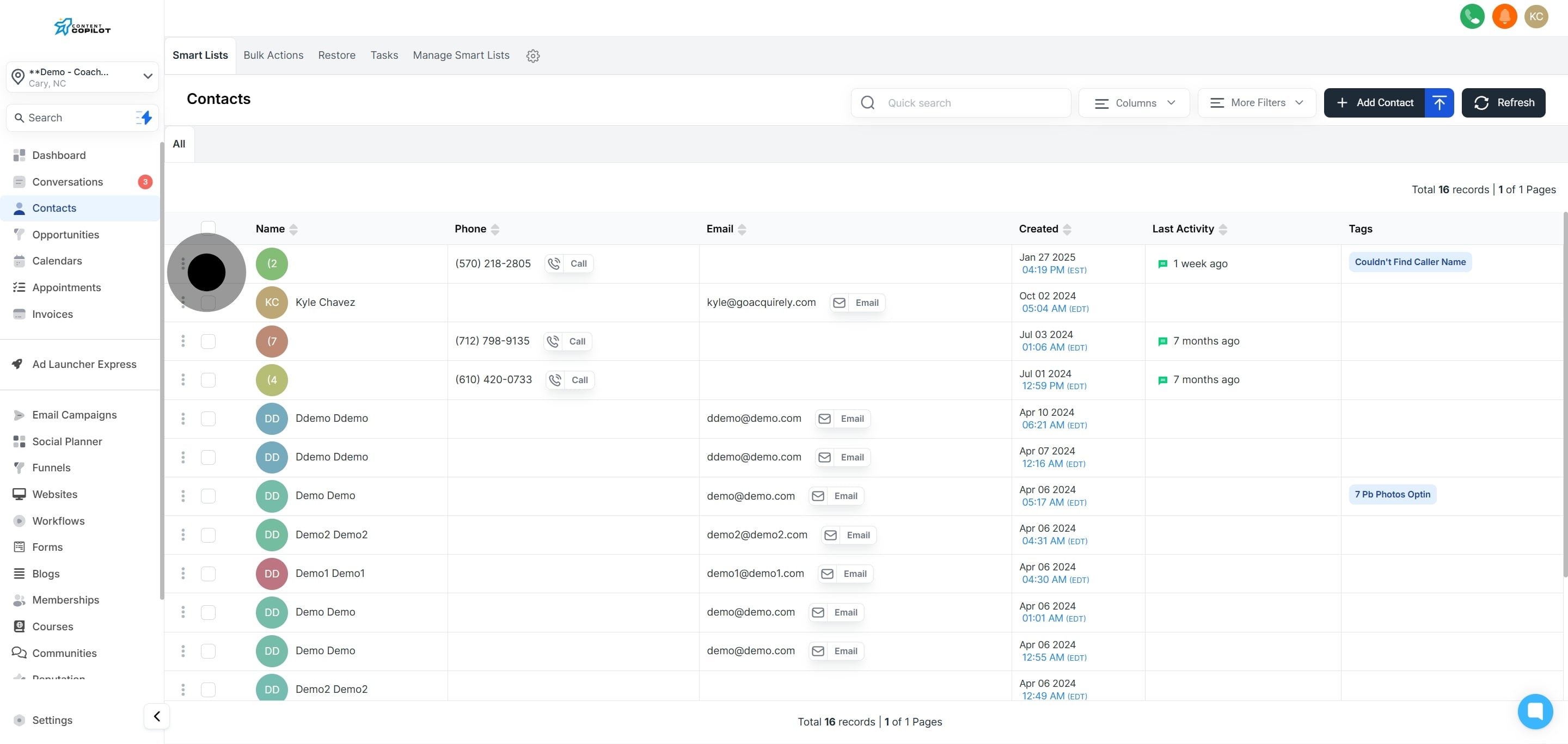
3. If more contacts are needed, click to select additional ones.

4. Now, tick the box to select all contacts on this page.

5. Optionally, select all contacts across the system for bulk actions.
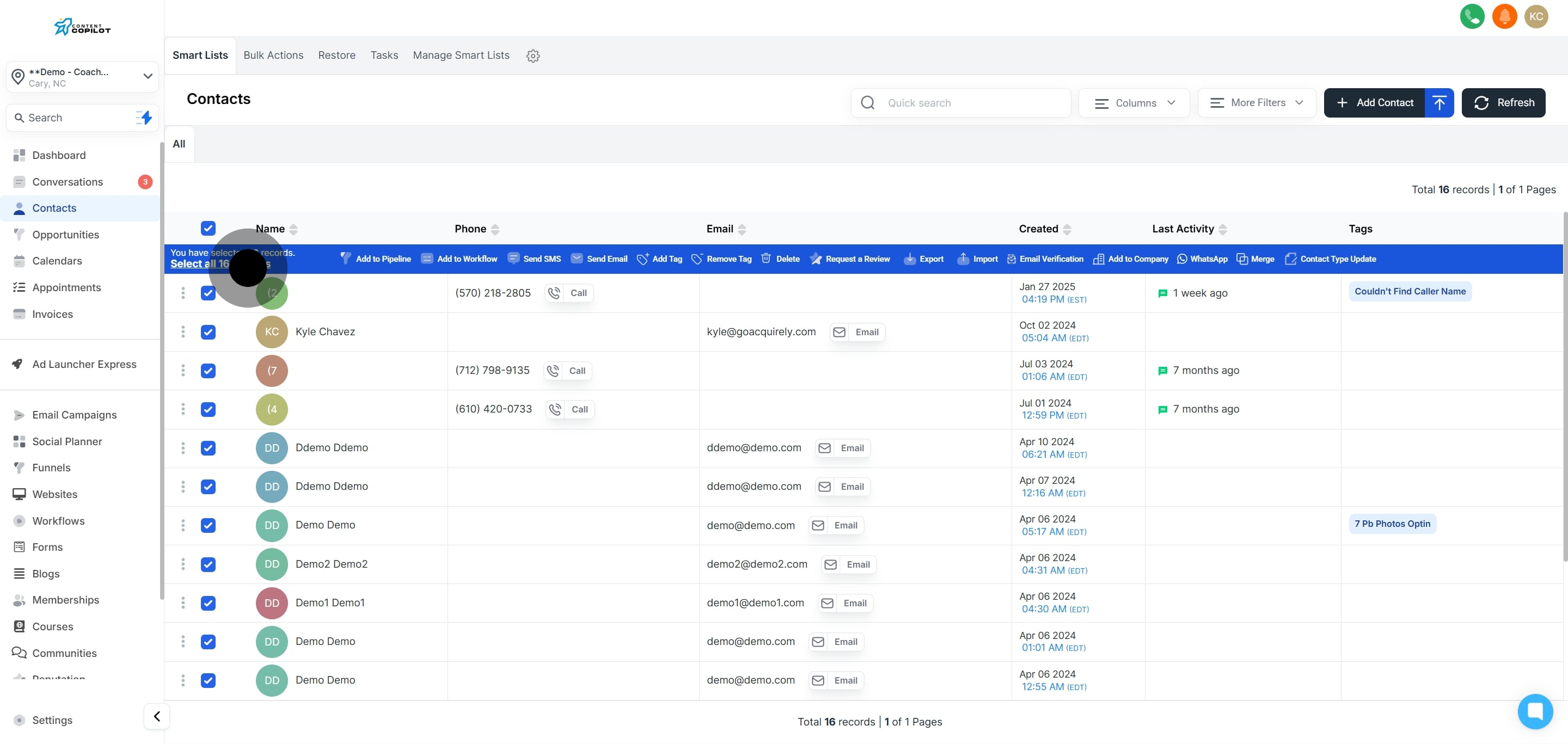
6. Click on 'Add to Workflow' to initiate the process.
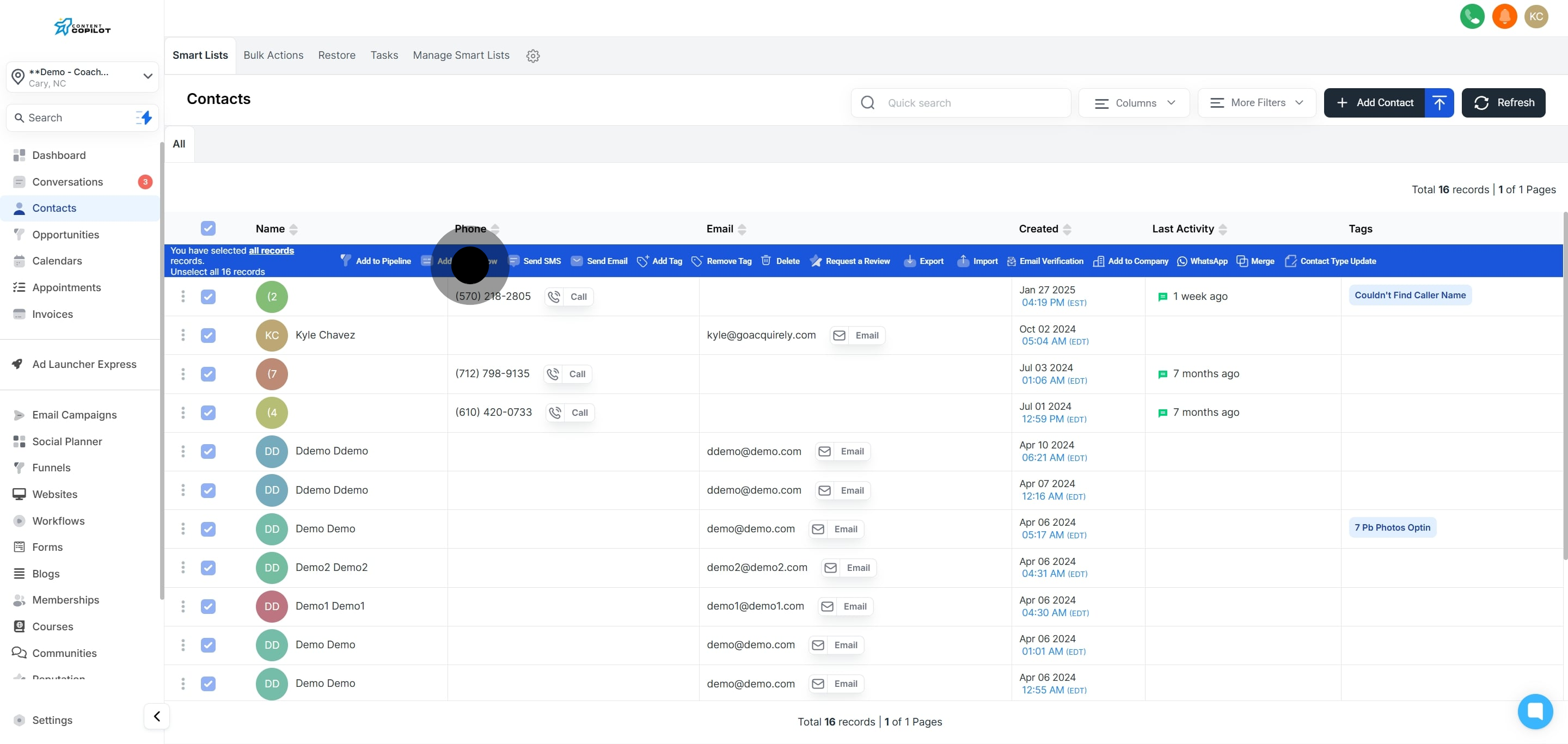
7. Next, confirm by clicking 'Ok, proceed.'
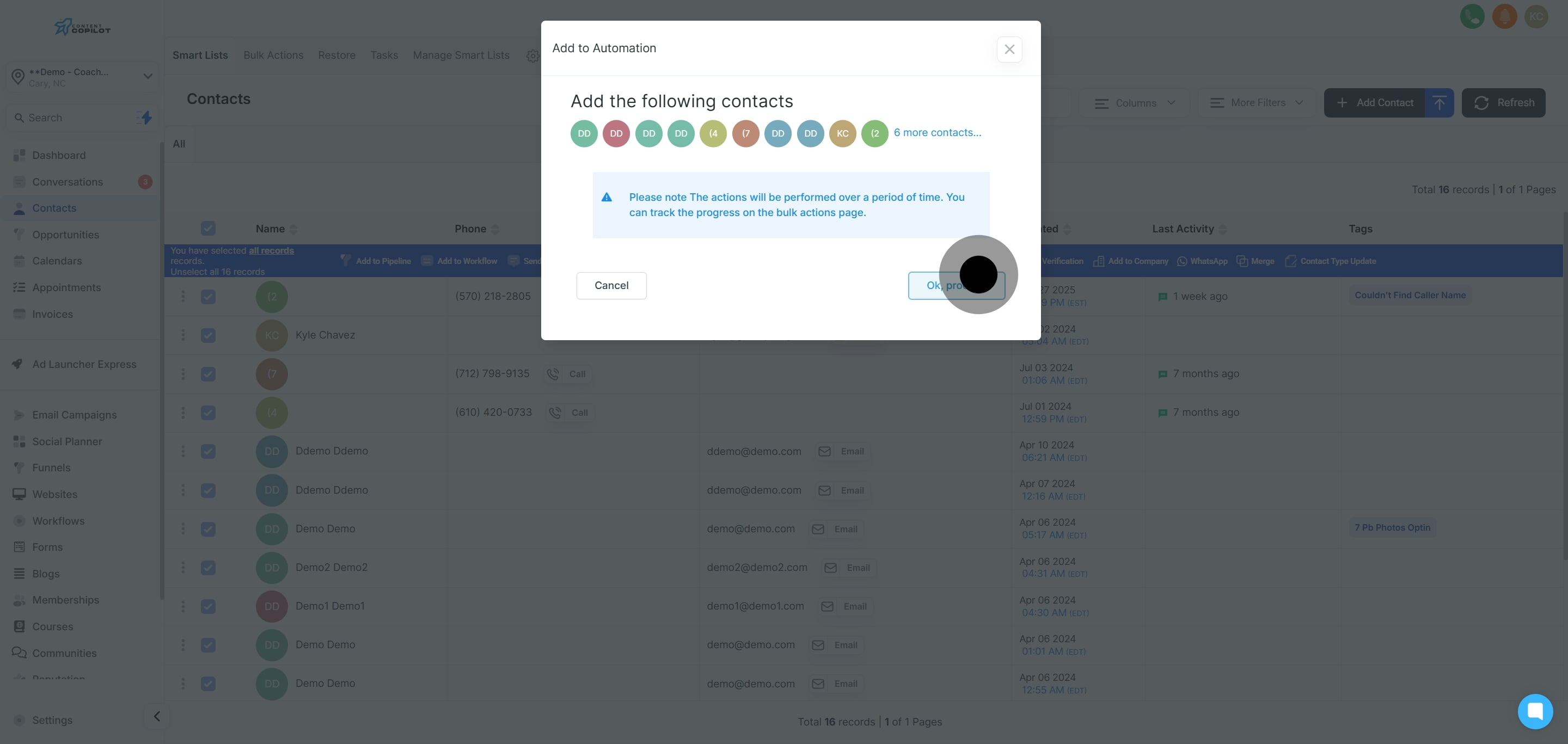
8. Now, choose the required workflow from the list provided.
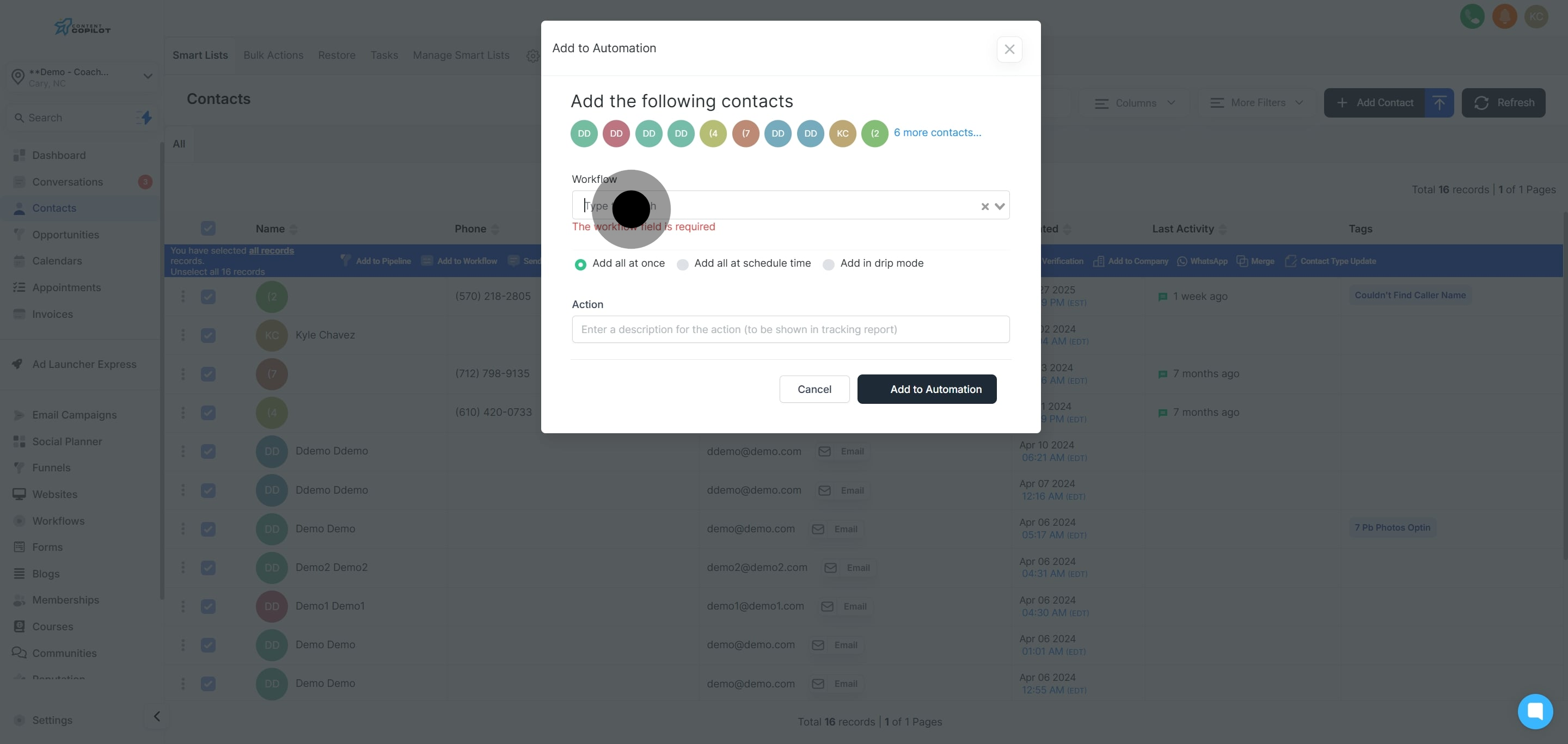
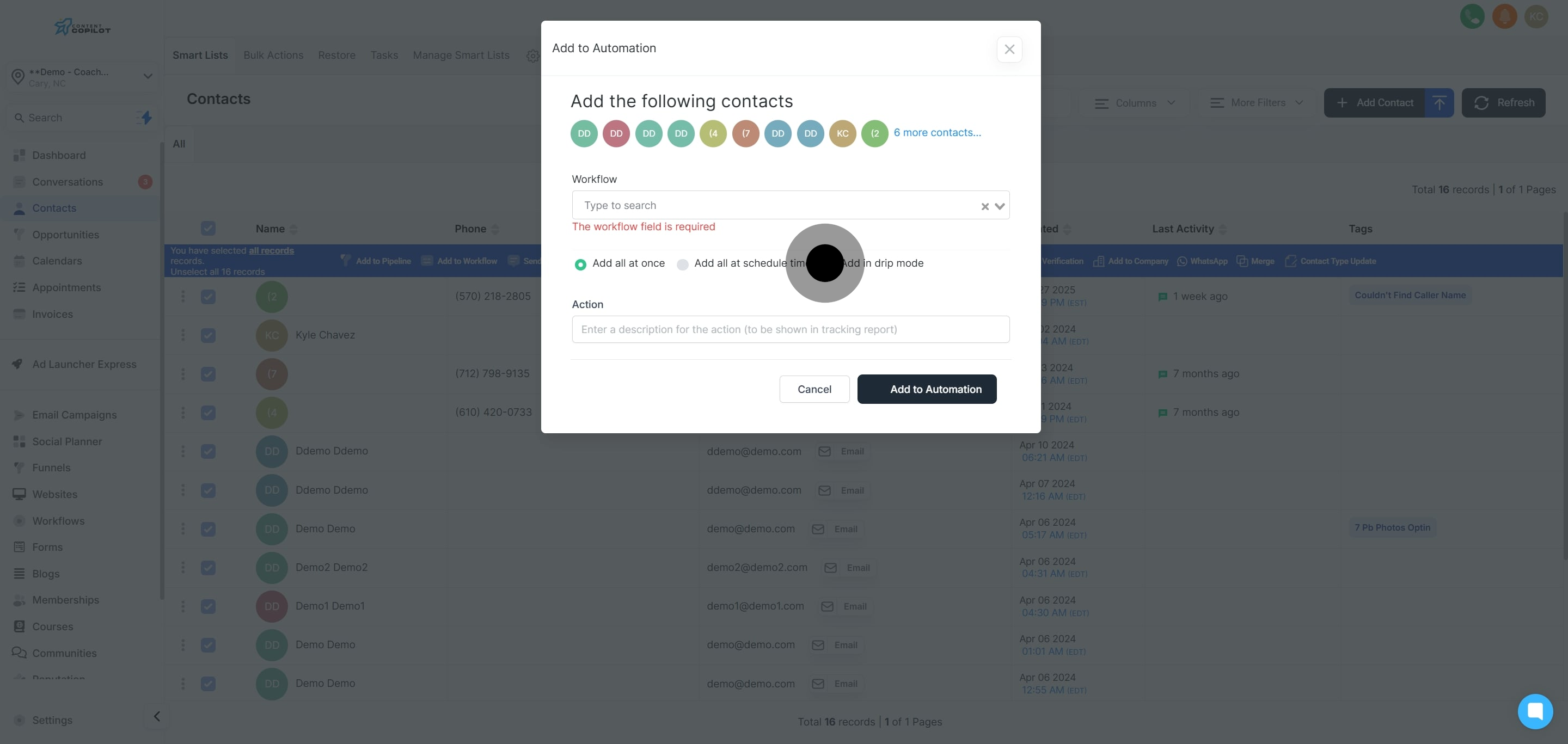
9. Choose 'Add in drip mode' to start the setup.
10. Now, describe the action for clarity in reports.
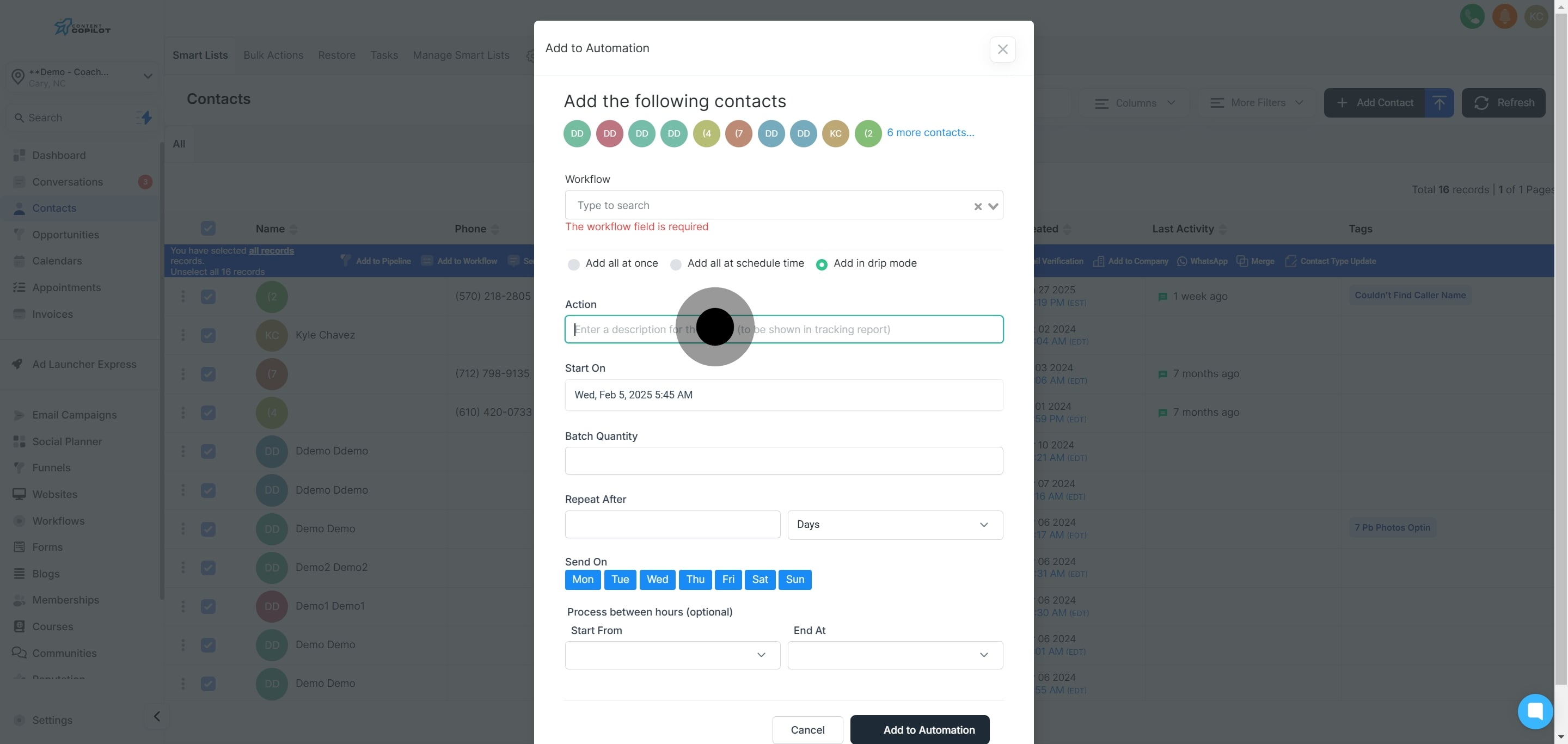
11. Next, set the start date and time for the action.
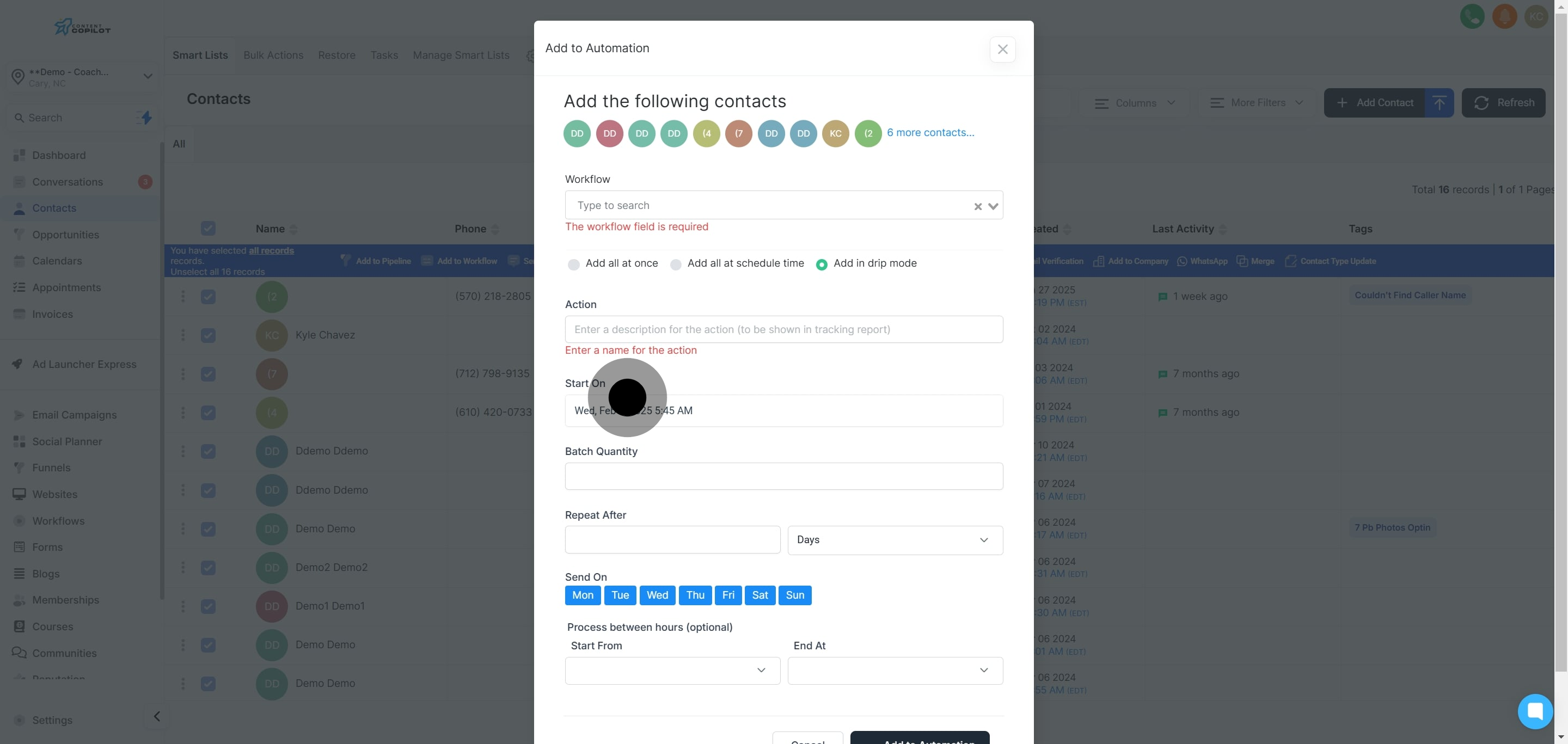
12. Pick the specific date from the calendar provided.
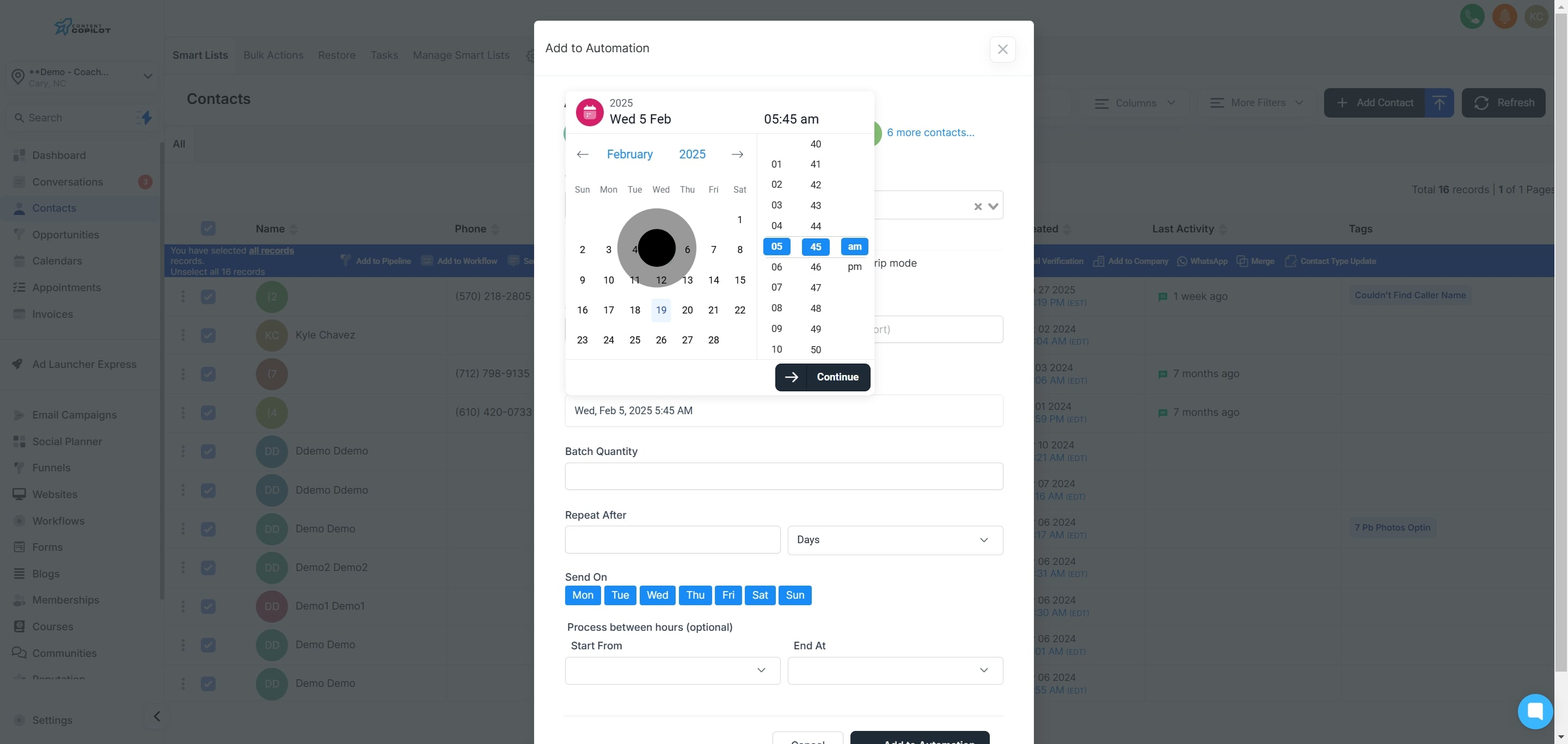
13. Then, choose the time for your scheduled action.
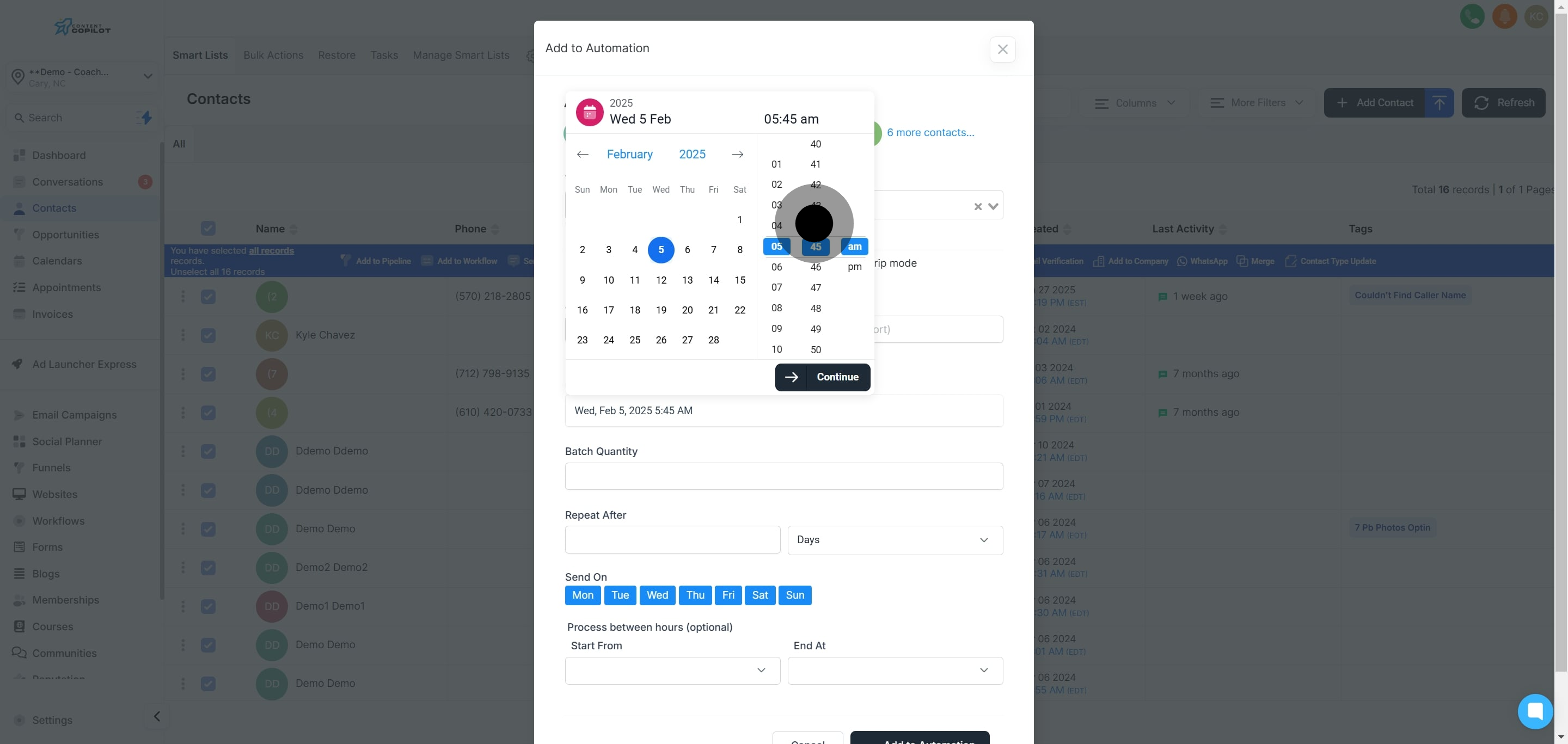
14. Confirm the date and time by clicking 'Continue'.
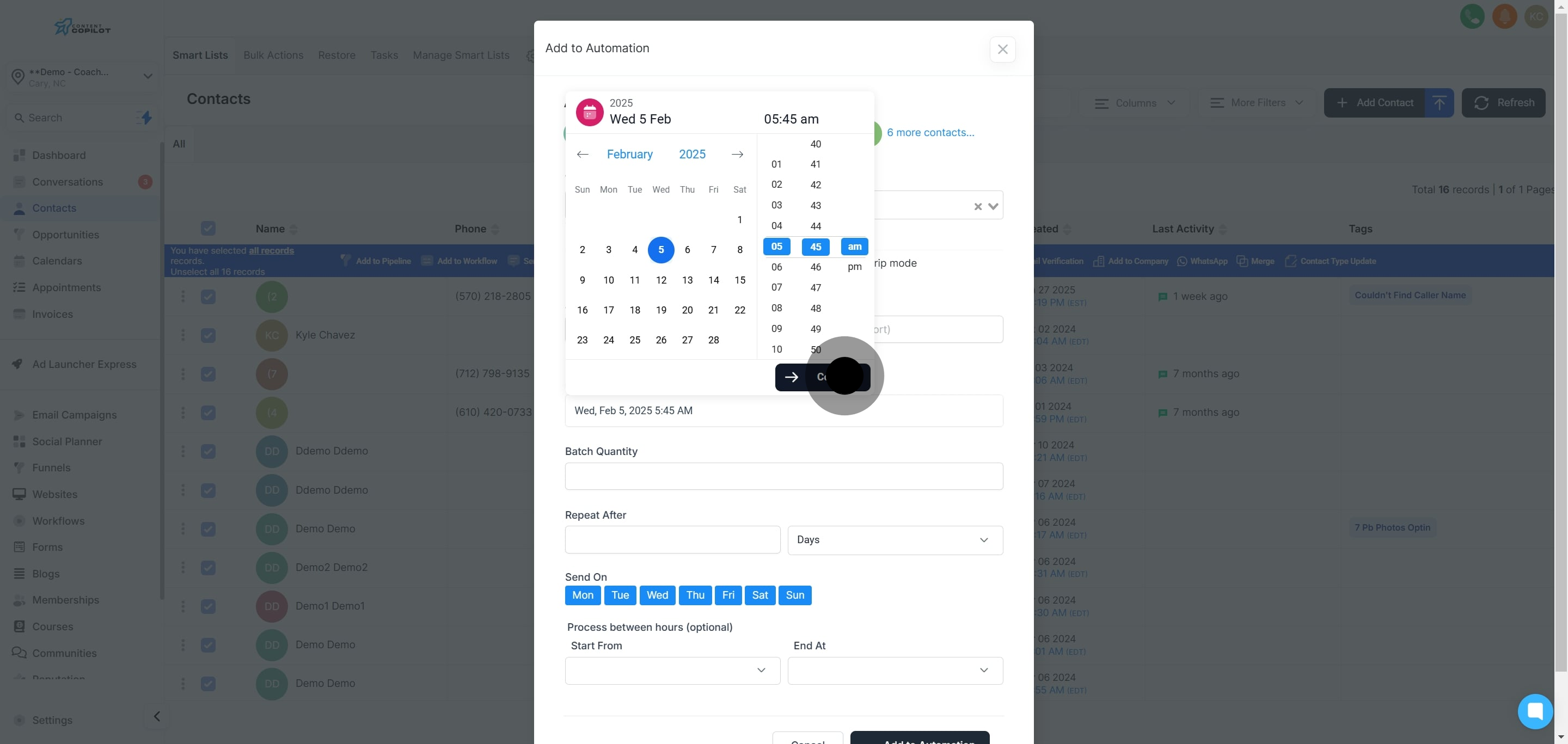
15. Type the number of contacts per batch for addition.
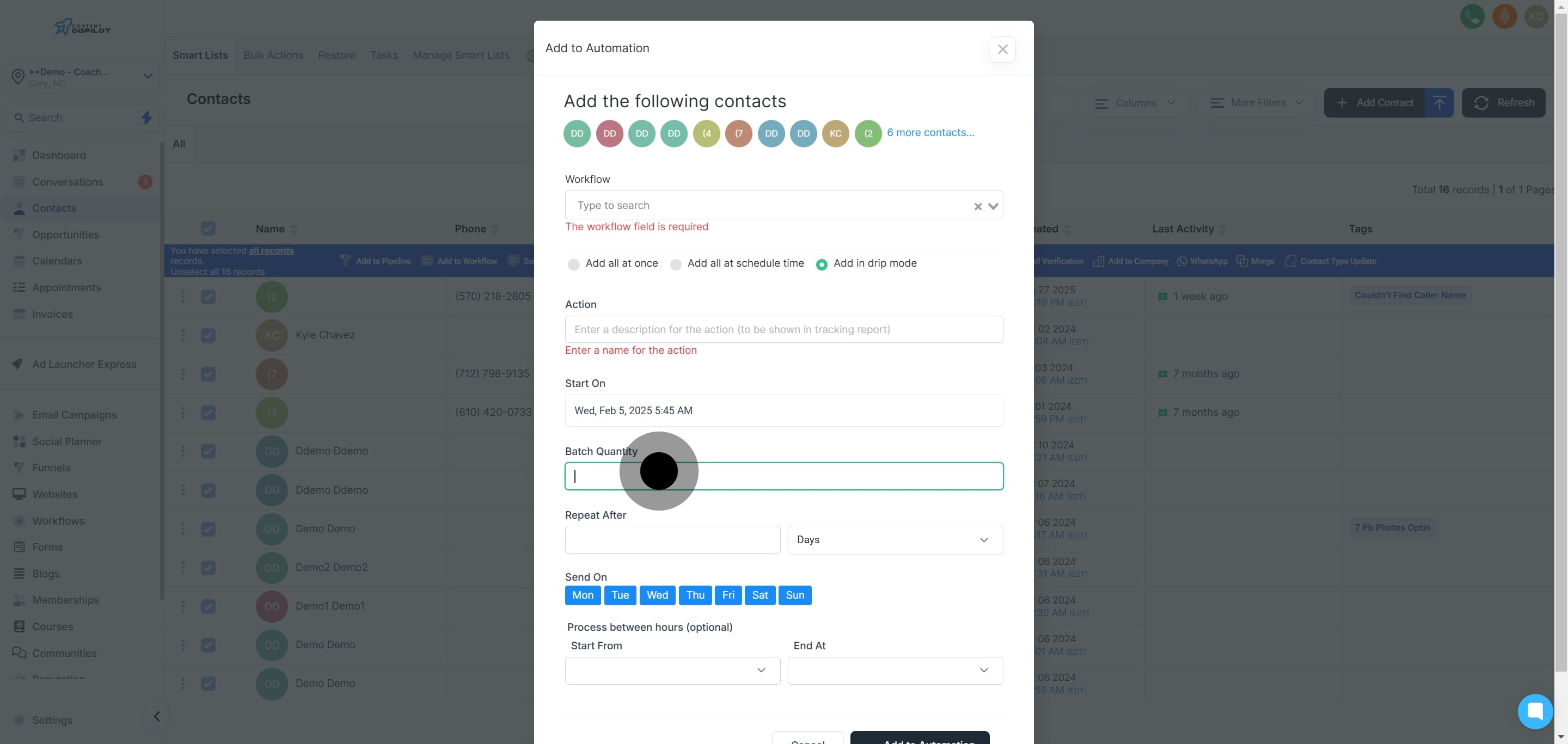
16. Specify the frequency rate for the drip mode.
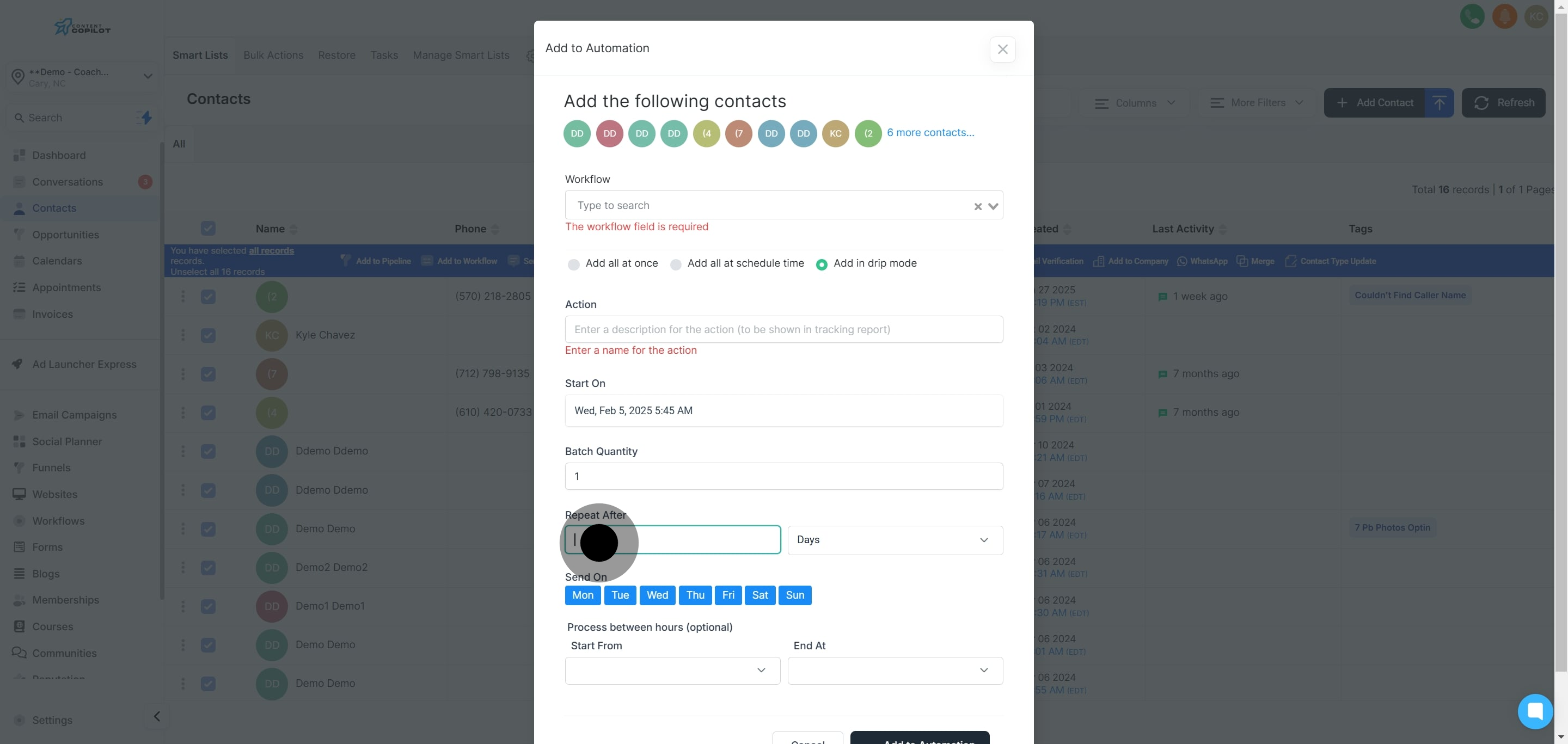
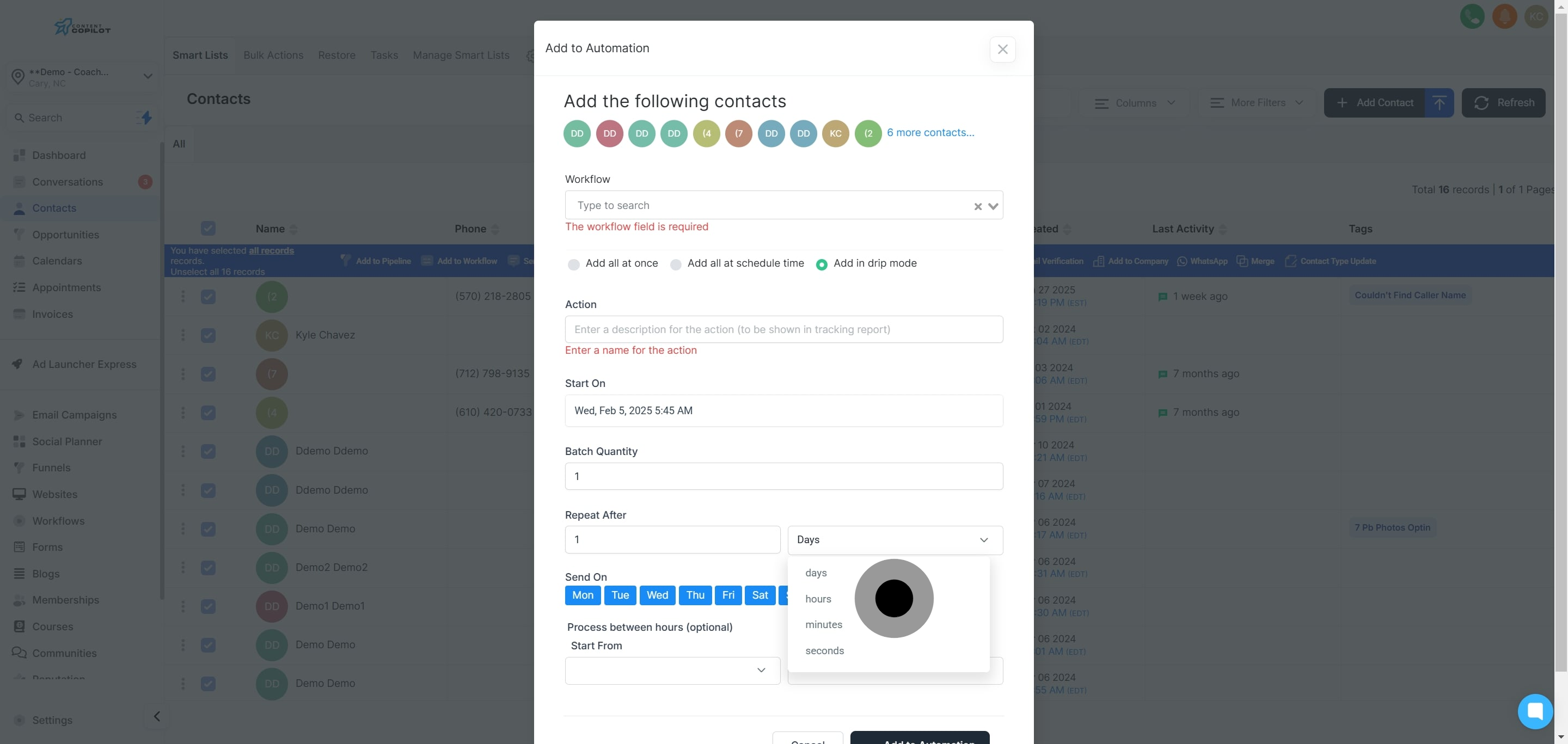
17. Select the frequency type, such as days or weeks.
18. Choose which days to add contacts.
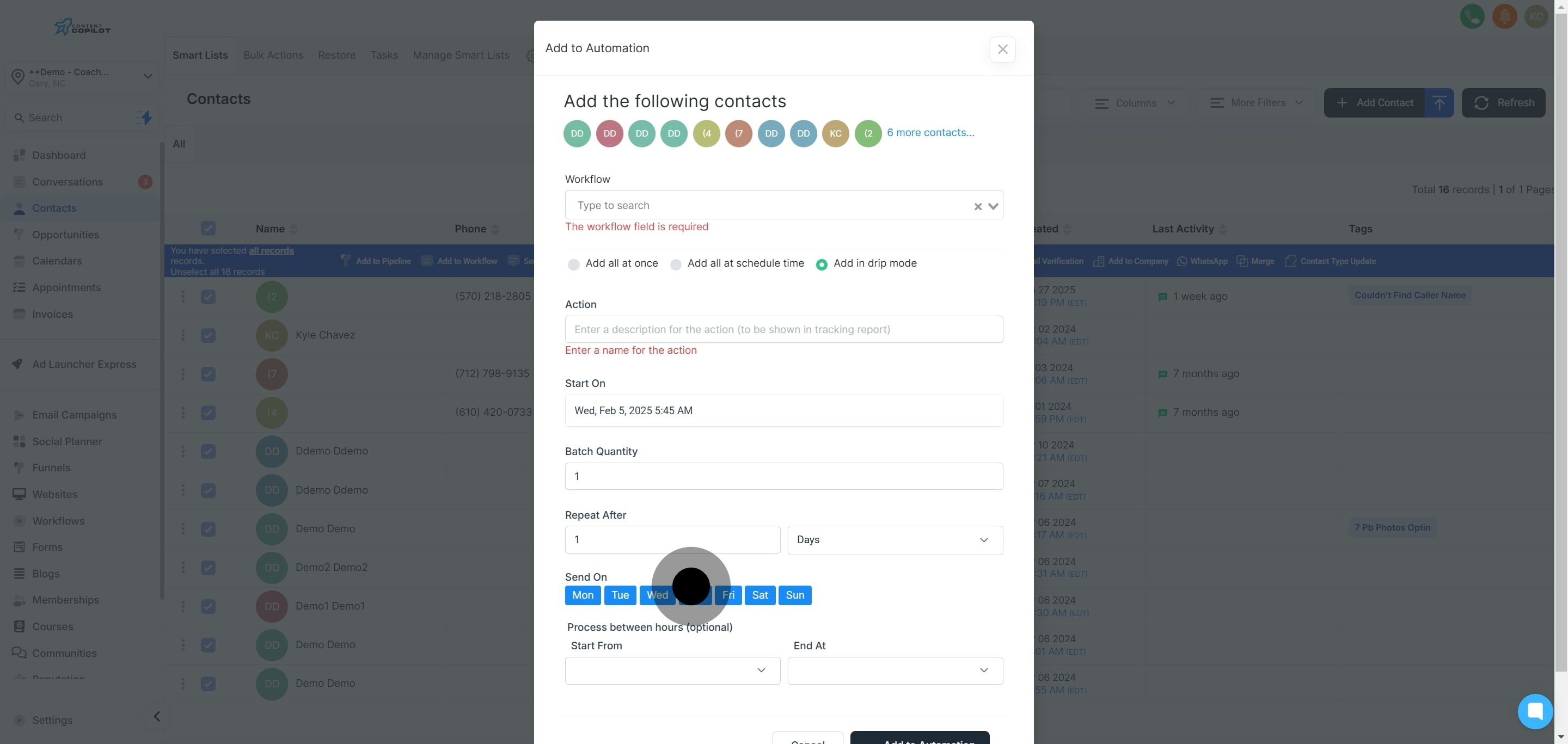
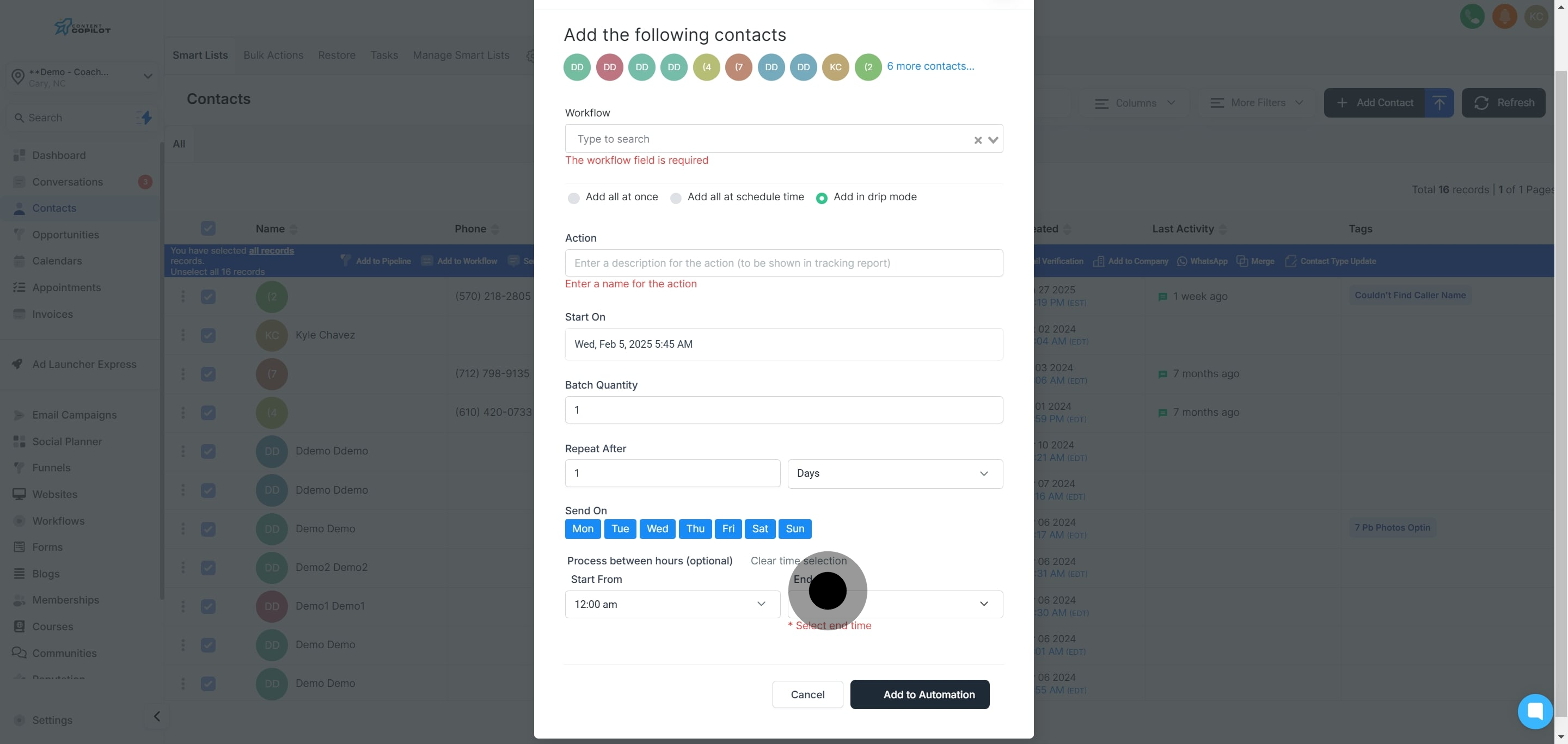
19. Decide the starting time for your contact additions.
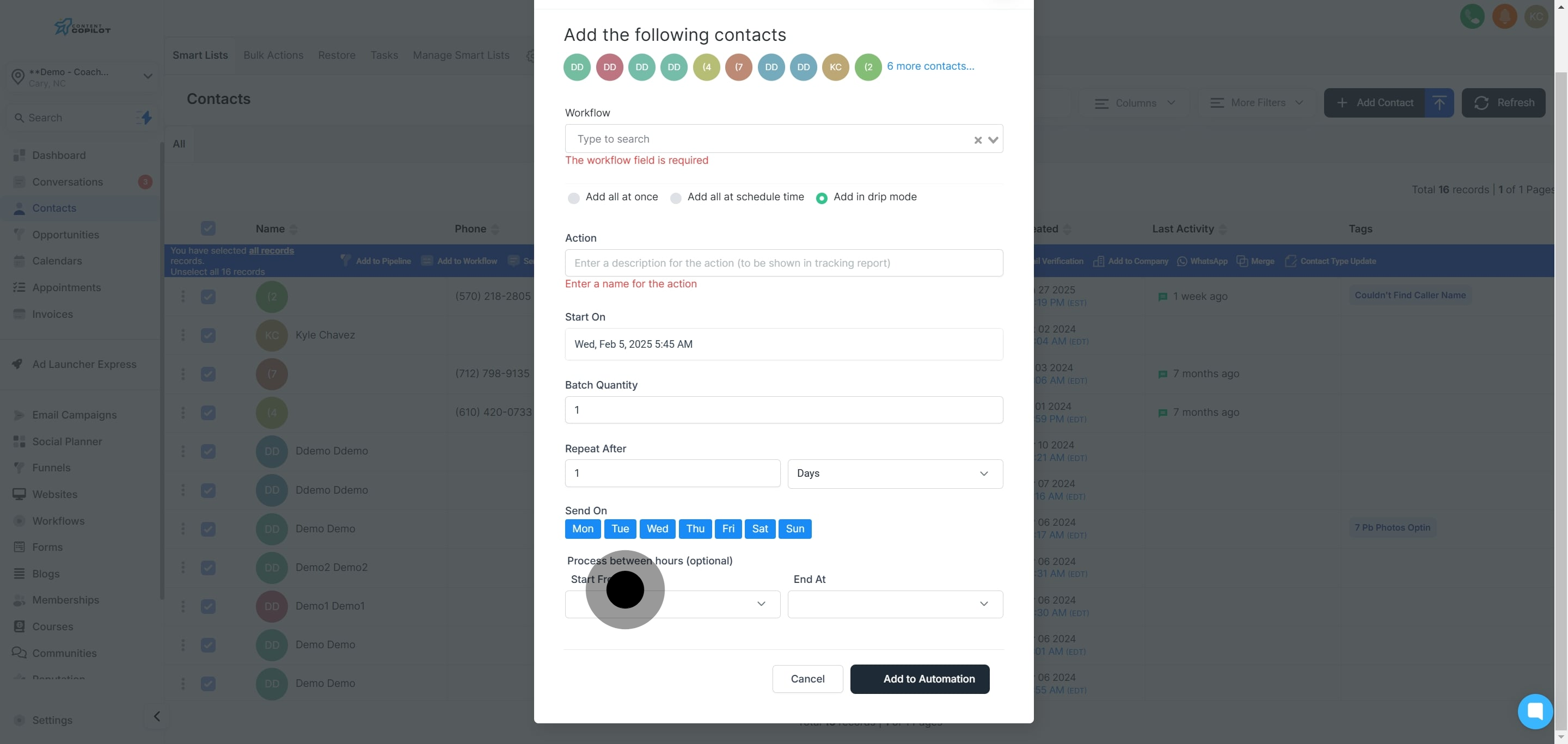
20. Set the ending time for adding contacts.
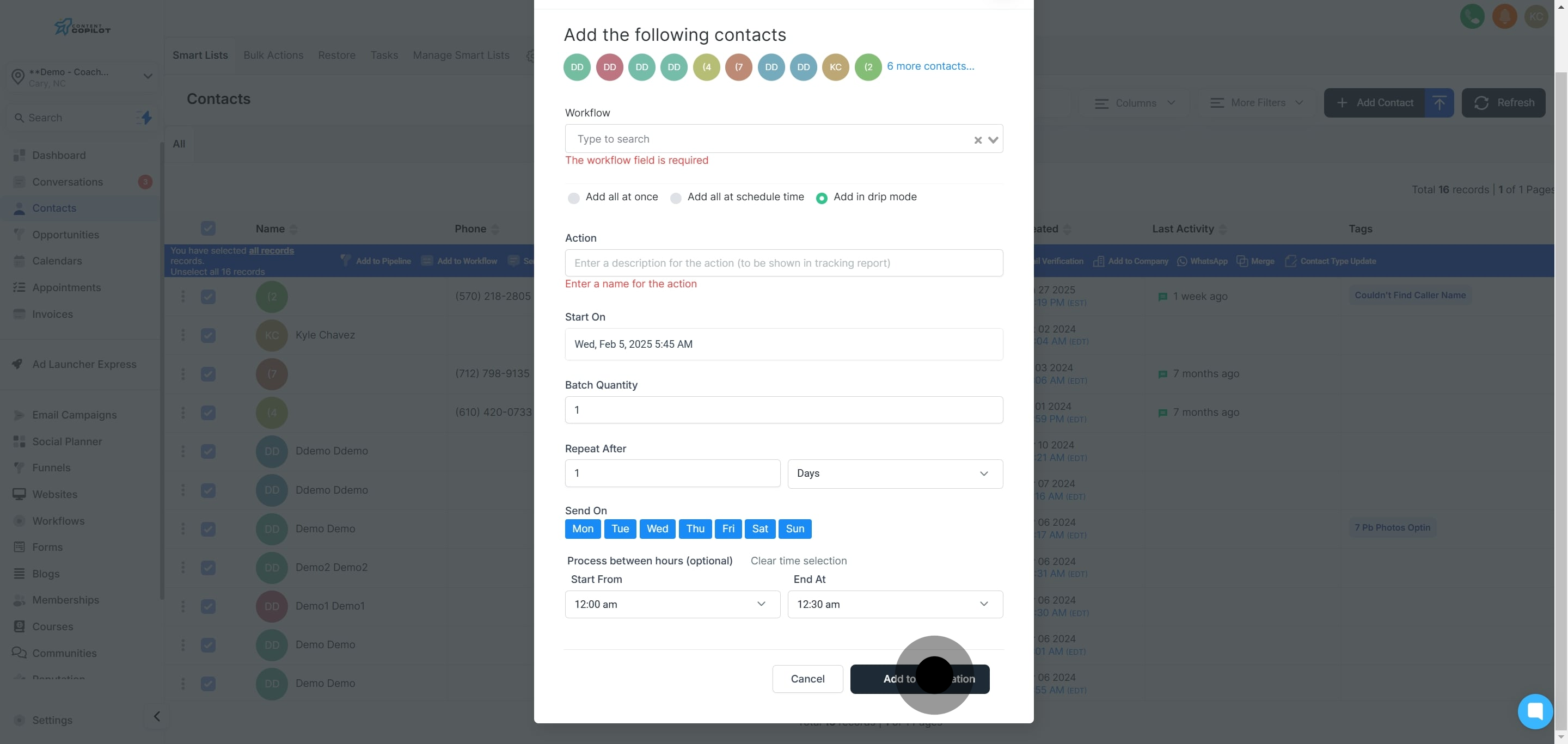
21. Now, finalize your settings by clicking 'Add to automation'.
This workflow was created with Supademo.
