Personalize your SMS communication by customizing the Sender ID in Content Copilot CRM. This guide walks you through updating sender ID details, modifying the placement and message content, and saving your changes for a professional touch.
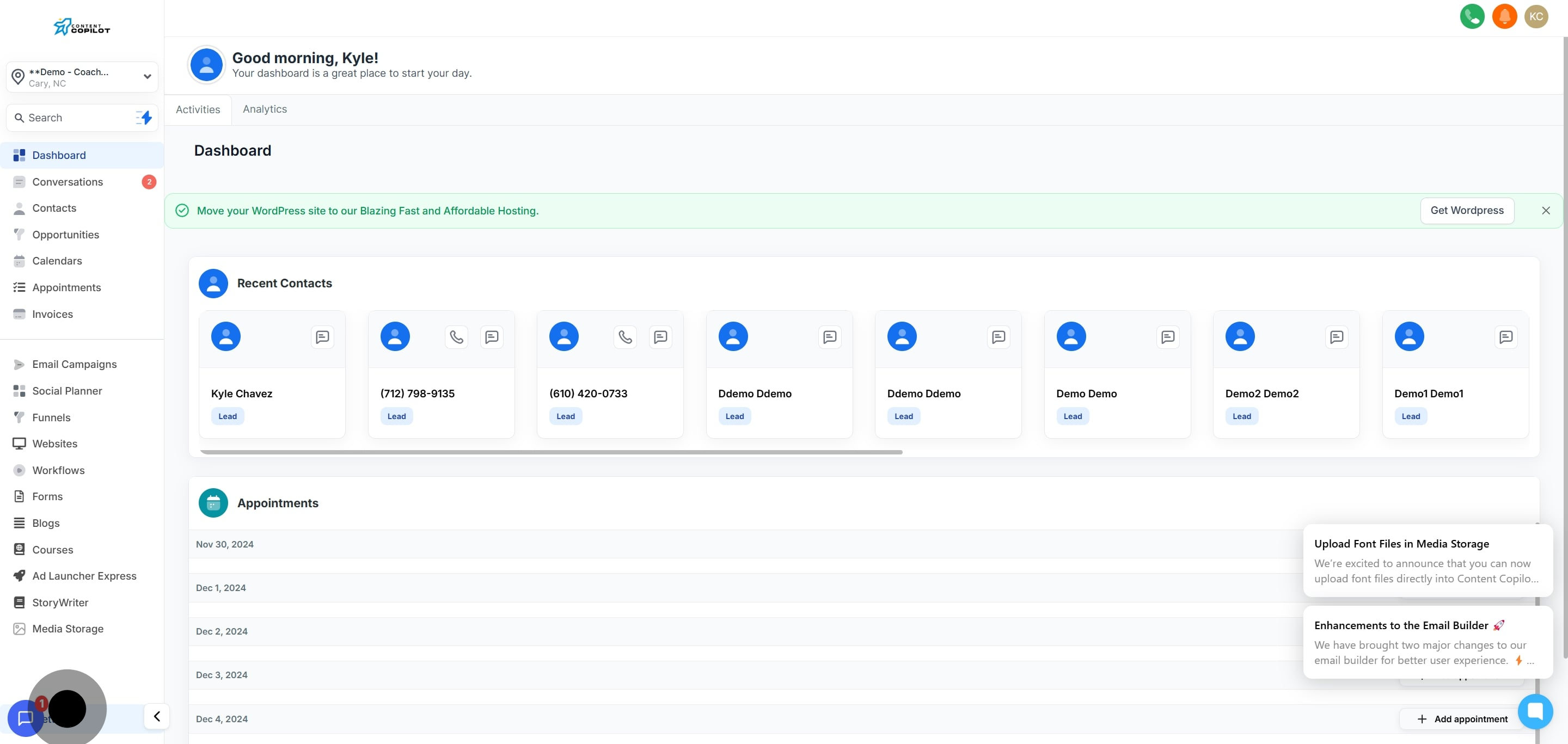
1. Access settings to adjust your preferences.
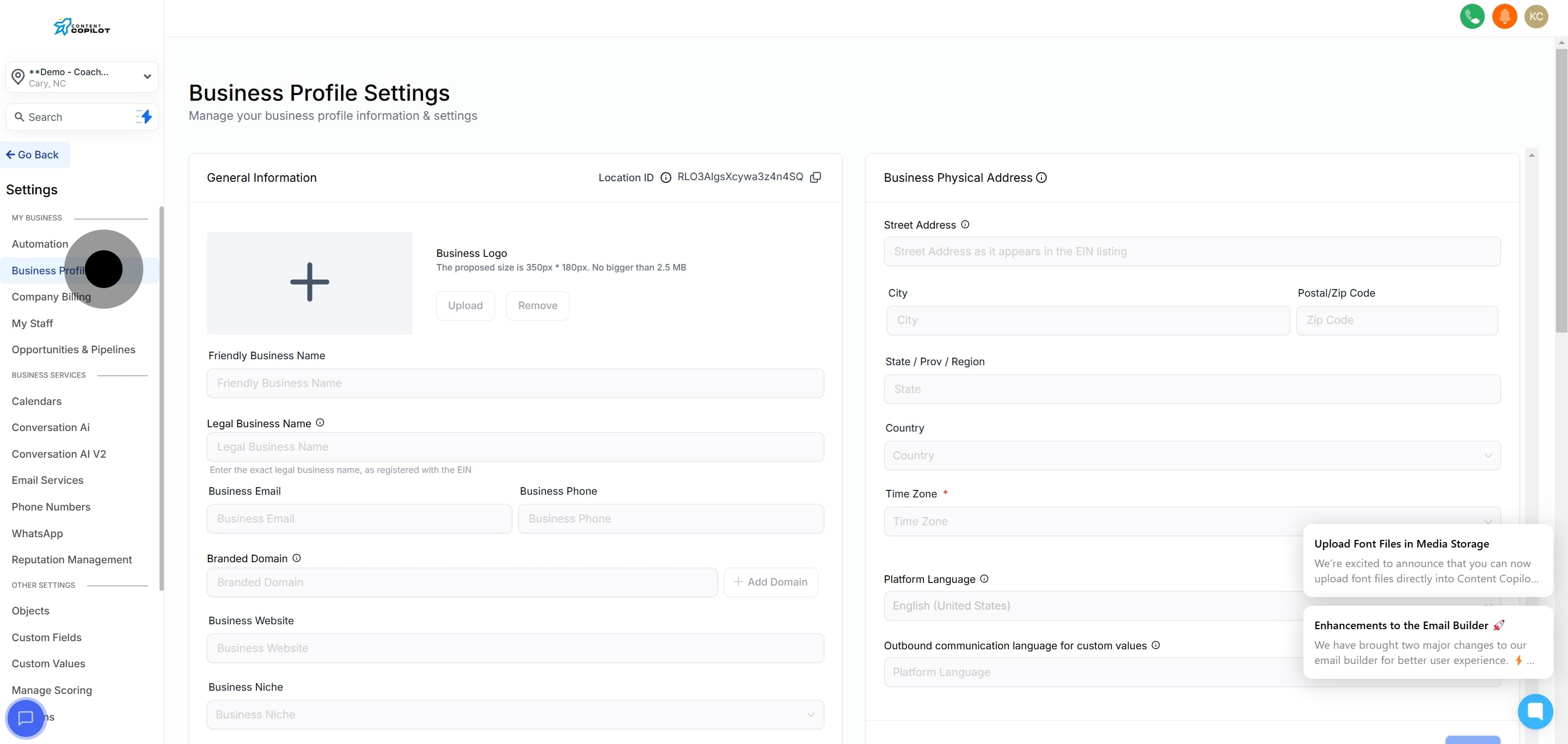
2. Now, proceed to update your Business Profile information.
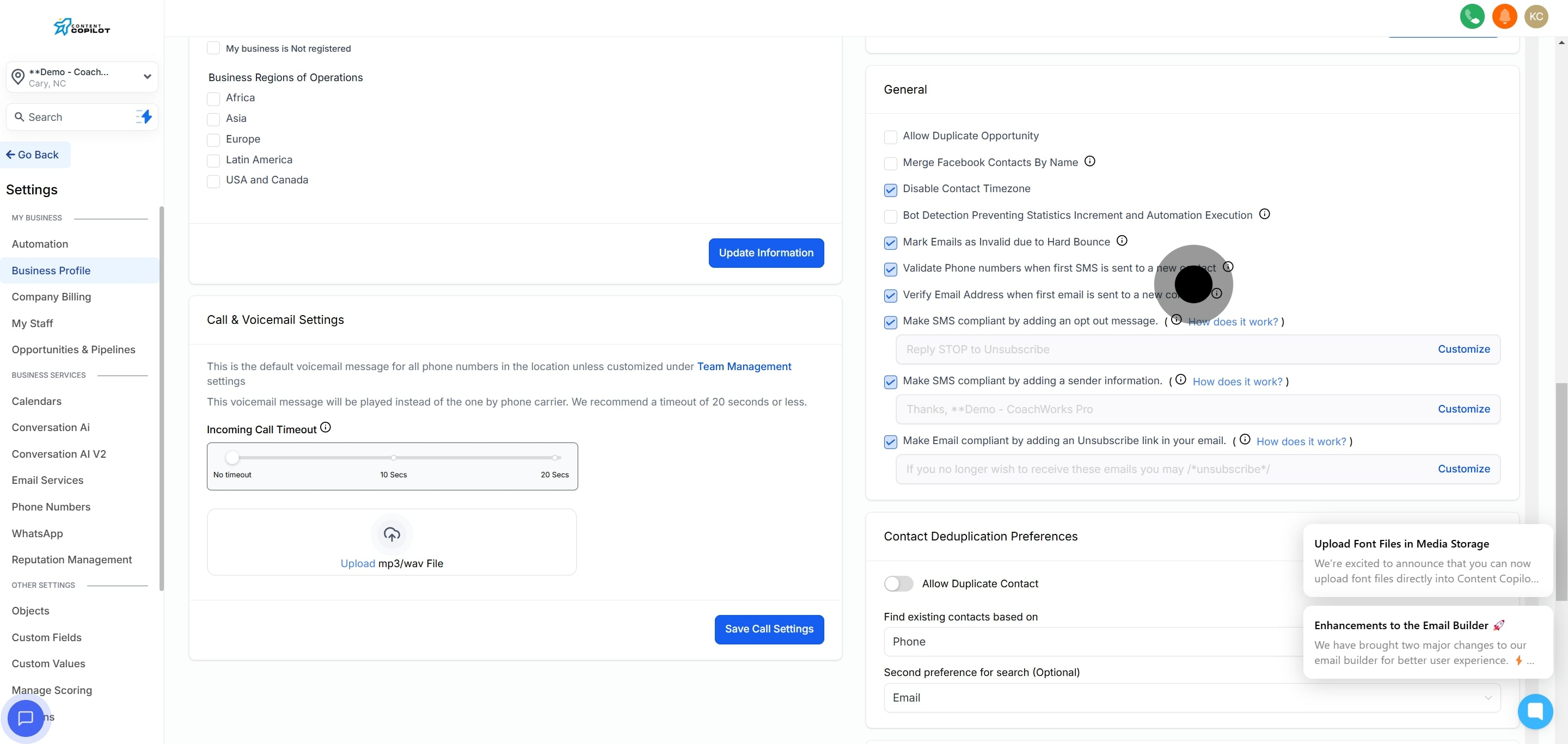
3. Then, navigate to the general tab for more options.
4. Customize your sender ID by clicking here.
5. Next, enter your new sender ID details.
6. Decide where to place the sender ID information.
7. Now, modify the sender message as needed.
8. Finally, click save to apply changes.
Did this answer your question?
😞
😐
😁
Customizing Sender ID in Content Copilot CRM | Content Copilot