Disabling the Sender ID Feature in Content Copilot CRM
Adjust your SMS settings by disabling the Sender ID feature in Content Copilot CRM. This guide outlines steps to navigate the Business Profile, ensure compliance with SMS policies, and confirm messaging to opted-in contacts for a compliant communication strategy.
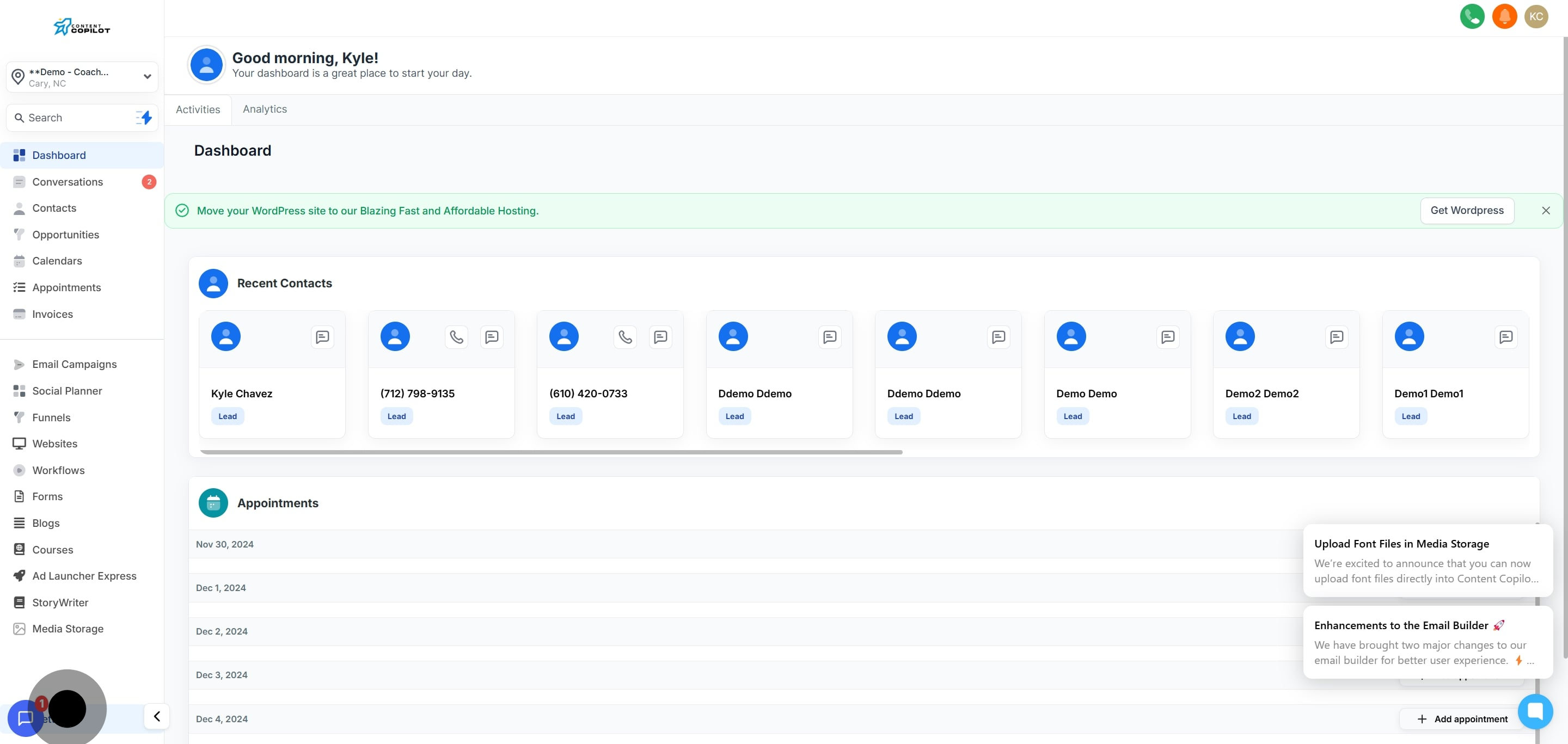
1. Navigate to settings to begin.
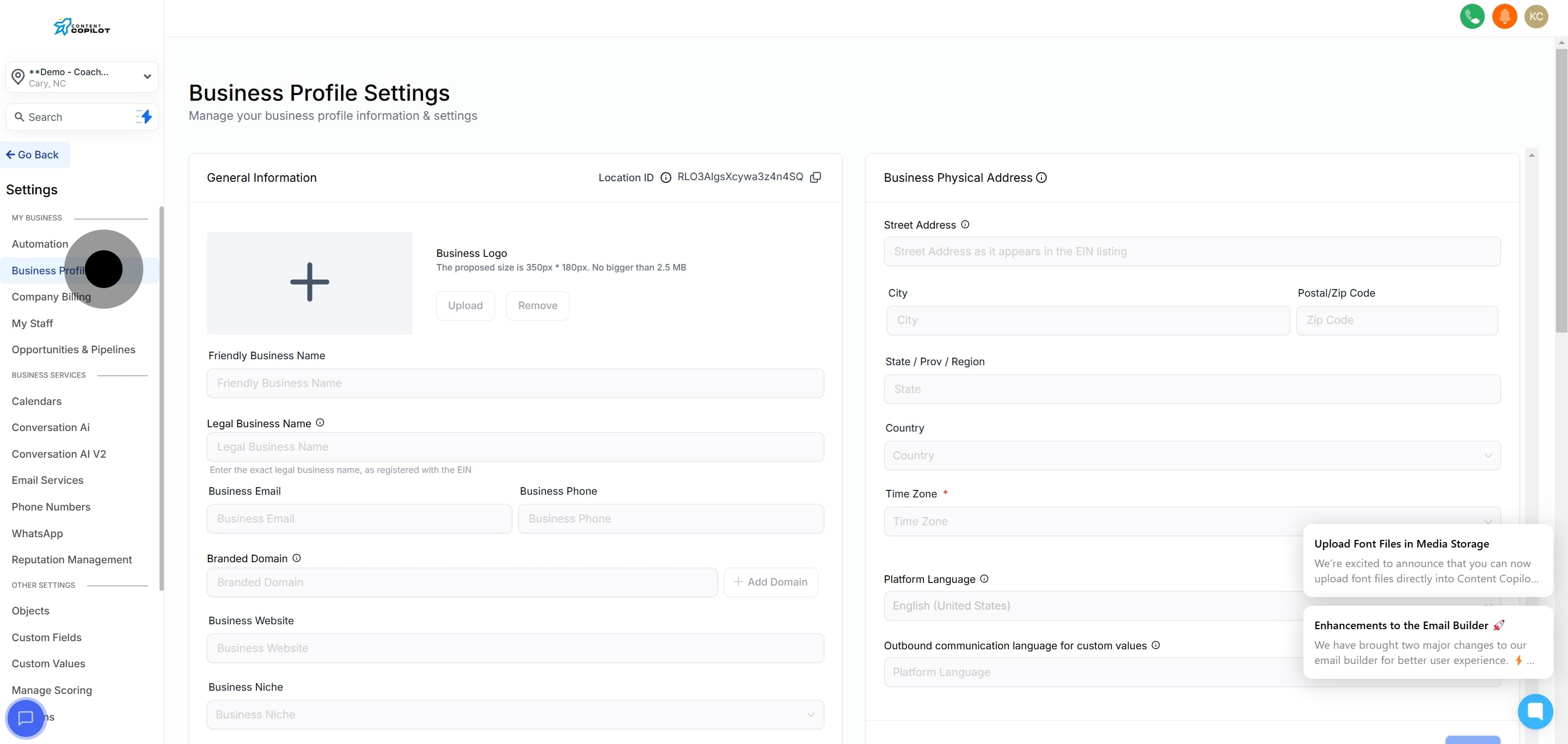
2. Then, select 'Business Profile' to update company details.
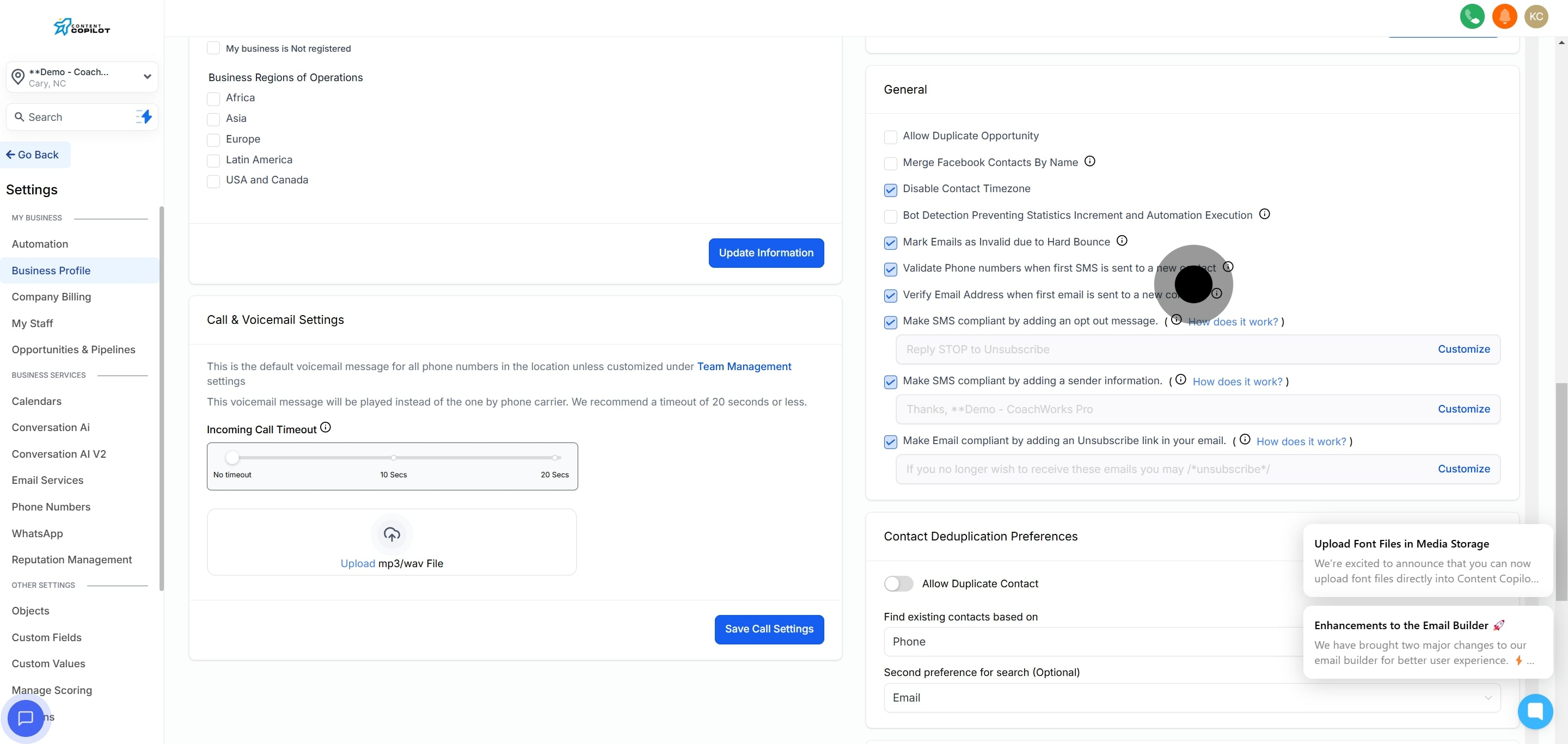
3. Locate and open the general tab next.
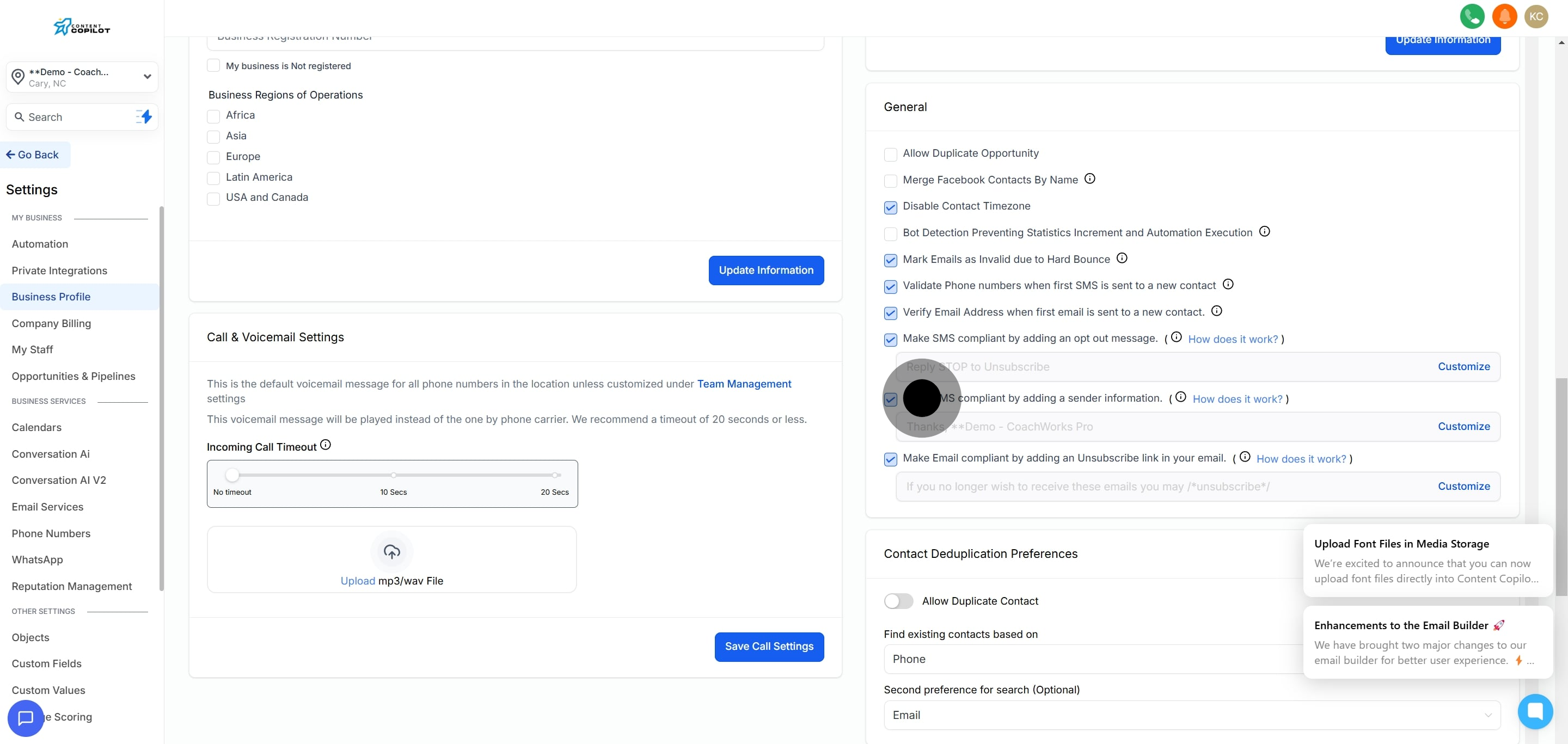
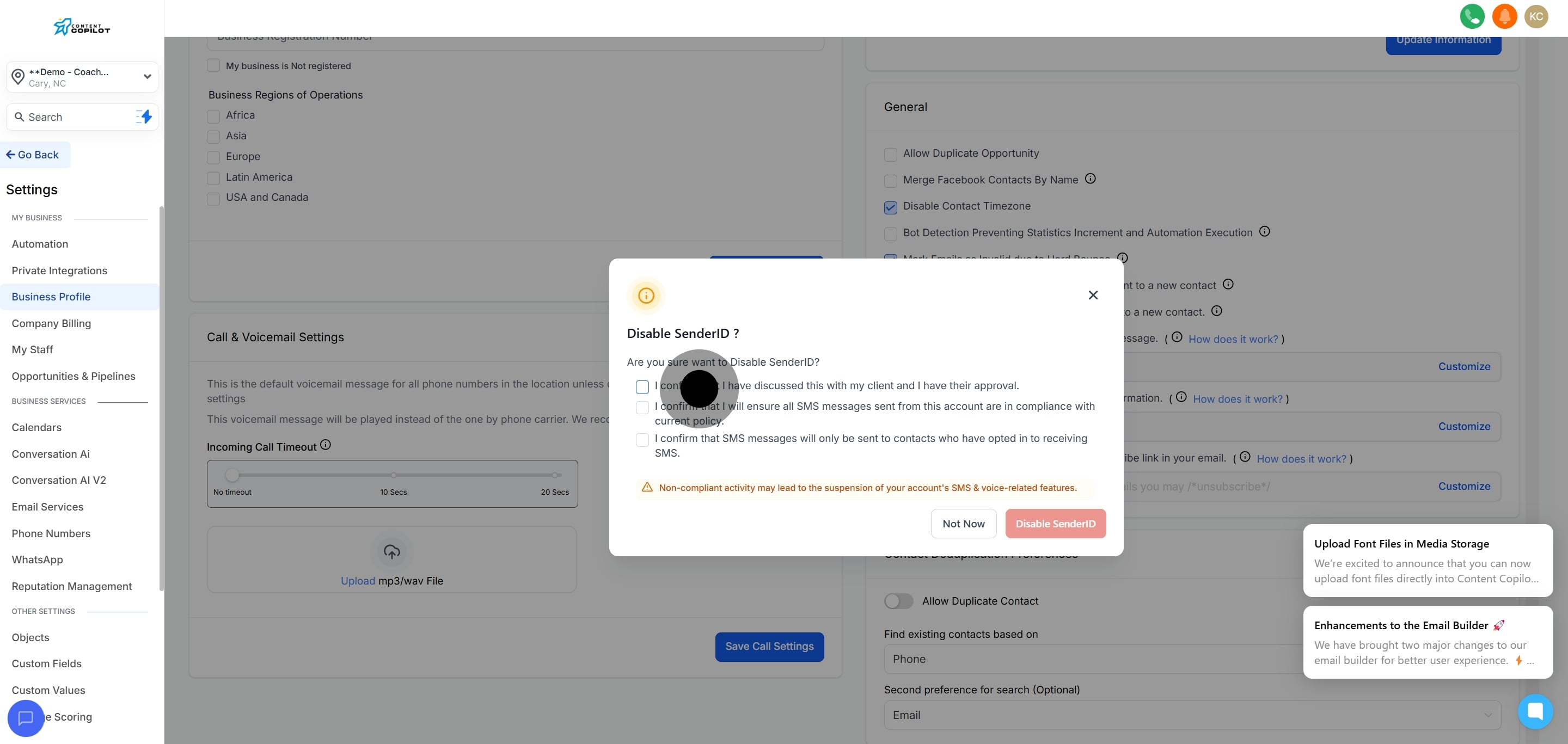
4. Uncheck the option to disable SMS sender information compliant.
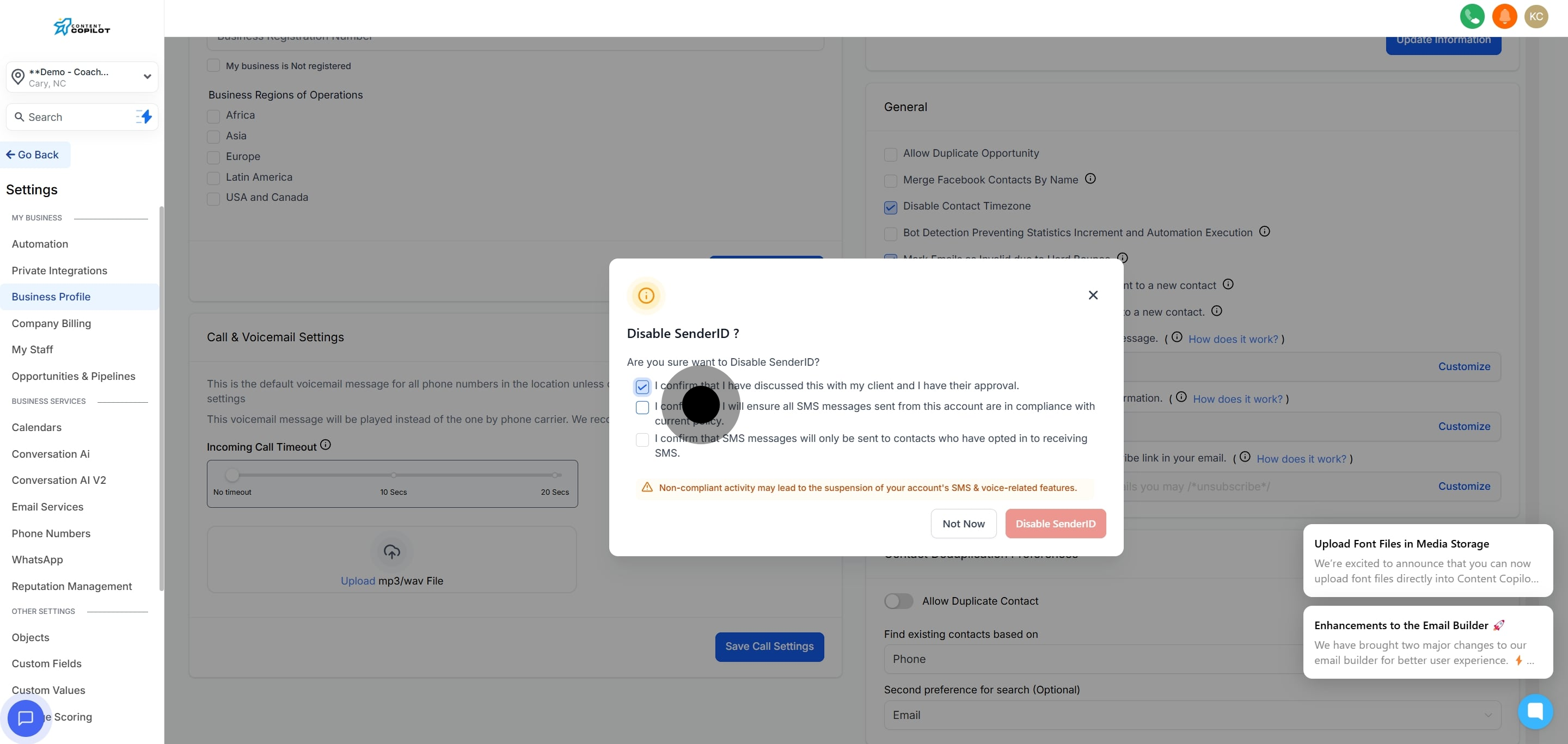
5. Confirm your client agreement by selecting the checkbox.
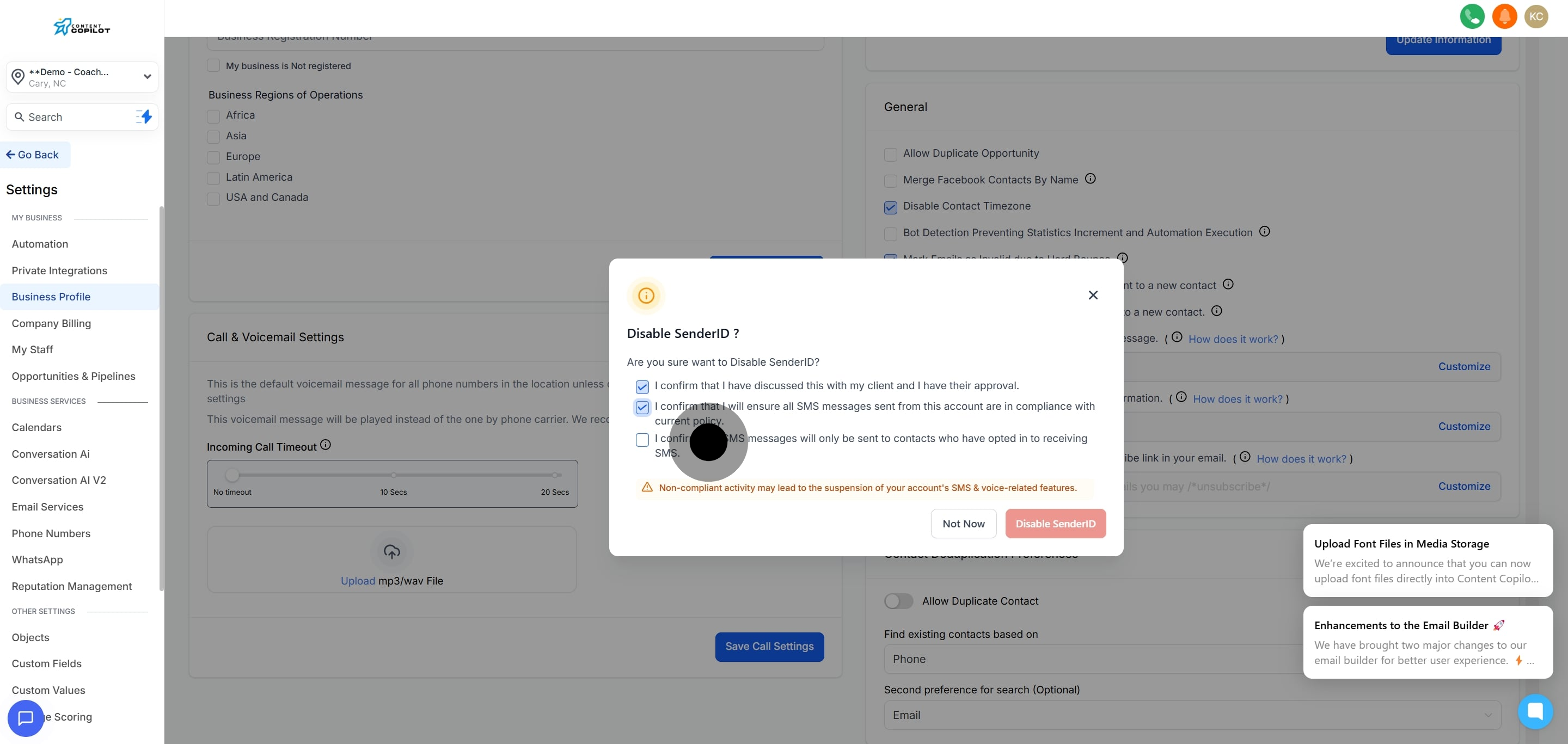
6. Next, verify compliance for SMS messaging.
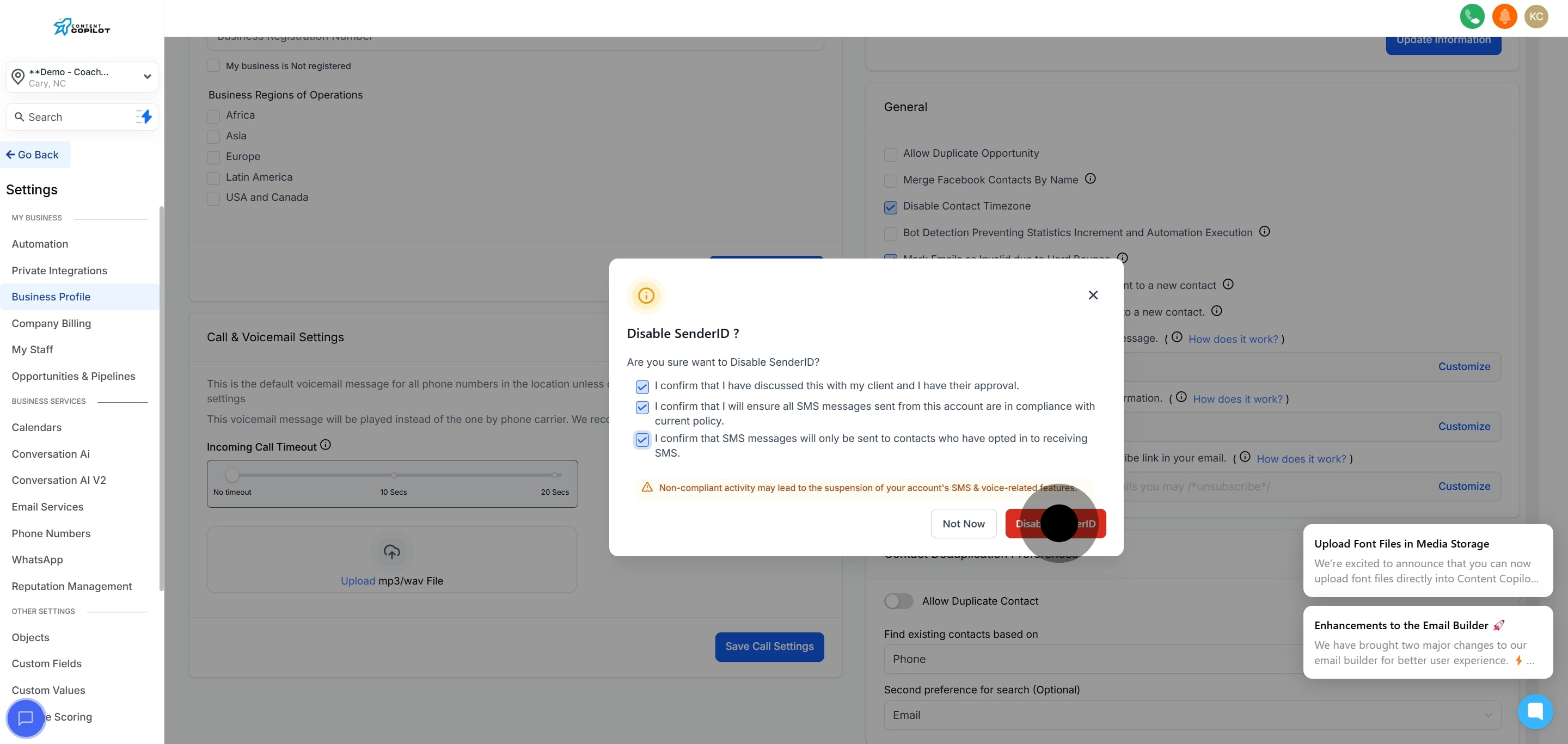
7. Confirm that SMS messages will be sent only to opted-in contacts.
8. Finally, disable the SenderID feature to finish.