Tailor your Opt Out Message in Content Copilot CRM by customizing message content in the General tab settings. This guide shows you how to make edits, apply changes to sub-accounts, and save your configurations for consistent messaging.
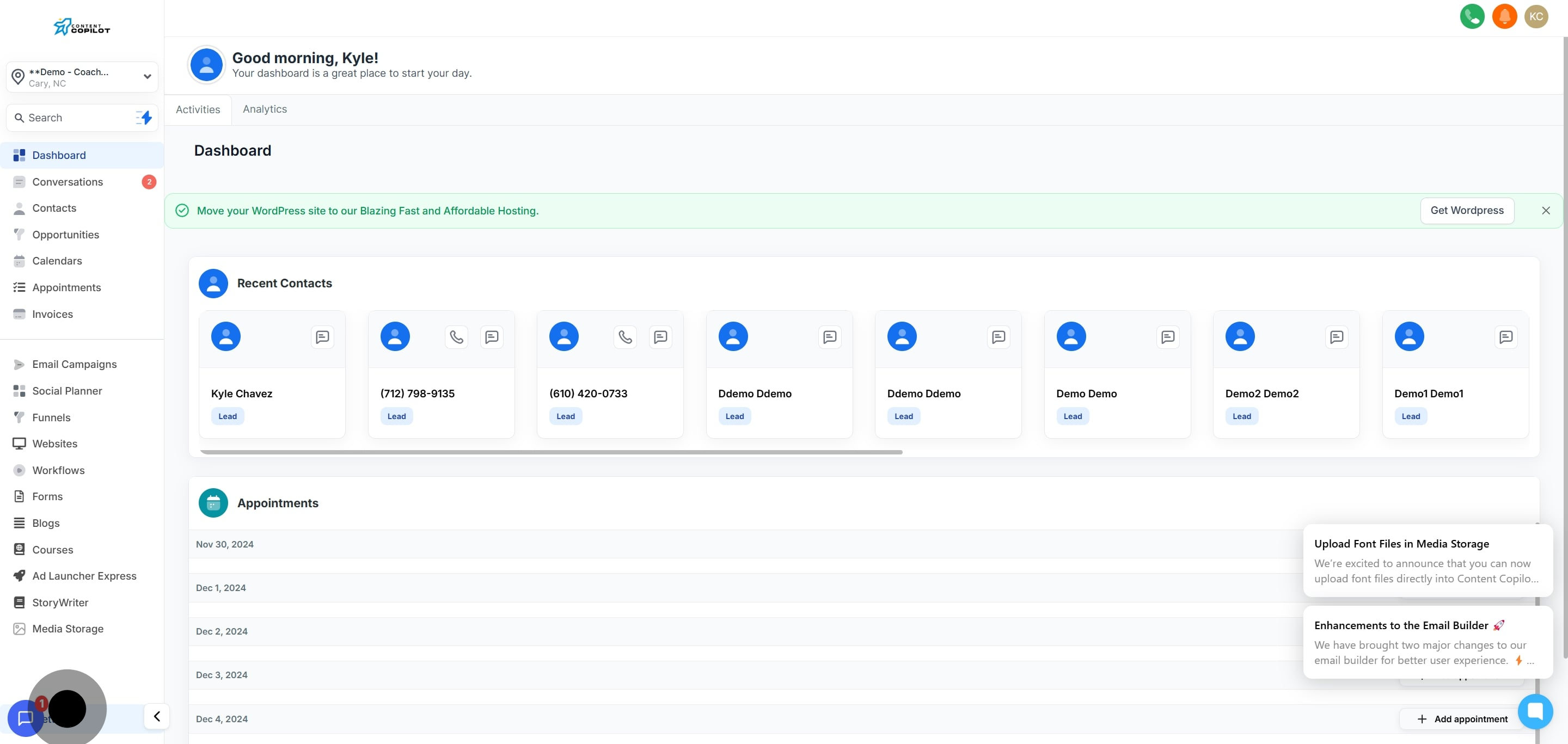
1. Start by navigating to the settings area.
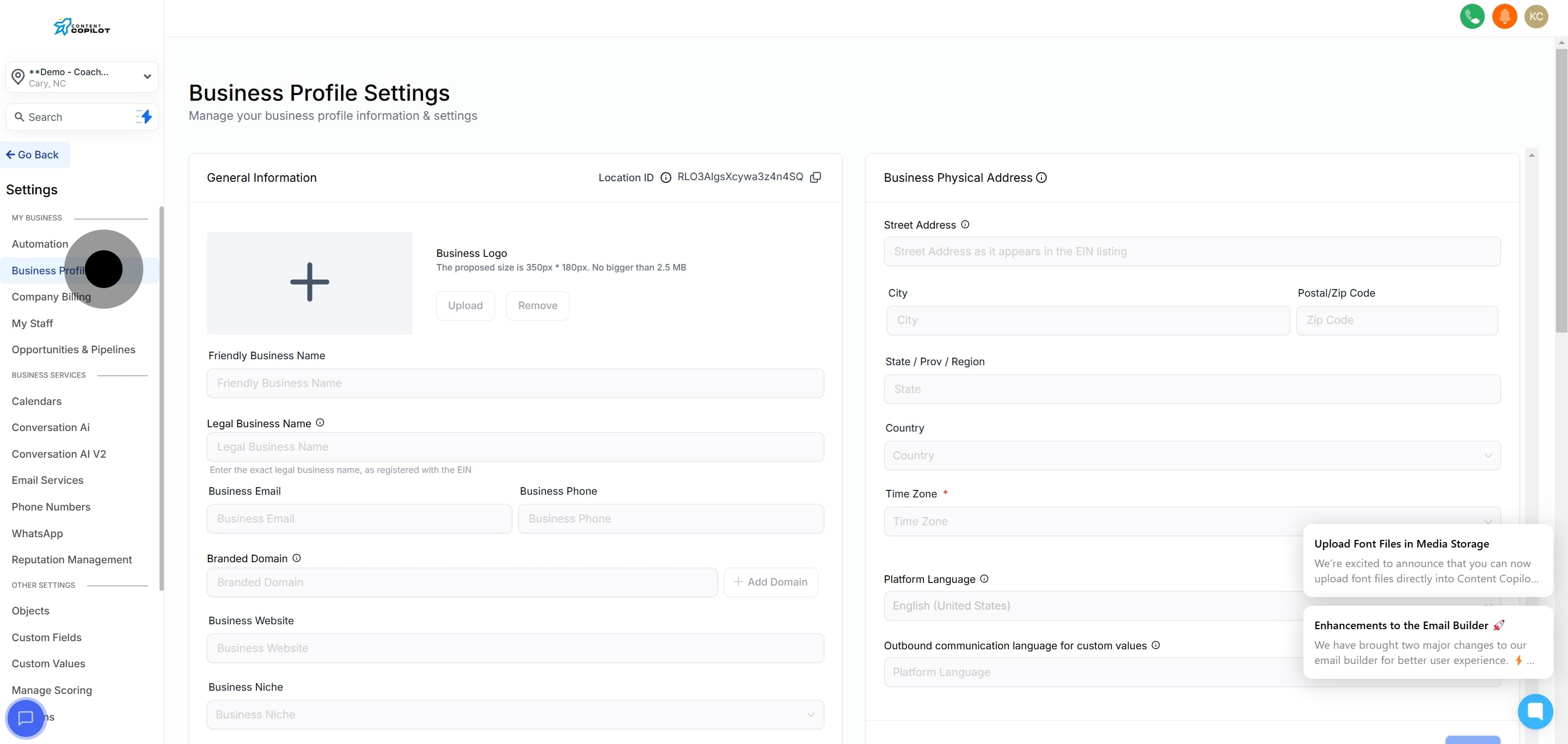
2. Then, select the Business Profile option.
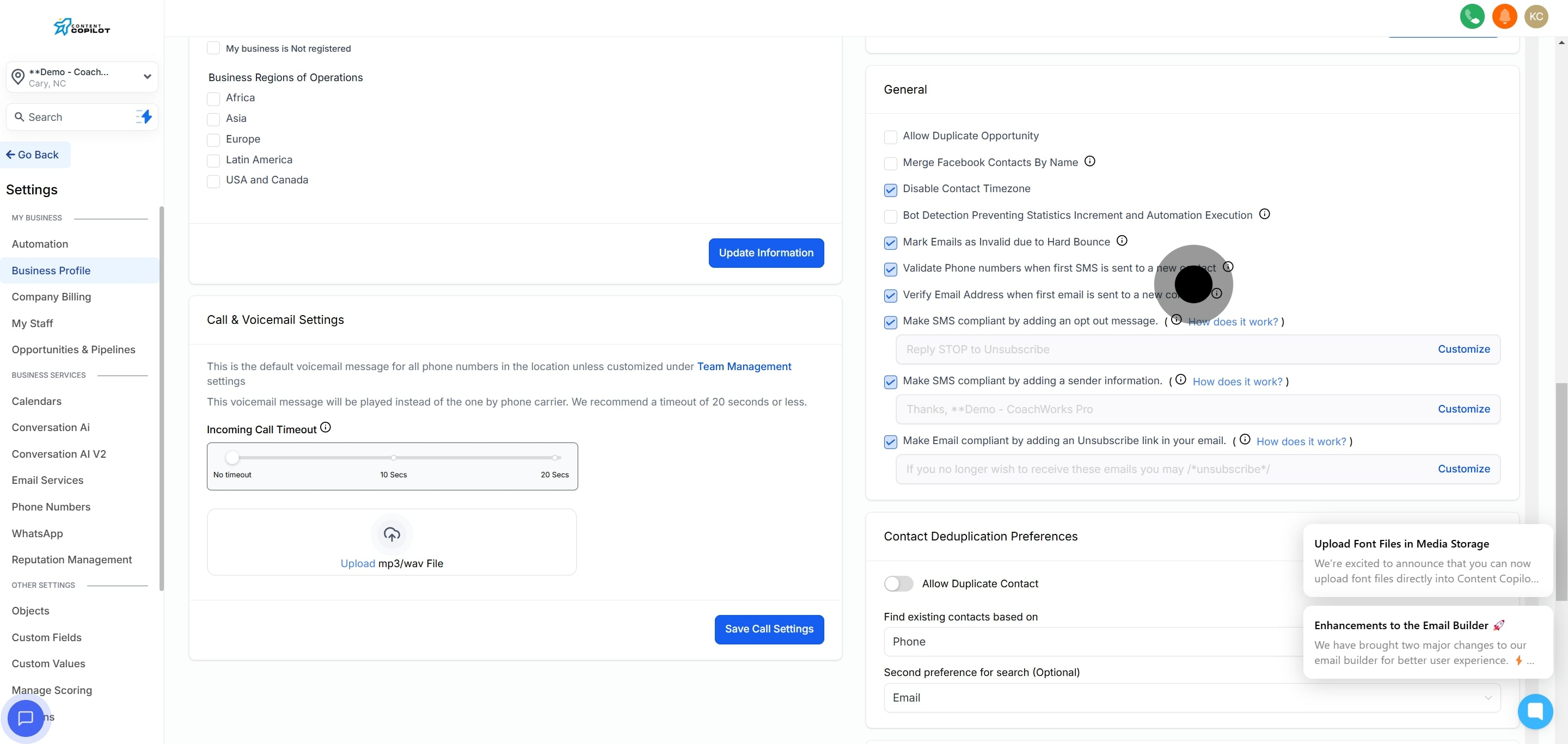
3. Now, find the General tab section.
4. Begin customization by clicking on Customize.
5. Proceed by editing the Opt Out Message content in the provided area.
6. Optionally, enable changes for all sub-accounts.
7. Finally, save your configuration by clicking the save button.