Disabling the SMS Opt-Out Feature in Content Copilot CRM
Manage SMS communication settings by disabling the SMS opt-out feature in Content Copilot CRM. This guide walks you through navigating the Business Profile, confirming compliance with SMS policies, verifying opt-in preferences, and saving your updated settings.
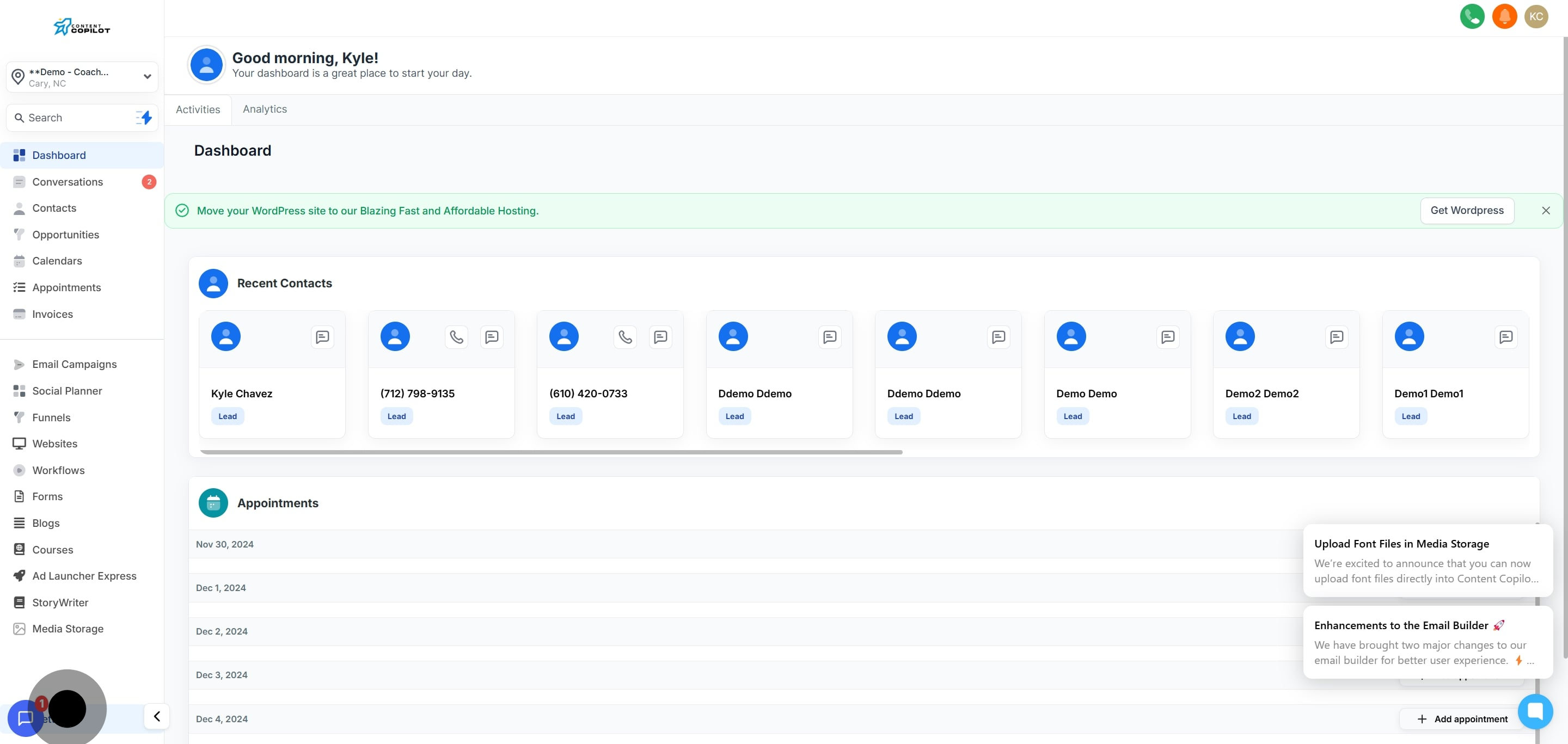
1. Start by clicking the 'Settings' option.
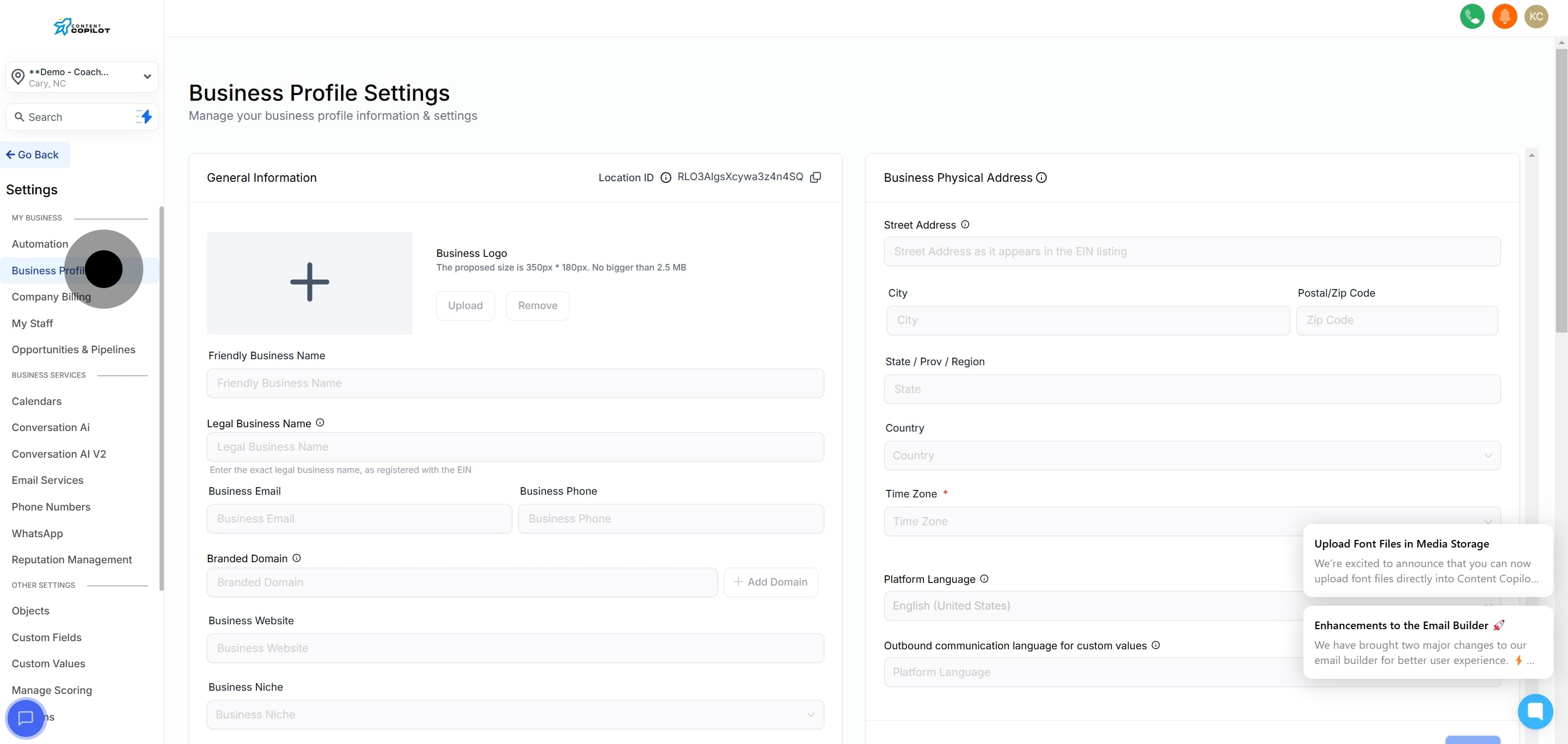
2. Next, select the 'Business Profile' section.
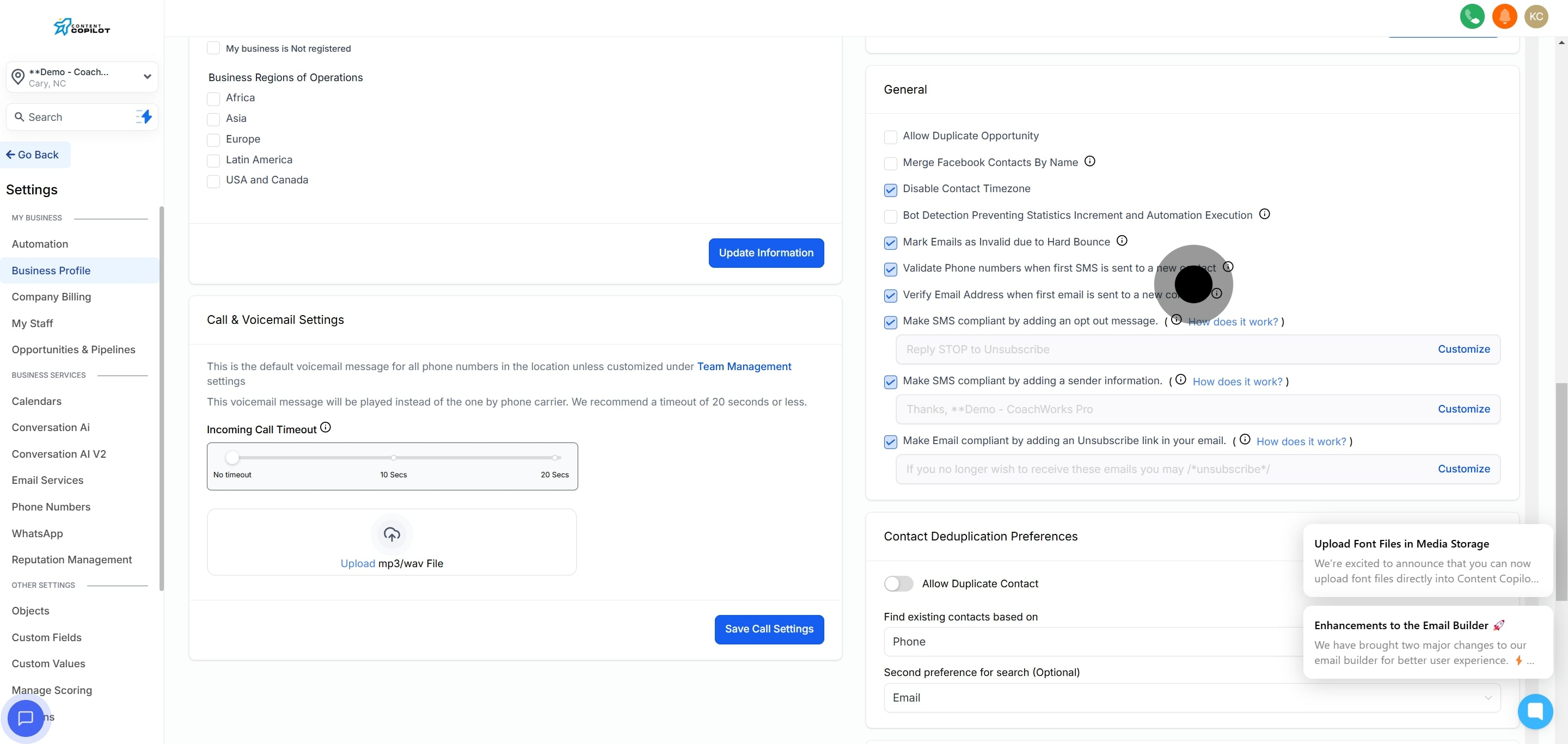
3. Now, navigate to the 'General' tab.
4. Proceed to disable the SMS opt-out feature.
5. Then, confirm the discussion with your client by clicking the appropriate checkbox.
6. Follow up by ensuring compliance with SMS policies; click confirm.
7. Afterwards, verify SMS opt-in preferences with another confirmation click.
8. Finally, make sure to save your settings before exiting.