Enabling Email Address Verification in Content Copilot CRM
Improve email accuracy by enabling the Email Address Verification feature in Content Copilot CRM. Follow this guide to access the settings, navigate to the Business Profile, and activate the option in the General tab.
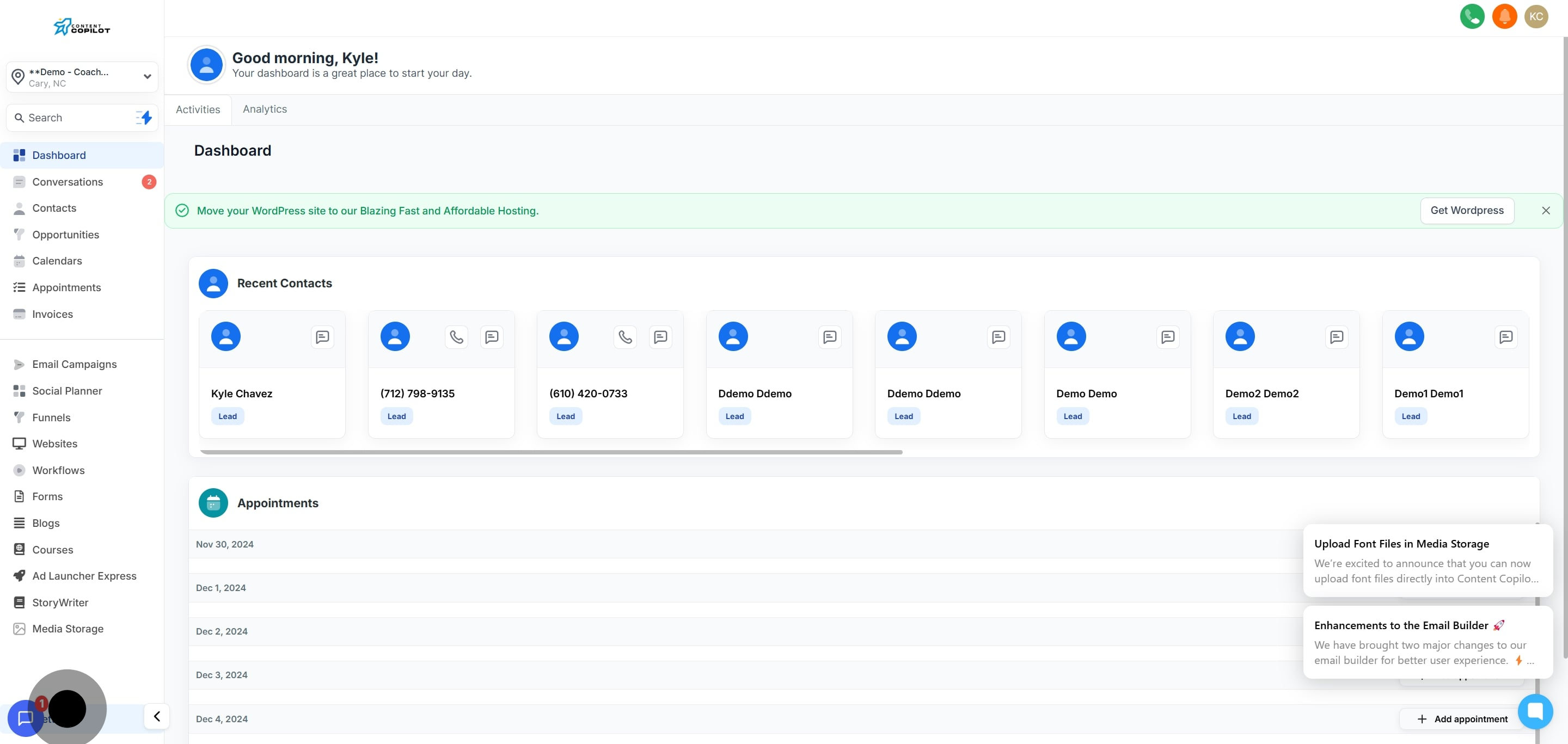
1. Begin by navigating to the settings menu.
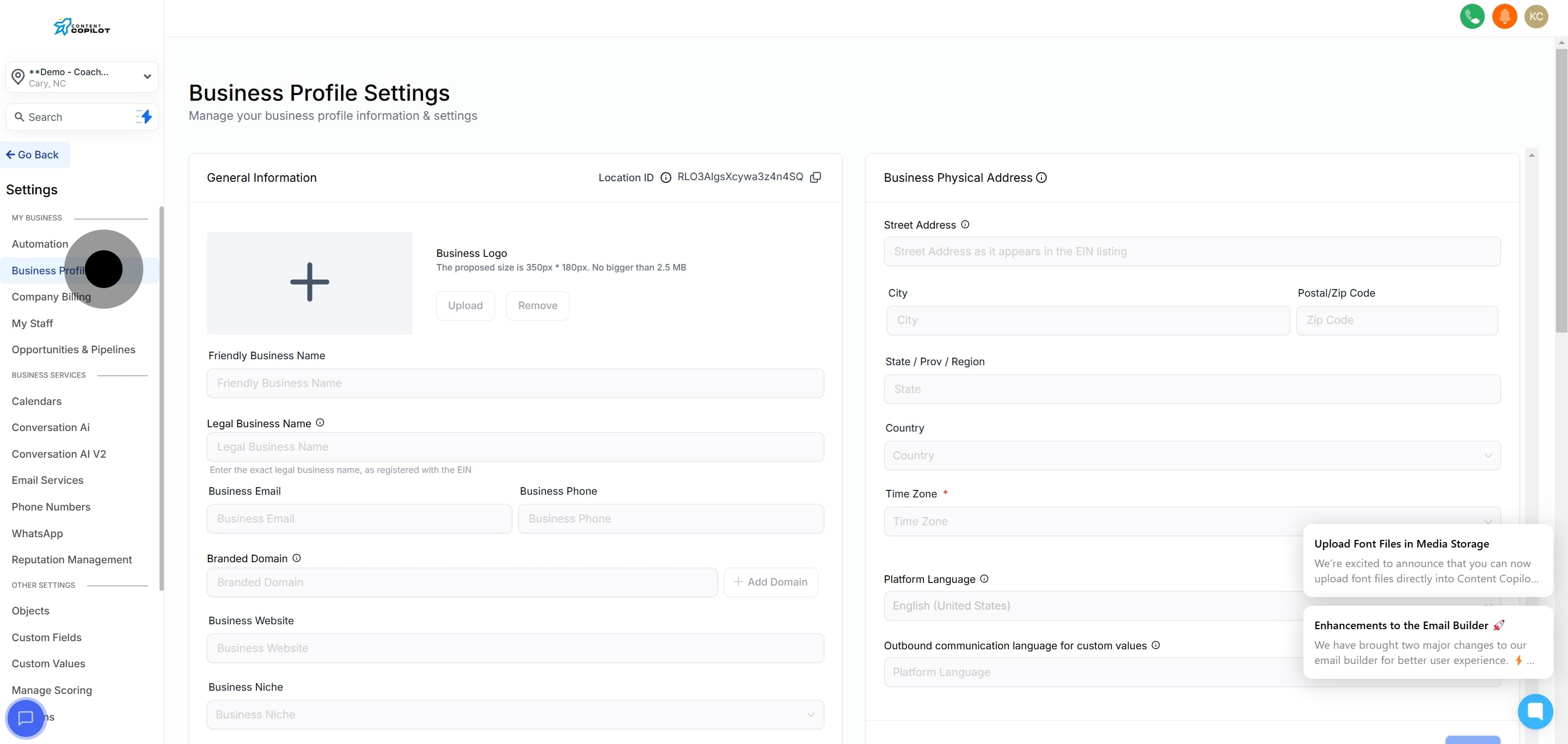
2. Now, select the Business Profile section.
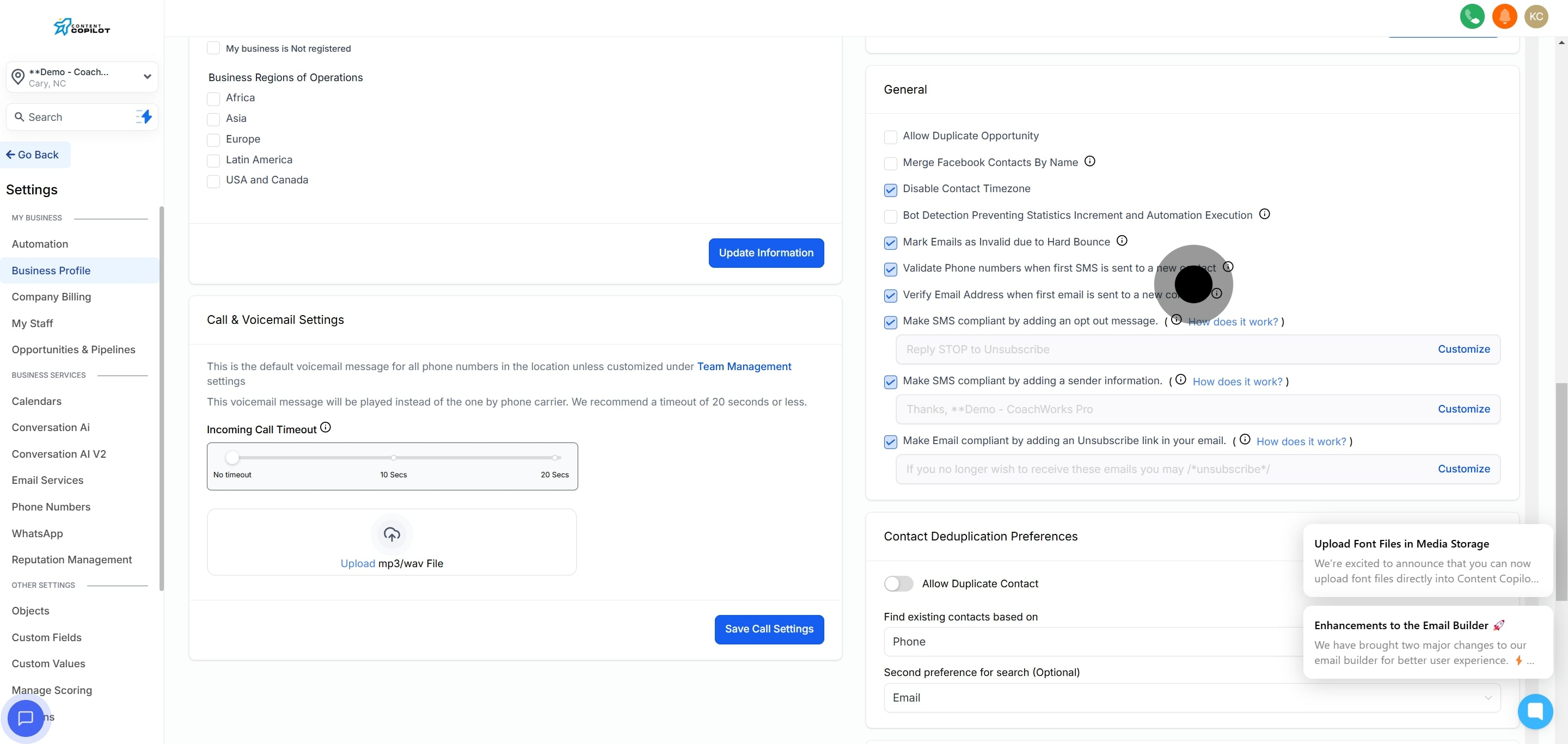
3. Then, locate the General tab to proceed.
4. Lastly, ensure the Verify Email Address option is activated.