Enabling Phone Number Validation in Content Copilot CRM
Ensure accurate data by enabling phone number validation in Content Copilot CRM. This guide walks you through accessing the Business Profile settings and activating the validation feature in the General tab for improved contact management.
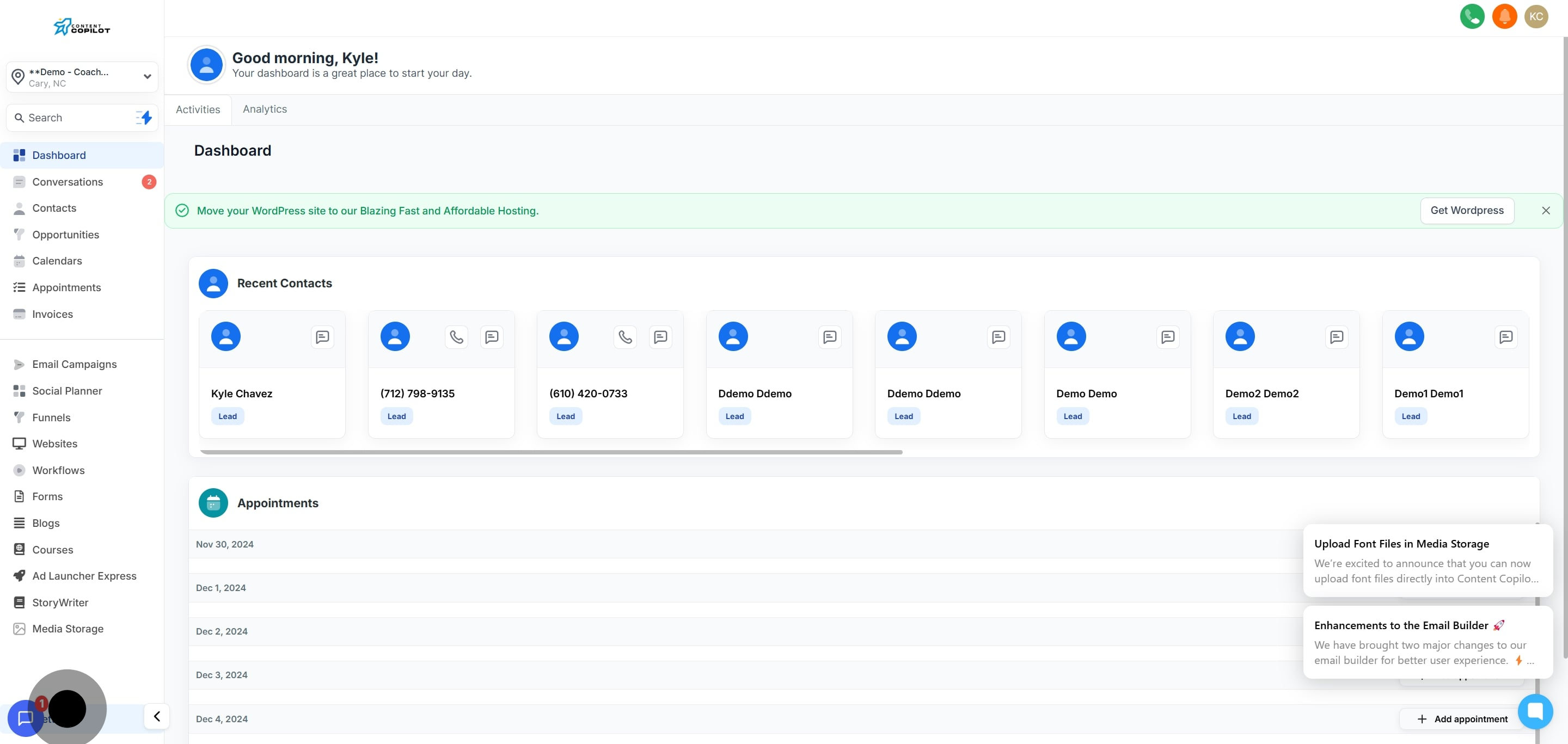
1. Navigate to the settings menu.
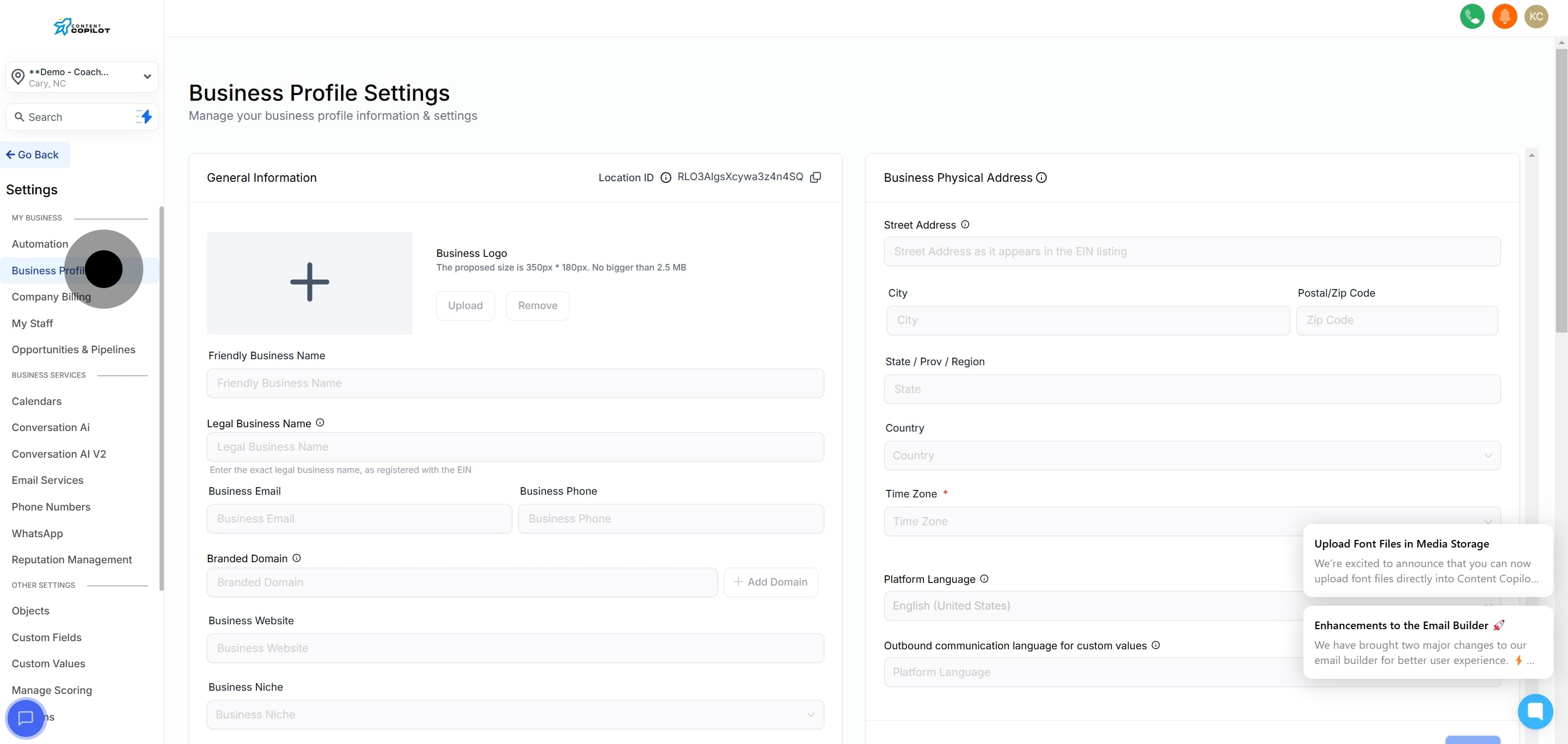
2. Then select 'Business Profile' for more options.
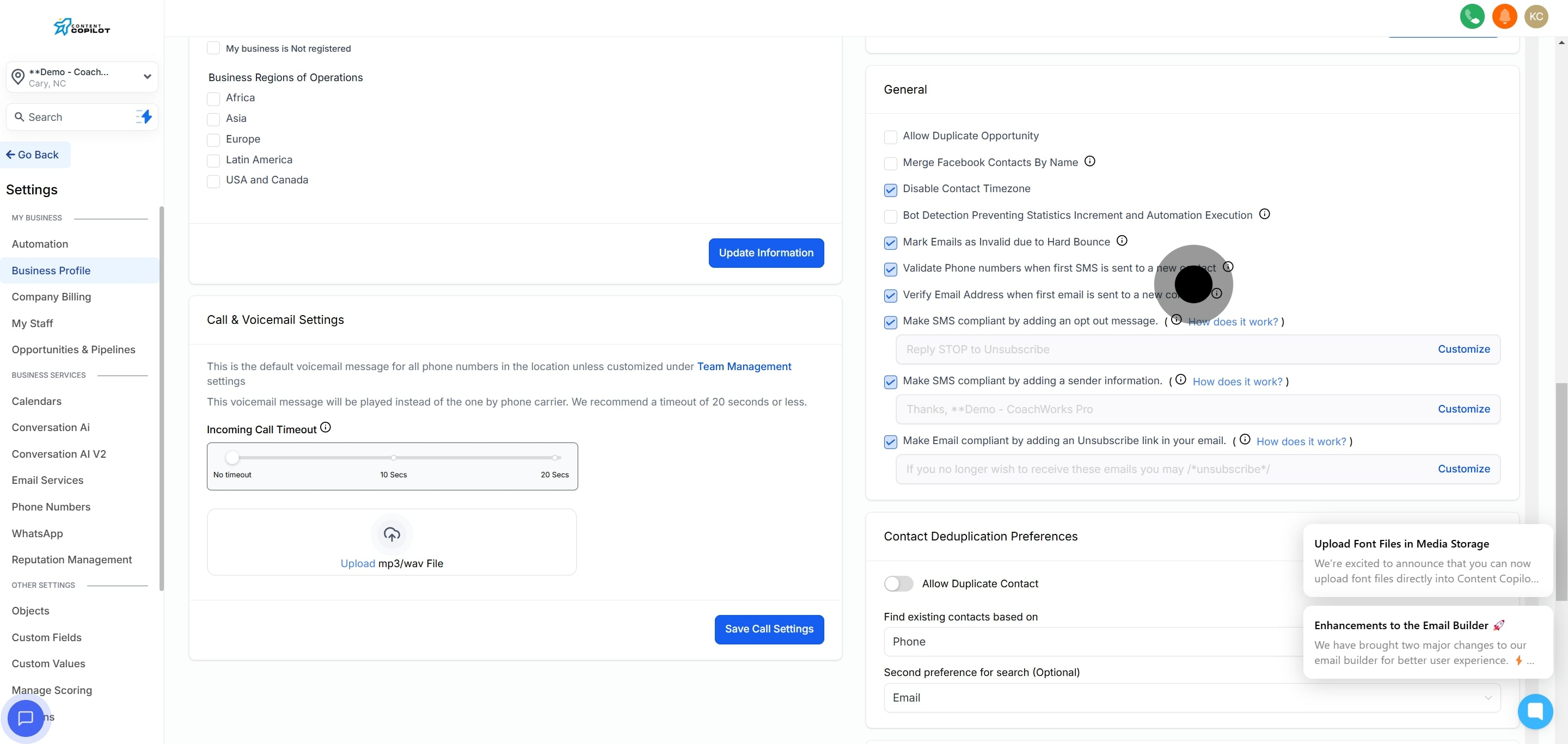
3. Now, find the 'General' tab to proceed.
4. Lastly, enable the option to 'Validate Phone Numbers'.