Enhance your platform's security by enabling the Bot Detection feature in Content Copilot CRM. This guide shows you how to access settings, navigate to the Business Profile, and activate the feature within the General tab.
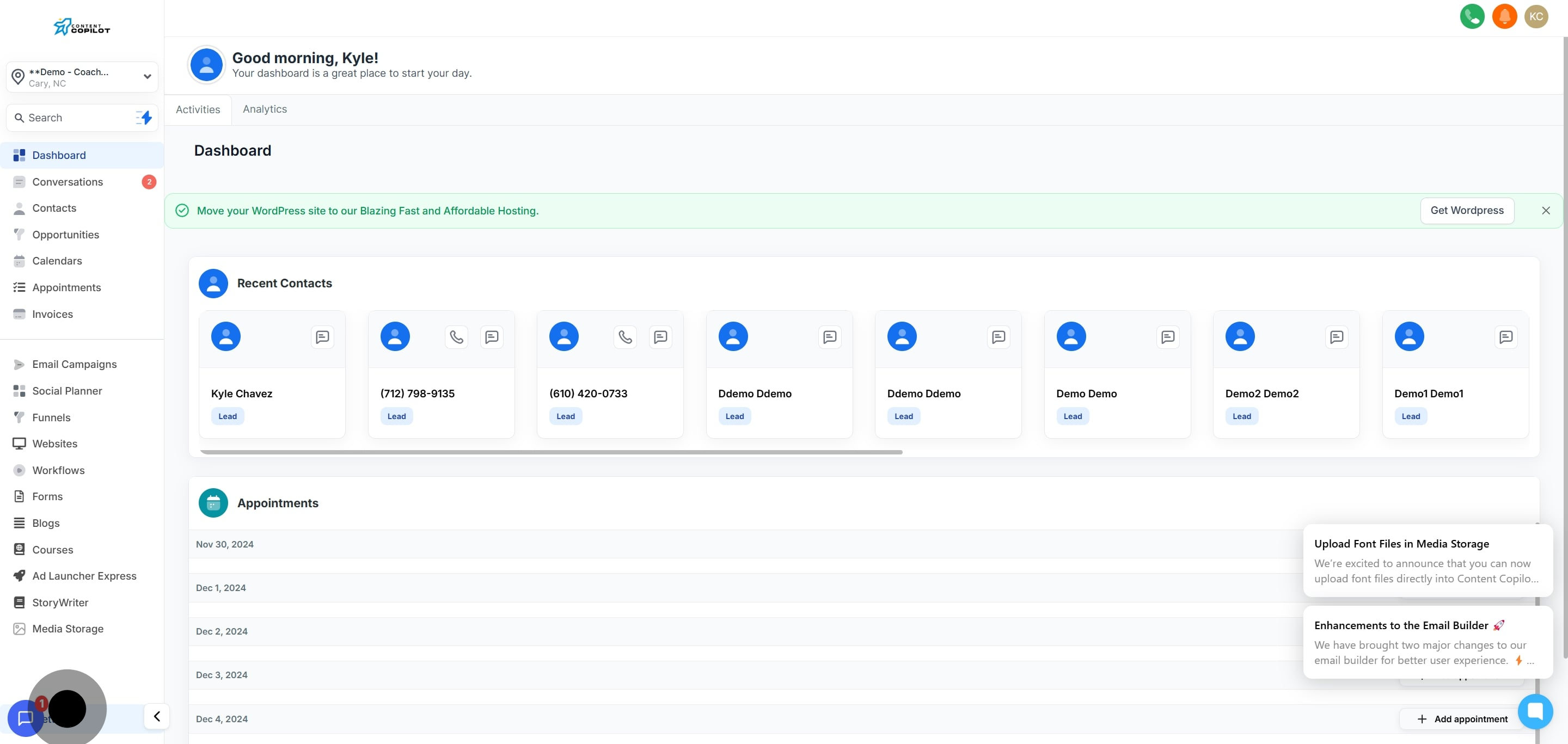
1. Navigate to your settings to start.
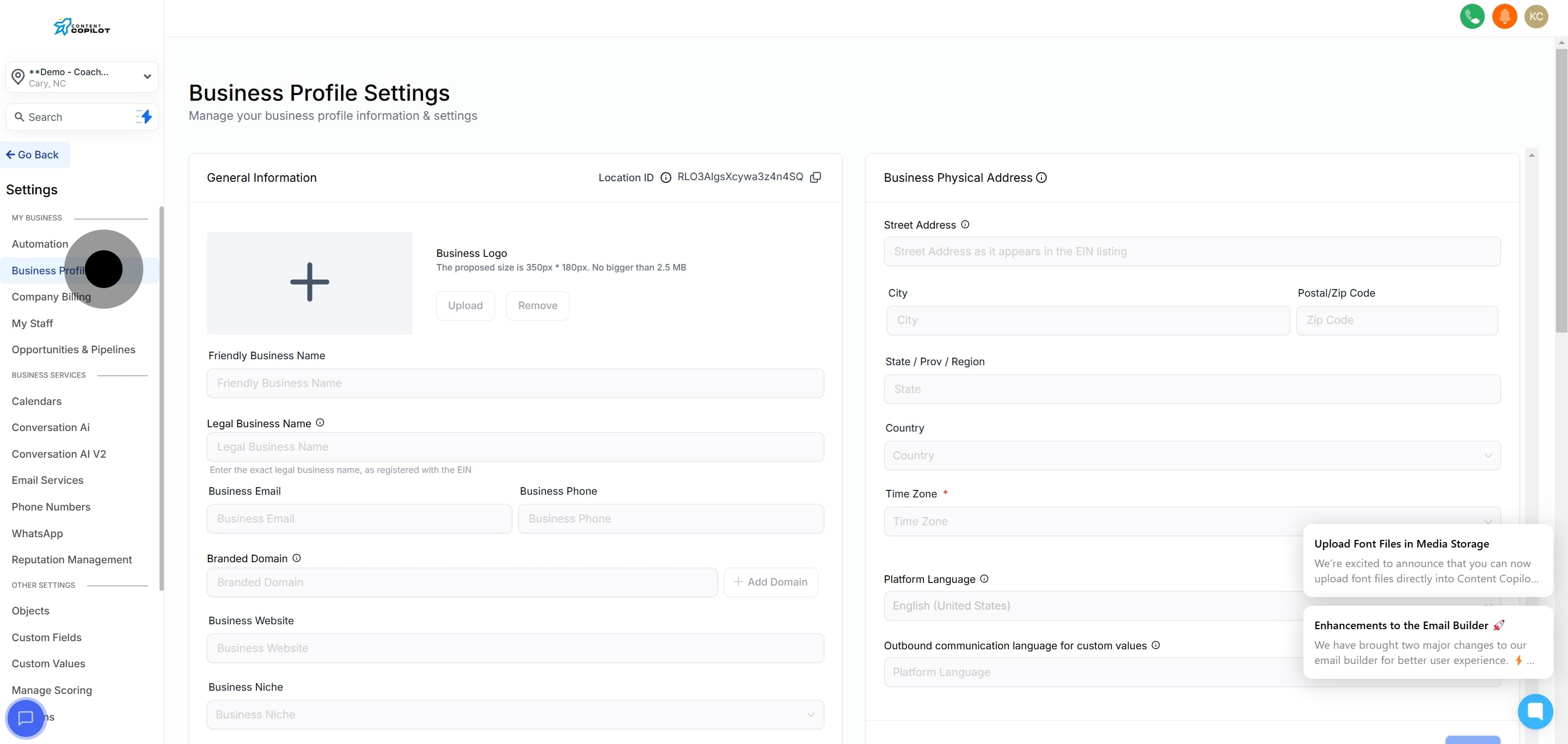
2. Next, click on 'Business Profile' to continue.
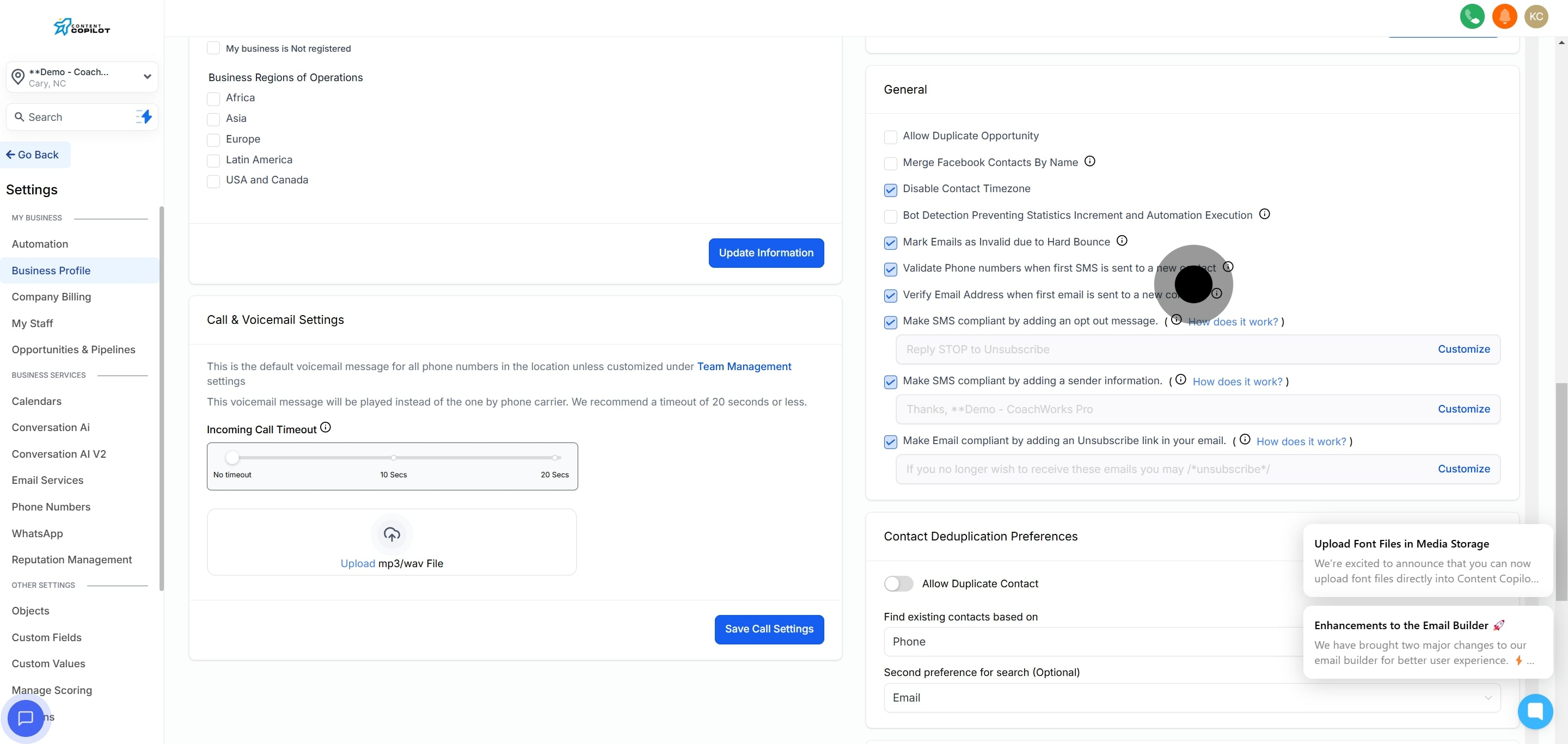
3. Then, locate and select the general tab.
4. Finally, turn on the Bot Detection feature to complete the setup.
Did this answer your question?
😞
😐
😁
Enabling Bot Detection in Content Copilot CRM | Content Copilot