Merging Facebook Contacts by Name in Content Copilot CRM
Simplify contact management by merging Facebook contacts by name in Content Copilot CRM. Follow this guide to access settings, navigate to the Business Profile, and enable the merge feature within the General tab.
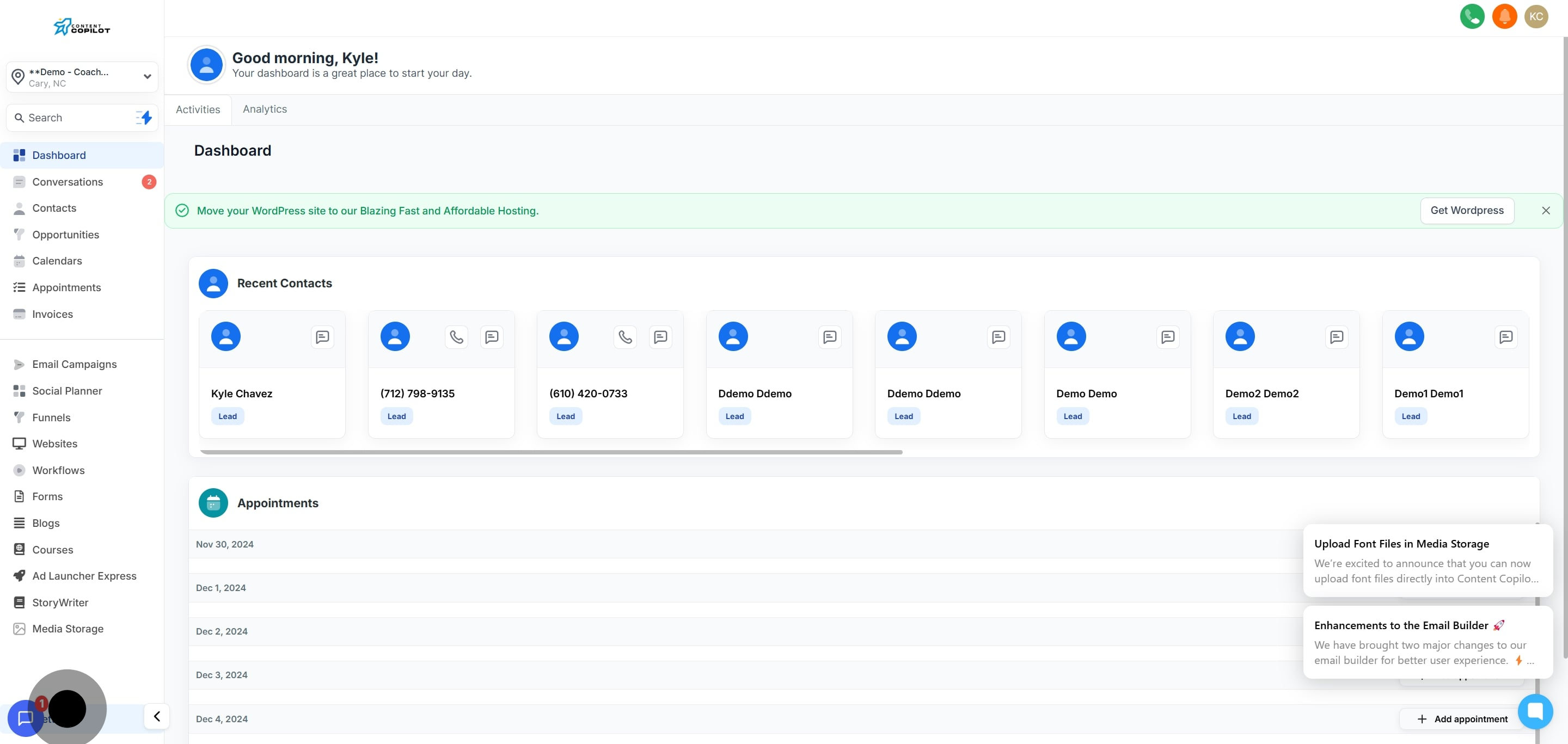
1. Begin by accessing your settings.
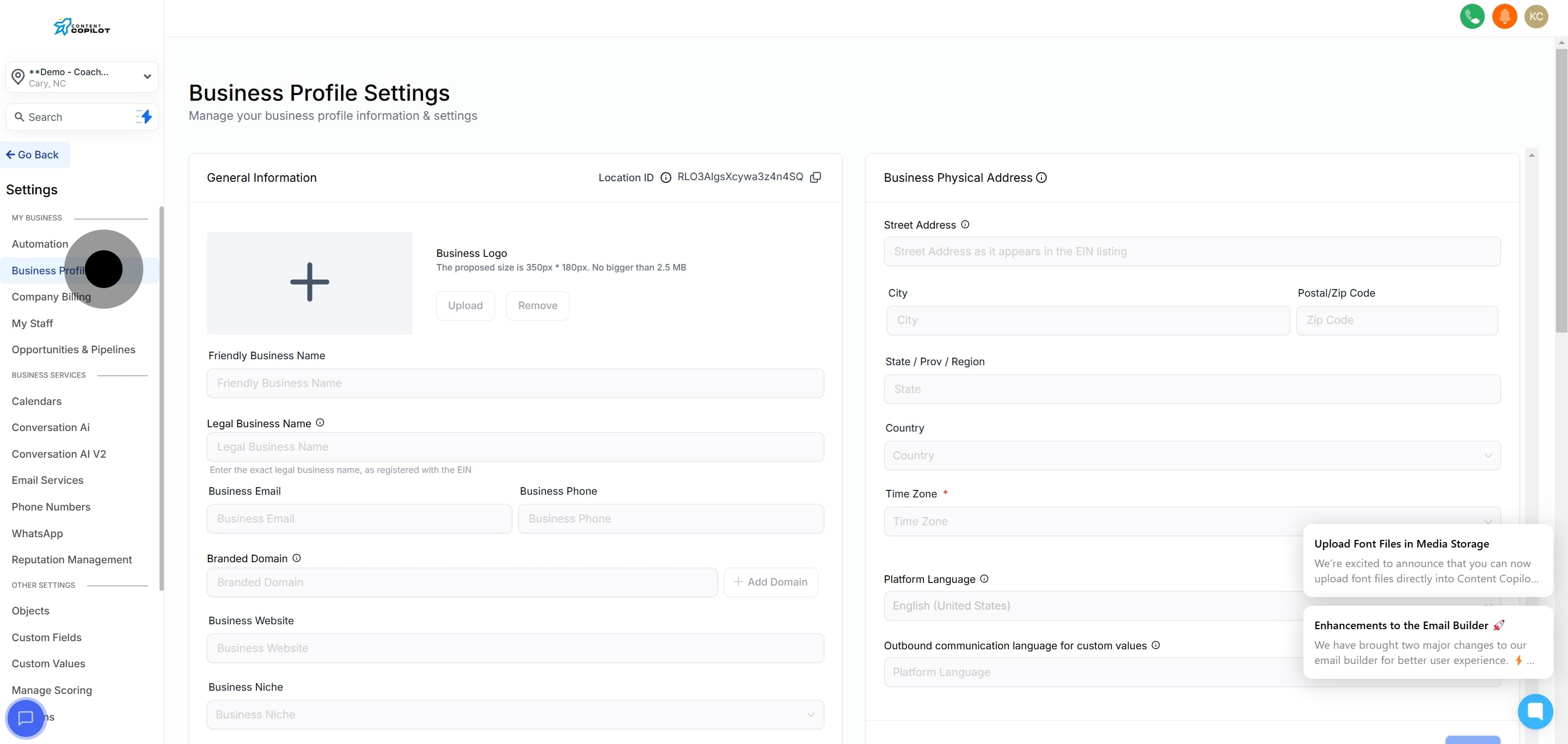
2. Then, select 'Business Profile' to proceed.
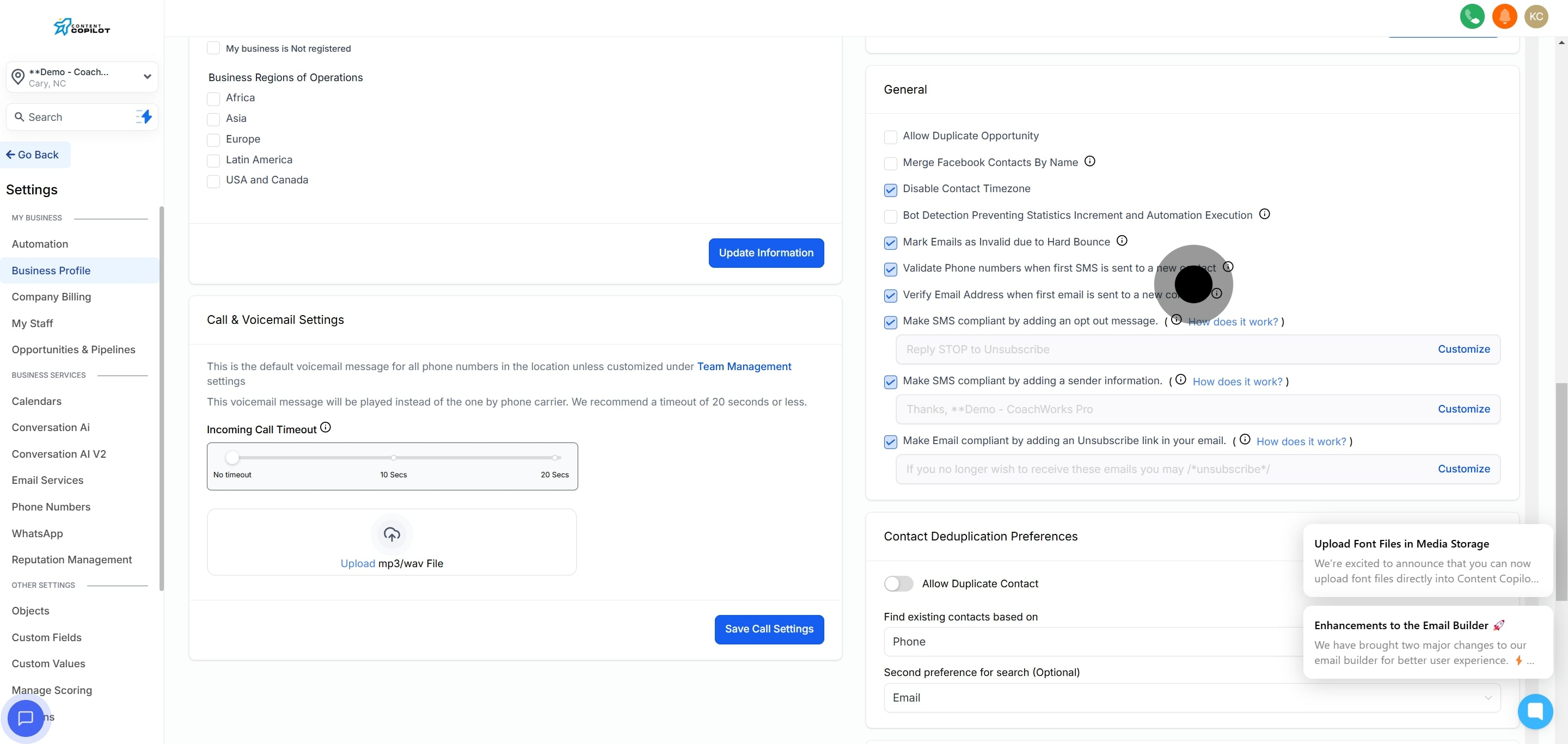
3. Now, find the general tab in this section.
4. Finally, choose to merge Facebook contacts by name.