Enabling Duplicate Opportunities in Content Copilot CRM
Learn how to allow duplicate opportunities in Content Copilot CRM for greater flexibility. This guide walks you through accessing the settings, navigating to the Business Profile, and enabling the feature within the General tab.
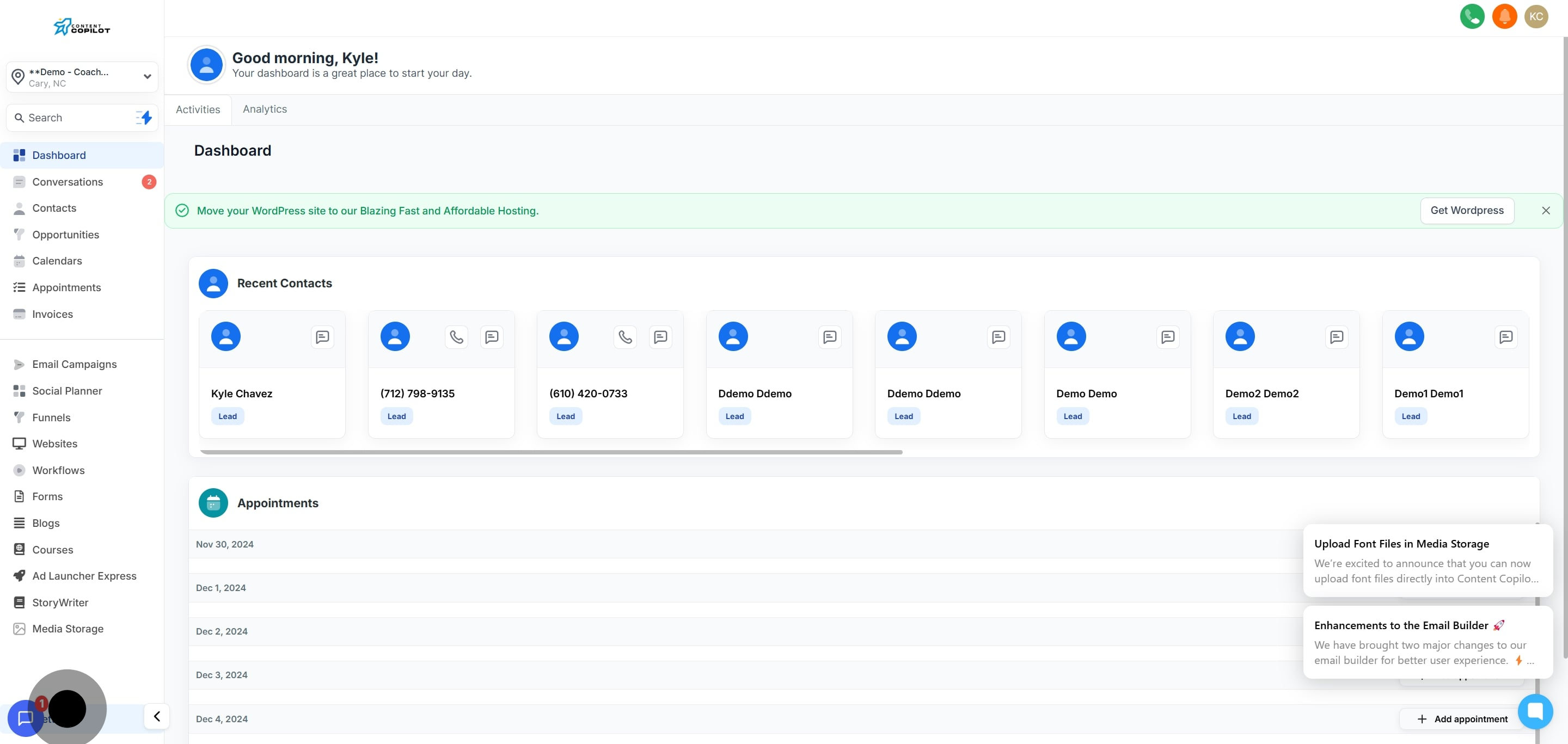
1. Navigate to the settings section.
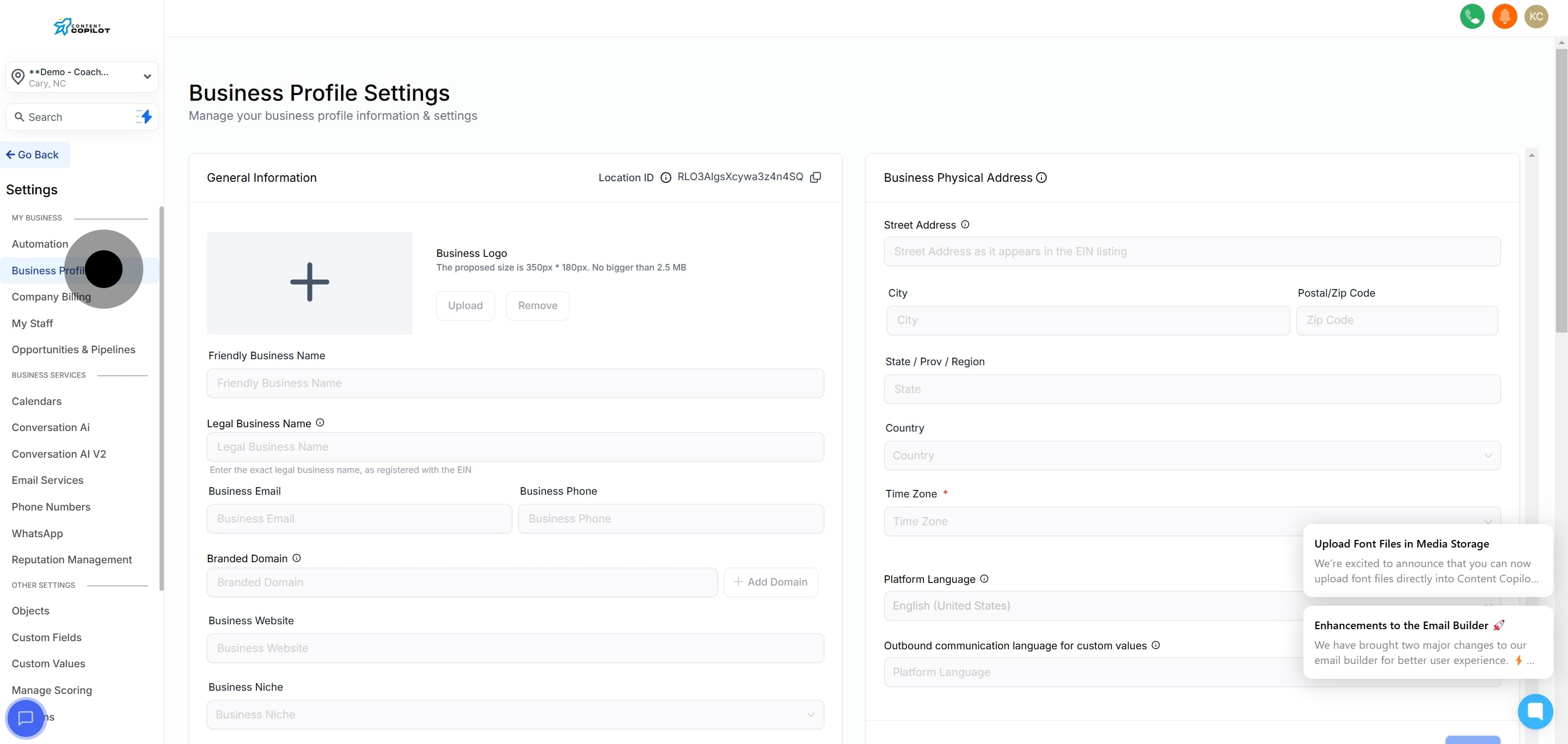
2. Follow by selecting the Business Profile option.
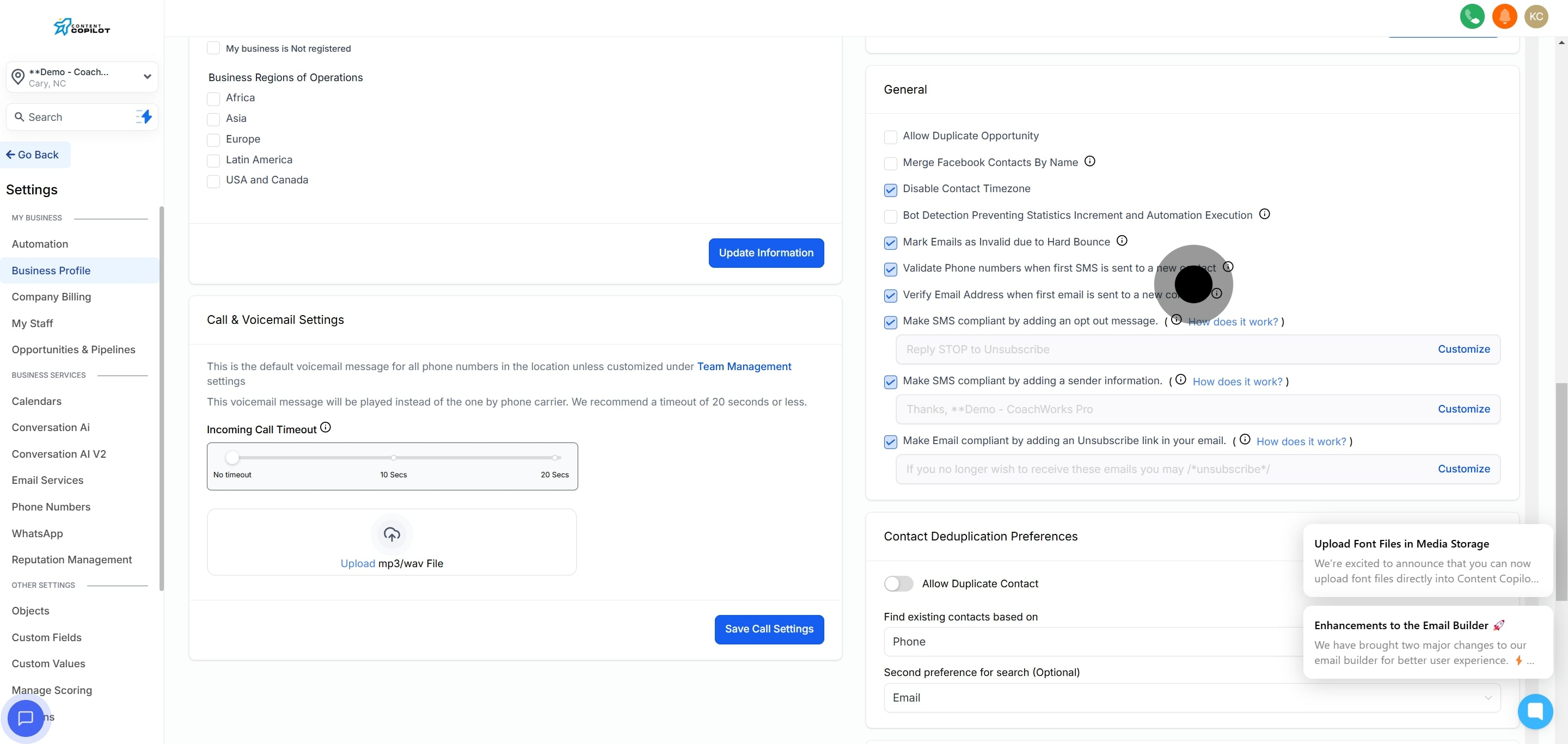
3. Now, find the general tab.
4. Lastly, enable the Allow Duplicate Opportunity feature.
Did this answer your question?
😞
😐
😁
Enabling Duplicate Opportunities in Content Copilot CRM | Content Copilot