Sending Bulk SMS to Contacts in Content Copilot CRM : Send in drip mode
Master the art of drip messaging in Content Copilot CRM to maintain consistent engagement. This guide details selecting contacts, using or creating SMS templates, scheduling messages in batches, configuring frequency and operational hours, and optimizing delivery for your campaigns.
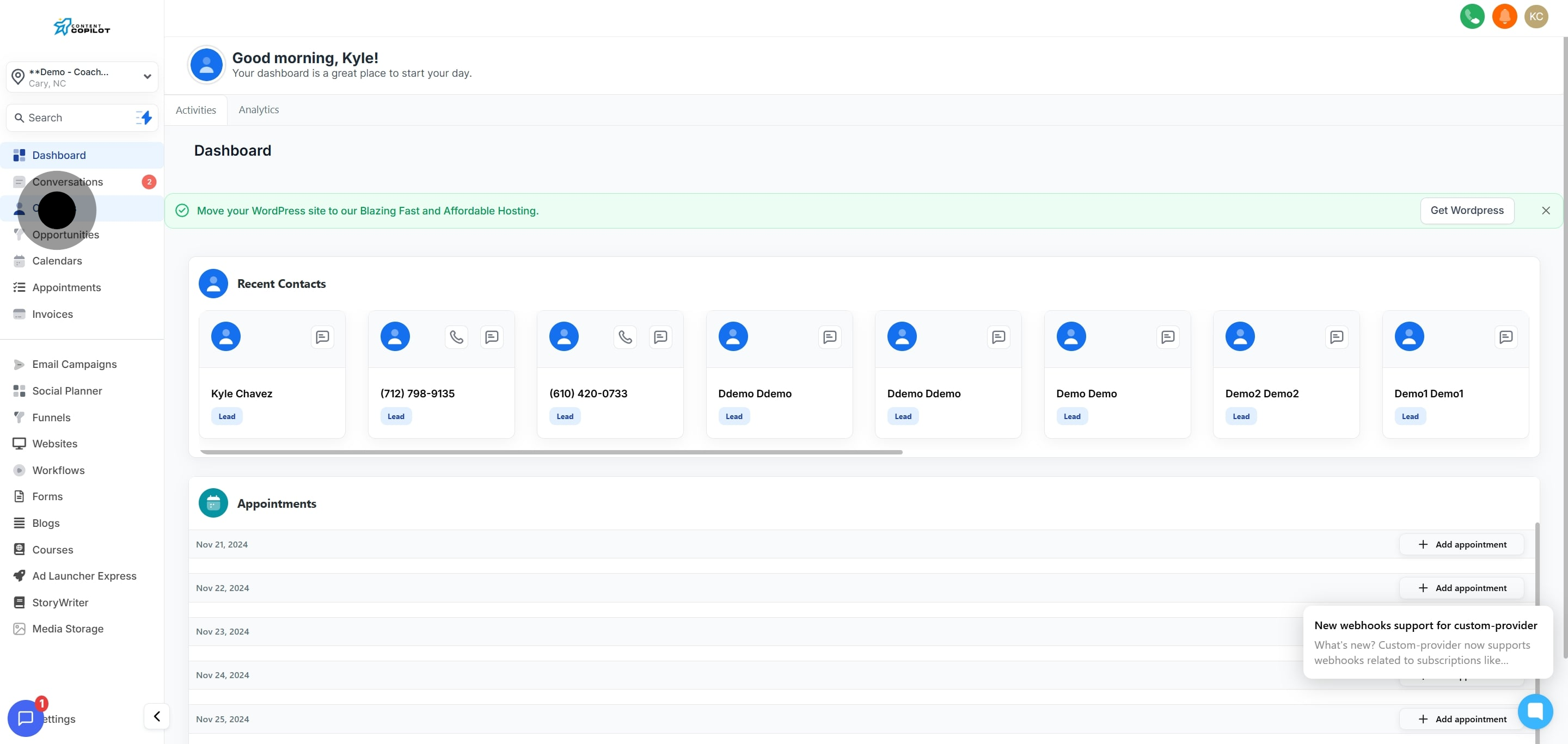
1. Click 'Contacts' to start managing your list.
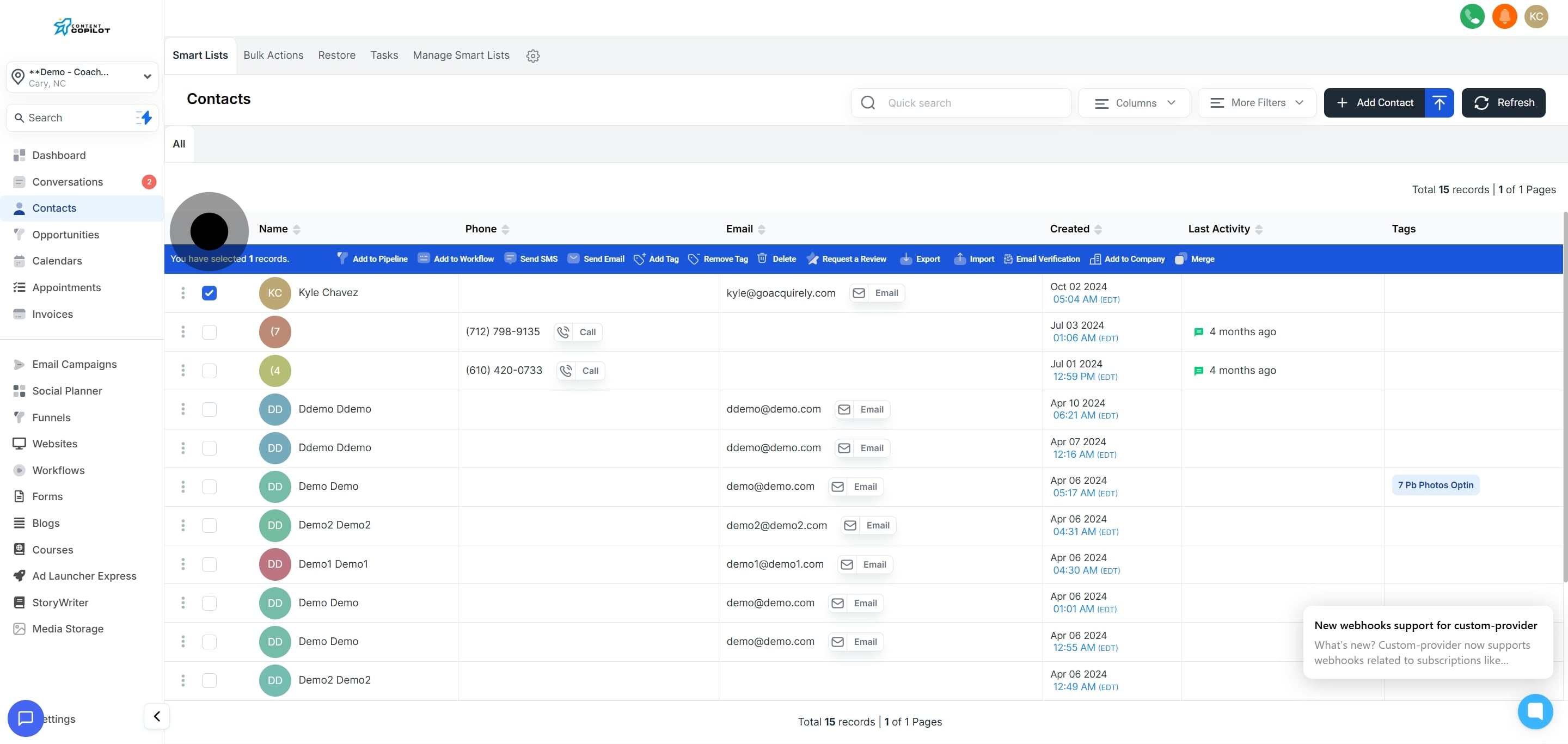
2. Select a specific contact by checking its box.
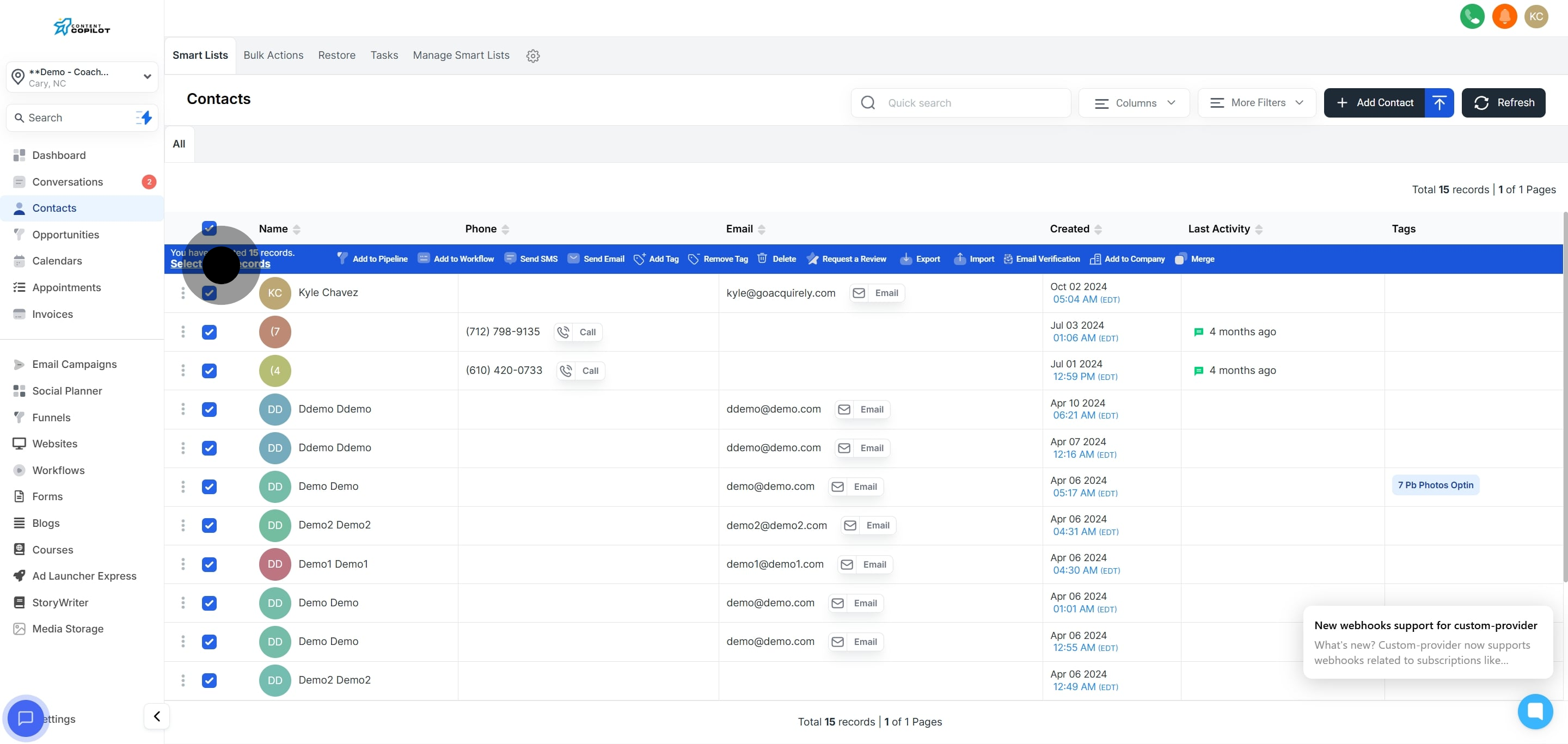
3. Check the top box to select all contacts on the current page.
4. Click 'Select all 15 records' to choose all listed contacts.
5. Press 'Send SMS' to initiate batch messaging.
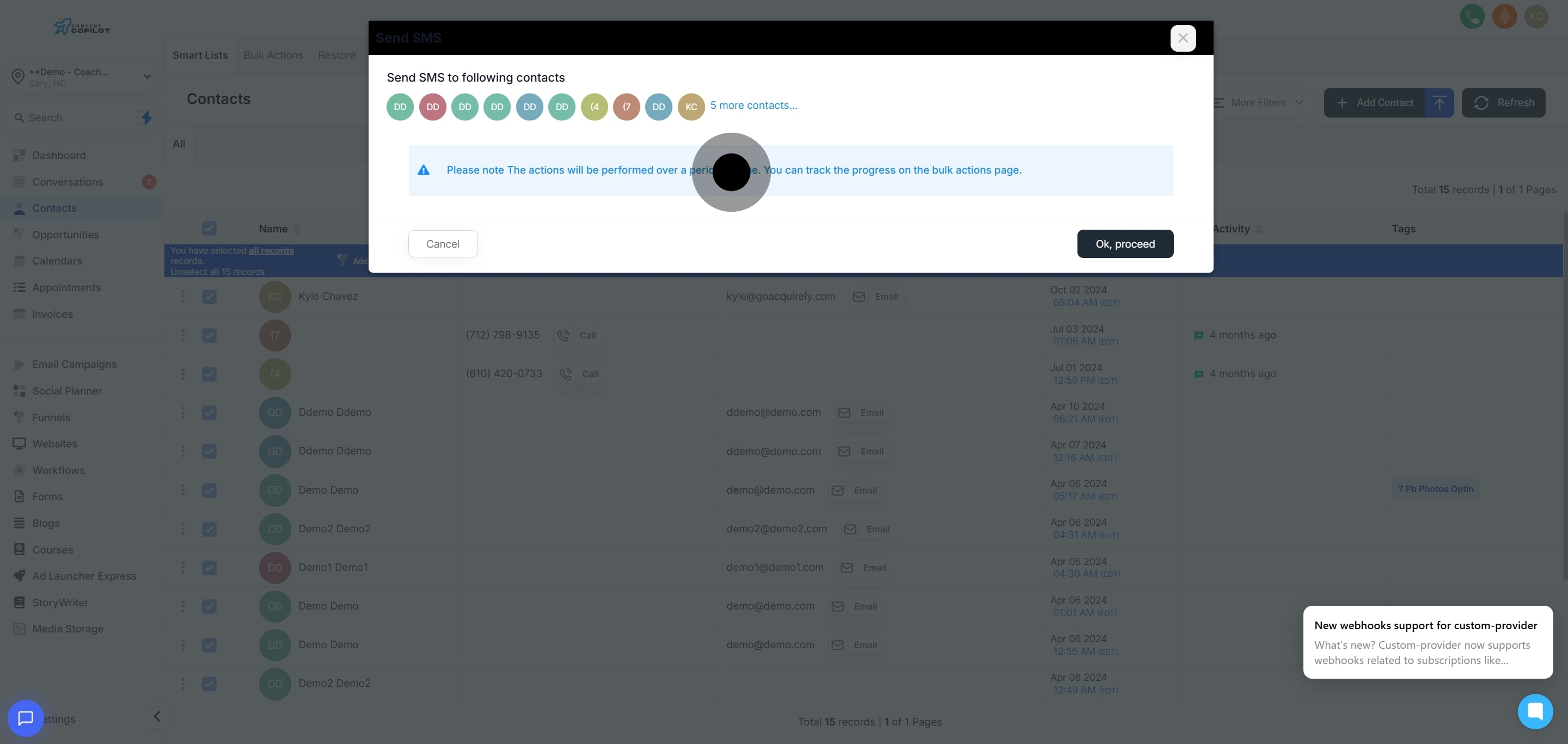
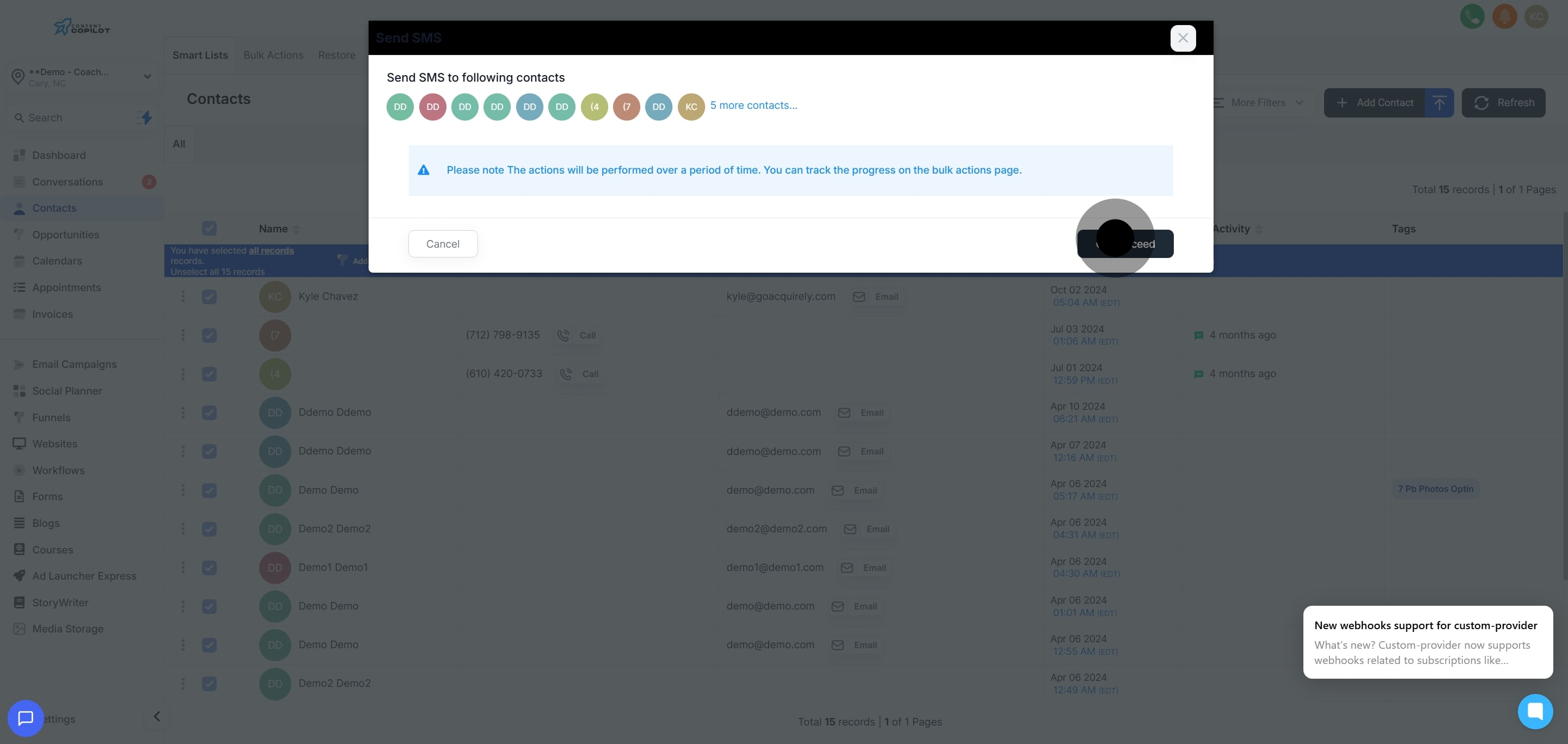
6. Take note of the time-related reminder about ongoing processes.
7. Confirm your actions by selecting 'Ok, proceed'.
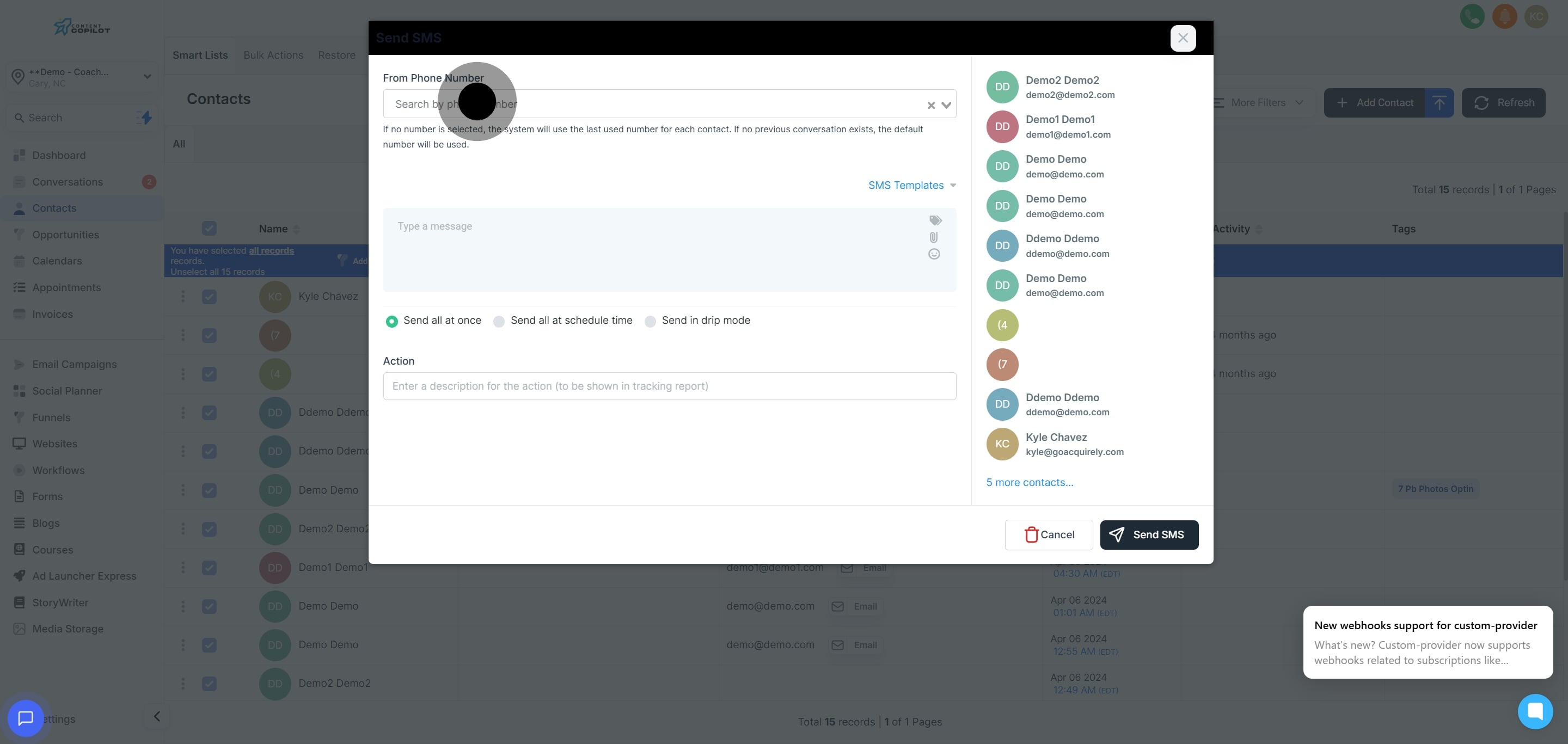
8. Choose your preferred sender phone number.
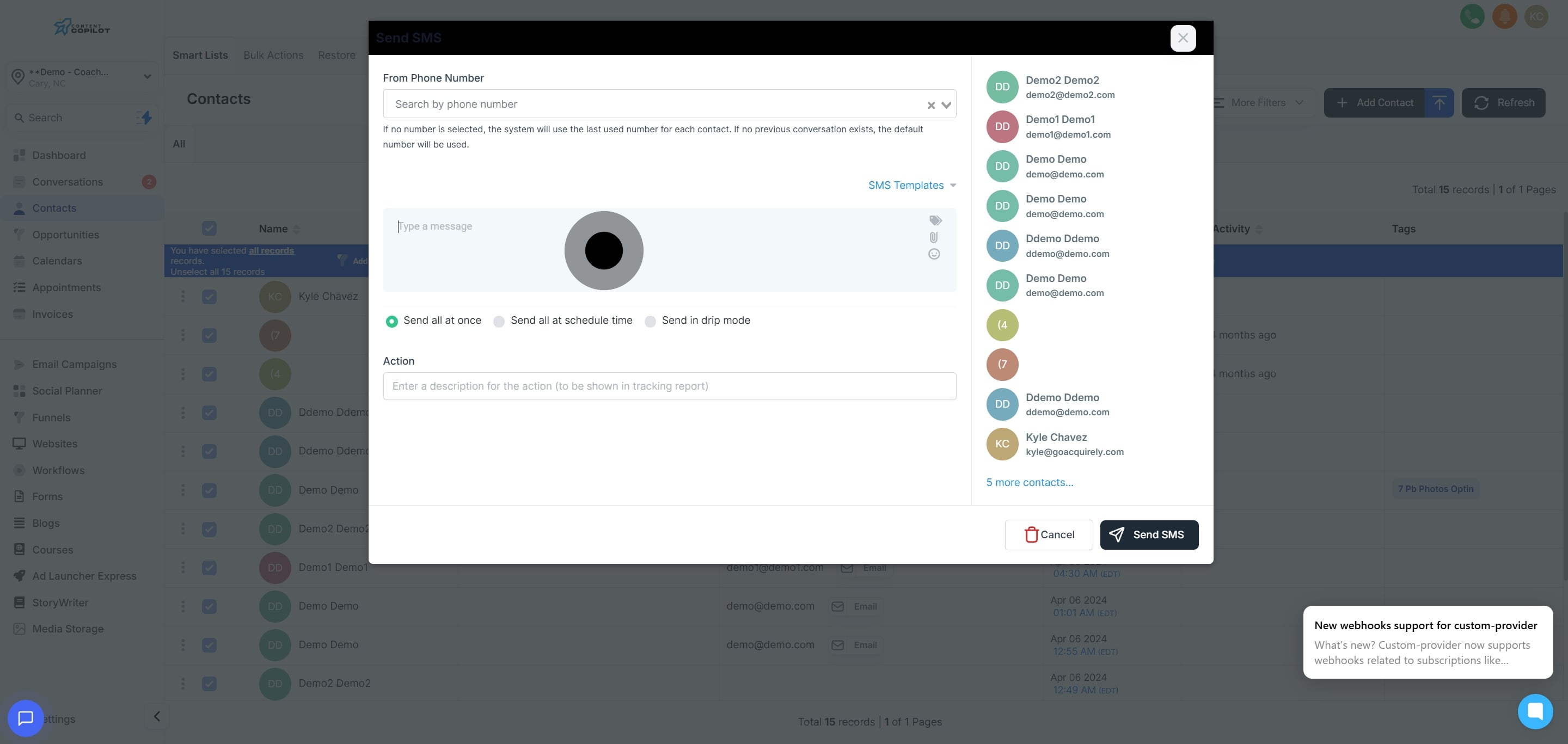
9. Pick an SMS template or create one from the list.
10. Alternatively, type a custom message for your SMS.
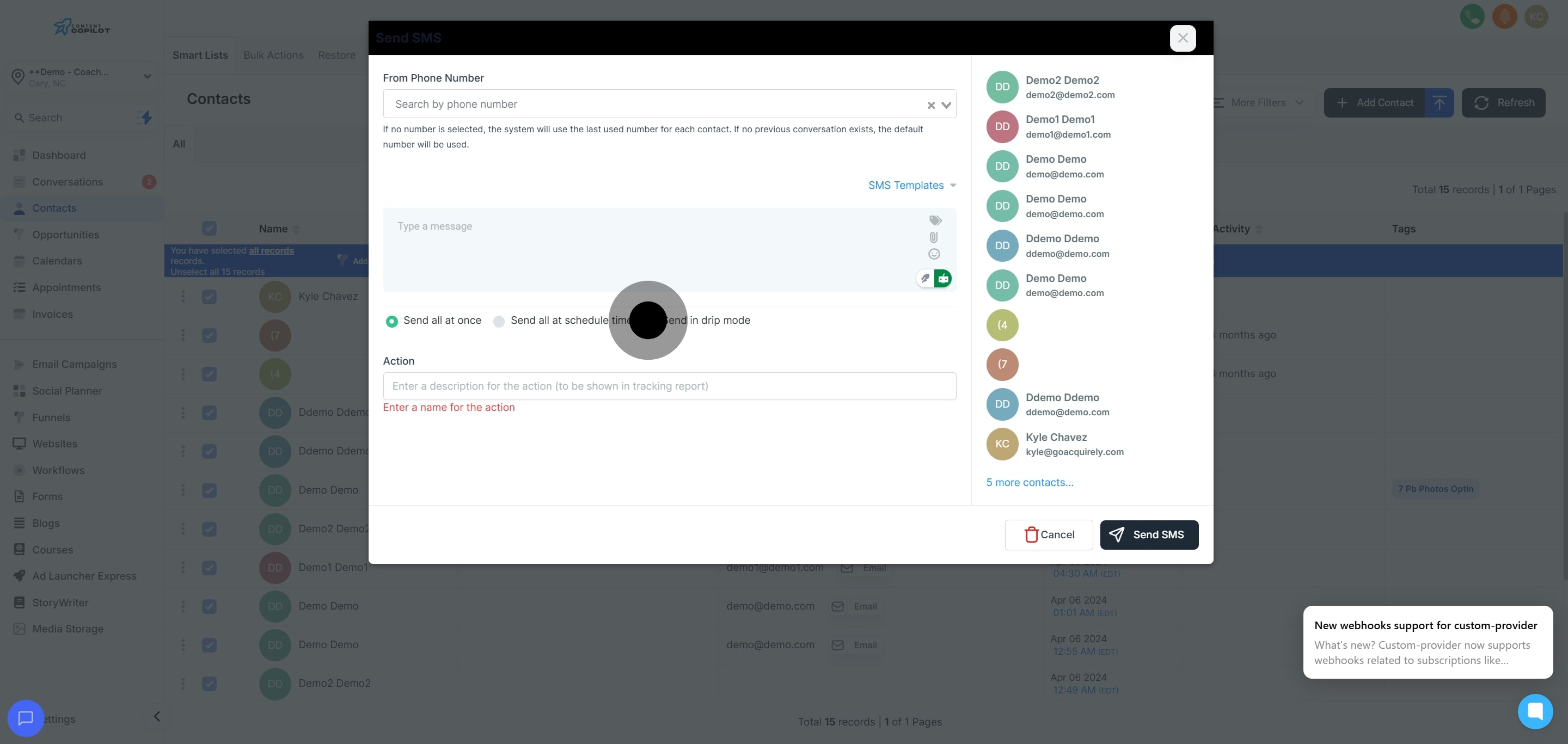
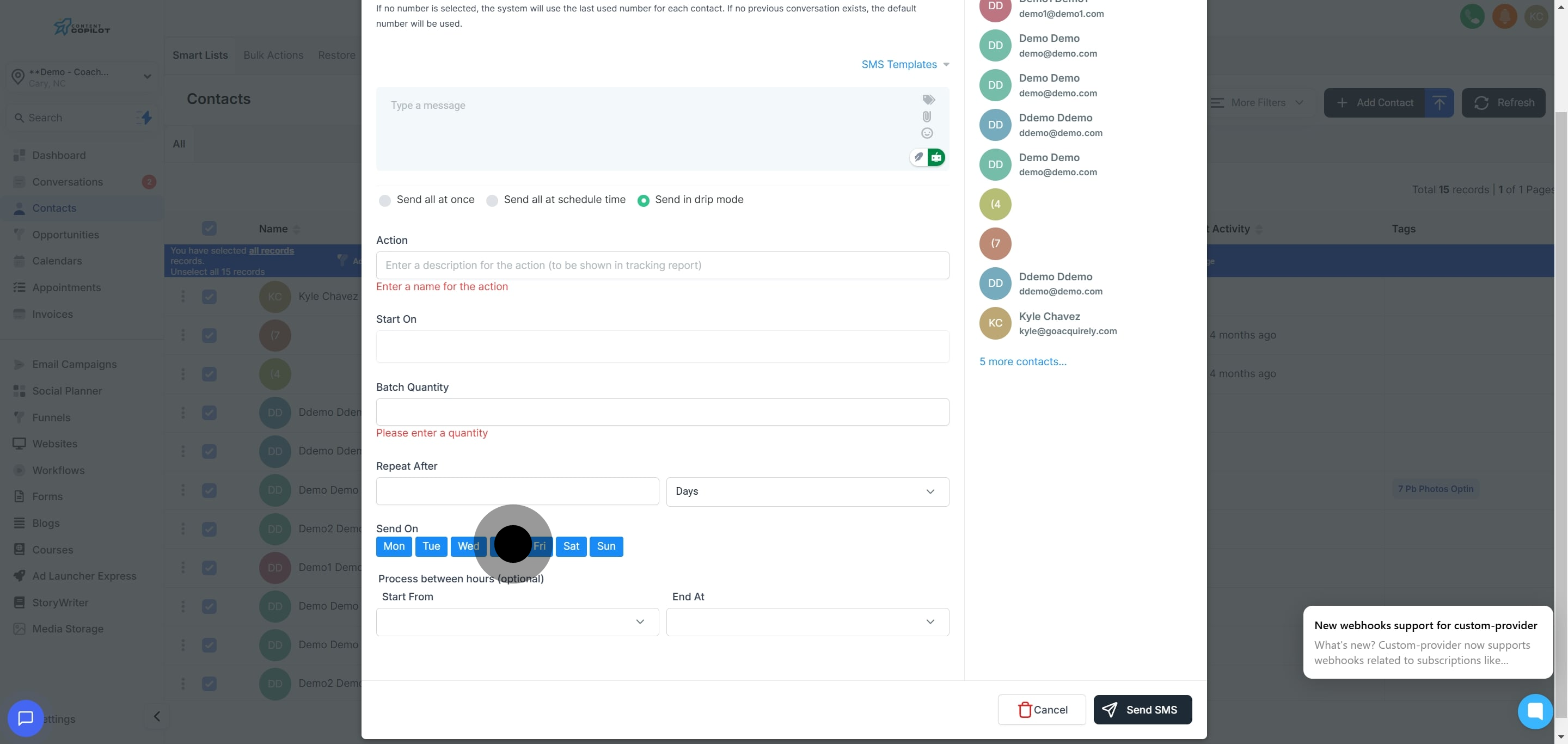
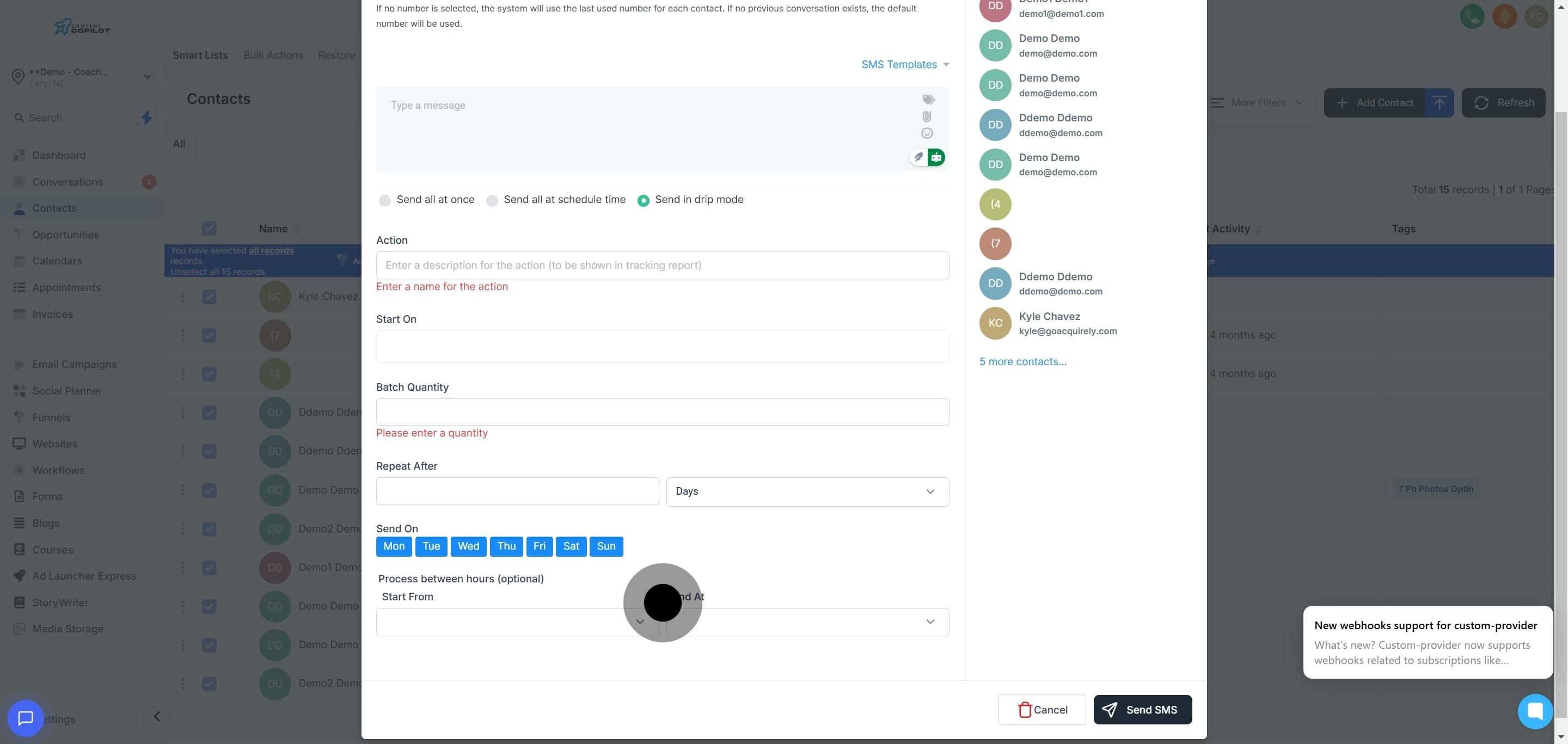
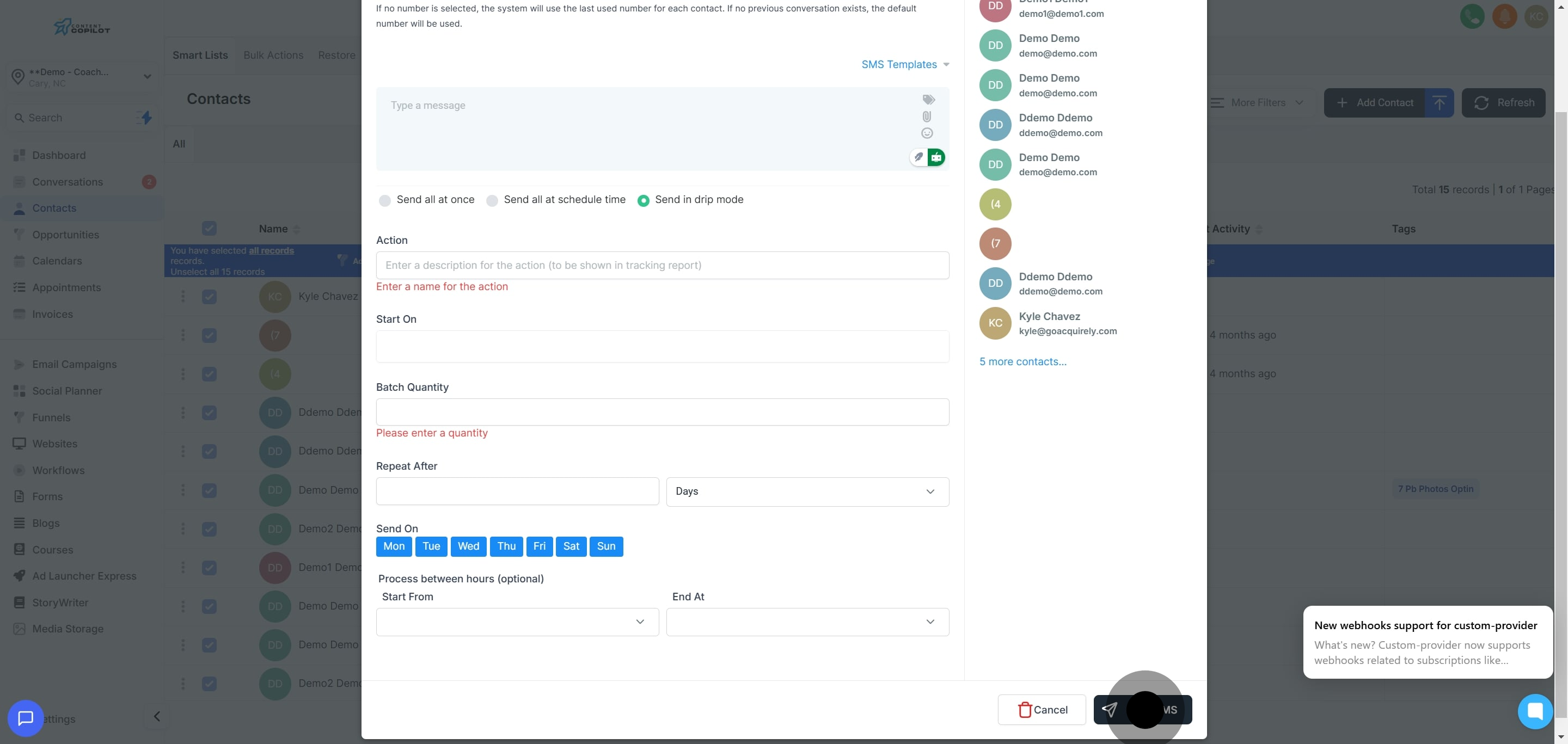
11. Opt for 'Send in drip mode' to start the sequence.
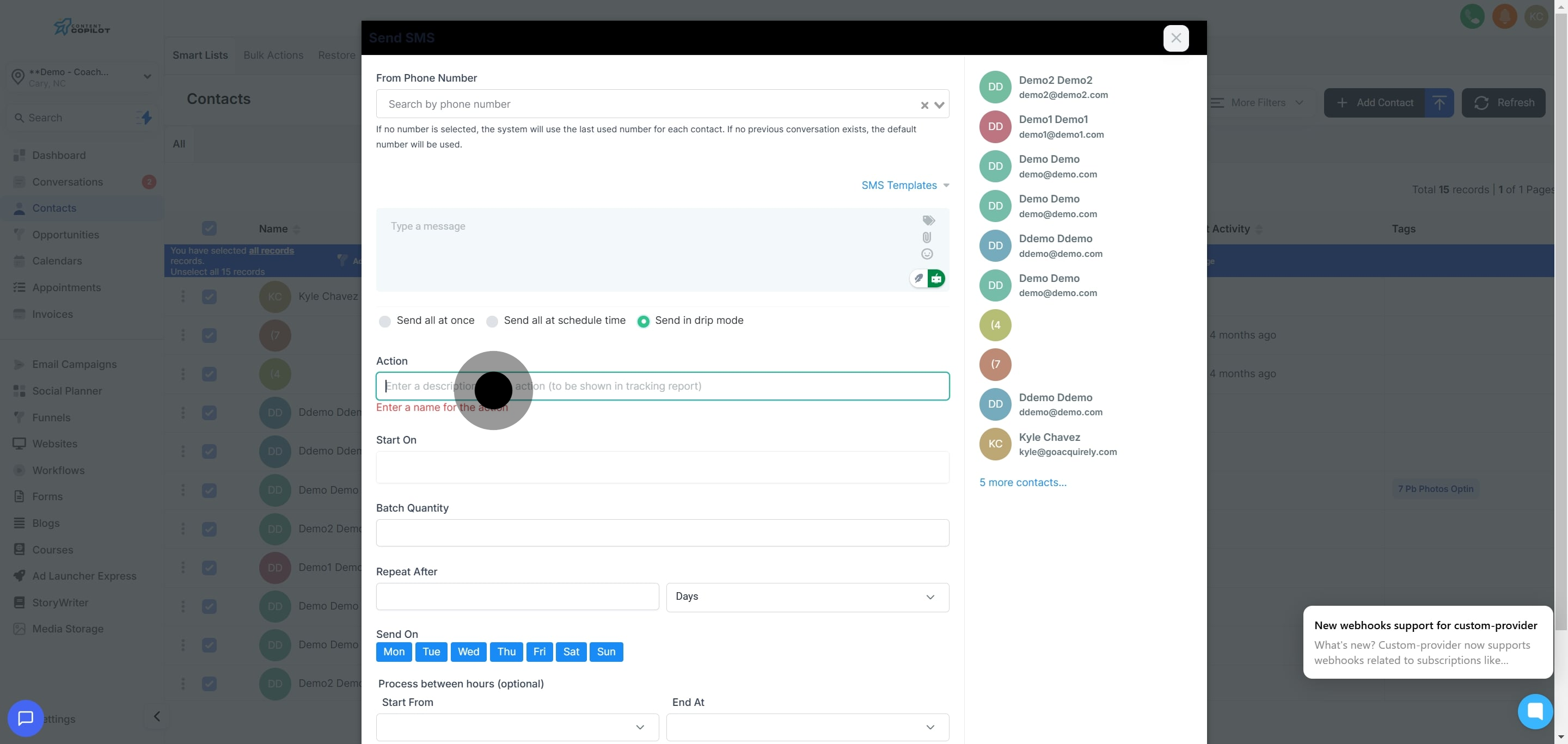
12. Enter a description for your action to aid in tracking.
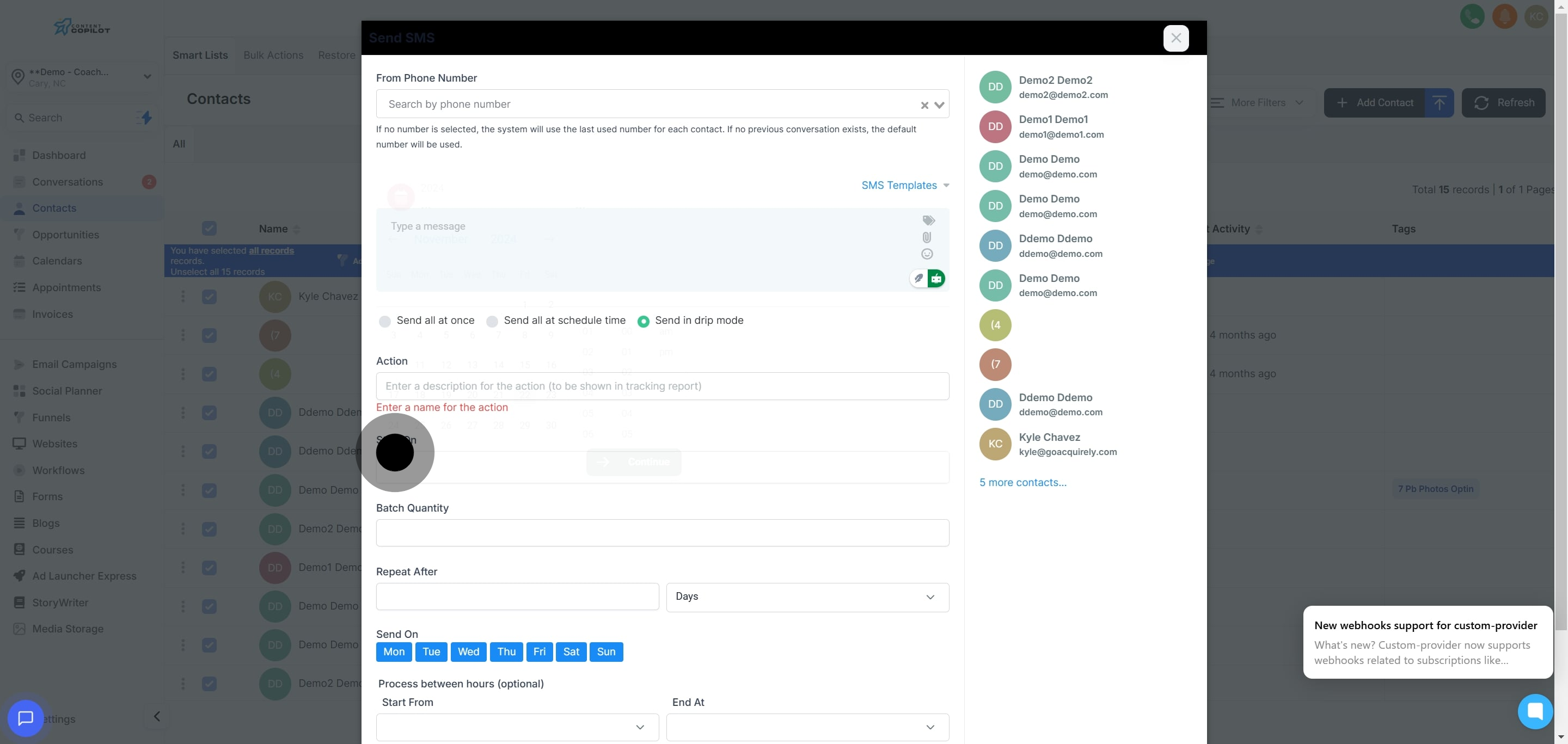
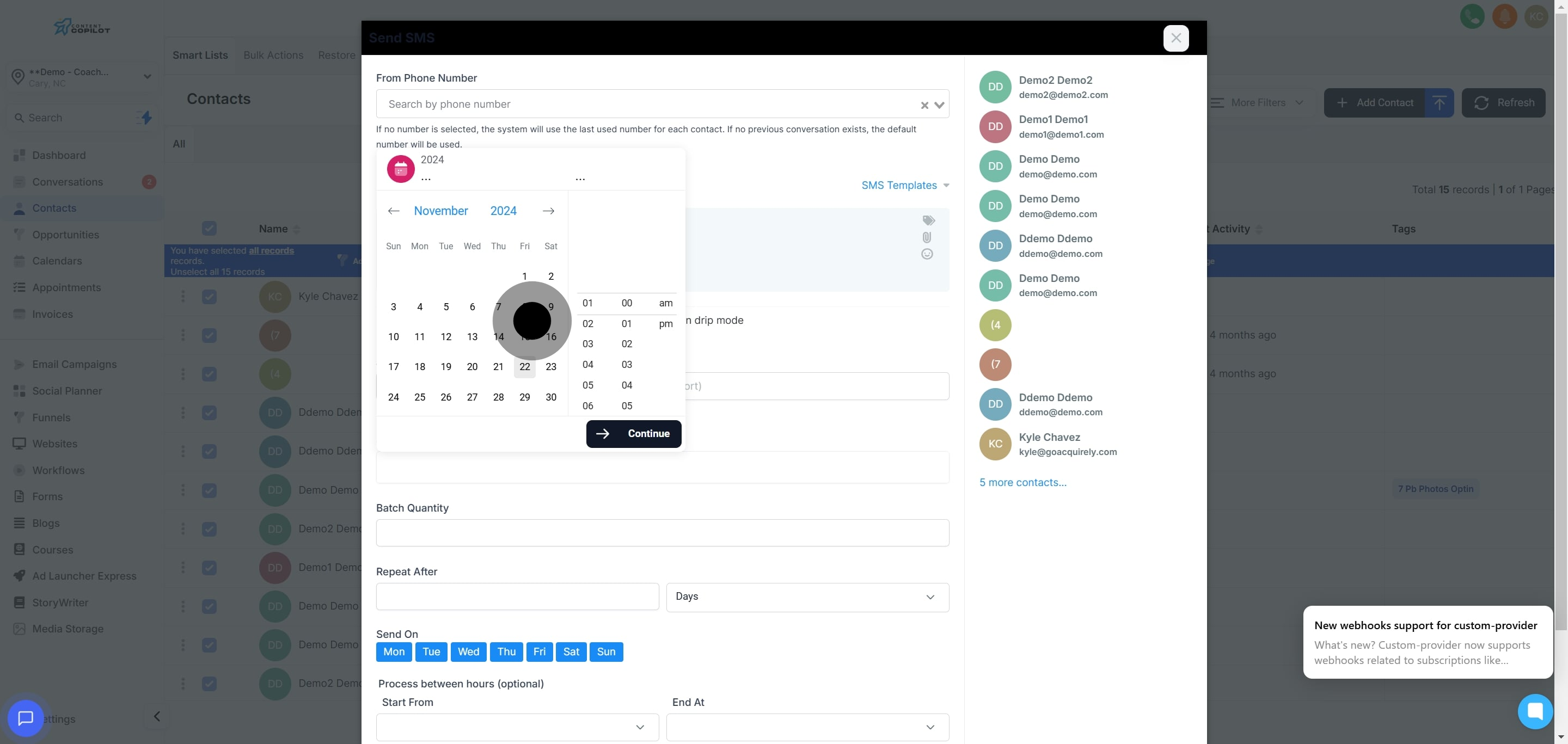
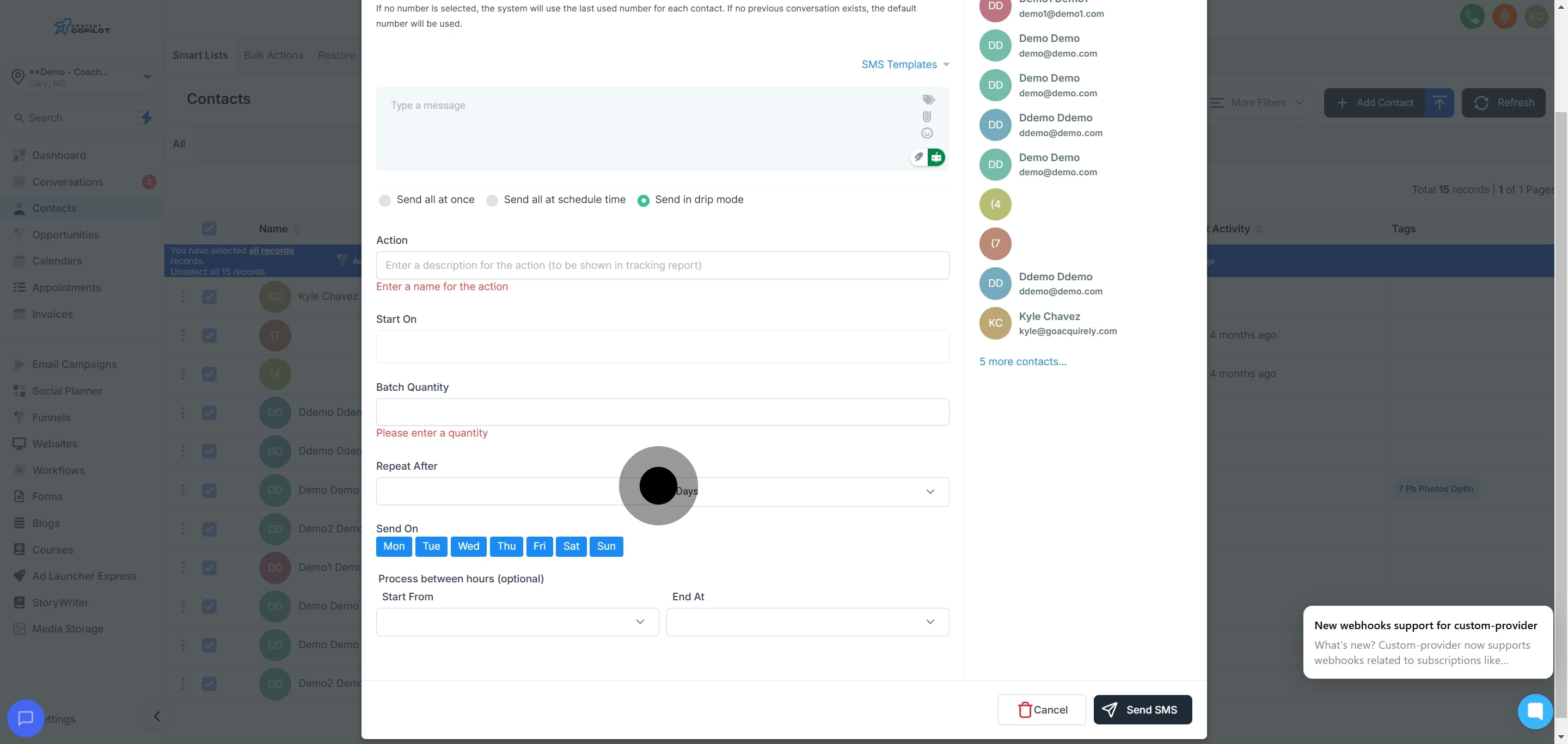
13. Set the start date and time for your action.
14. Select the preferred date and time, then click 'Continue'.