Sending Bulk SMS to Contacts in Content Copilot CRM : Send All at Once.
Streamline your communication by sending bulk SMS to contacts in Content Copilot CRM. This guide outlines how to select contacts, use or create SMS templates, choose a sending number, and track the action with a description for effective messaging campaigns.
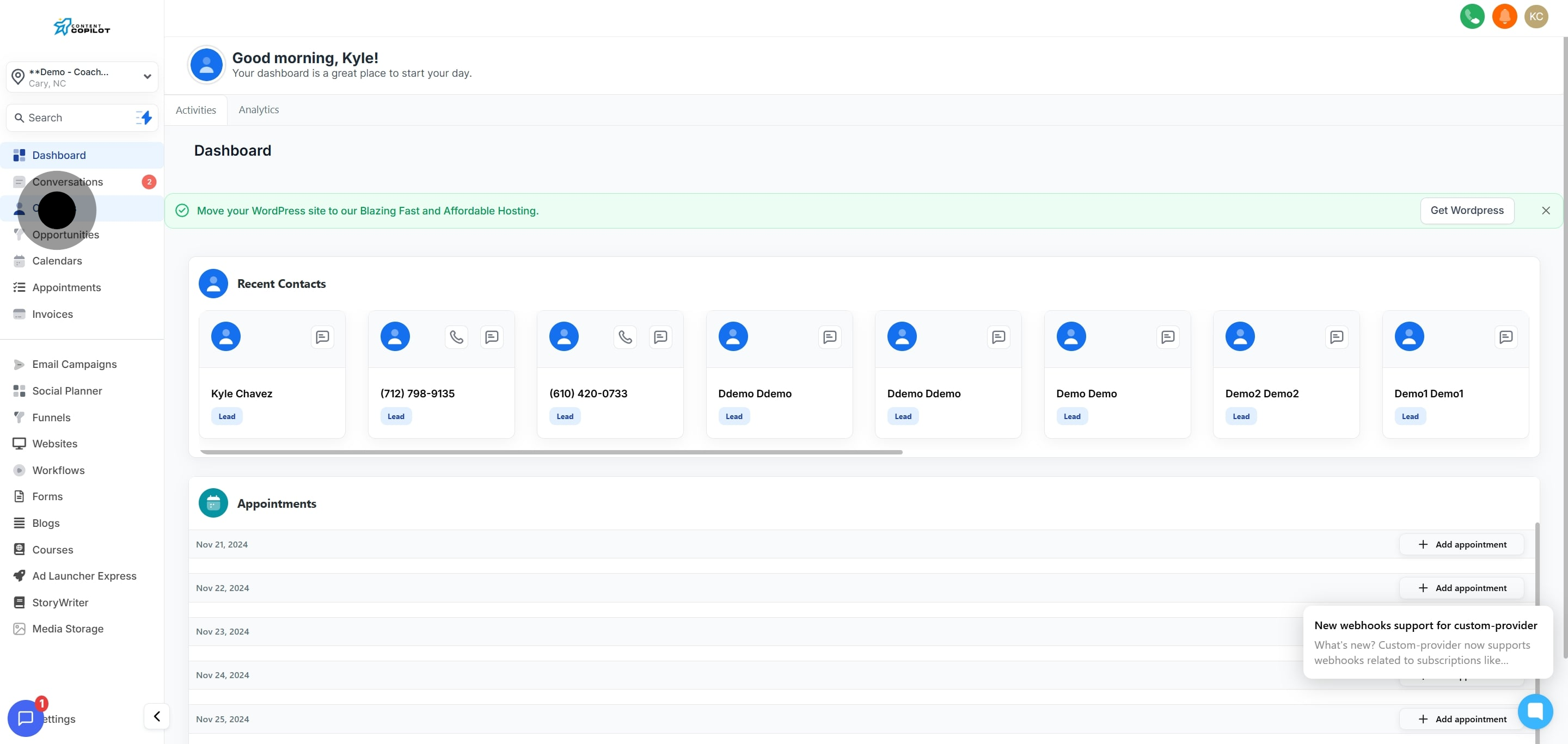
1. Start by clicking 'Contacts' to manage your contact list.
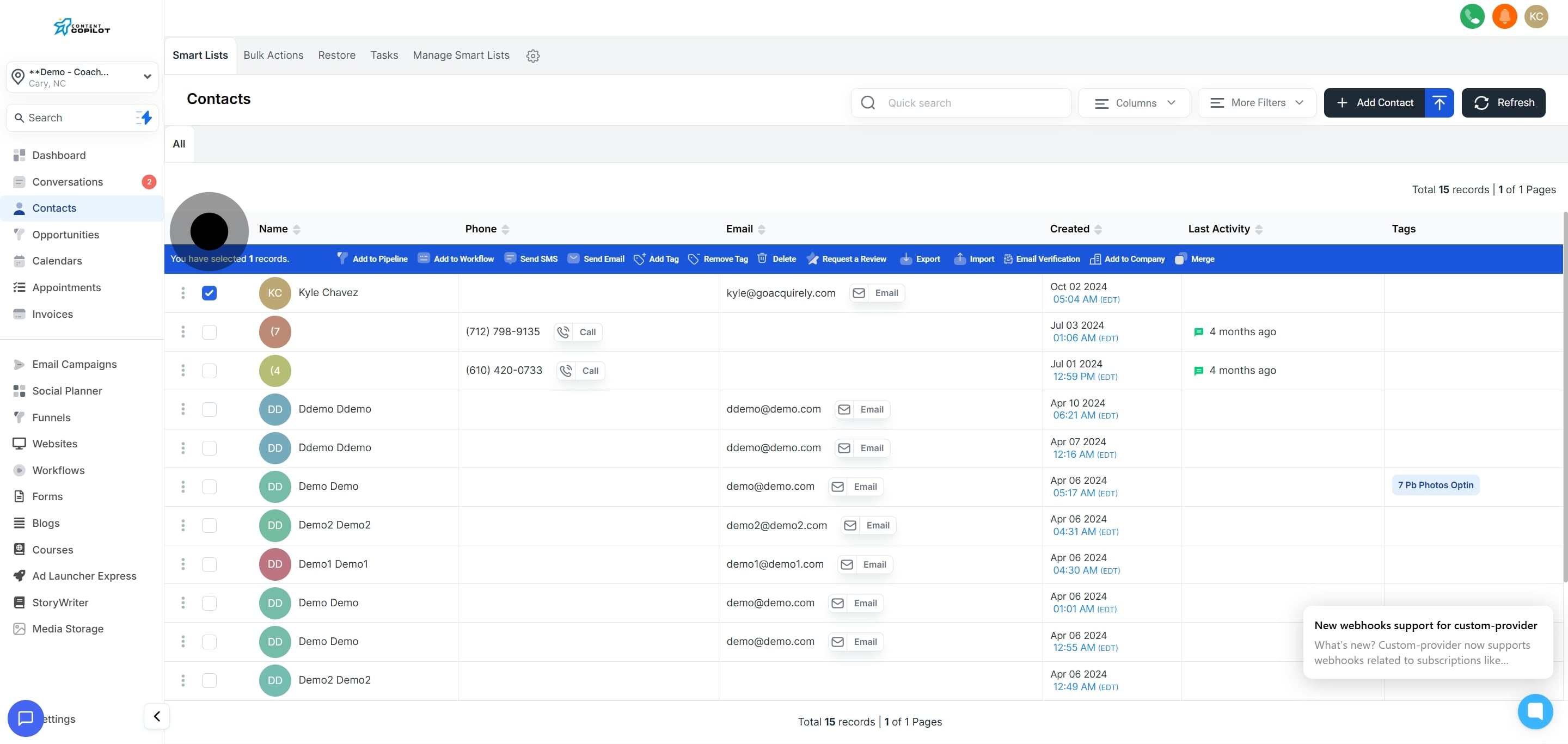
2. Next, select an individual contact by checking its box.
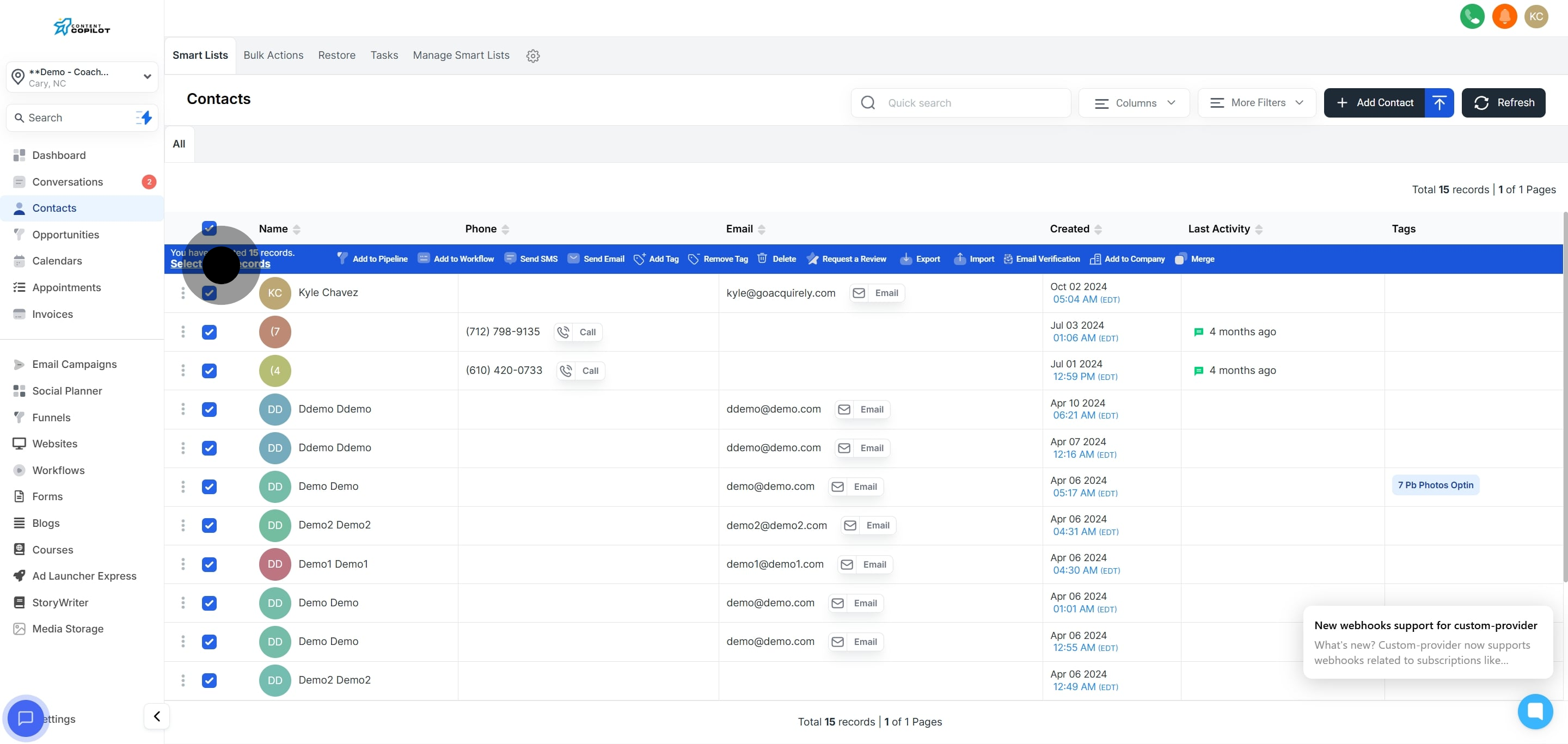
3. Then, click the box at the top to select all contacts on this page.
4. Now, click here' to select every contact.
5. Go ahead and click on 'Send SMS' to initiate messaging.
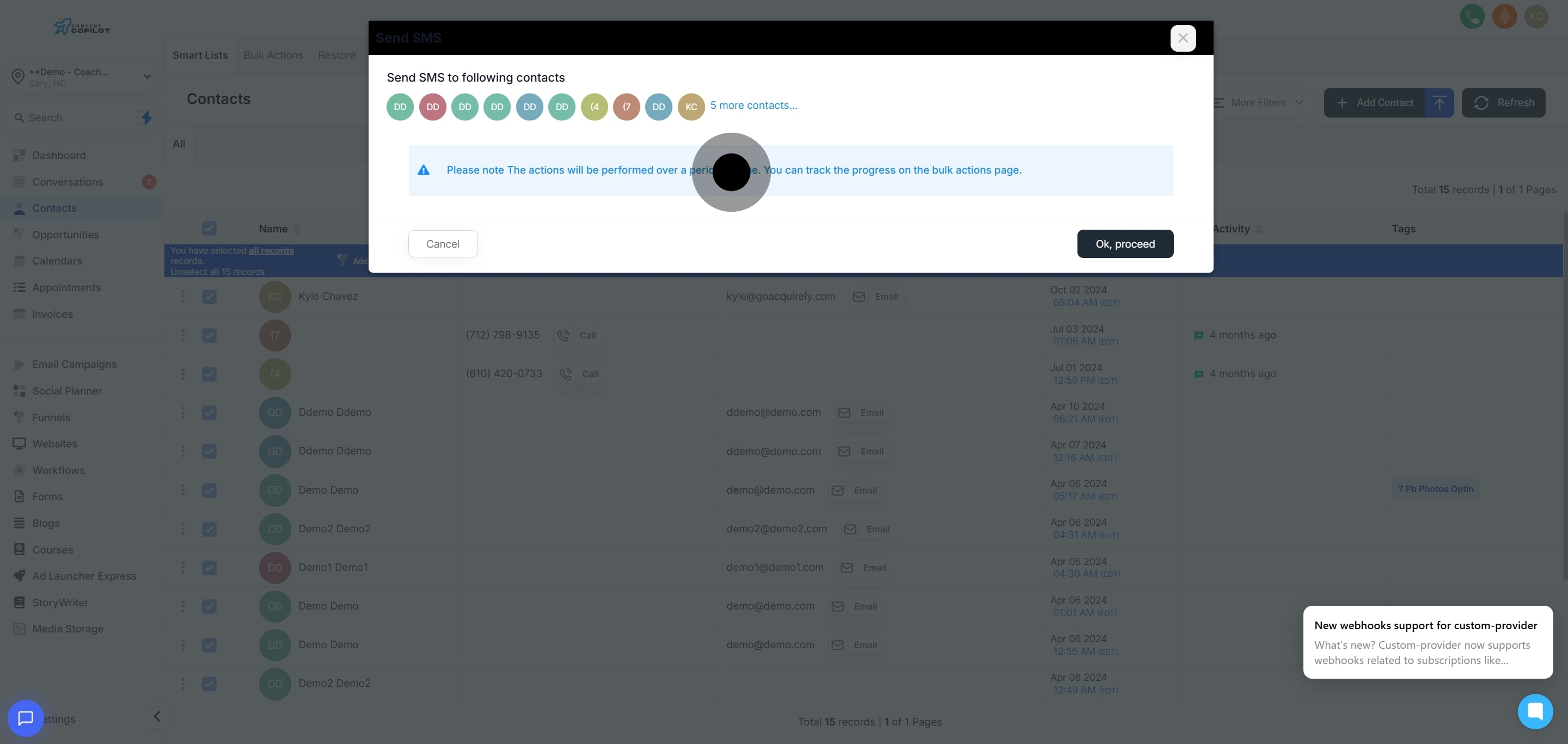
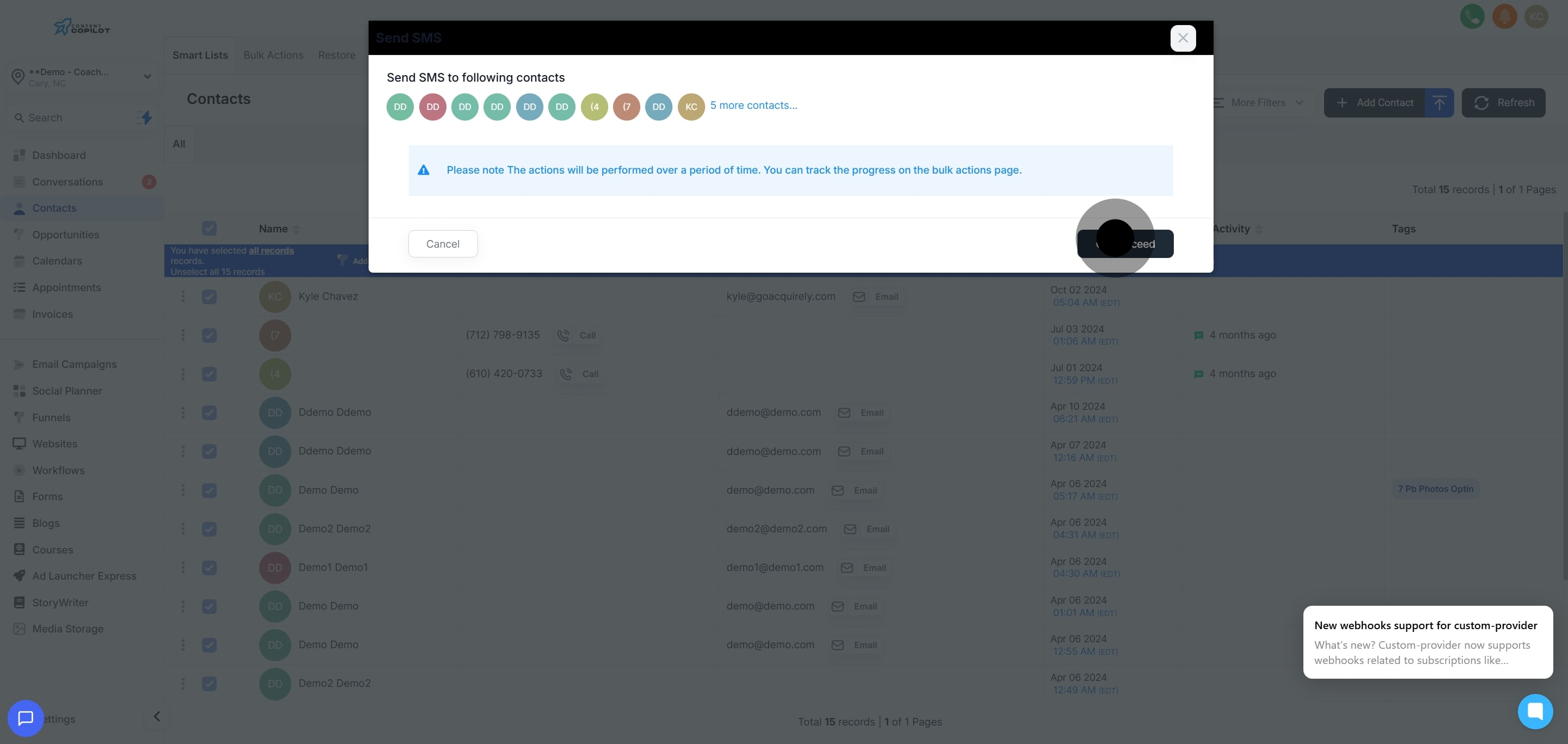
6. Take note of the displayed reminder about process duration.
7. Confirm actions by clicking 'Ok, proceed'.
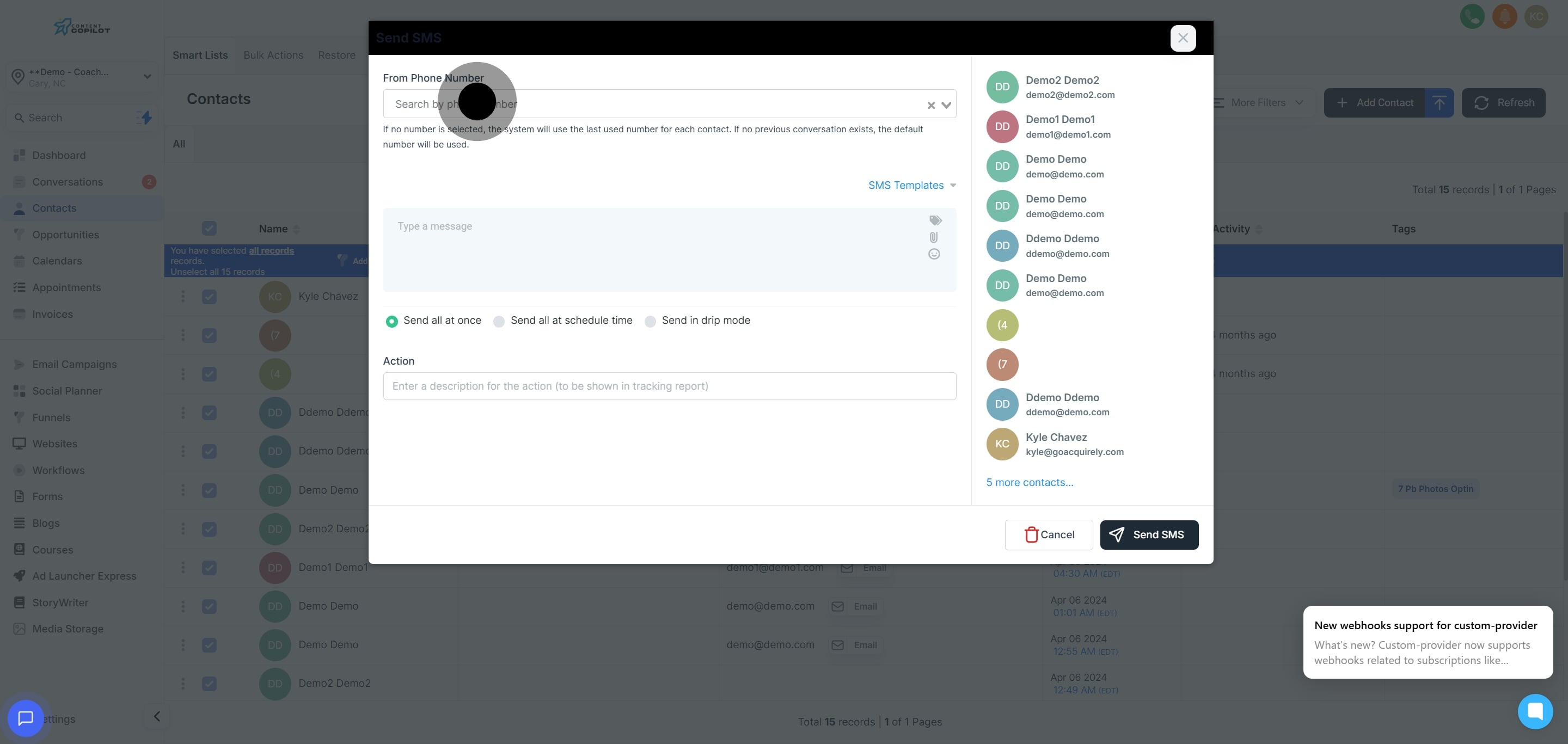
8. Choose the phone number from which you want to send messages.
9. Then, select an SMS template or choose one from the list.
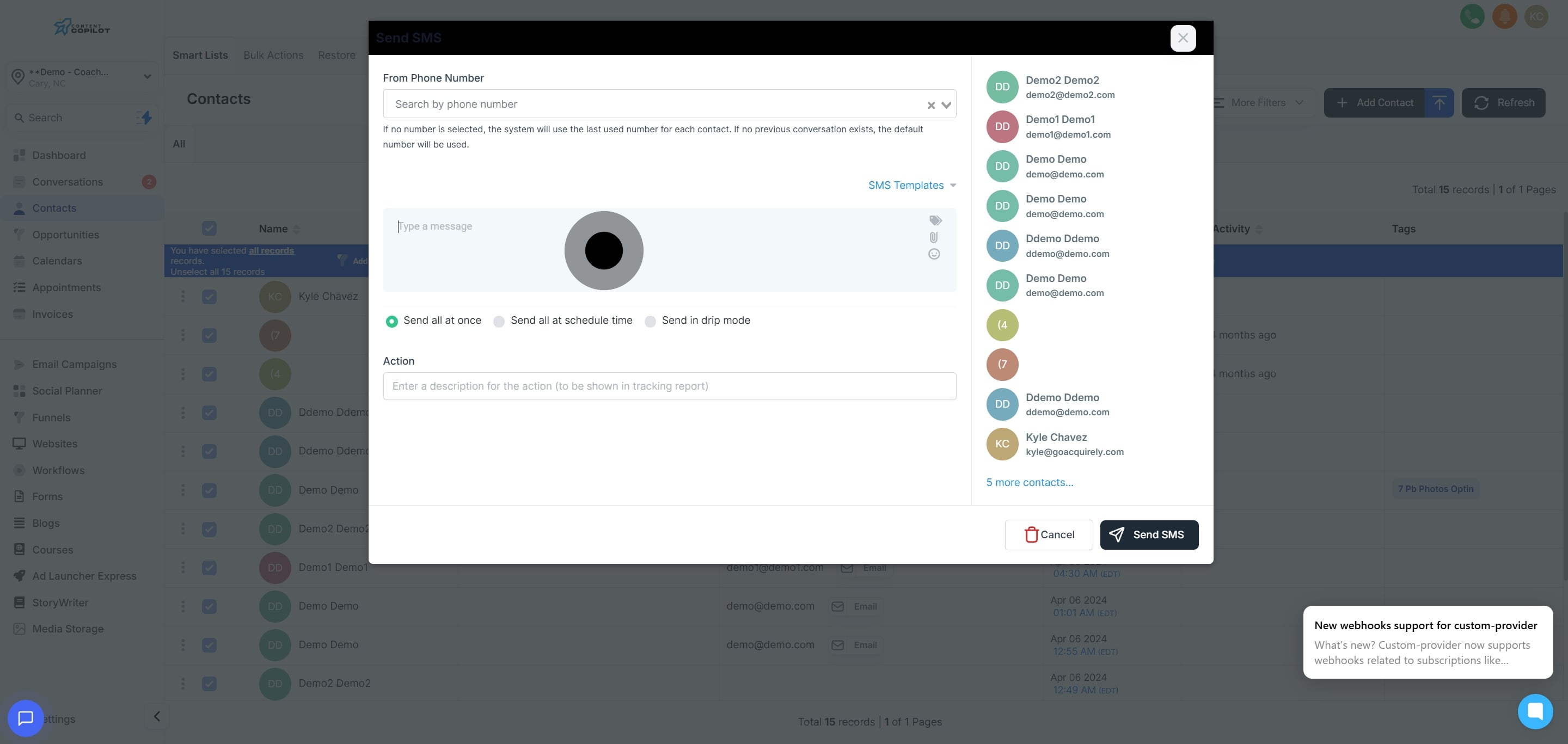
10. Alternatively, you can create a new SMS by typing your message.
11. Decide if you'd like to send all messages at once.
12. Enter a description for your action to appear in tracking reports.