Creating a Round Robin Calendar in CoachWorks Marketing
Learn how to set up a Round Robin calendar in CoachWorks Marketing using this simple guide. Follow the steps to configure your calendar settings, assign team members, and customize your meeting details, ensuring your calendar aligns with your scheduling needs. Perfect for streamlining appointment management across your team.
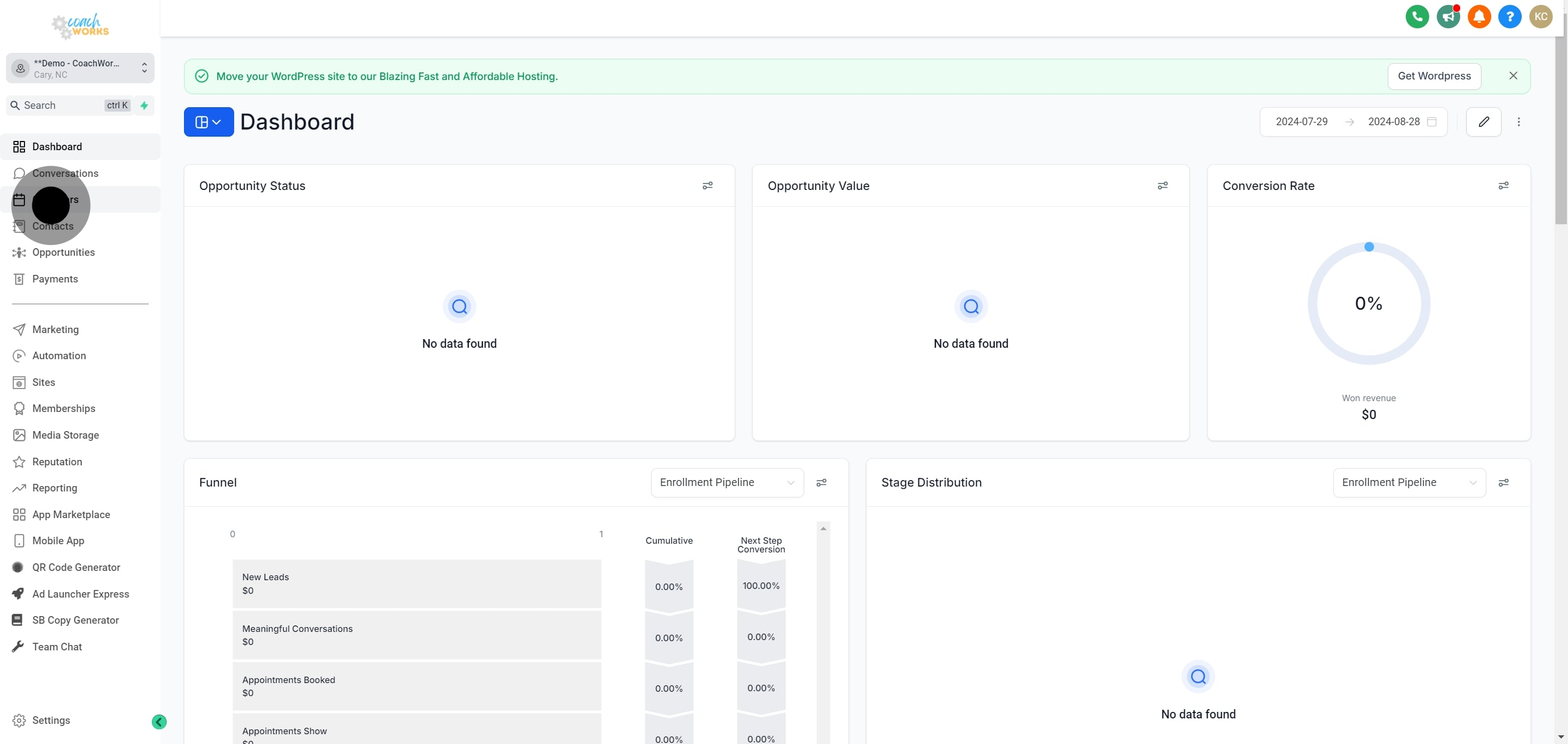
1. Start by selecting the 'Calendars' option.
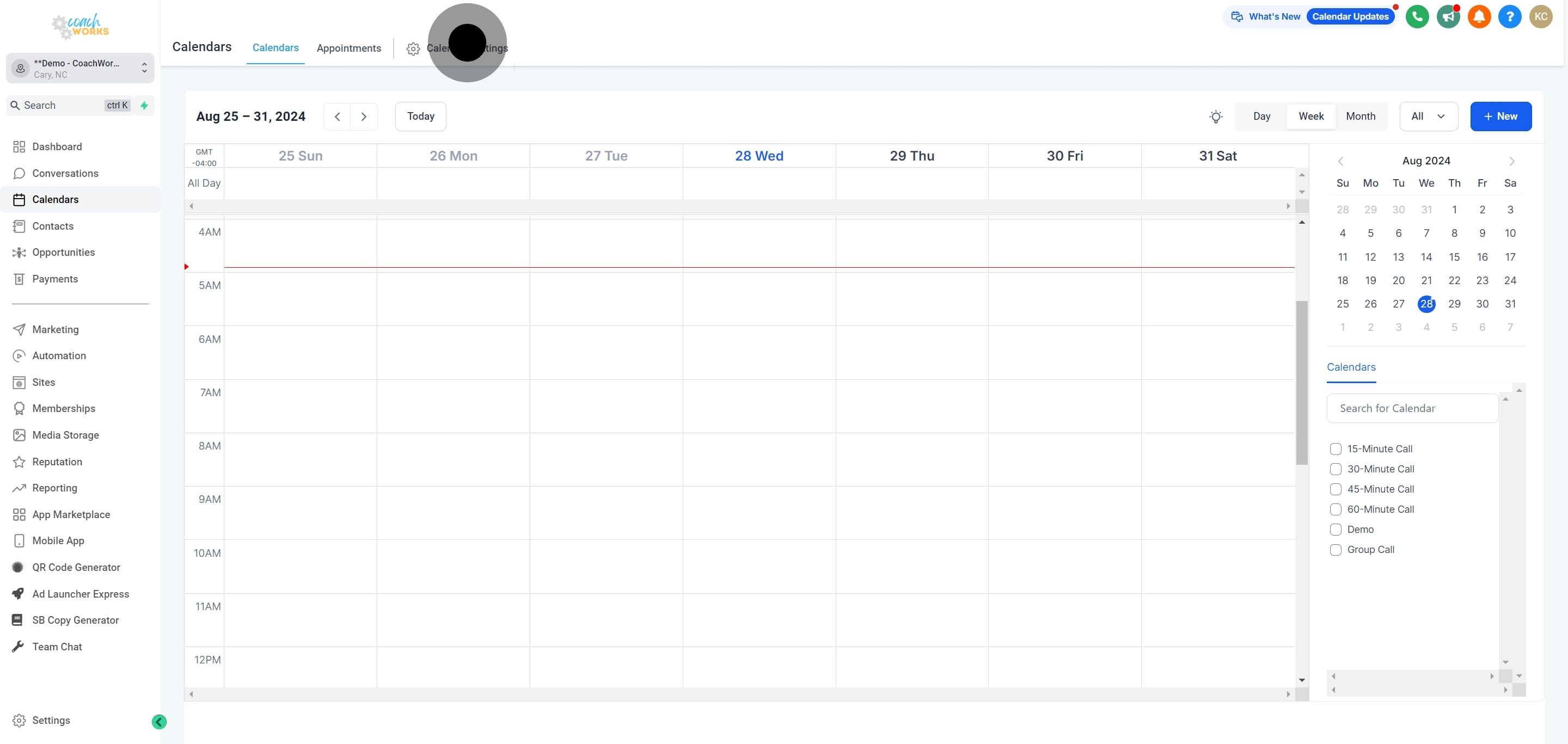
2. Next, access 'Calendar Settings' for configuration options.
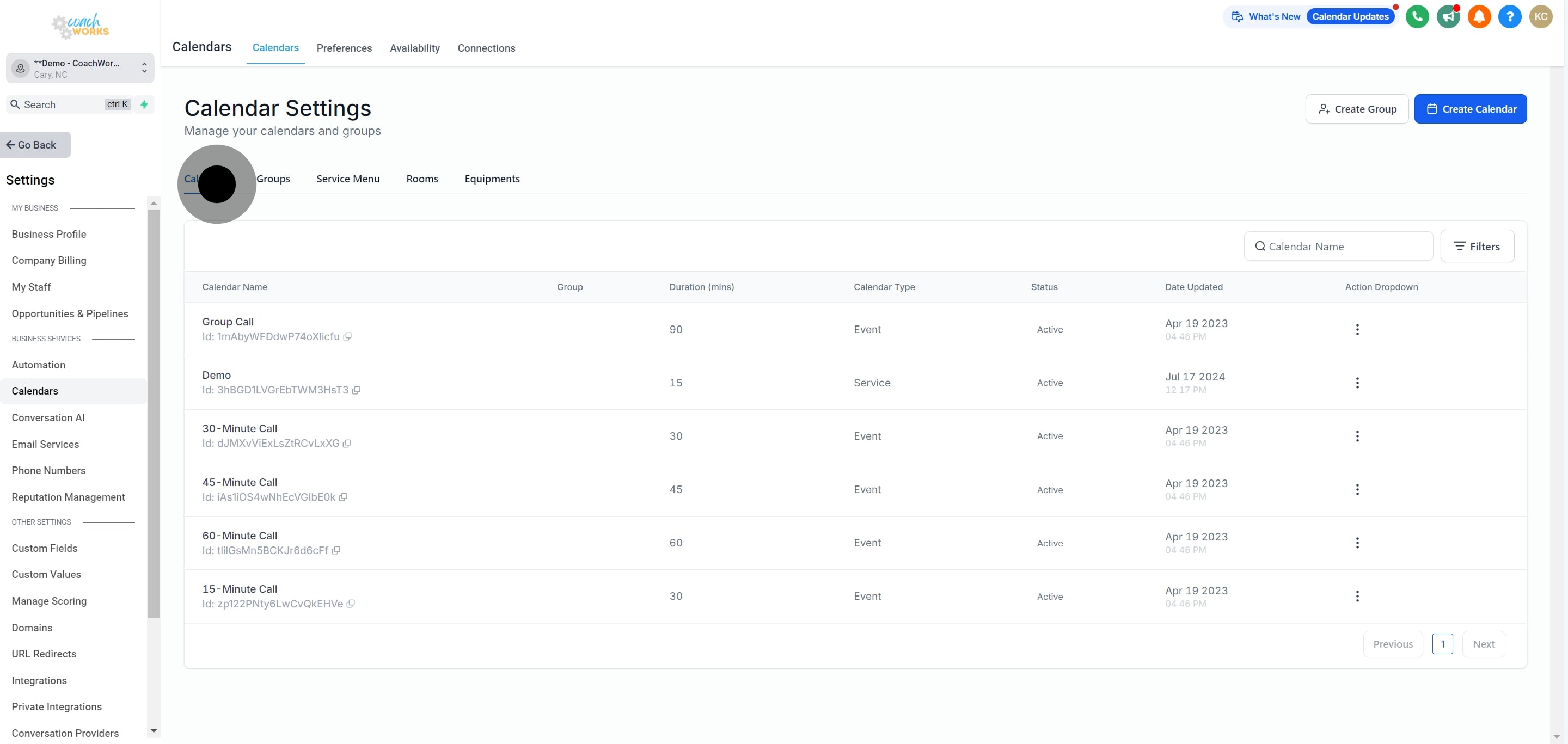
3. Then, select 'Calendars' again to proceed with your setup.
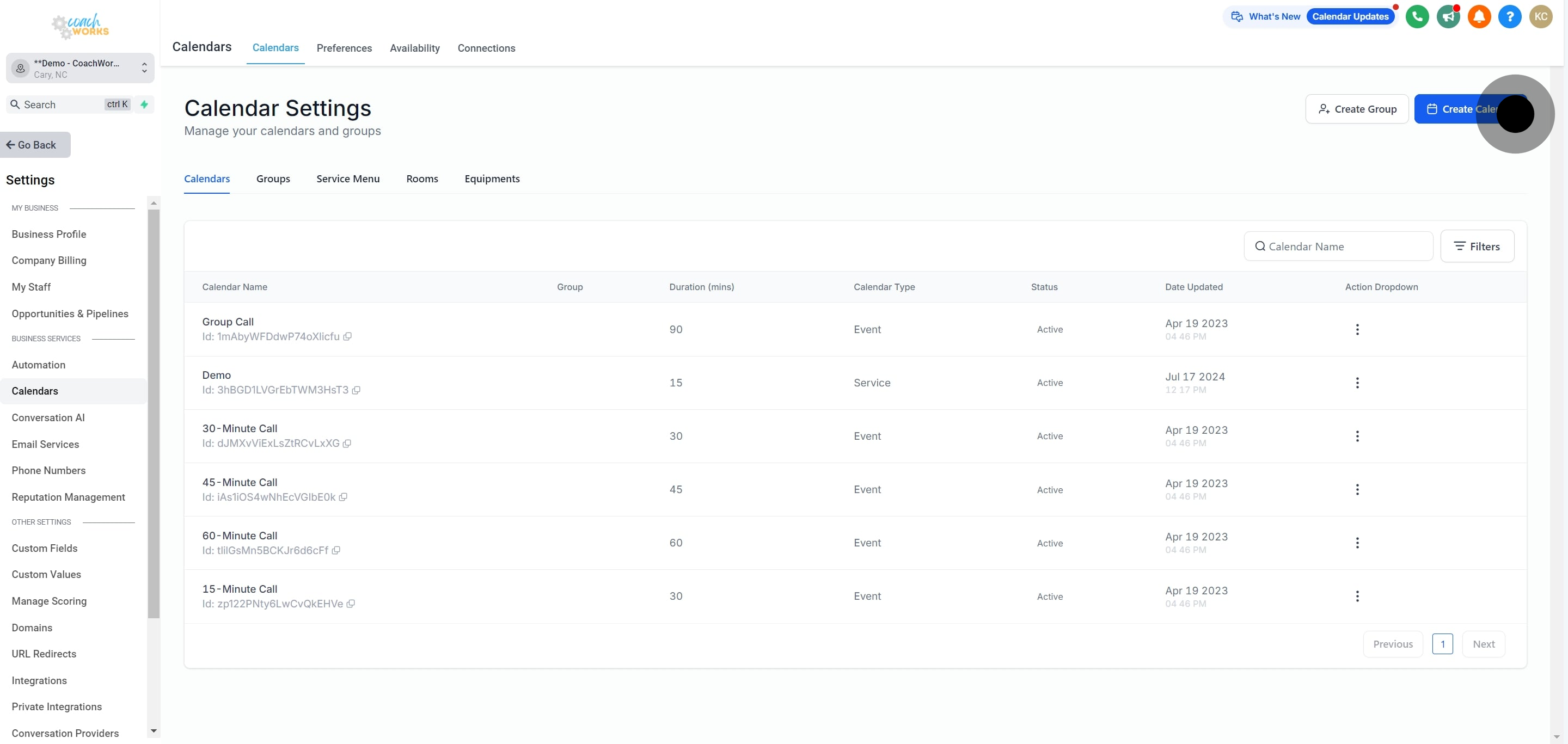
4. Now, initiate a 'Create Calendar' to add a new entry.
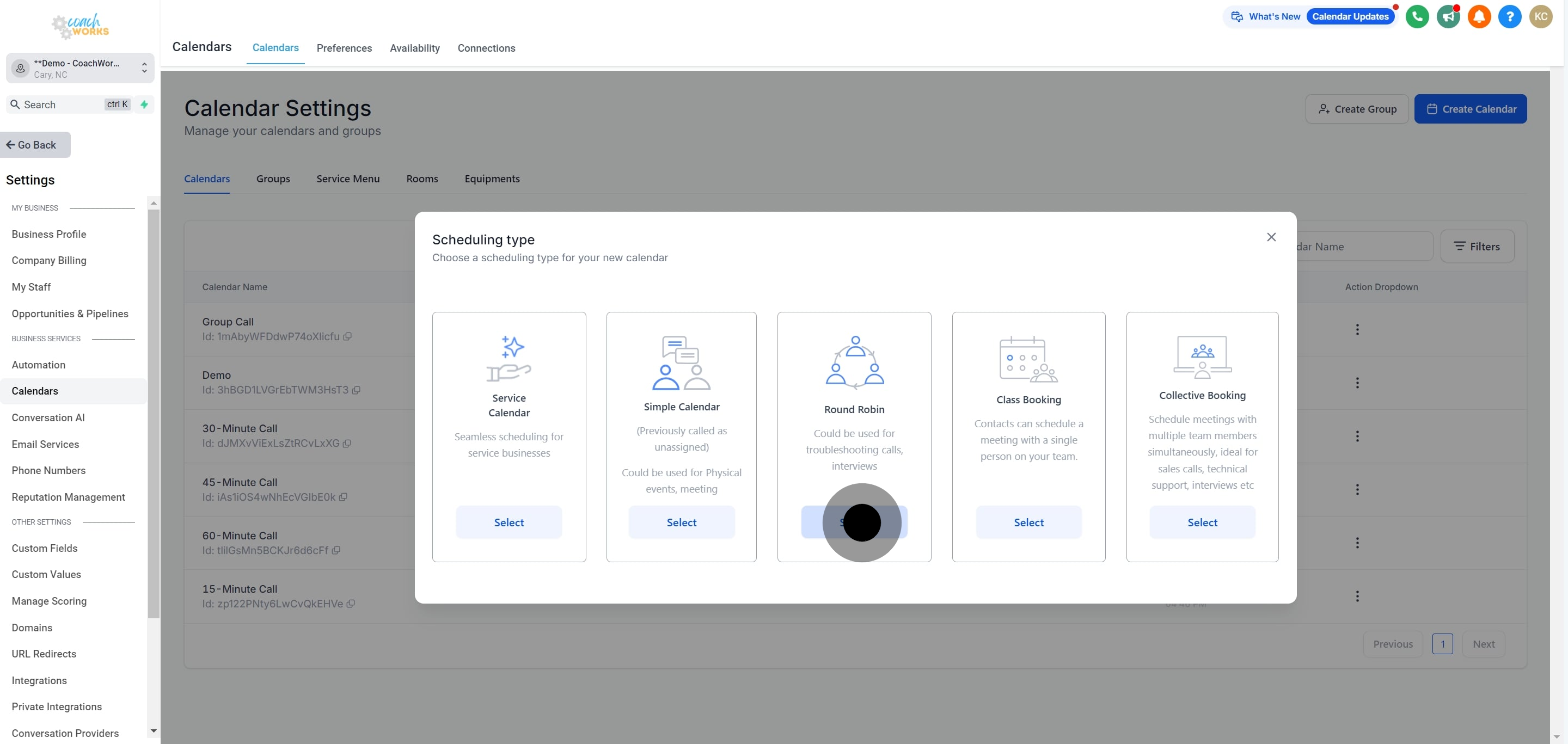
5. Following that, choose a round robin setup method.
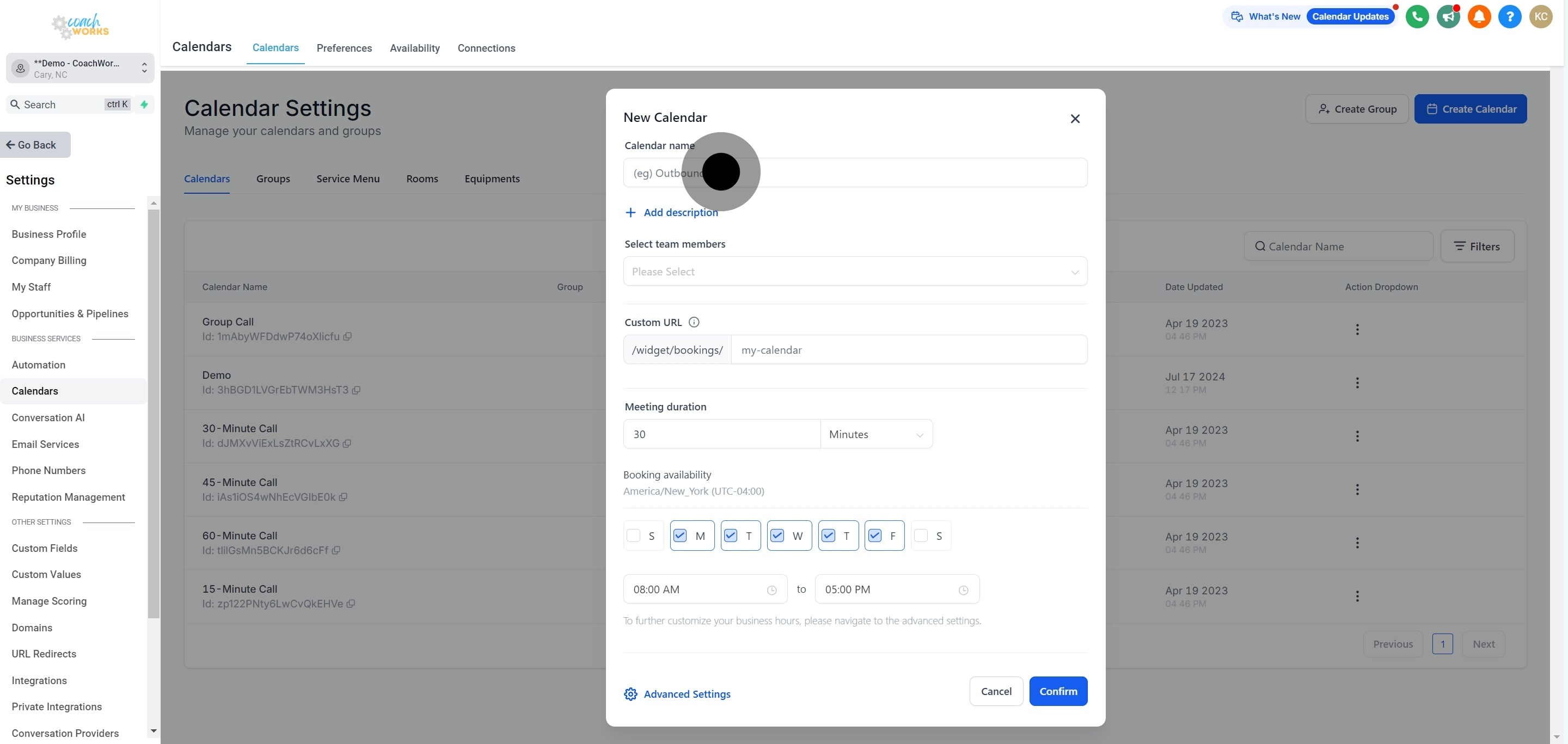
6. Enter the name for your new calendar.
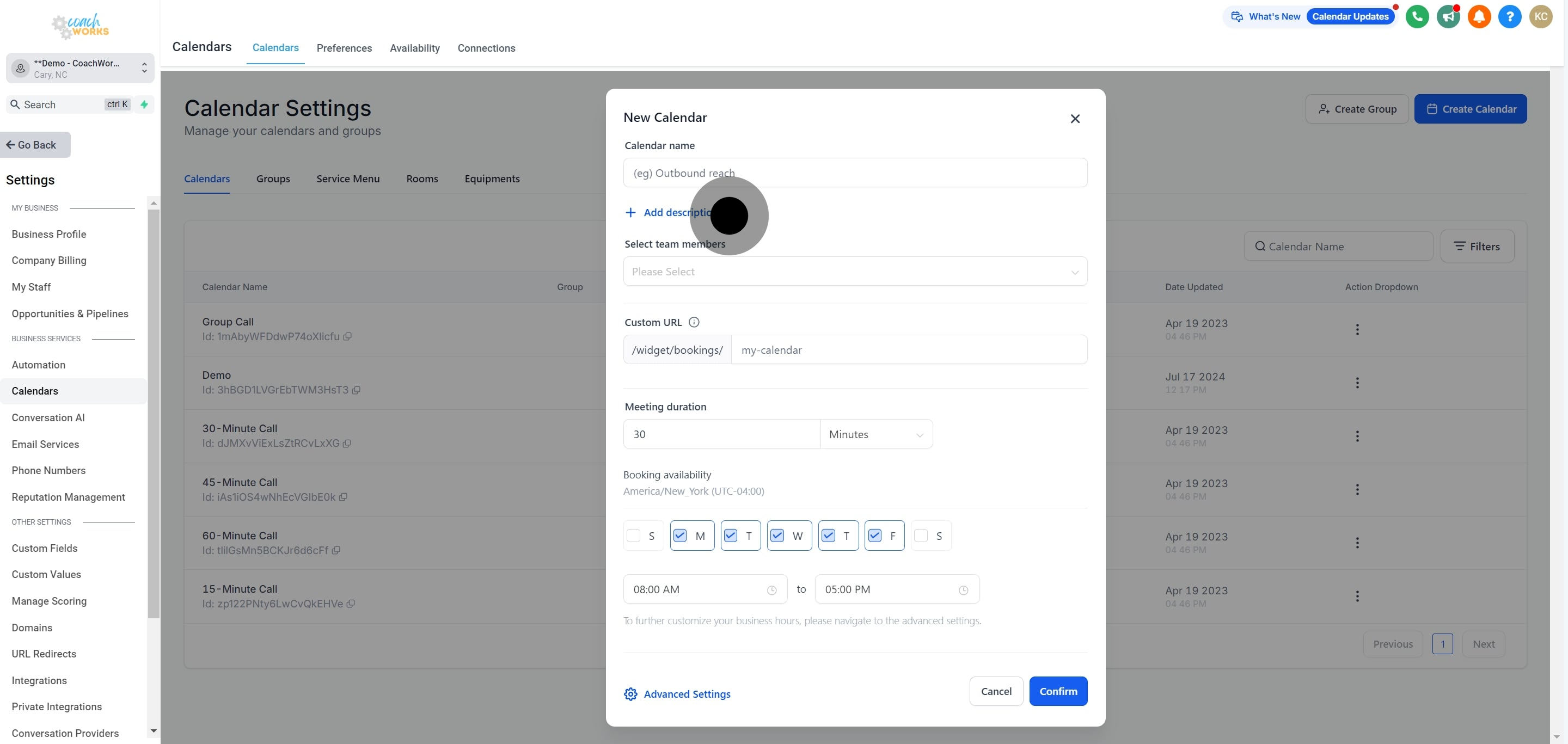
7. Optionally, you can add a description for deeper clarity.
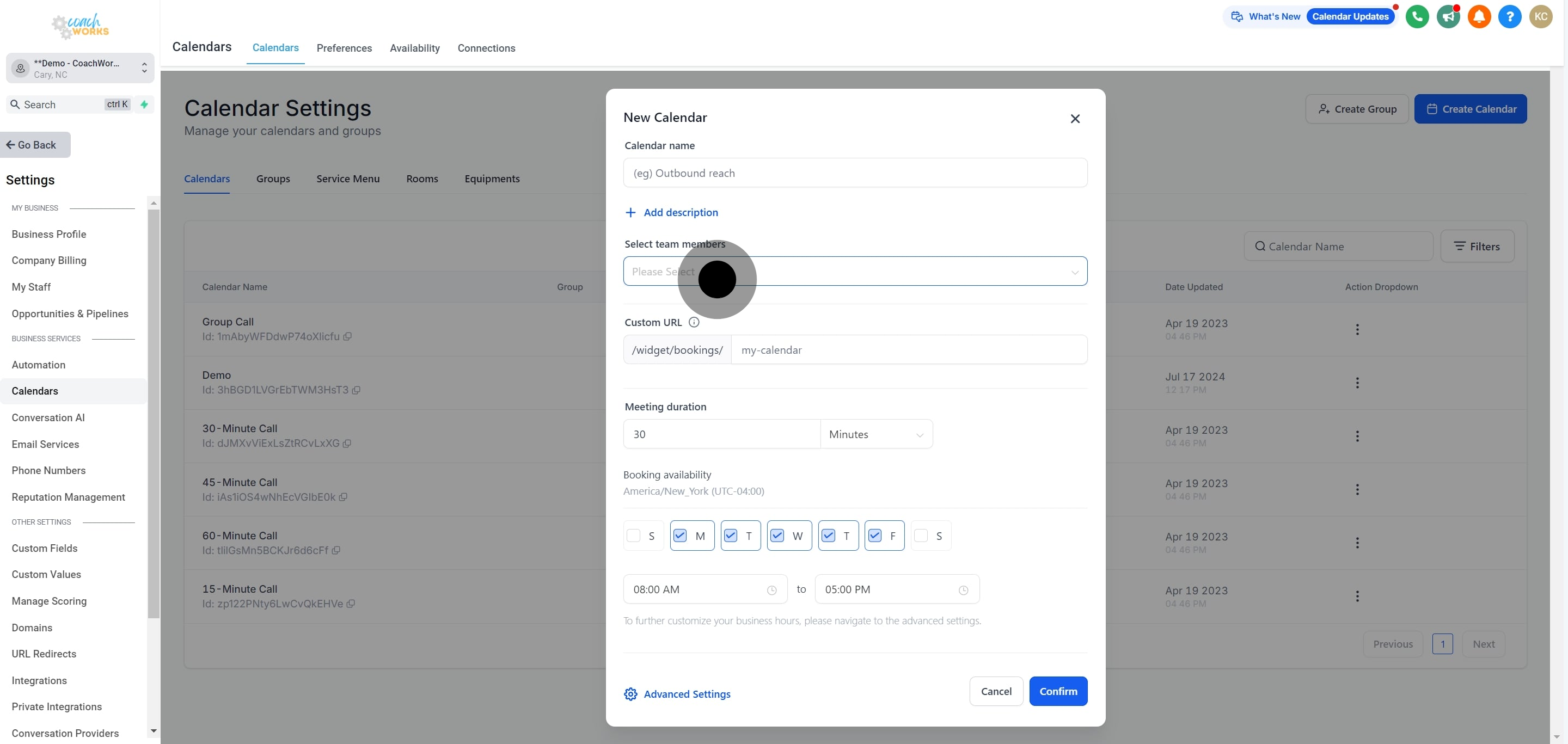
8. Choose a team member to associate with this calendar.
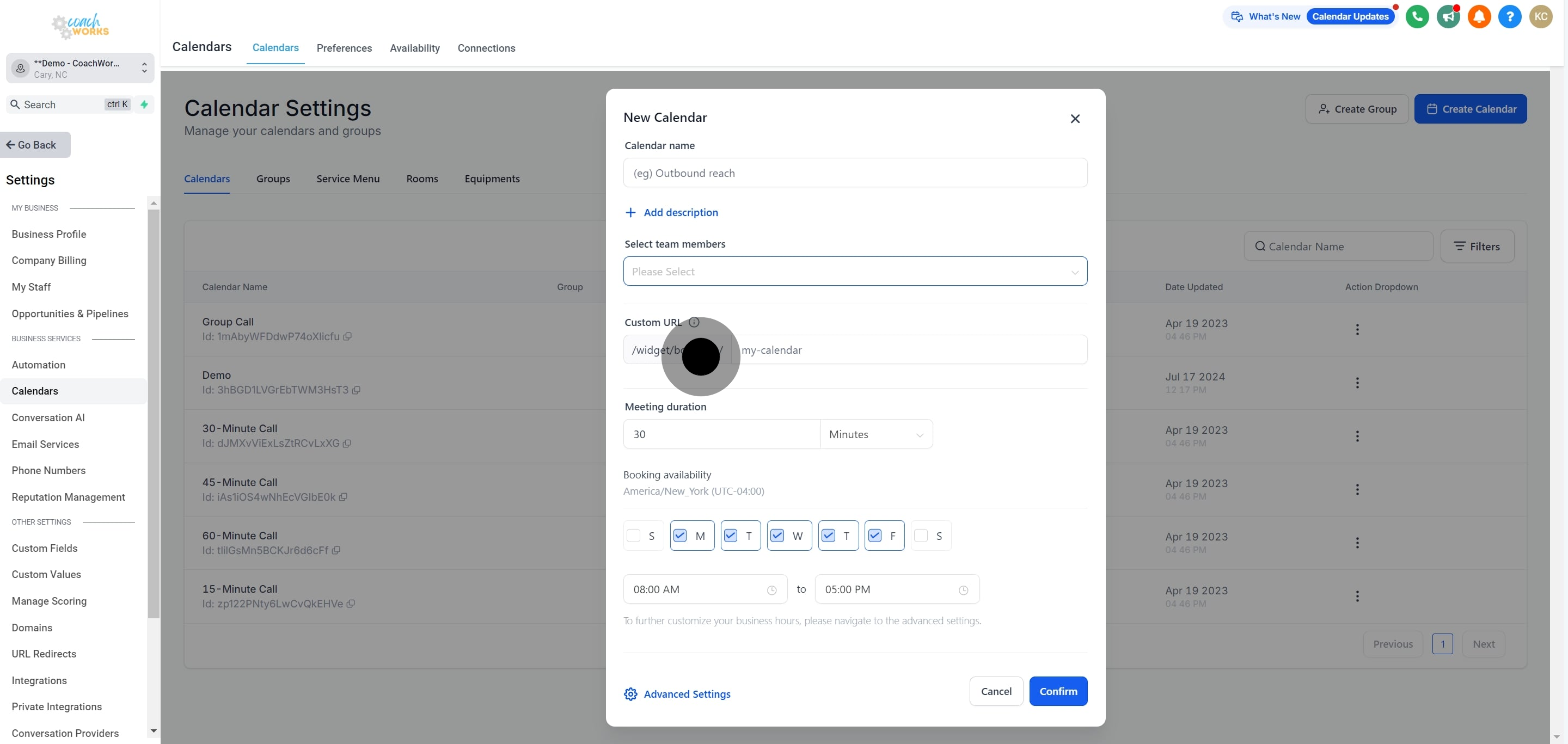
9. Next, add a custom URL if needed for unique identification.
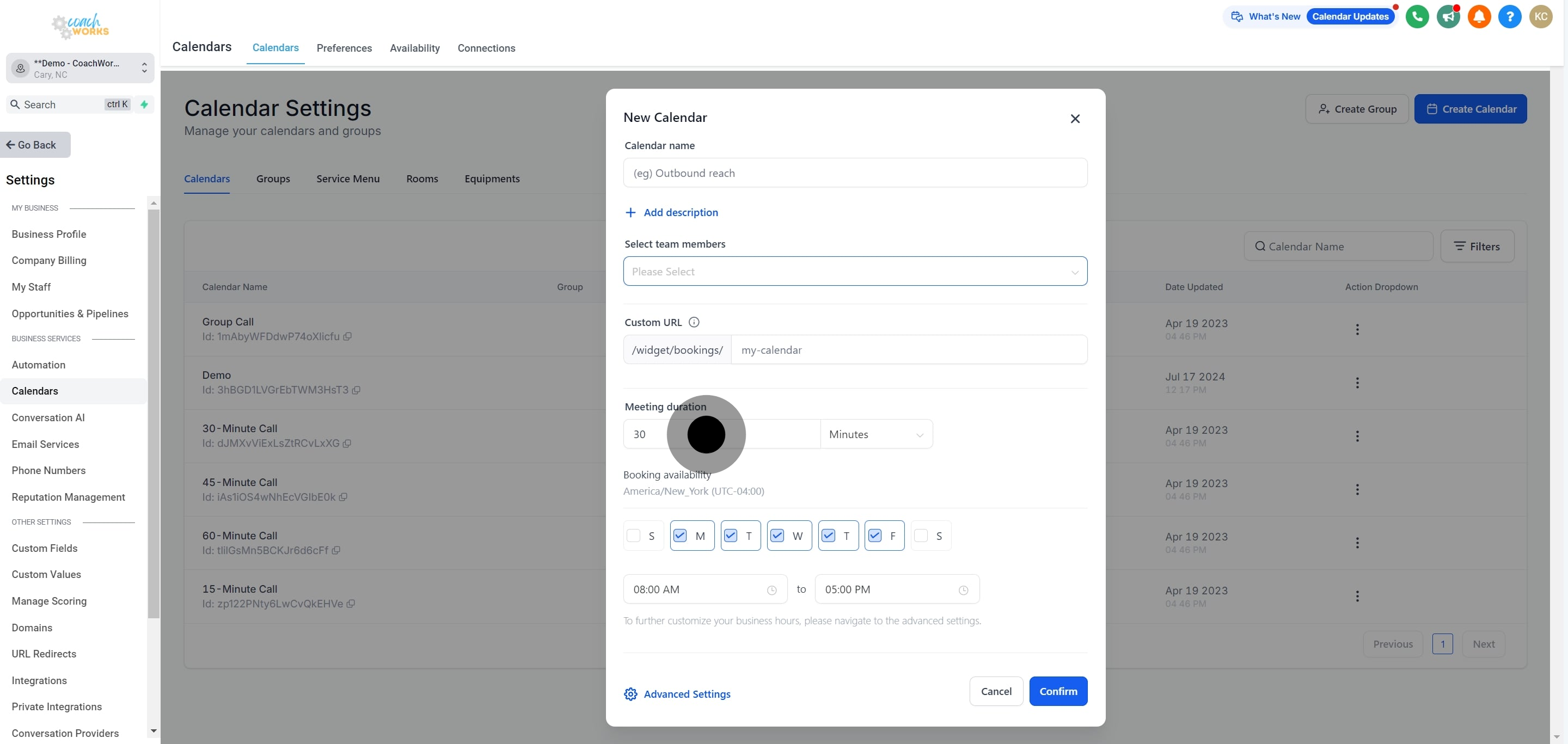
10. Modify the meeting duration to fit your schedule.
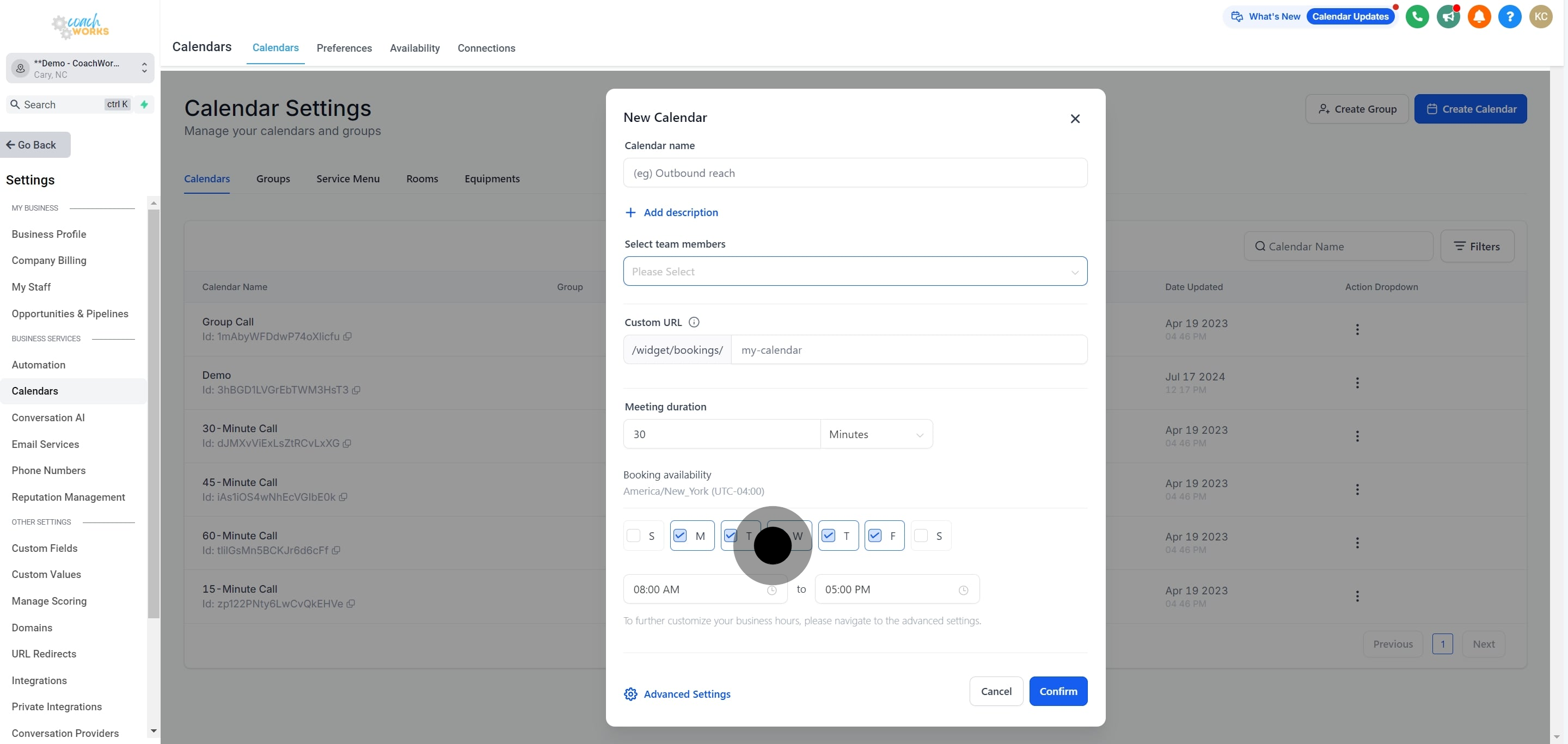
11. Adjust the calendar's availability to ensure it matches your availability.
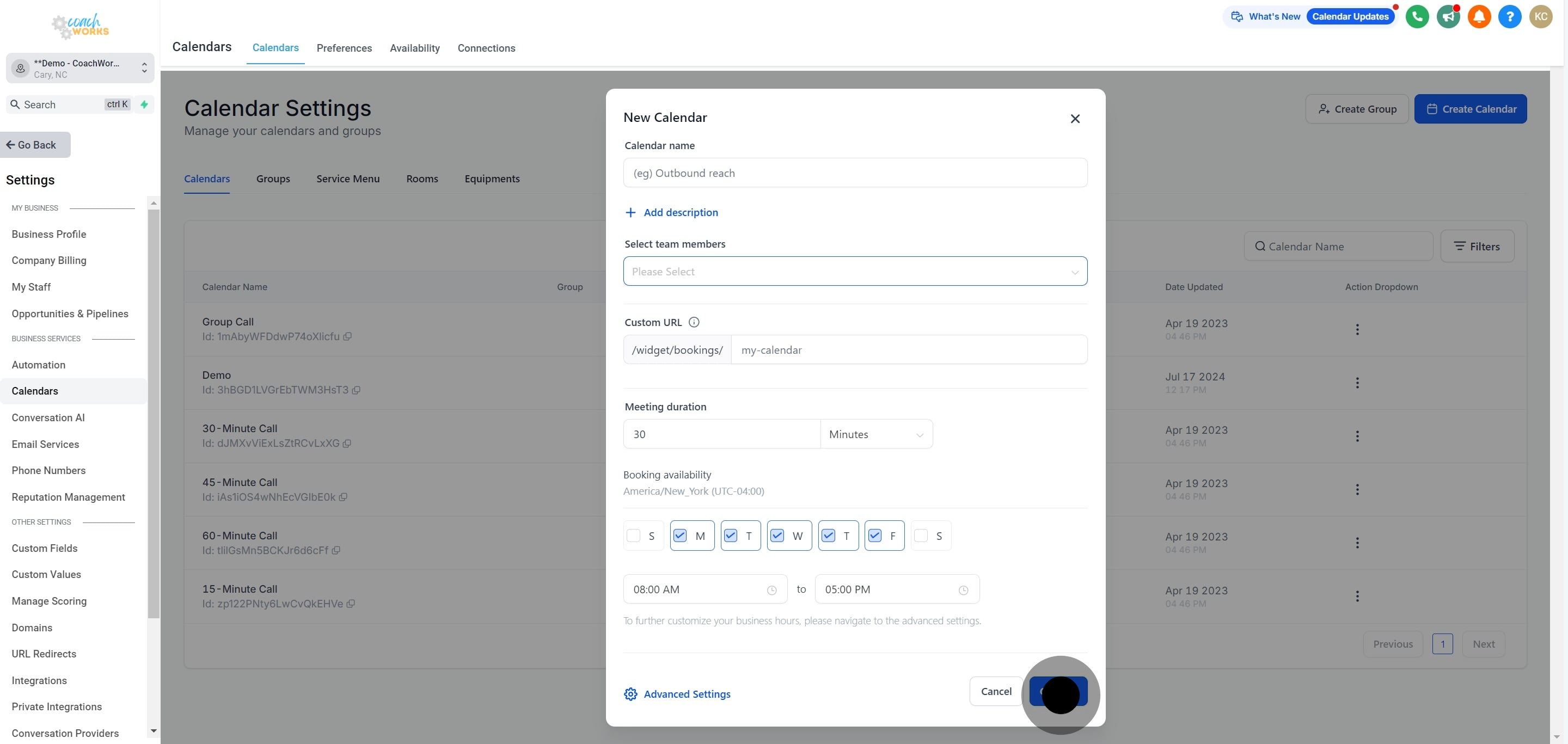
12. Finally, save your new calendar setup to finalize.