Step 1: Authenticate TikTok Business Account
Navigate to Settings > Integrations.
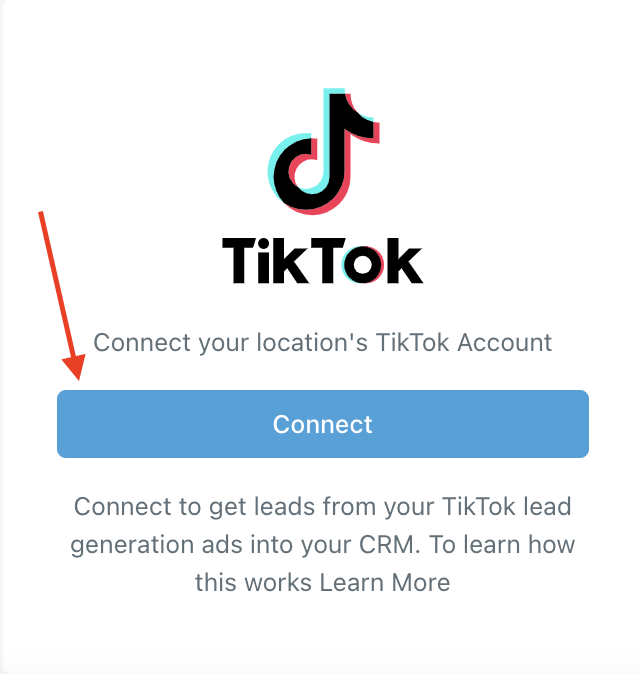
Click "Connect" in the TikTok section.
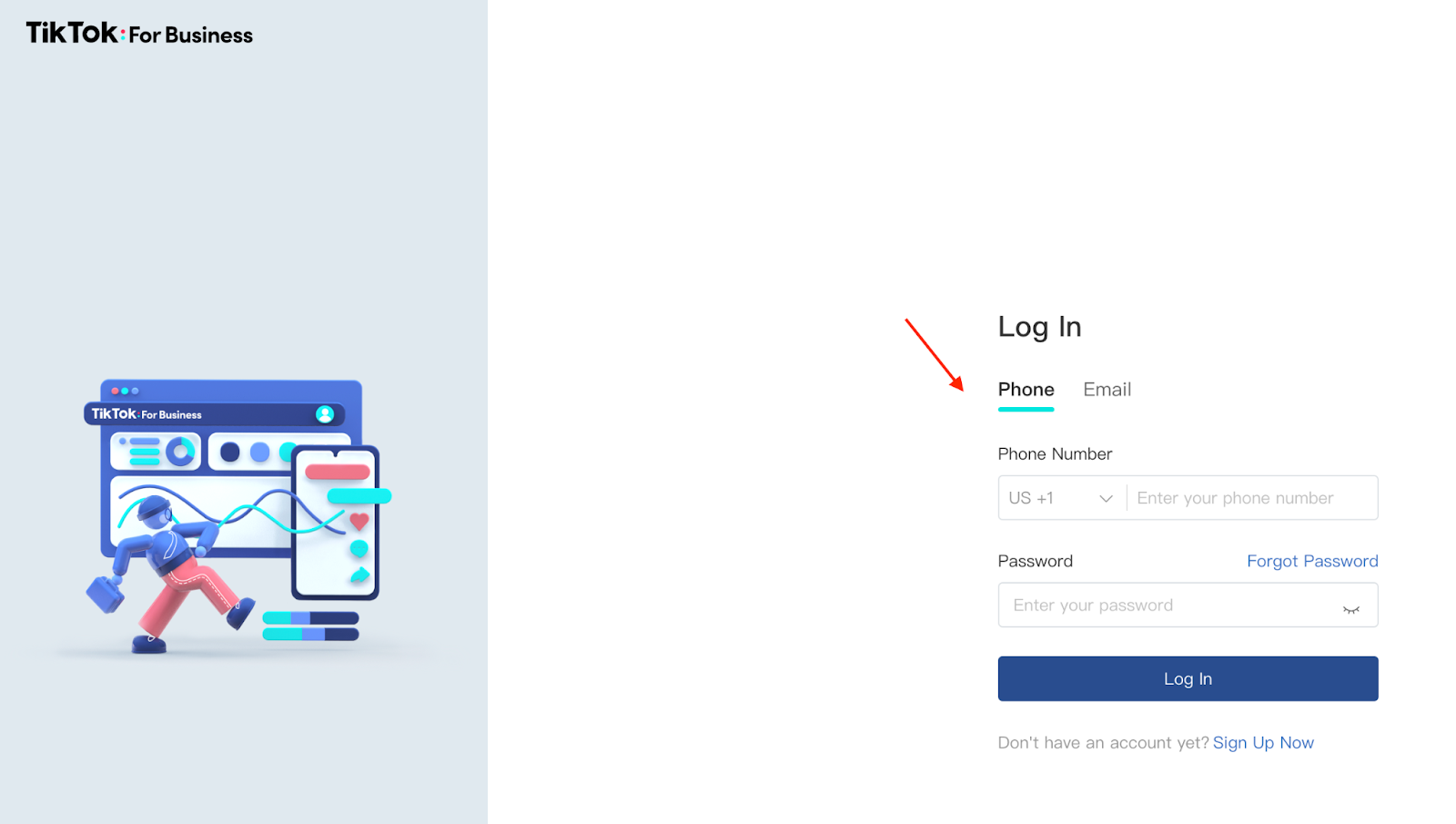
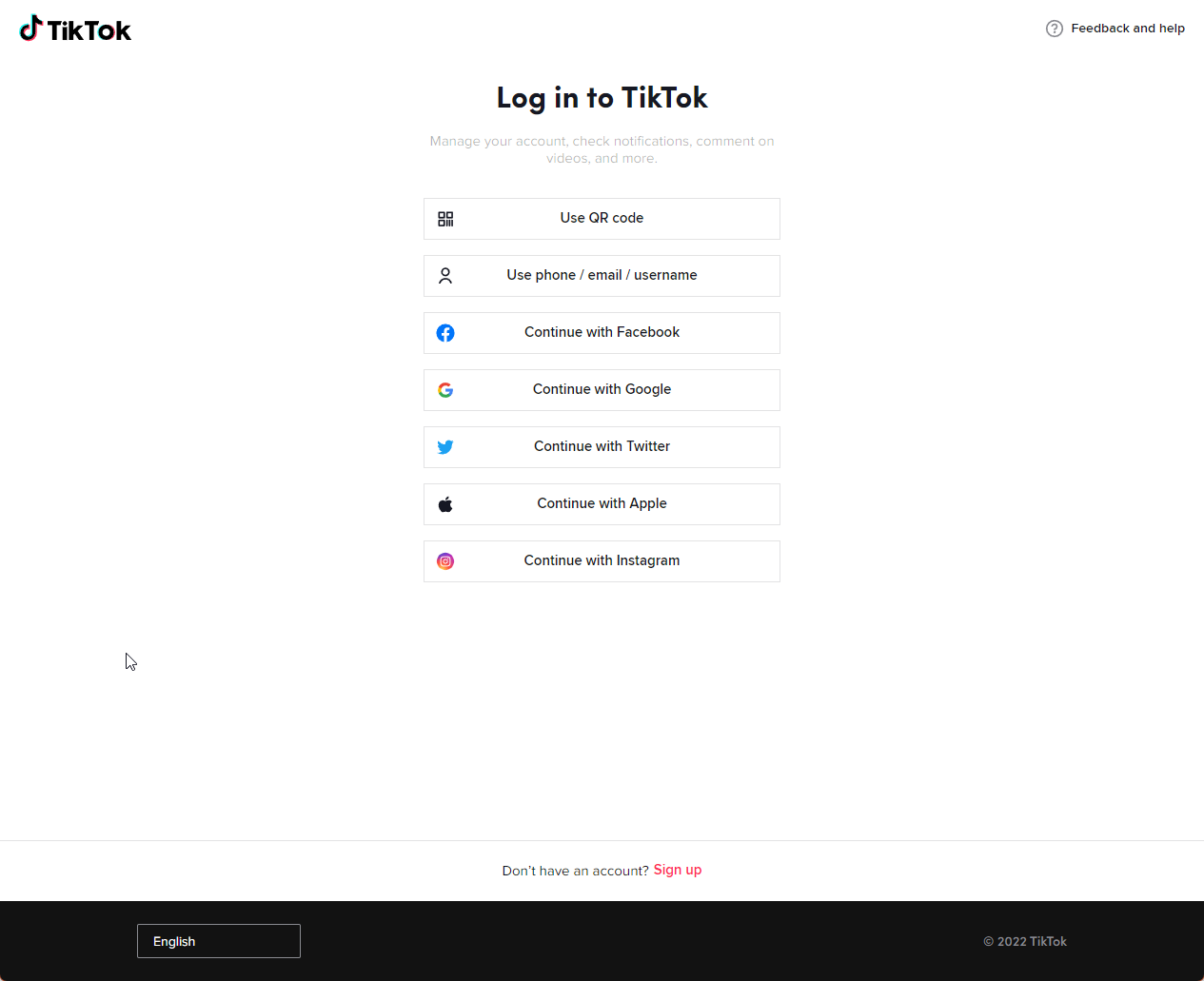
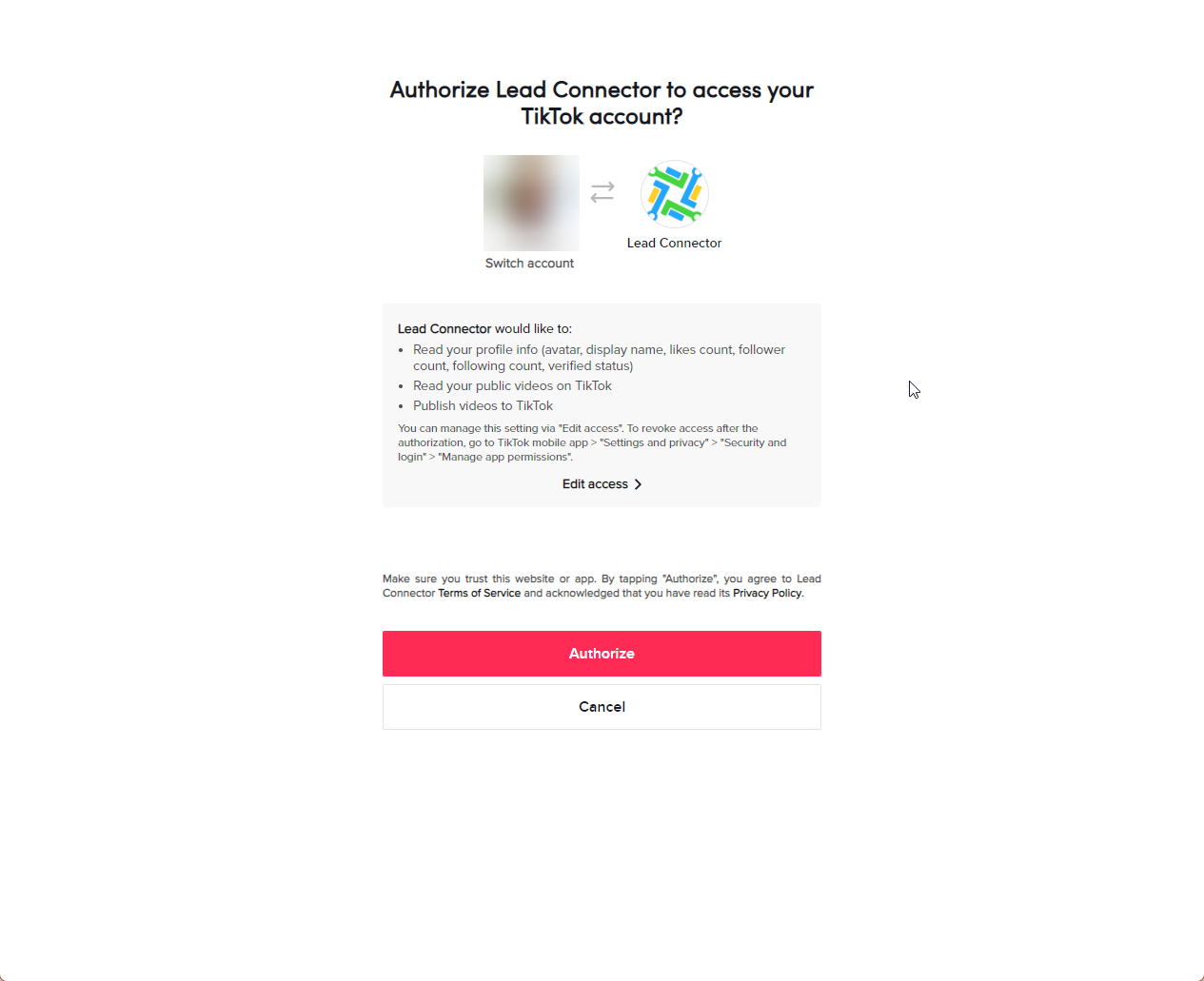
Log in to TikTok for Business and confirm permissions.
Select the desired Advertiser Account.
Step 2: Set Up Lead Capture
Go to TikTok Form Fields Mapping in Integrations.
Click "Map Fields" to map TikTok fields to CoachWorks Marketing custom fields.
Update form fields if you add new questions during a live campaign.
Subscribe to specific pages to attract relevant leads.
Leads will appear in a smartlist within your Contacts section.
Connecting a Standard Account to the Social Planner
Navigate to Marketing > Social Planner.
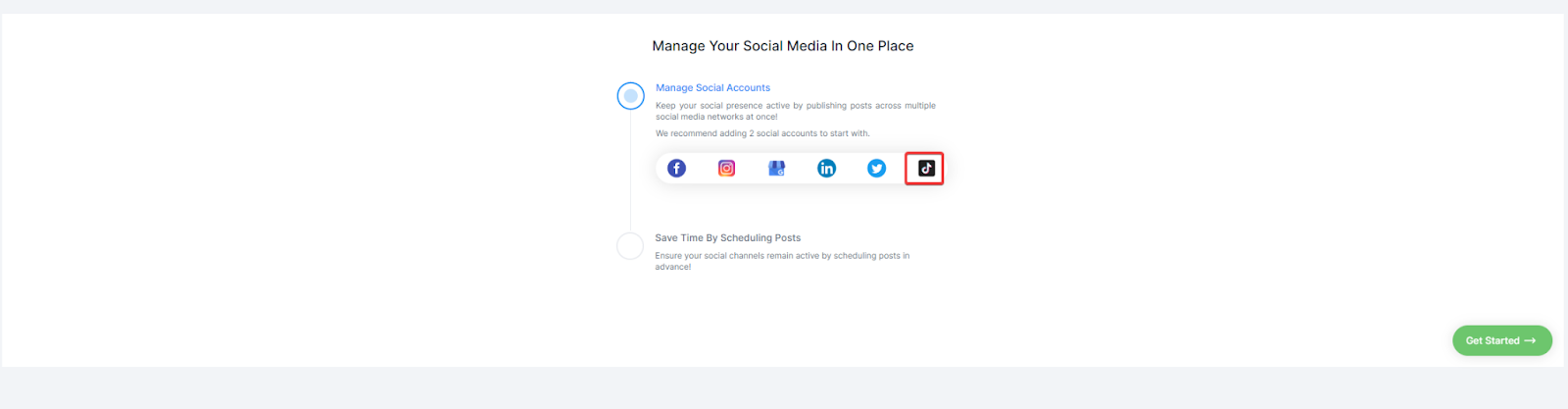
Select the TikTok integration.
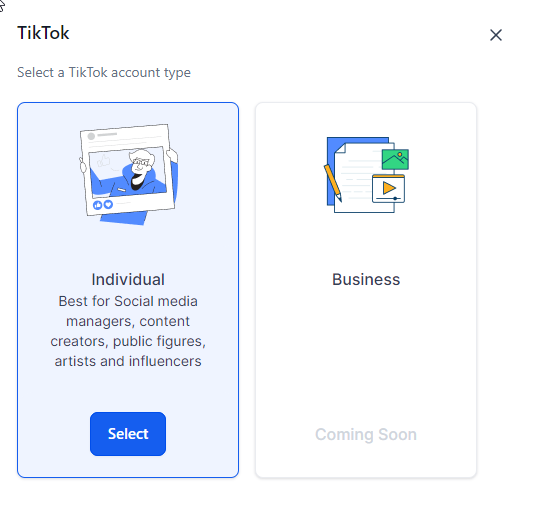
Choose the account type (only Individual accounts supported).
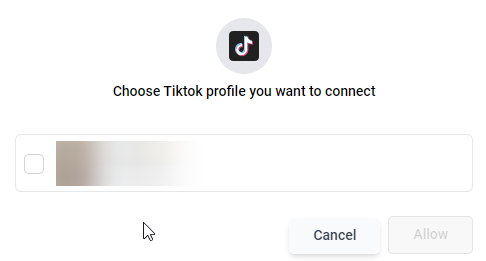
Log in and select the profile to connect.
Use custom fields like Text, Large Text, Numerical, Phone, Monetary, Single Options, and Date in TikTok Lead ads.
Ensure you have an instant form created in TikTok if you encounter issues.
If your Access Token expires, disconnect and reconnect your TikTok account.
Change your Advertiser Account anytime in the Integrations tab.
