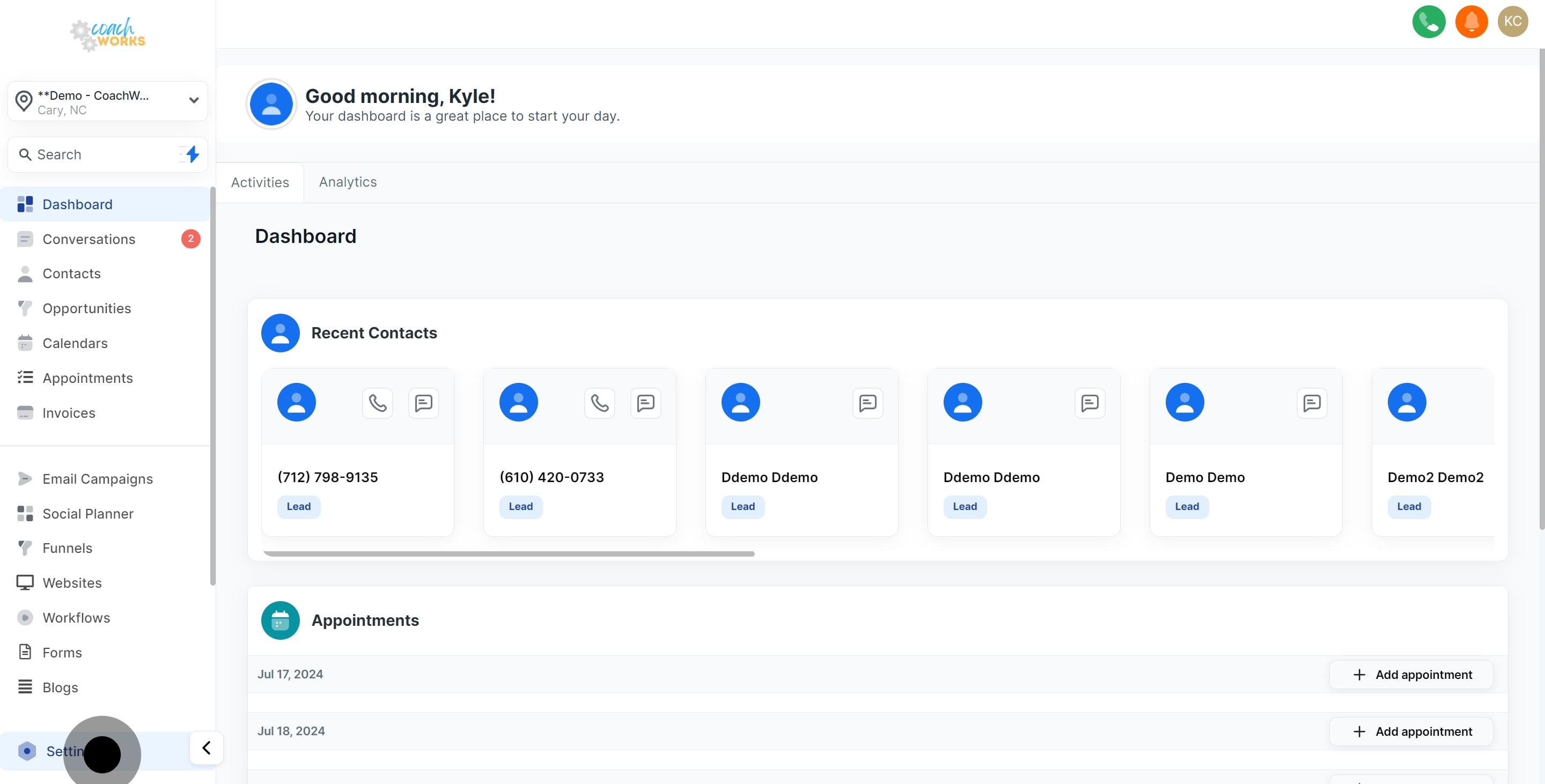
1. Select the settings option to get started.
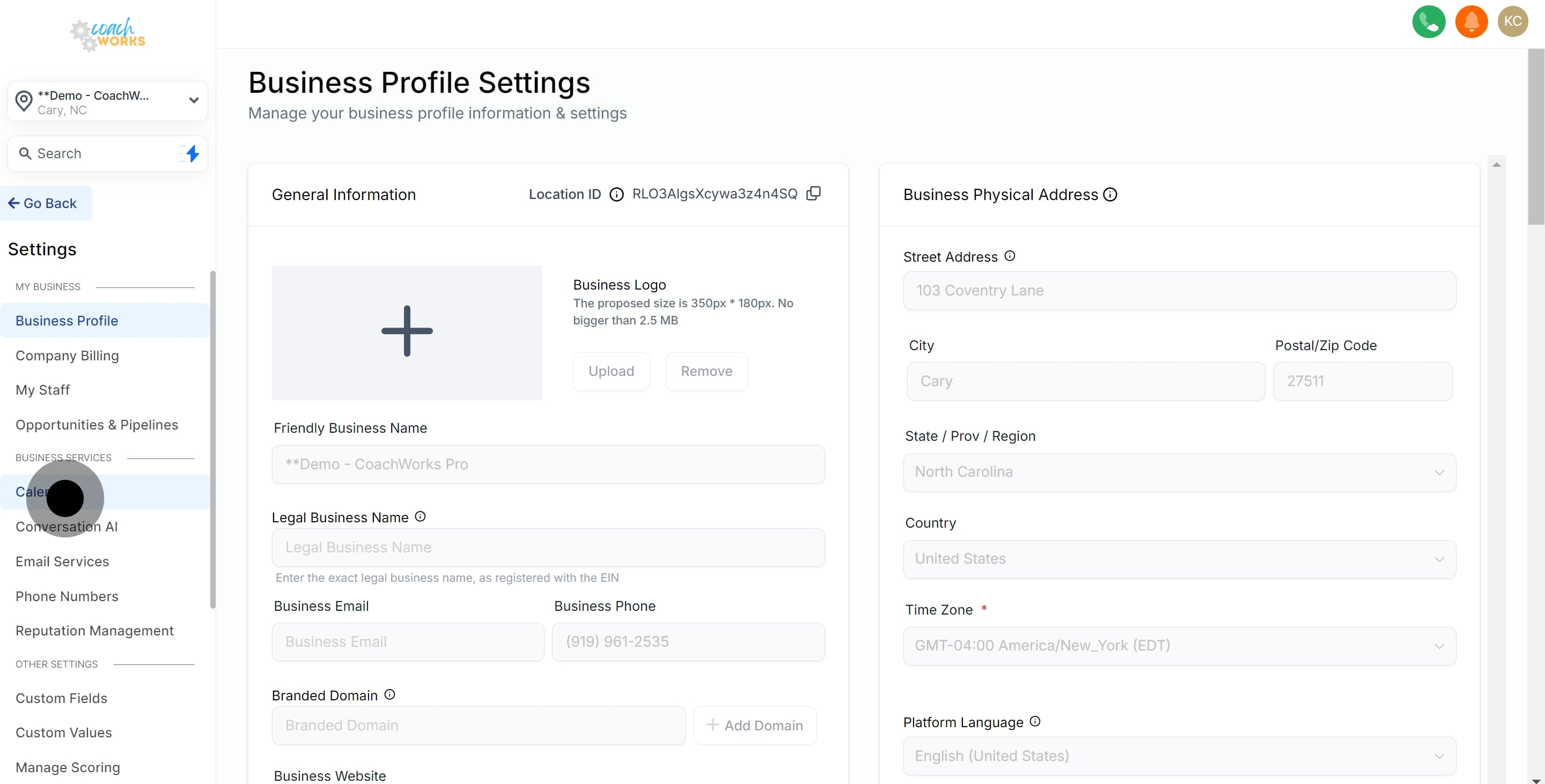
2. Next, go to the 'Calendars' section.
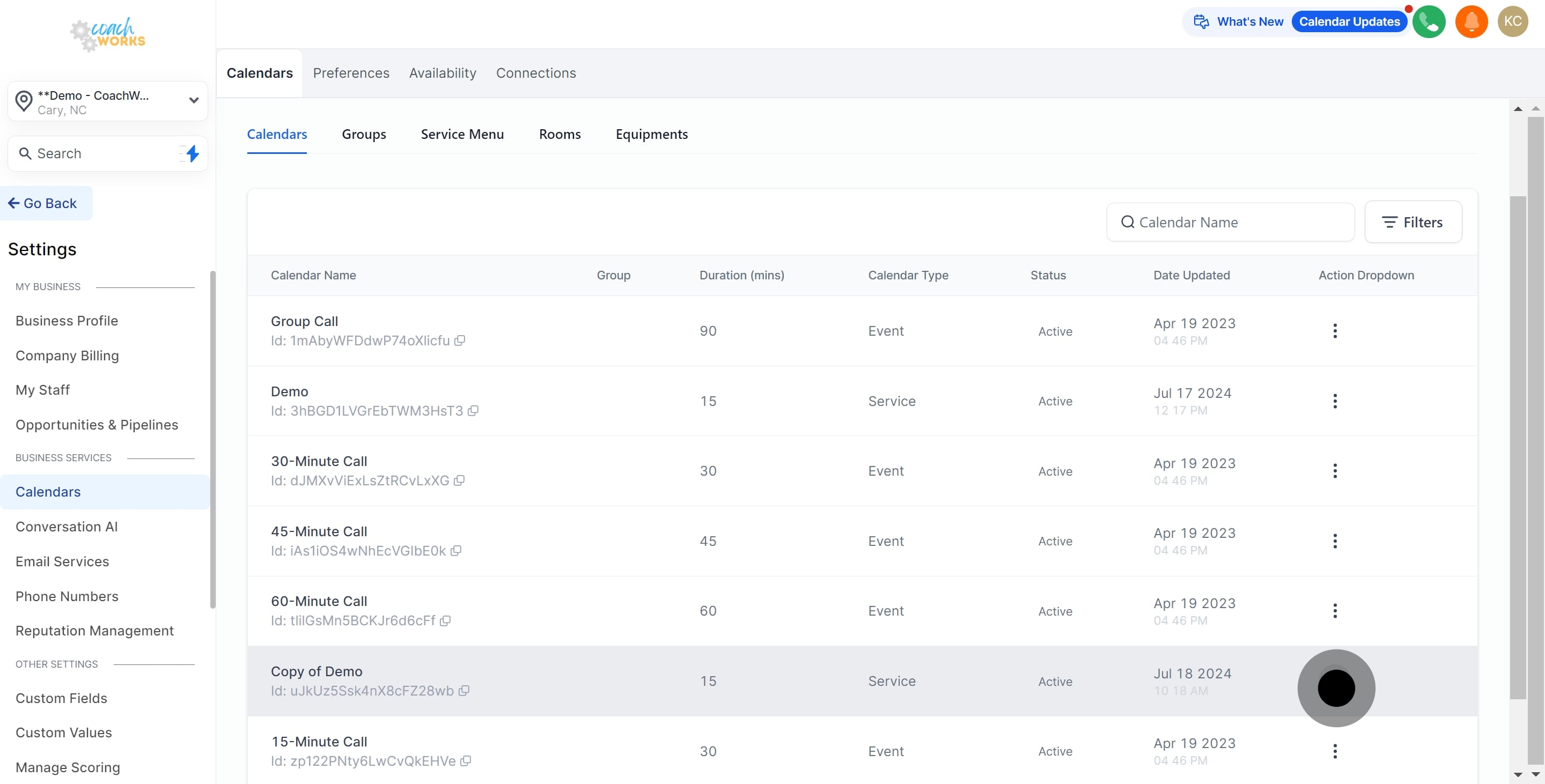
3. Now, open the actions menu for your calendar.
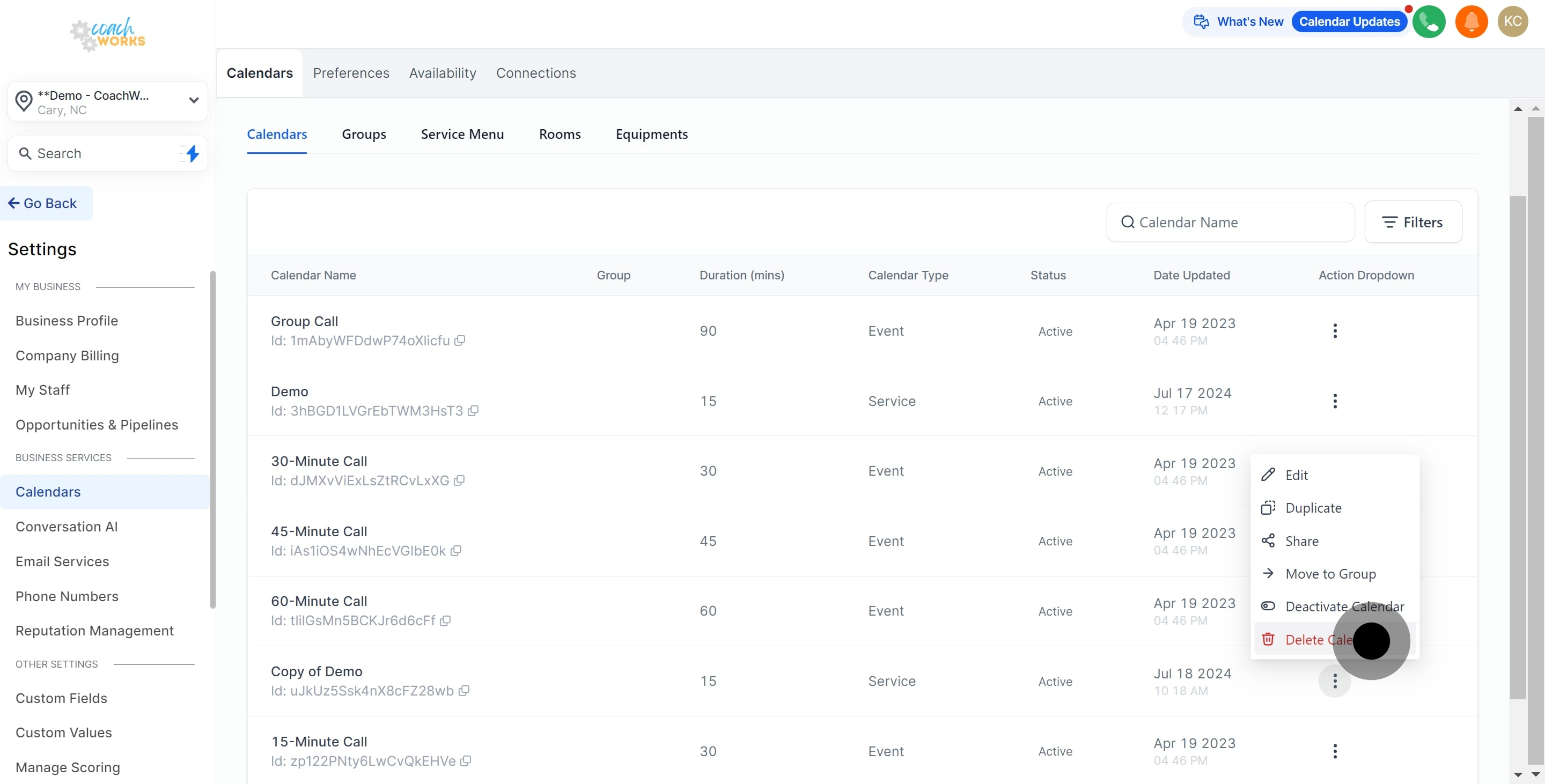
4. Then, go ahead and select 'Delete Calendar.'
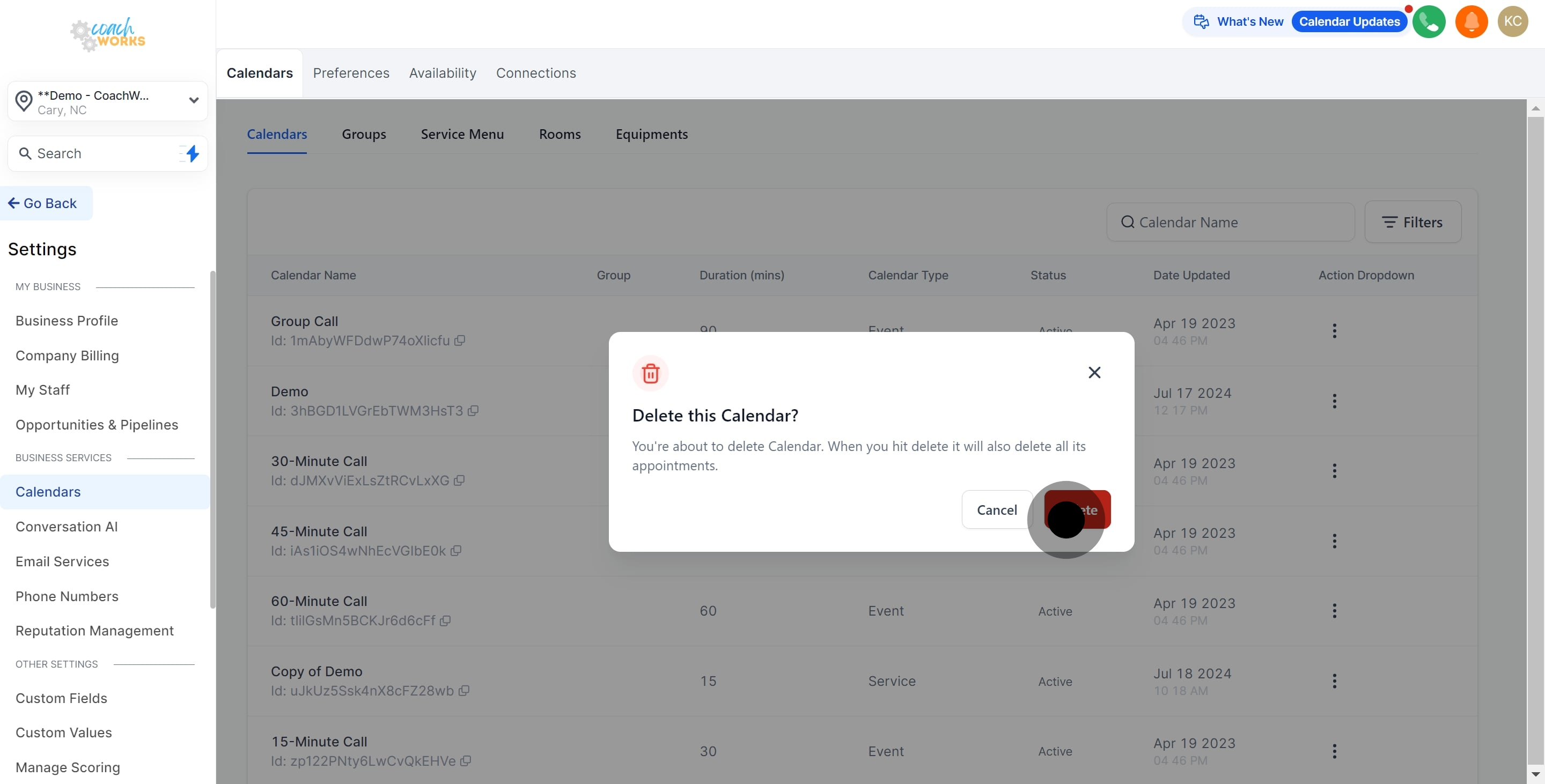
5. Finally, confirm by clicking 'Delete' to complete the process.
This workflow was created with Supademo.
