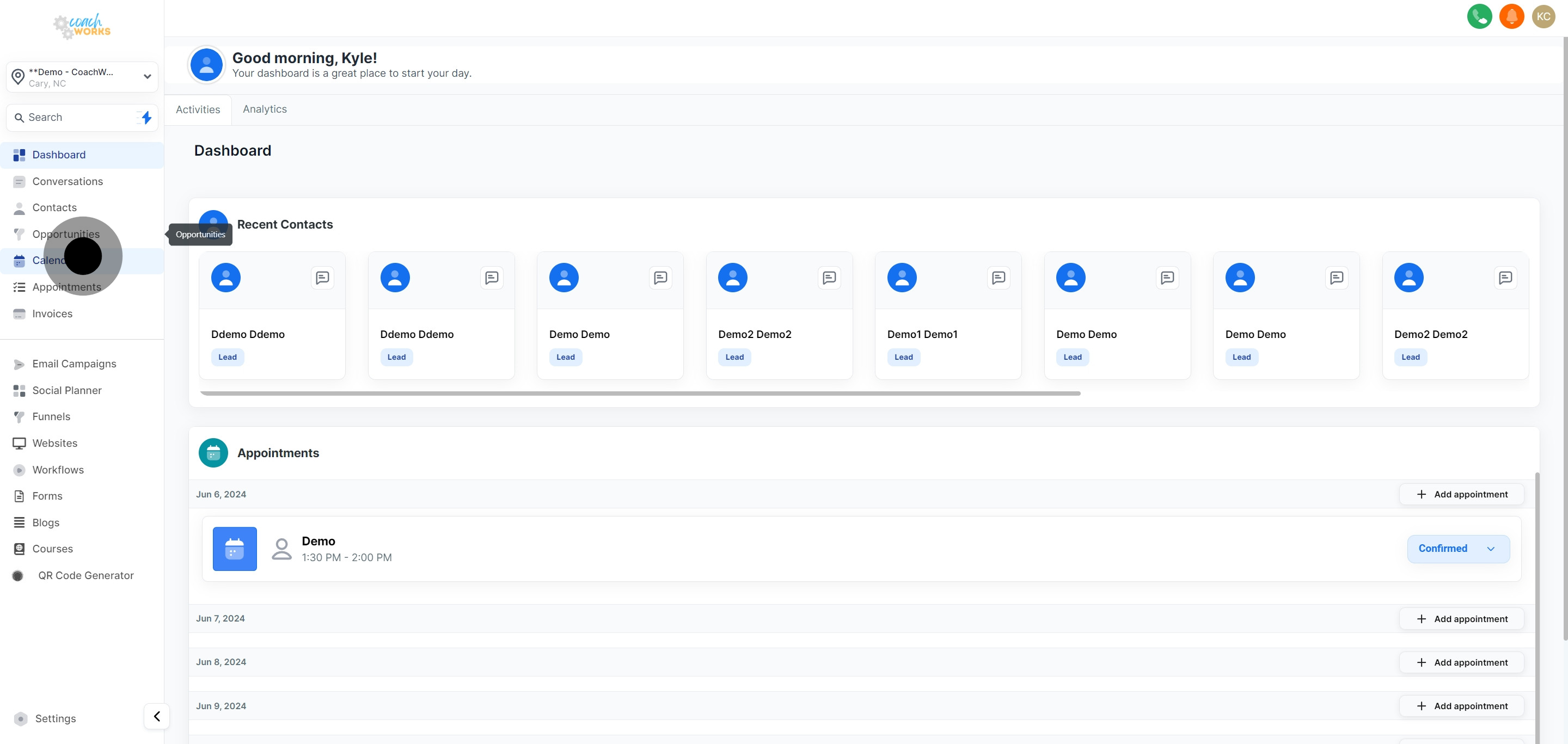
1. Start by navigating to the Calendars section.
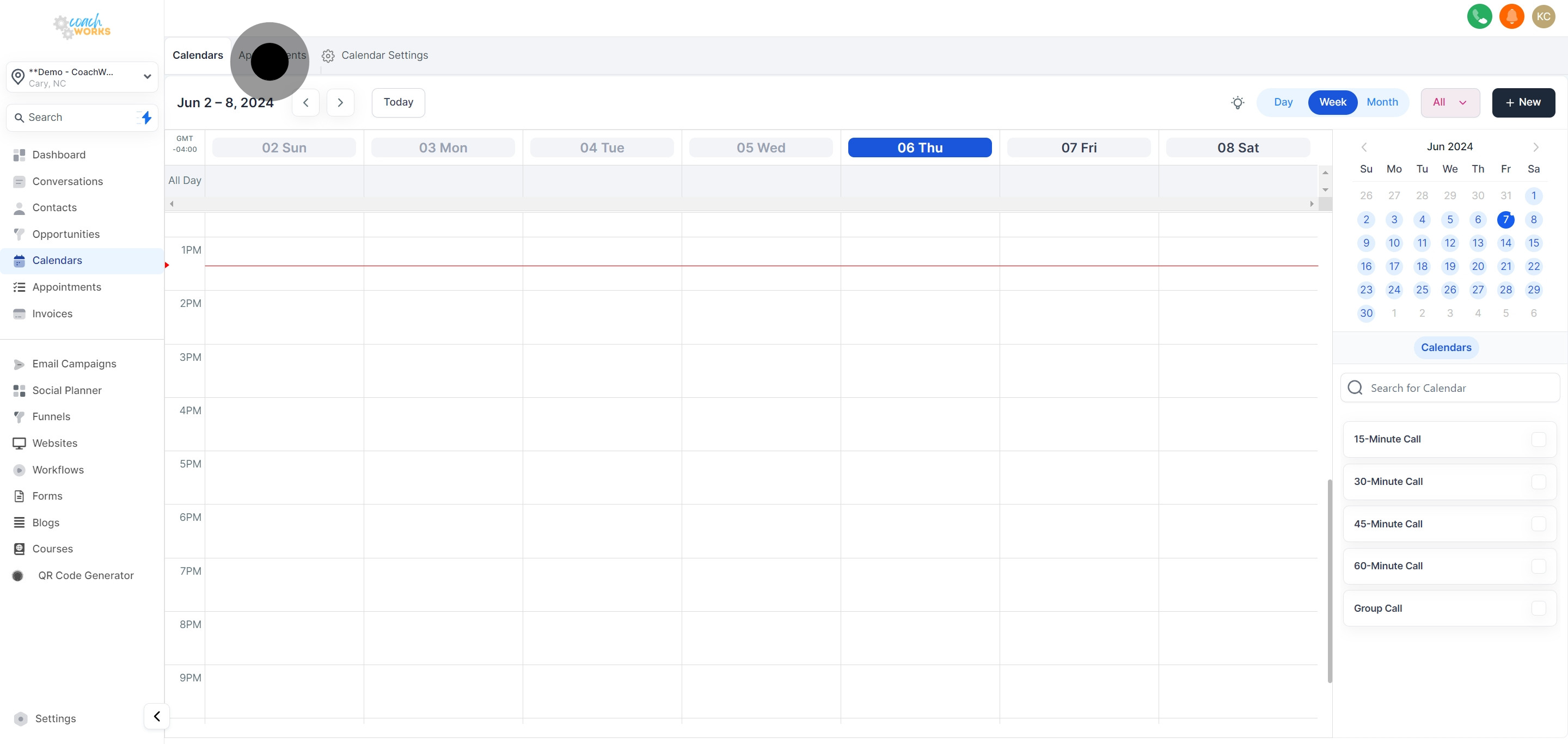
2. Next, select the Appointments tab.
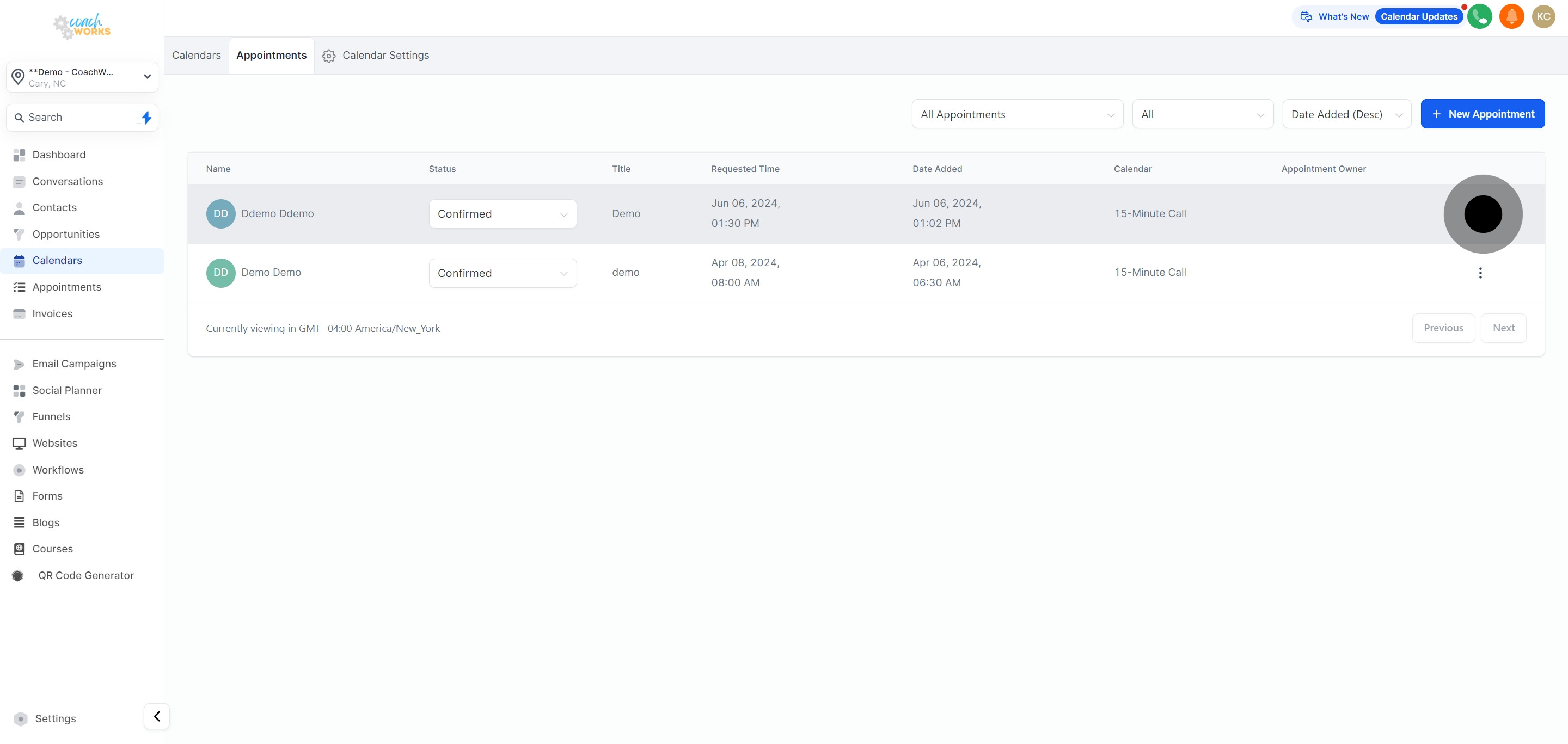
3. Then, explore additional options available for an appointment.
4. Afterwards, proceed by choosing the 'Delete' option.
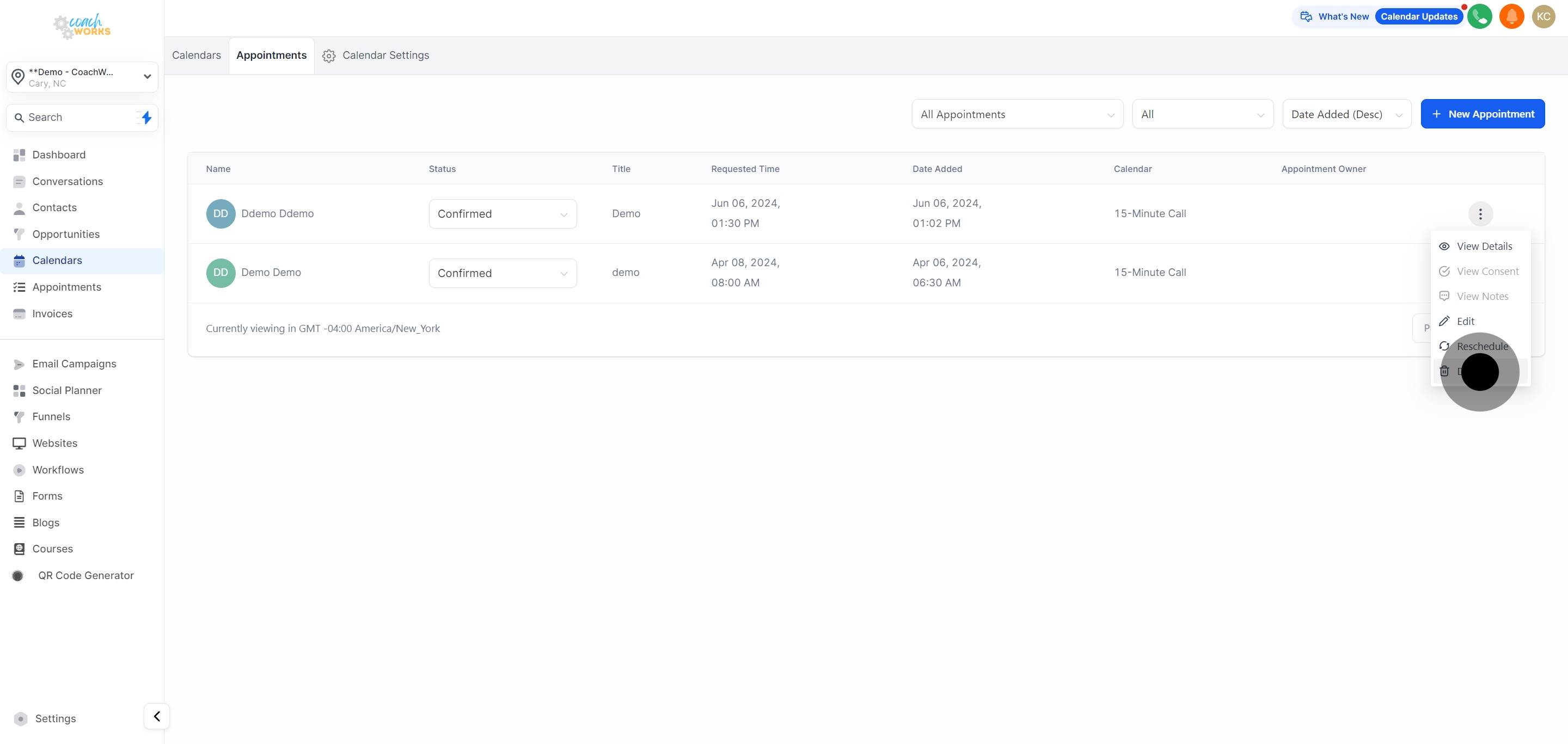
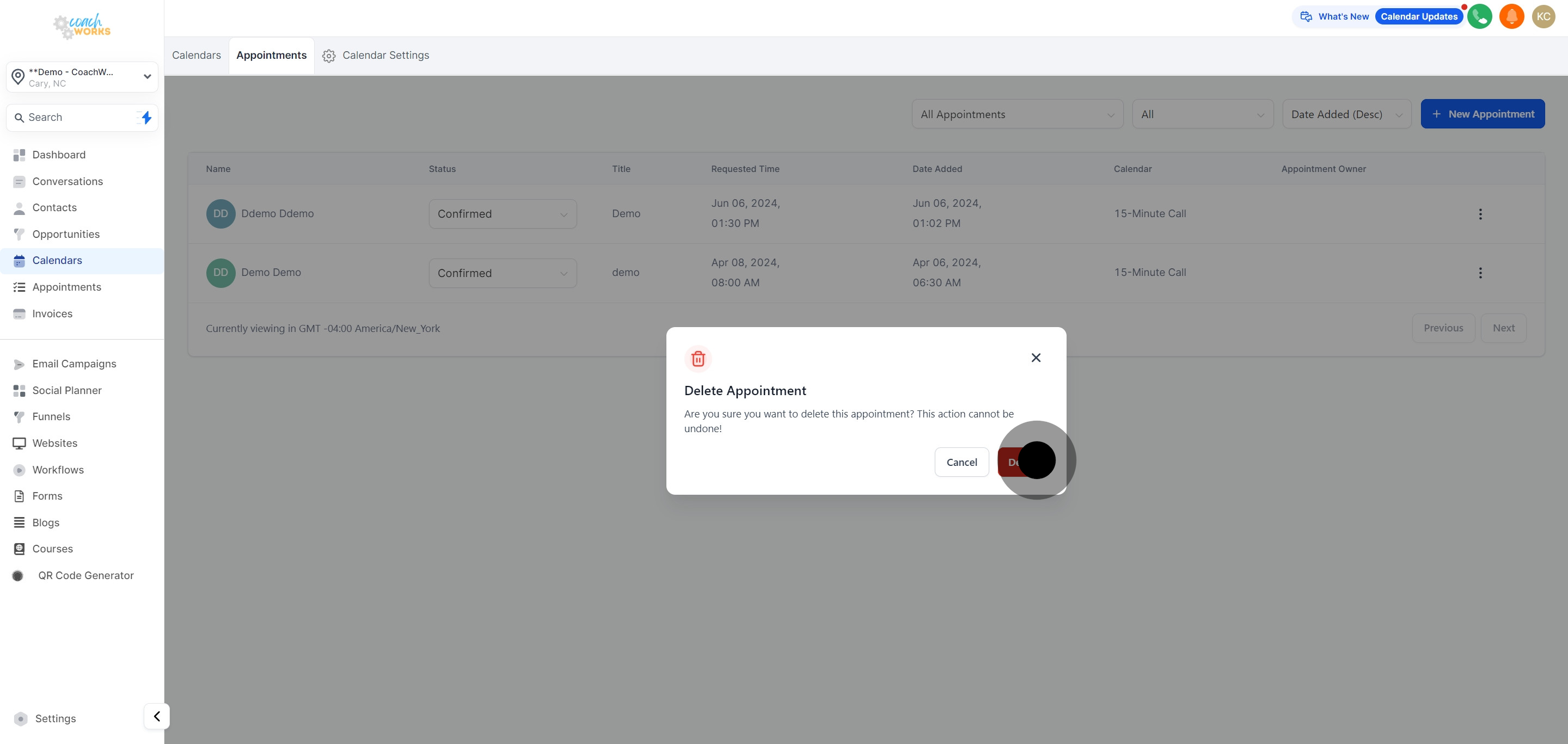
5. Lastly, confirm your action by clicking 'Delete' to finalize.
This workflow was created with Supademo.
