Opt-Out Language Addition:
Explicit consent from the user is the only valid way to obtain permission for SMS campaigns and communications; purchasing consent is not an option.
Understand the Role of Sub-Accounts:
In our setup, sub-accounts are the actual senders of SMS communications and must obtain consent from a specific entity before sending any messages.
Mandatory Information for Initial Messages:
To comply with messaging policies, it is crucial that every initial message sent to an end-user contains two pieces of mandatory information: the Sender ID and opt-out language.
Include Opt-Out Language:
To allow users to control their consent, it is essential to provide an opt-out option in every initial message sent. This can be effectively done by including key phrases such as STOP or UNSUBSCRIBE.
Sample Opt-Out Prompt:
For example, include a prompt like "Reply STOP to unsubscribe." in every initial message.
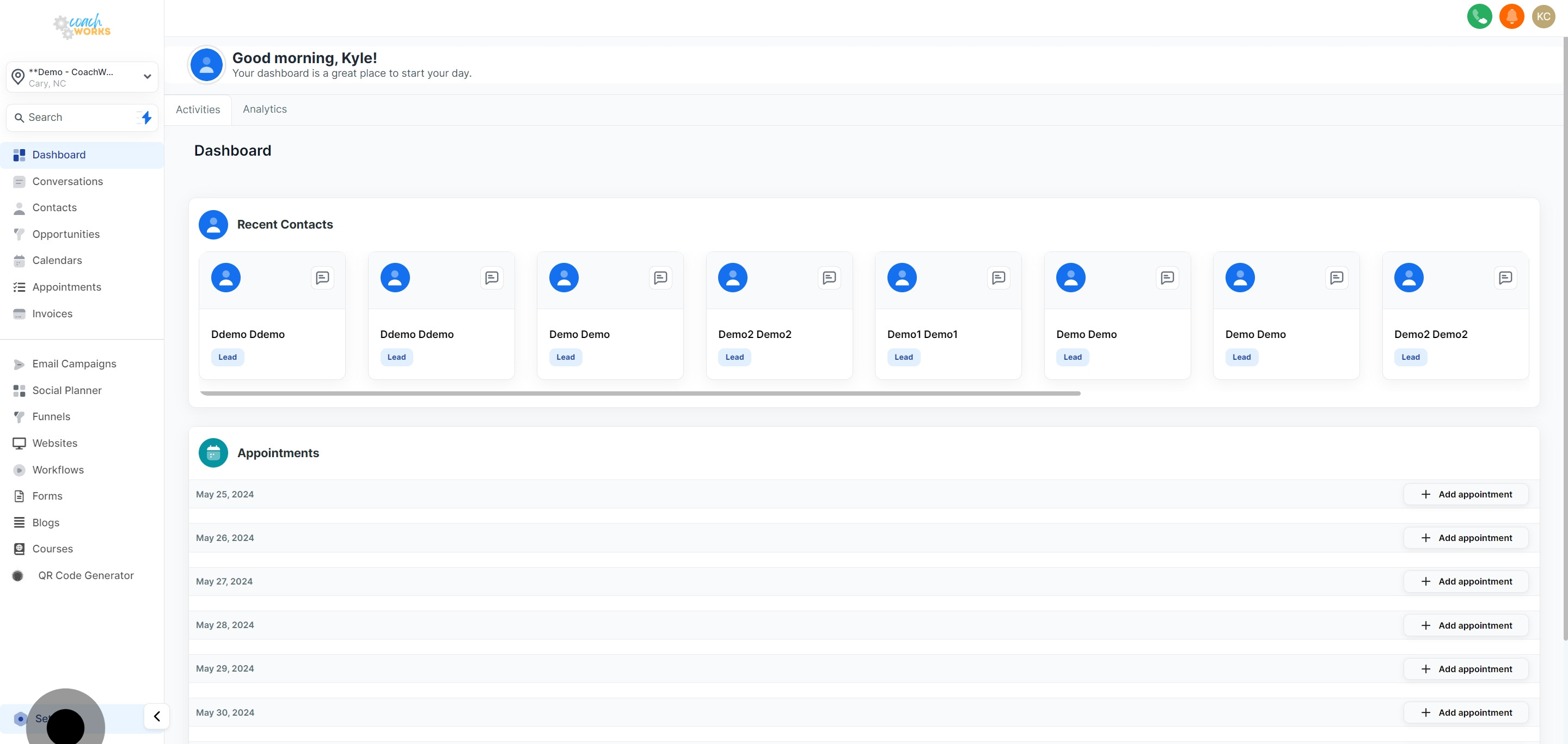
The "Opt out message" function can be used for Bulk SMS, Workflow, and campaigns, but not for One on One conversations.Settings -> Business Profile -> General, where you can customize the opt-out message
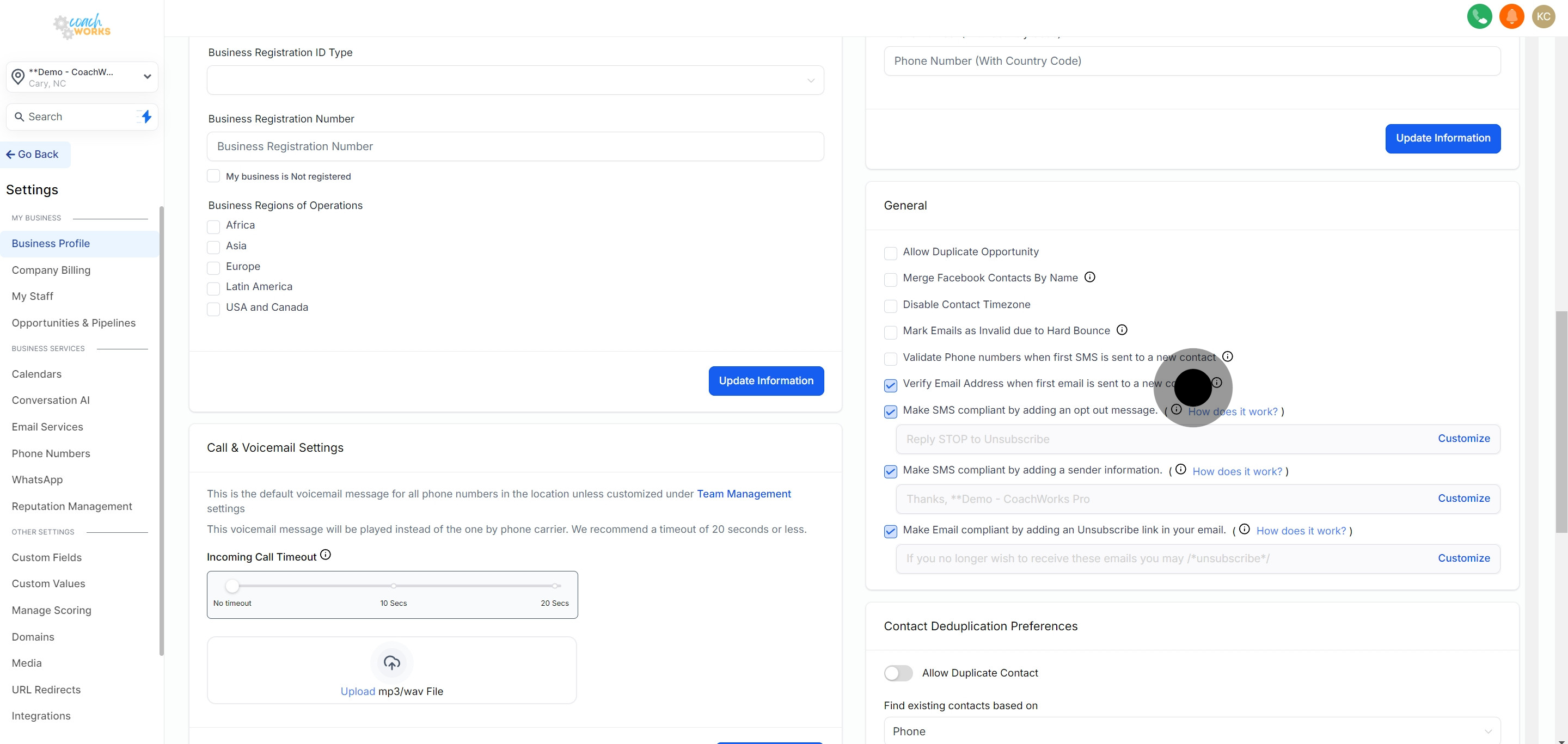
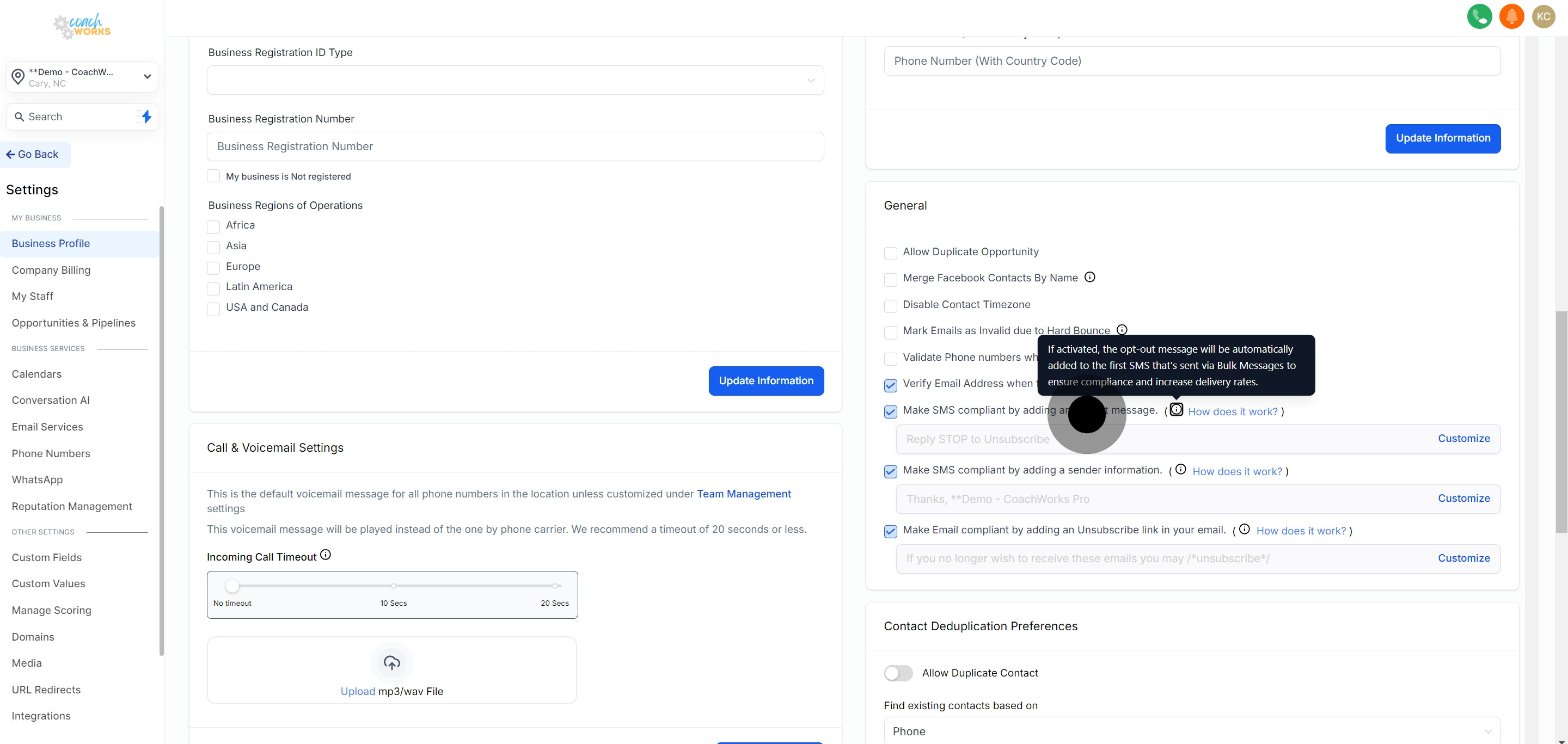
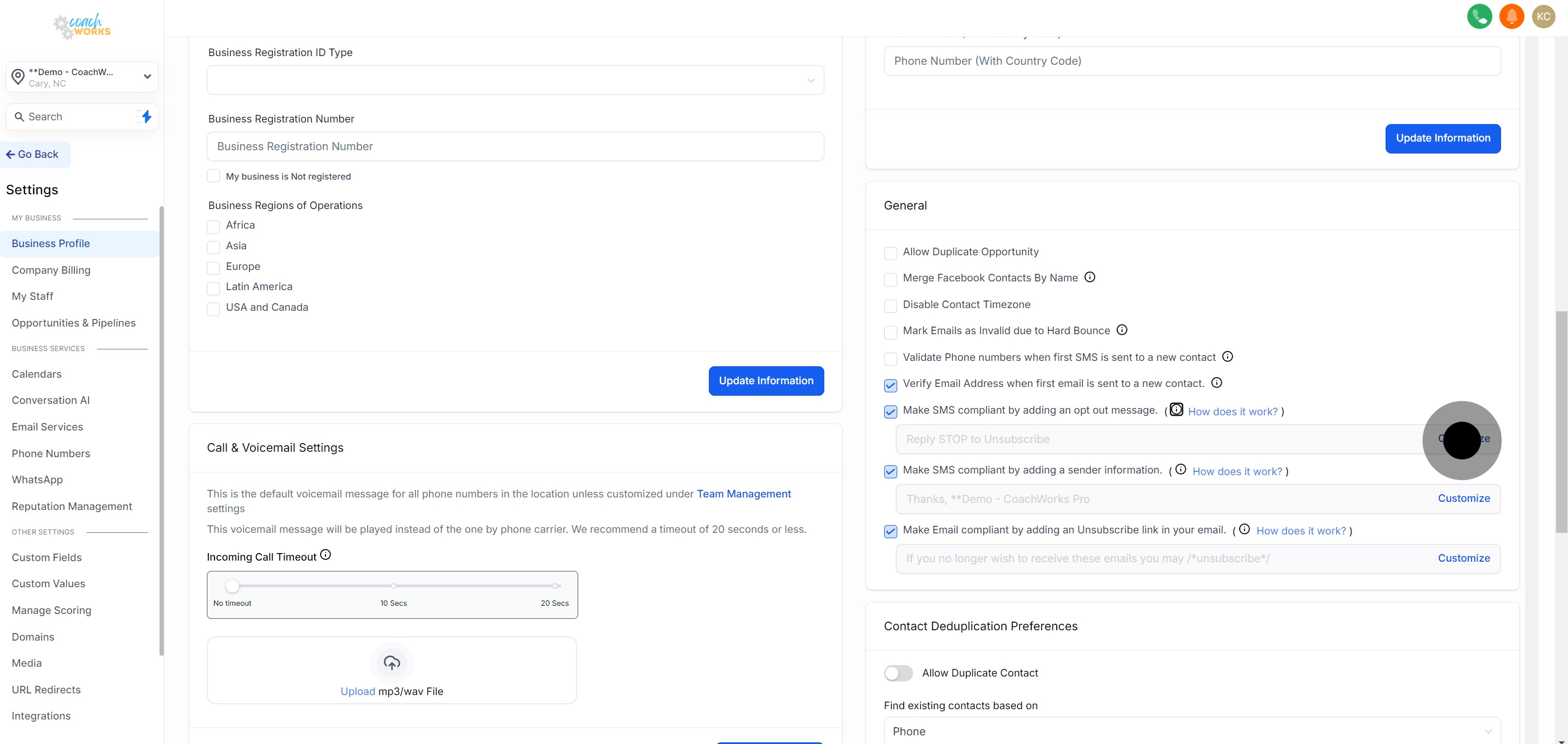
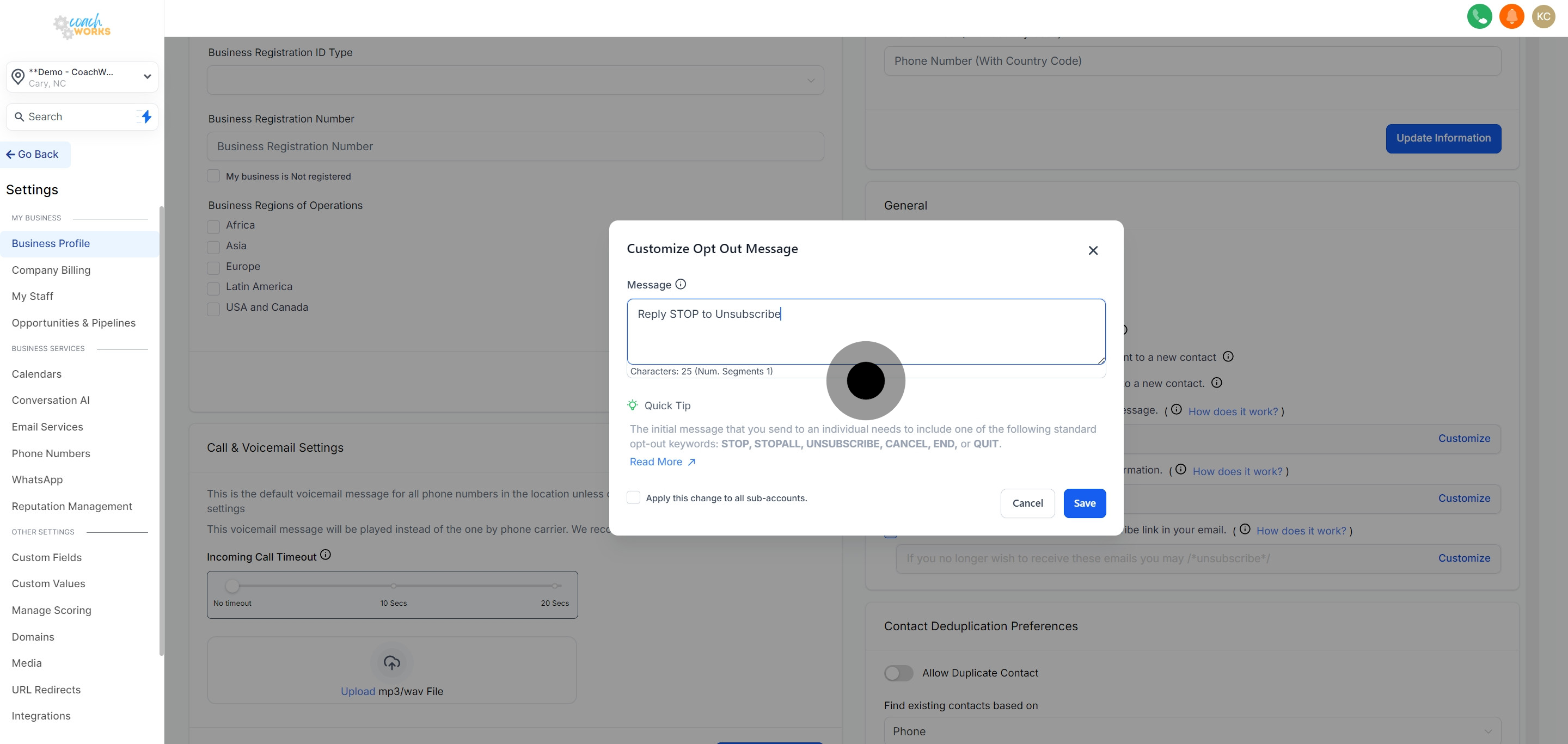
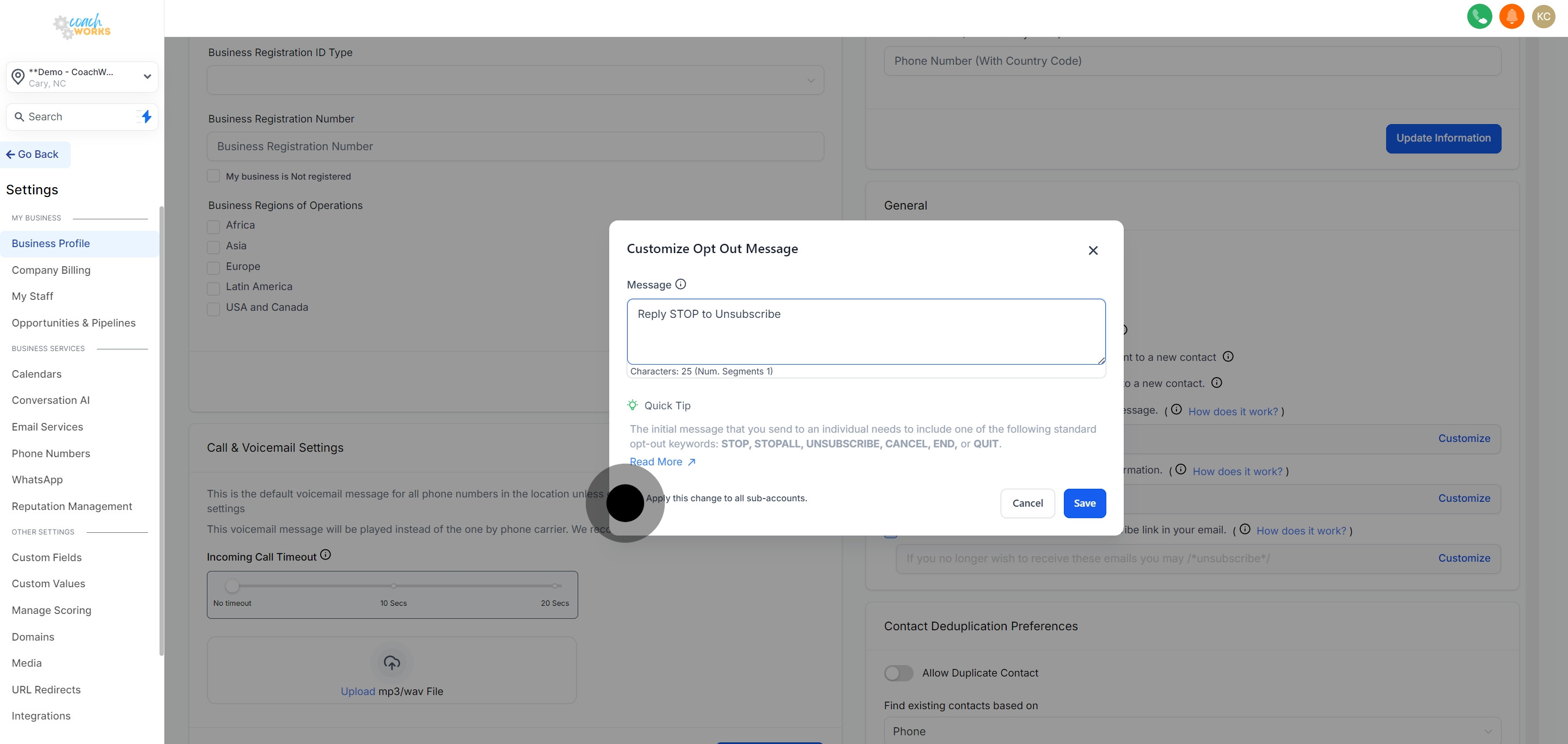
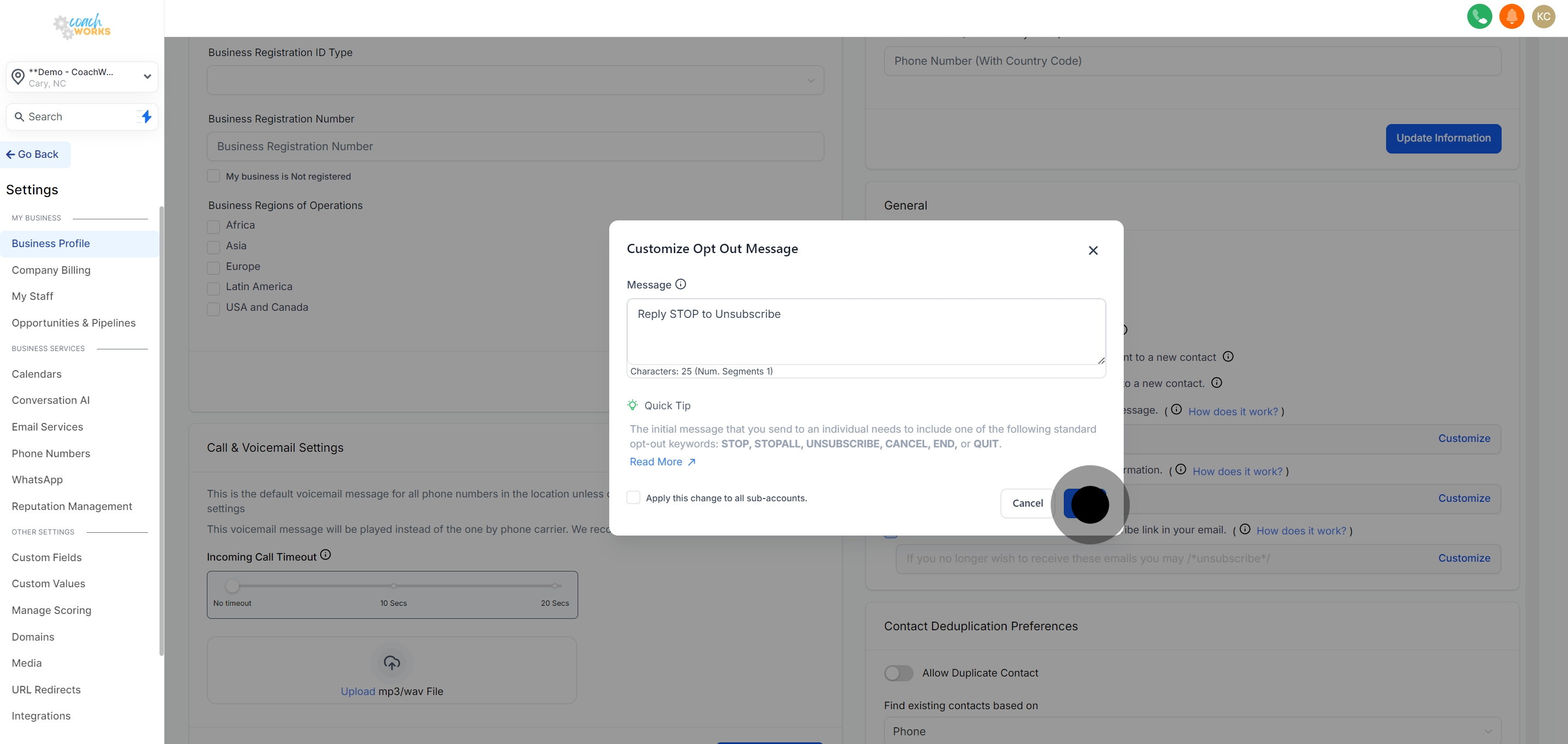
If any of the opt-out keywords mentioned in the above screenshot are present in the message, we will not include any additional opt-out keywords.
When people respond with a typical opt-out term such as "STOP," their permission to receive SMS messages will be cancelled. Any future or scheduled messages will not be delivered. Additionally, a permanent Do Not Disturb (DND) status will be activated for that contact.
It is essential information that must be relayed to the final recipient, making it a required step in all introductory communication.